How to Record Long Term Statistics About Mail Flow Rule Reports
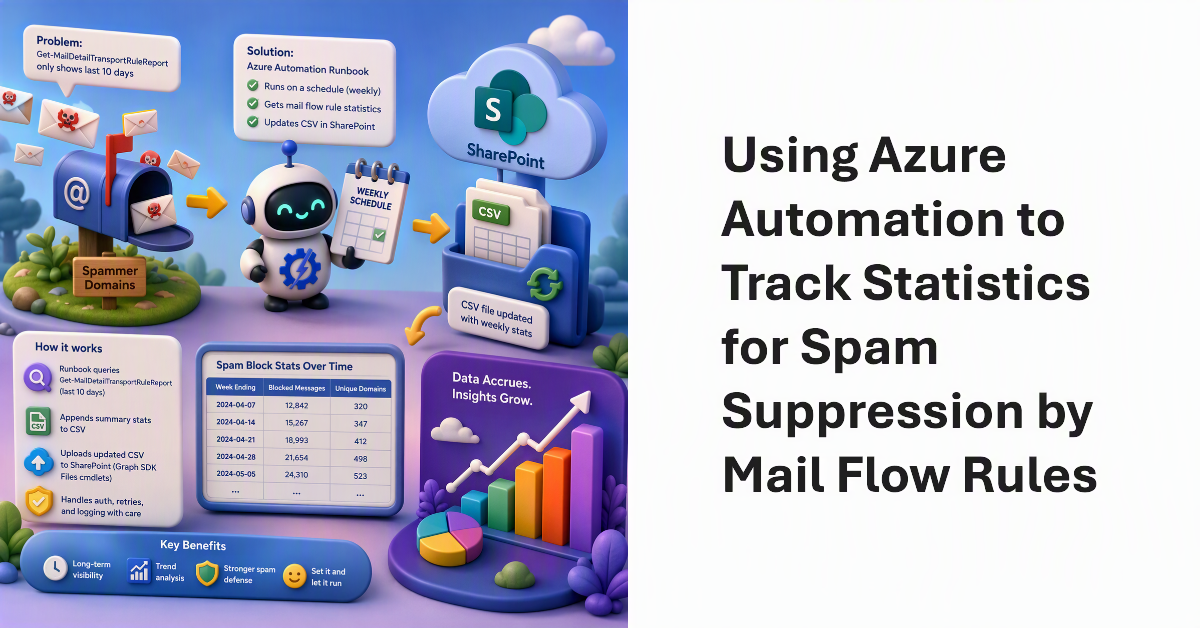
A question about an article describing how to use a mail flow rule to suppress inbound email from spammer domains led to a discussion about gathering statistics over a longer period than the ten days allowed by the Get-MailDetailTransportRuleReport cmdlet. The solution is a scheduled Azure Automation runbook to update a CSV file stored in SharePoint with weekly statistics. Over time, data accrues to support statistical analysis. The solution works, with some care taken with Graph SDK Files cmdlets.