The Entra admin center is flagging licensing gaps for conditional access. The messages are informational, not the beginning of a new automated billing procedure to charge tenants when Entra ID notices that some accounts use conditional access policies when they don’t have a license. In this article, we discuss the product license insight and how Microsoft measures conditional access usage, and show how to use PowerShell to find who’s using conditional access
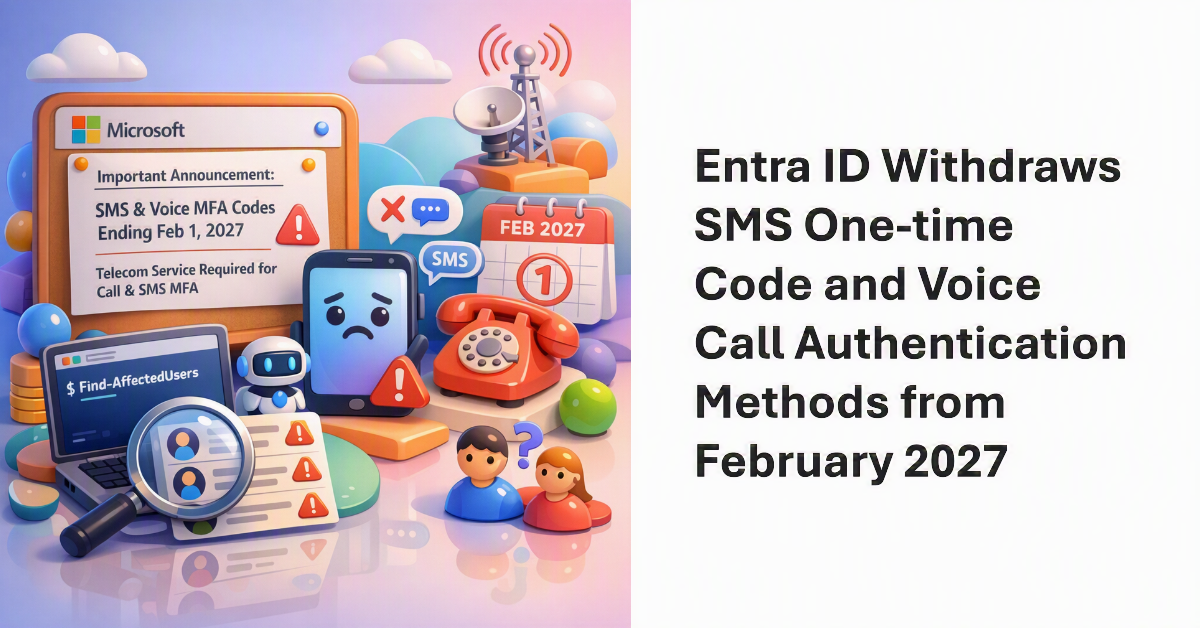
In an important announcement for all tenants, Microsoft revealed that Entra ID will no longer provide SMS one-time codes or voice calls for MFA challenges after February 1, 2027. Tenants can continue to use telephony-based authentication methods after that date, but only by purchasing a service from a telecom provider. This is arguably the biggest change in Entra ID authentication since mandatory MFA for administrative interfaces – and we have a PowerShell script to help identify the affected accounts.
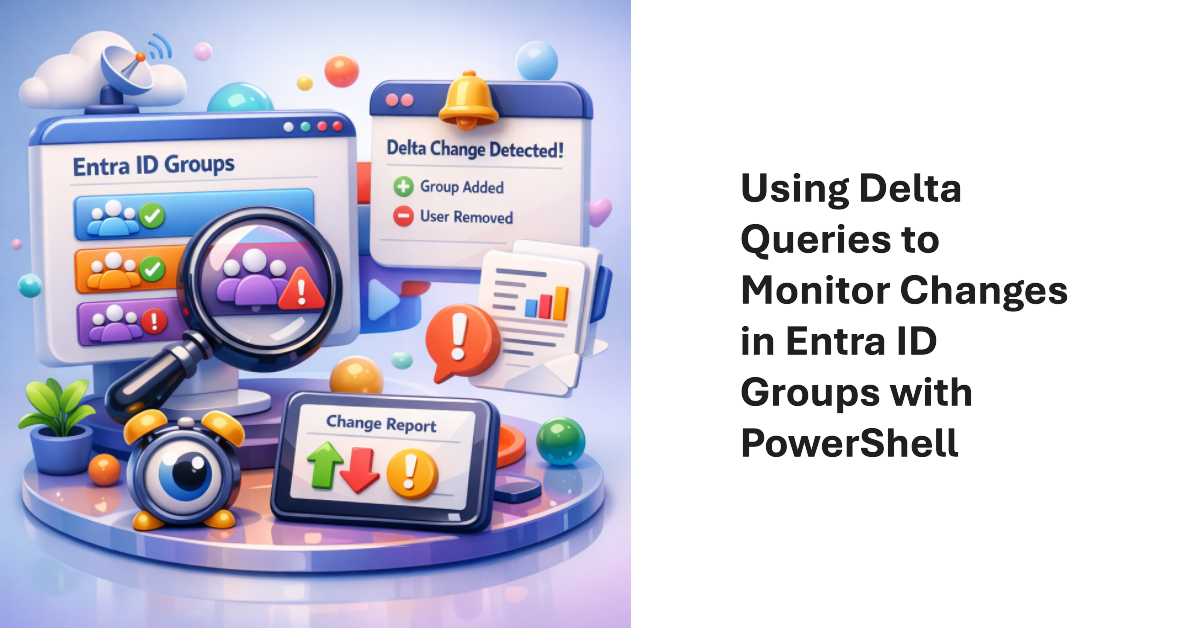
Delta queries are a Microsoft Graph mechanism to allow applications to query resources to find objects that have changed since a baseline was established. The technique is most useful for applications that need to synchronize a local store with online content. It’s not an appropriate method to use for reporting changes because knowing that an object changed doesn’t mean much by itself.
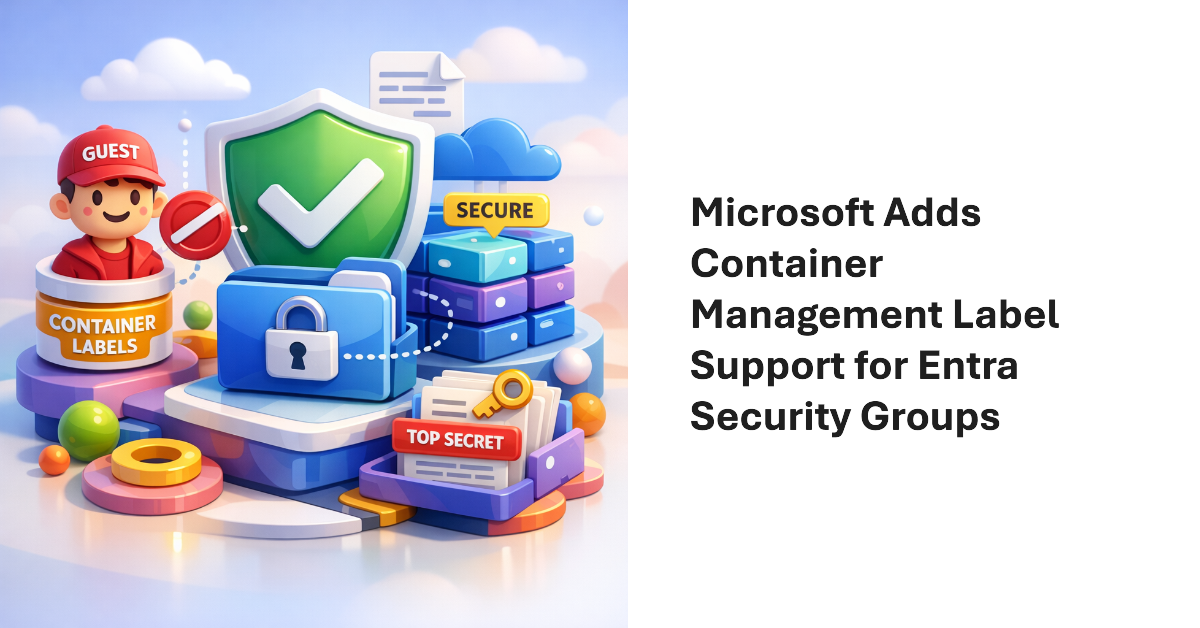
A recent blog from the Microsoft Digital (IT department) discusses the preview implementation of container management labels for security groups. The implementation is limited because it encompasses just one control: the ability to have guest accounts in the membership of security groups. However, just that limited control is sufficient to stop unintended access to sensitive information by guest accounts, and that’s a very good thing.
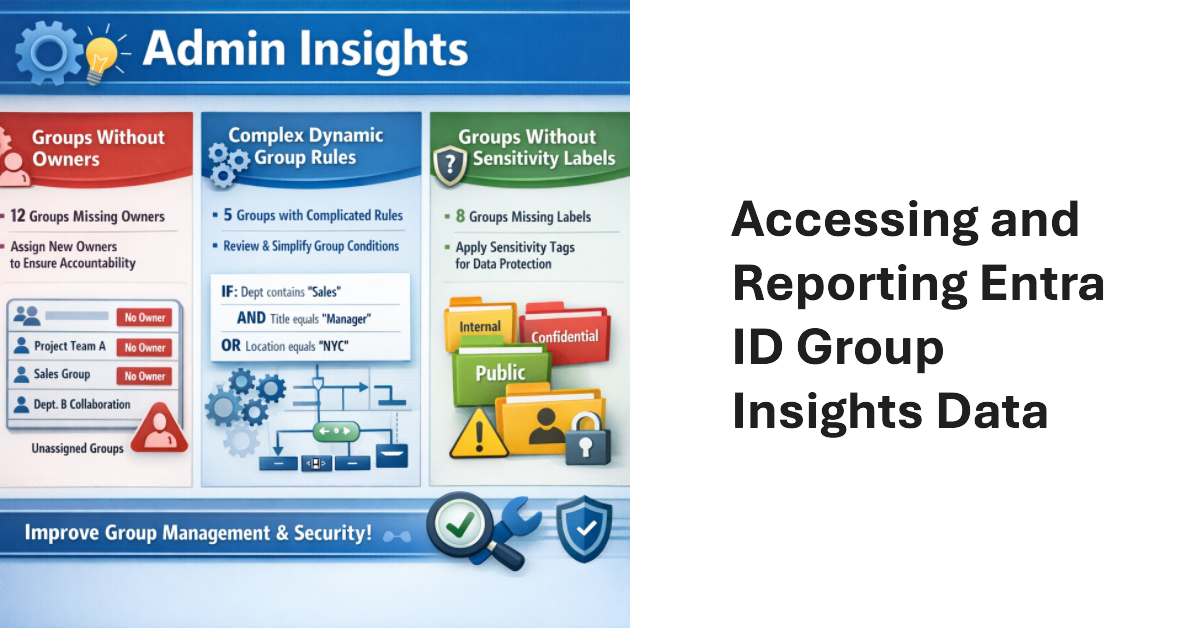
Entra ID Group Insights are a new preview feature in the Entra admin center. The lack of documentation is challenging, but it’s easy to understand what kind of insights Microsoft wants to deliver. Looking behind the scenes, we find the Graph endpoint for Group insights and can extract the data. That allows us to combine insights with other information to make them more interesting. All done with PowerShell.
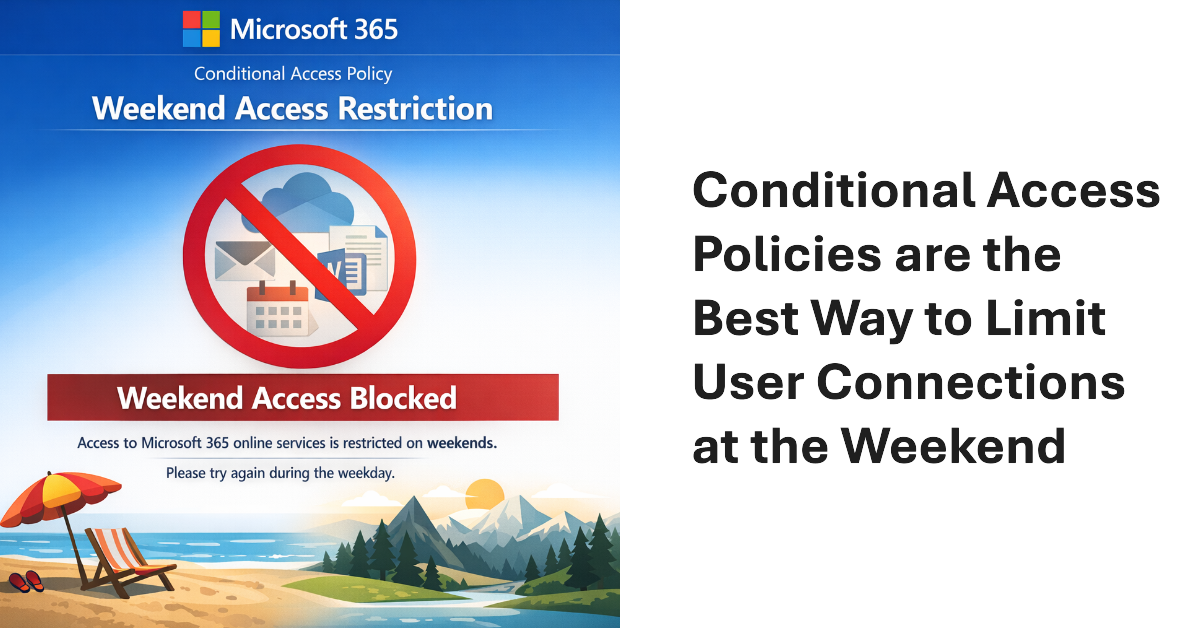
Conditional access policies are very powerful. A beta feature appears to support time-limited blocks, but maybe the new feature is not needed because the same effect can be accomplished today through a mixture of conditional access policies, dynamic groups, and Azure Automation runbooks (or scheduled PowerShell scripts). Maybe that’s why Microsoft hasn’t released any documentation for the beta feature!
Microsoft released the preview of the Entra ID Backup and Recovery solution to tenants on 19 March 2026. Although the software is functional in tenants, Microsoft didn’t make a big announcement. We’ve spent the last few days testing backup and recovery and put together the major points about the new solution, which is doubtless going to be welcomed by tenants if not by backup ISVs.
Entra multi-tenant applications can be used by any tenant – unless you restrict sign-in audiences to permit only specific tenants to use the application. In this article, we explain the preview feature and use the Microsoft Graph PowerShell SDK to restrict sign-in audiences by defining a list of permitted tenant identifiers in the properties of multi-tenant applications.
This article explores how to use Entra ID audit records to create a weekly report about role assignment additions and deletions. After deciphering the information contained in the audit records, it’s easy to generate a report showing who made the assignments and if any critical role assignments are in the mix. We can then email the report to interested parties, all with some relatively simple PowerShell.
A change made for some Directory Graph APIs has flowed through to the Microsoft Graph PowerShell SDK and affected how the associated cmdlets work, including the beta cmdlet to restore a deleted user account and while replacing the user principal name. Fortunately, the workaround is easy, but it is upsetting when something that worked suddenly doesn’t, even if it is a beta cmdlet.
A new Entra ID role is coming. The Teams External Collaboration administrator role allows users to manage external collaboration settings. Quite how often Microsoft 365 tenants need to manage these settings is unknown, but it’s a useful prompt to review the current set of roles used and users who are members of those roles. Time for an annual clean-up.
Microsoft is rationalizing the options to revoke sessions for a user account in the Entra admin center by removing an old revoke MFA sessions button. That seems like a perfectly reasonable thing to do. When administrators want to revoke sessions for an account, the best way is to create a PowerShell script to perform the necessary steps. That way you don’t need to worry about buttons.
After all the fuss about Teams users inviting people to chat via email, tenant administrators realize that knowing where users are active as guest accounts is not as easy as it might seem. Part of the problem is that data about user activity is mostly controlled by host rather than home tenants. However, it’s possible to extract some information from audit sign-in logs to figure out where tenant users go as guests.
Microsoft recommends passwordless authentication to help secure Microsoft 365 tenants. The latest is synced passkeys, something that apparently leads to “syncability,” whatever that might mean. In any case, after some struggles, I managed to enable synched passkeys for my iPhone and then started to consider how to remediate user accounts that are flagged with a high-risk (compromised) status when they can’t simply update their password.
The Entra ID Governance solution includes a workflow to detect and remove inactive user accounts. Sounds good, but the same can be done with PowerShell if you want to avoid the cost of Entra ID Governance licenses or want to create a bespoke workflow that’s better suited to the business needs of the organization. Azure Automation would be a good way to process this workflow.
Entra ID has long supported soft-deleted Microsoft 365 Groups. Now support is available to list and restore soft-deleted security groups in both the Entra admin center and cmdlets from the Microsoft Graph PowerShell SDK. The update is very welcome as it fixes a big recovery gap in the Entra ID story. Too many important security groups have been deleted in error, much to the chagrin of administrators.
The Microsoft 365 User Passwords and Authentication report now includes the last used date for authentication methods (when available). The new data is available through the Graph beta API for listing authentication methods and the equivalent Graph PowerShell SDK cmdlet. Another change that might break scripts is a new way to expose the created date for authentication methods. The changing sands of Graph programming…
Enterprise apps can come from a variety of sources. Most are Microsoft 1st party apps, and the rest are ISV apps. It’s easy to add an app without really intending to, which is a good reason to force users through the Entra ID app consent workflow when they want to add an app. Unhappily, I failed the test and added an app in a moment of weakness. Here’s what happened.
A recent change has exposed the applications used by the My Sign-ins portal for use in conditional access policies. This article discusses the app-centric nature of Microsoft 365 and Entra ID and why it’s important that the newly-revealed set of applications are available for conditional access processing, just in case the Entra ID agents planned by Microsoft can’t optimize your policies.
A banner posted in the Entra admin center informs administrators that Entra ID governance features used by guest accounts incur charges from June 2025. This only affects Microsoft 365 tenants that use ID governance for features like inactive guest access reviews, but unexpected charges might come as a surprise. This article explains a PowerShell script to find chargeable events in audit logs and how to calculate likely charges.
Linkable token identifiers is a new Entra ID feature that adds a GUID to all the audit events for a session. The new identifiers make it easier to track all user actions taken during a session, and should be of great advantage to security investigators who need to know if an account is performing suspicious actions, possibly due to an attacker compromise.
The Microsoft Authenticator app gets two important changes in September 2025 to make the app easier to use for average users. The current number matching mechanism is modified to make it less likely that notifications will fail to be seen and the first run experience is changing to give priority to Entra ID accounts. Hopefully, the changes will encourage adoption of MFA in Microsoft 365 tenants.
The Microsoft Authenticator app is a secure authentication method for MFA. The app is getting an easier way for backup and recovery, which should make it easier for people to move to new iOS devices. Instead of a Microsoft recovery account, Authenticator will use the iCloud keychain. The update is expected to roll out in September 2025.
In July, Microsoft plans to introduce an app consent policy to stop users granting access to third-party apps to their files and sites. Letting users grant unsupervised consent to third-party apps to access files stored in OneDrive for Business and SharePoint Online is a bad idea. There are certainly apps out there that need such access, but requiring one-time administrator approval is no hardship.
Microsoft 365 tenants with Entra P1 or P2 licenses can use a custom banned password list to stop people using specific terms in their passwords. The idea is to prevent easily-guessed terms being used in passwords. You could also block words deemed to be objectionable. In any case, this article explains how to maintain the custom blocked password list with a PowerShell script.
The last thing you want on a Saturday morning is to find that Entra ID has blocked your account because of leaked credentials. Even though the account is protected by MFA, it’s still important to remediate the event by changing its password. A check against some beta sign-in metrics shows that no one has tried to use the leaked credentials, so that’s good.
Entra ID populates the sponsor property for new guest accounts with details of the person who invites the guest to the tenant. It’s data that can be used for different purposes, such as having someone to justify the continued presence of a guest account in a Microsoft 365 tenant. This article explains how to report guest accounts and their sponsors with some straightforward PowerShell.
Microsoft will disable service principal-less authentication in March 2026. This step closes a hole that doesn’t exist today but might in the future. The strange thing is that many Microsoft 365 applications seem to use service principal-less authentication. Microsoft will take care of first-party apps before March 2026, but there’s work to do for apps from other vendors.
A new preview option in the Entra admin center supports the ability to update multiple Entra ID accounts. You can update properties, add managers and sponsors, update group membership, revoke account access, and so on. The only surprising thing about the new option is that it’s taken Microsoft so long to add it to the admin center.
An article about the horrible devastation that an attacker can wreak inside a compromised Microsoft 365 tenant highlighted how protected actions can help by preventing attackers from being able to permanently remove user accounts unless they can pass additional authentication tests. Protected actions won’t stop attackers that have complete control over a tenant, but it might irritate them!
A new people administrator role is available in Entra ID. The new role allows holders to manage settings associated with people, like pronouns and custom properties for the Microsoft 365 user profile card. The people administrator role is a less privileged way to assign responsibilities for people actions and removes the need to assign more privileged roles like User administrator. Time for a role review!
Entra ID retains audit log records for service principal signins for 30 days. The audit data can reveal some interesting insights such as the presence of unexpected service principals or access to an application from an external source, or even the use of an app secret by an application instead of a more secure method. It’s time to write some PowerShell to interpret the data.
Entra ID allows unprivileged users to update the user principal name for their accounts via the admin center or PowerShell. It seems silly because no justification for allowing people to update such a fundamental property is evident. Perhaps Microsoft has some excellent logic for allowing such updates to occur, but blocking access seems like the right thing to do.
After many twists and turns since August 2021, the MSOnline module retirement will happen in April 2025. The AzureAD module will then retire in the 3rd quarter. It’s way past time to upgrade PowerShell scripts. The question is whether to use the Entra module or the Microsoft Graph PowerShell SDK. I know which option is best and say why in this article.
Service principal sign-in activity is a new insight available in the Entra admin center. As explained here, it’s also possible to use PowerShell to fetch and analyze the data to derive new insights into what apps create service principals in a tenant and what organizations own the apps. Some detective work is needed to fully understand the data. That might be an ongoing task, but at least we have the data.
This article describes how to create eligible and active PIM role assignment requests using cmdlets from the Microsoft Graph PowerShell SDK. Although the PowerShell code is straightforward, Microsoft recommends using the Entra admin center for Privileged Identity Management. But you can automate the management of role assignment requests if you want to.
Microsoft recommends that developers move from the older DirectoryRoles Graph API and use the UnifiedRoleDefinition API instead. Changing APIs will impact the code in any PowerShell scripts used to automate role assignments. In this article, we review some examples of the older way to assign roles and show how to do the same tasks with the new API.
A reader asked why the Entra admin center includes an option to manage per-user MFA settings for accounts. I don’t know why Microsoft added this option, but it doesn’t take away from the strategy to enforce and manage multifactor authentication through conditional access policies. Microsoft has been very focused on CA policies for the last few years and per-user MFA will eventually be subsumed into the CA strategy.
Many articles describe how to disable a service plan for a product license assigned to a Microsoft 365 account, but few cover how to enable service plans should the need arise afterward. This article covers the basics of disabling and enabling service plans for Microsoft 365 licenses using PowerShell, including the very important step of finding existing disabled plans. Everything’s easy once you know how.
Directory synchronization features control how the Entra Connect tool works when synchronizing accounts from Active Directory to Entra ID. The current advice is to use a cmdlet from the depreciated MSOL module to update settings. This article explains how to do the job with the Graph APIs, including cmdlets from the Entra PowerShell module.