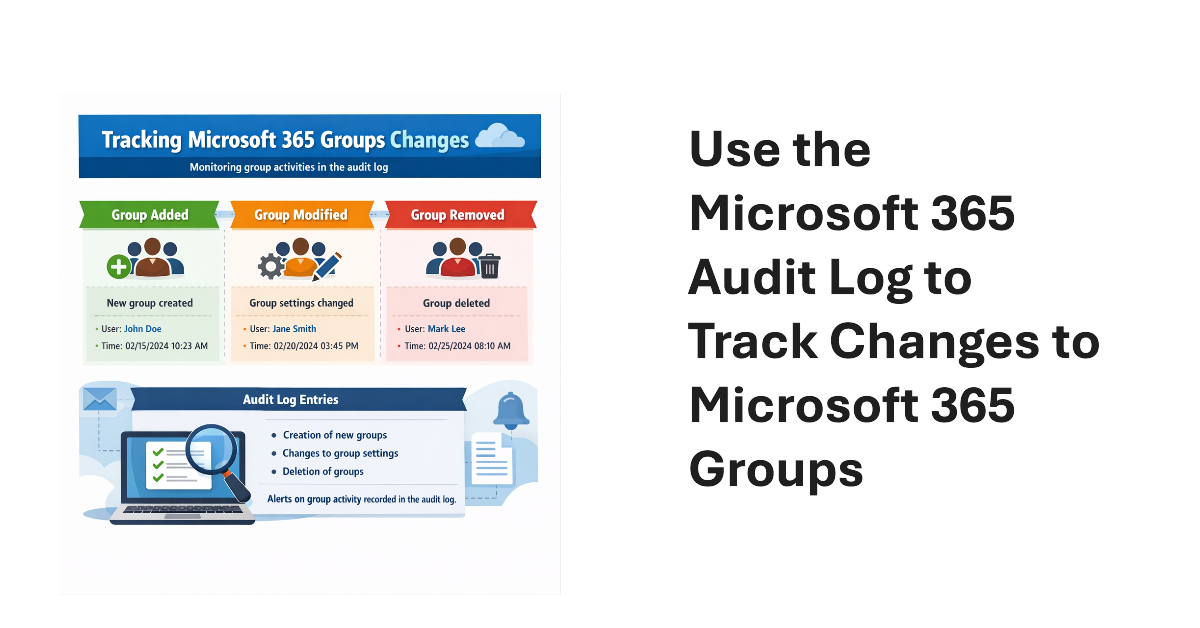
An old PowerShell script tracked changes to Office 365 Groups. The techniques from 2016 wouldn’t be used today because features like the unified audit log didn’t exist then. We show what’s possible now by creating a new version of a Microsoft 365 Groups Change Report script to track additions, deletions, and changes for Microsoft 365 groups in a tenant.
Any site member can create a SharePoint agent. There’s no out-of-the-box method to report the creation of agents, but agents are created like any other file, and SharePoint Online captures audit records for file creations. Some PowerShell retrieves the file creation events and extracts the necessary information about who is creating agents and what sites the agents are created in.
File sharing is at the heart of SharePoint Online. Being able to report file sharing events by analyzing the audit log is a good skill for Microsoft 365 tenant administrators to have. It allows administrators to know who shared what with whom and if the information being shared is protected adequately with sensitivity labels. But reporting file sharing is not just a matter of retrieving audit events. Work is necessary to refine and extract the goodness from the data.