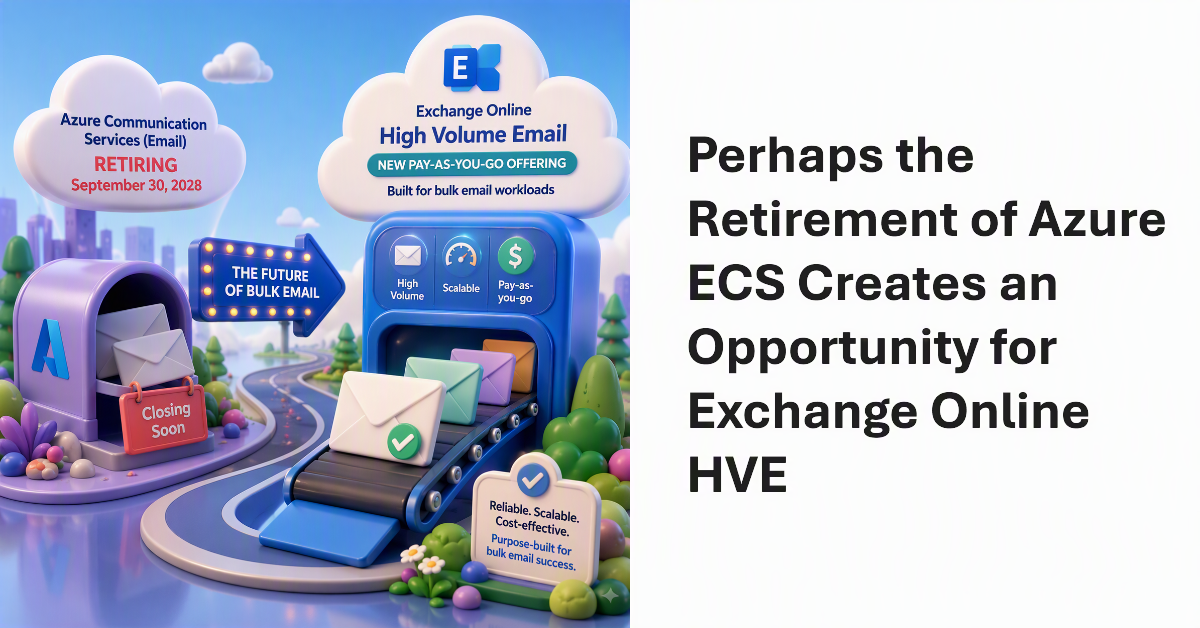
Microsoft has announced that it will retire most Azure Communication Services offerings on September 30, 2028. Among the affected services is Email Communication Services (ECS), leaving Microsoft without a dedicated cloud service for high-volume external email. Exchange Online’s High Volume Email (HVE) service currently lacks that capability, but Microsoft could choose to fill the gap with a new pay-as-you-go HVE offering aimed at bulk email workloads.
On April 1, Microsoft announced the general availability for the High-Volume Email (HVE) solution together with details of the PAYG charges incurred to send email to internal recipients, which is all that HVE can do. Microsoft will enable HVE charging on June 1, 2026, Before then, you’ll need to create a billing policy and link it to a valid Azure subscription if you want to continue to use HVE.
Almost two years after it first previewed, Microsoft is making the High-Volume Email (HVE) solution generally available in March 2026. HVE runs on a pay-as-you-go basis, but Microsoft won’t start charging tenants for sending email until May 2026. Two months should be enough for people to decide if they want to use HVE for internal communications as it has no ability to send external email.
This article covers how to use HVE with Azure Automation to send email. HVE is Exchange Online’s High Volume Email solution for internal communications. In the discussion, we cover how to retrieve credentials from Azure Key Vault, how to retrieve data from a web page, and how to bring everything together in a message submitted to HVE.