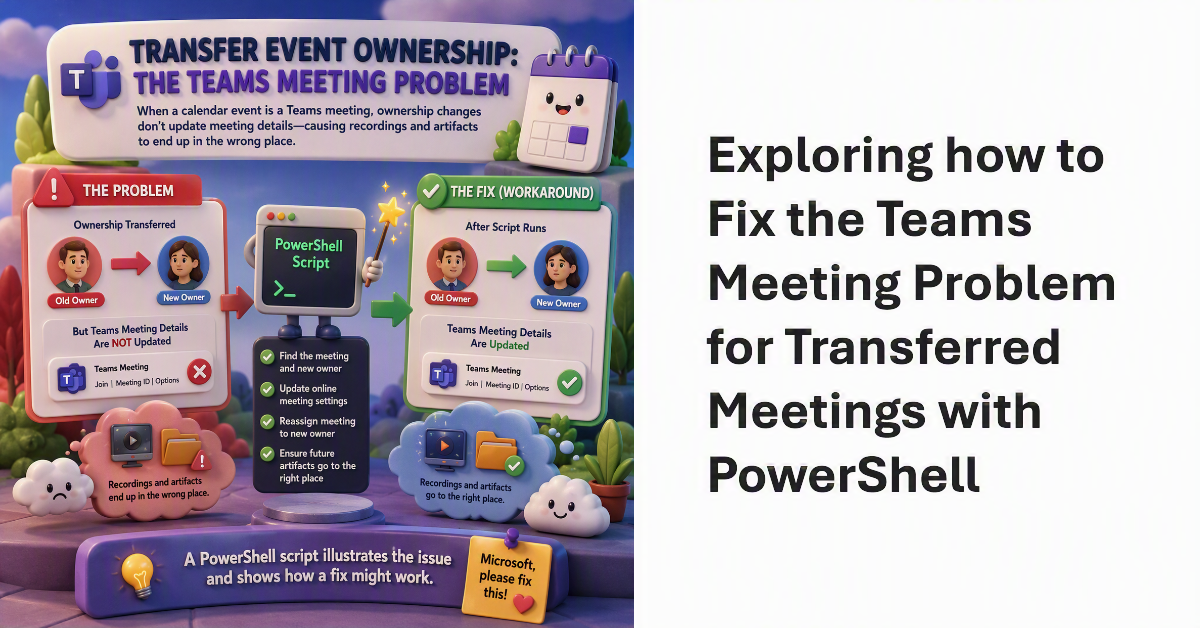
When discussing the transfer ownership of calendar events, we pointed out the Teams meeting problem. Essentially, if an event is a Teams meeting, details of the online meeting are not updated to allow the new owner to control its settings. The result is that recordings and other online meeting artifacts can end up in the wrong place. Microsoft should fix the problem. In the meantime, a PowerShell script illustrates the issue and shows how a fix might work.
The Invoke-ChangeMeetingOrganizer cmdlet can transfer meeting ownership from one user to another. In this article, we discuss using a script to transfer meetings in bulk between users. The code requires a mixture of Exchange Online and the Microsoft Graph using a registered Entra ID app. It all sounds complicated, but really isn’t – and the code handles scenarios like transferring meetings from someone leaving the organization.
The Invoke-ChangeMeetingOrganizer cmdlet transfers meetings from one organizer to another and makes sure that all calendar settings are preserved. All of which sounds good, but some limitations exist that you should be aware of. The most important limitation is that although Exchange Online can switch ownership for a meeting event, it does nothing to update any online component, like a Teams meeting join URL. That remains a manual task.