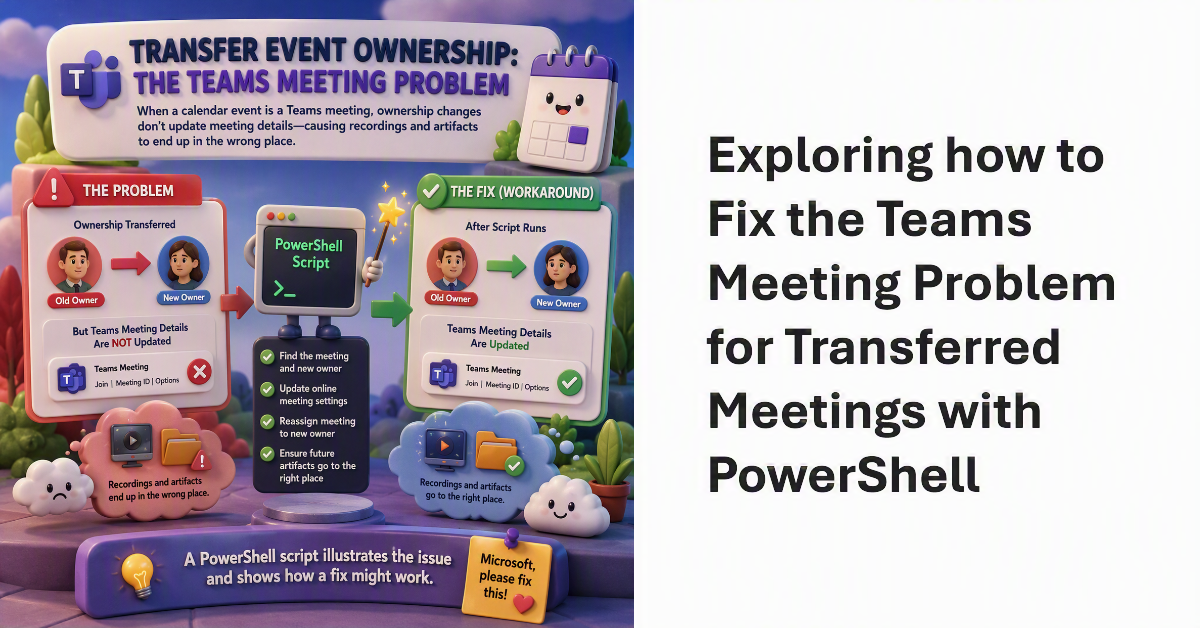
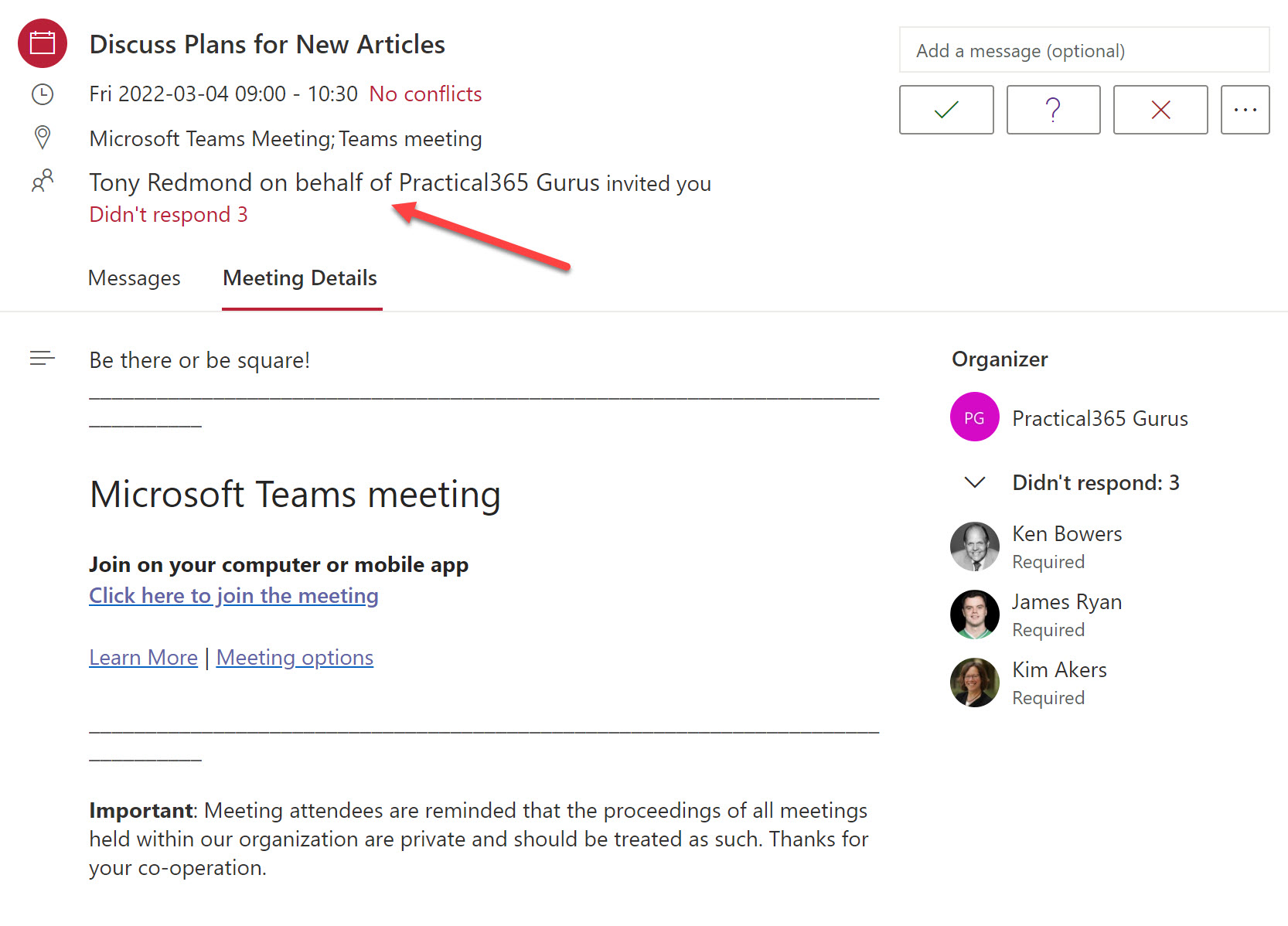
When discussing the transfer ownership of calendar events, we pointed out the Teams meeting problem. Essentially, if an event is a Teams meeting, details of the online meeting are not updated to allow the new owner to control its settings. The result is that recordings and other online meeting artifacts can end up in the wrong place. Microsoft should fix the problem. In the meantime, a PowerShell script illustrates the issue and shows how a fix might work.
Microsoft recognized the problem posed when users attempt to join recording or notetaking bots to Teams meetings in early 2026. Now a new Teams meeting policy setting is available to control whether bots can join meetings. Allied to smarter bot detection and a program to work with ISVs to identify bots, organizations have a better chance of stopping the unexpected export of confidential information for processing outside the tenant.
In December 2024, Microsoft introduced a control to block responses to sentiment-related prompts in Teams meeting chat. Now that block extends to every Teams user following a consolidation of the Teams meeting implementation of chat with Microsoft 365 Copilot. Basically, the block stops Copilot responding to prompts that look for opinions about emotions, judgement, or evaluations of other meeting participants. It’s a good thing.
A new audio-only recording option for Teams meeting suppresses the video feed from meeting participants when generating the MP4 file for the meeting recording. The idea is to better preserve user privacy during recording playbacks. Few will miss the video stream because the audio is usually more important. The audio is also the basis for the meeting transcript, and that leads to AI-generated outputs like meetings summaries and action items.
The Teams meeting co-organizer role helps to run smooth meetings, but co-organizers can’t do everything an organizer can. How to get around the limitations? Well, one way is to use an old technique to schedule important meetings using a special account. There might be others, but that’s the one described here.
Microsoft Teams is introducing a new co-organizer role for meetings. The role allows people to share the workload involved in managing complex meetings, like webinars. The role is optional and likely to be used in a small minority of Teams meetings. Even so, it’s a useful feature to have available when you’re planning a large and complex meeting.