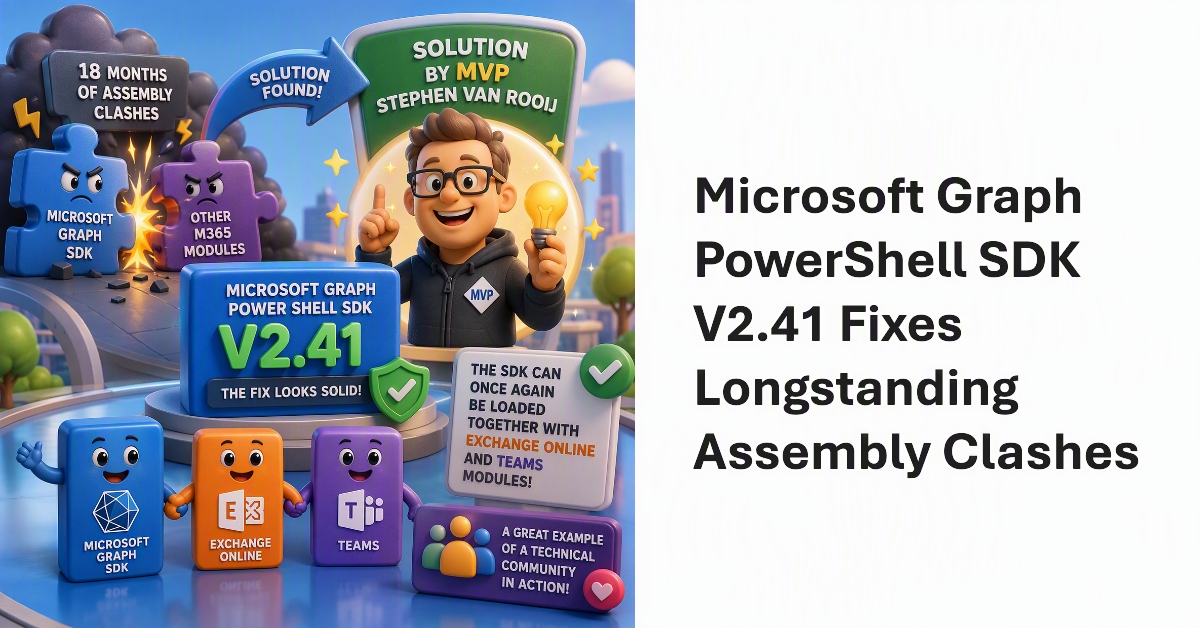
The Microsoft Graph PowerShell SDK has long been plagued by assembly clashes that meant it couldn’t be used in the same session as other Microsoft 365 modules. After Microsoft engineering groups looked at the problem for 18 months, a solution was found by MVP Stephen van Rooij and is now available in V2.41. Apart from an issue with old PowerShell 7 versions, the fix looks solid and the SDK can once again be loaded into PowerShell sessions alongside the Exchange Online and Teams modules.
A new version of the Microsoft Graph PowerShell SDK (V2.38) is available, as is a new version of the Exchange Online Management module. They don’t work well together. It’s annoying and beyond frustrating that two critical PowerShell modules in the Microsoft 365 ecosystem cannot work together. If anything, the situation is getting worse. On the upside, I found out about two cmdlets that I might never use – but who knows!
An assembly clash happens when a PowerShell module attempts to load a .NET assembly only to find that a different version is already loaded in the session. Unhappily, this kind of thing happens far too often with Microsoft 365 modules, which implies that there isn’t a great deal of coordination between different development groups. All you can do is to load modules in the right order.