The Microsoft 365 Copilot Chat app is the free to use chat app available to commercial Microsoft 365 customers. The free chat app now supports Copilot agents, including agents that are grounded against Graph data (on a pay-as-you-go metered basis). The free chat app is highly functional, and Microsoft hopes that it will convince customers to buy the full-fledged Copilot.
Microsoft loves branding exercises. At least, that can be the only reason why the Microsoft 365 Copilot rename is happening. I can think of no other reason why Microsoft would seek to confuse its customers by applying the Microsoft 365 moniker to an app that can’t access Microsoft 365 data, unless of course people pay to use Copilot agents. It’s all very confusing.
A recent article about analyzing interaction records for Microsoft 365 Copilot led to the question if it’s possible to do the same for Microsoft Copilot. After checking the compliance records captured by the Microsoft 365 substrate, we discovered that Microsoft Copilot generates compliance records. However, a bug with encoded text means that the information captured for responses from Microsoft Copilot and Microsoft 365 Chat isn’t visible. All explained here.
Copilot agents are part of Microsoft’s Wave 2 initiative launched in September 2024. Basically, an agent restricts Copilot queries to a defined set of content, meaning that the response generated by Copilot is much more precise and won’t be affected by information found in other sites. The wizard makes it very easy to create a new custom agent. Some features are missing, but they’re on the way.
An October 17, 2024 report highlights how Microsoft 365 Copilot can benefit SMEs in terms of increased revenue and ROI. But the report is a marketing tool designed to sell more expensive Microsoft 365 Copilot licenses. There’s a certain fear of missing out that’s presented by the report but spending a large amount on licenses without knowing exactly where the return will come from has never been a good business tactic.
The automatic document summary feature for Word duly turned up and Copilot for Microsoft 365 has been busy generating summaries ever since. The feature works well for documents with less than 80,000 words, which should be enough for most documents but limits summarization for documents that might use it most, like complex plans or contracts. In any case, I haven’t found a way to turn document summaries off. Maybe that’s coming.
Some folks wonder why they can’t use documents shared with them using company-wide links with Copilot for Microsoft 365. As it turns out, the answer is simple. People must redeem a sharing link before SharePoint validates their access to a shared file. Copilot cannot use a document unless it has access to it. All of which brings up the point if it’s a good idea to use company-wide sharing links.
Copilot audit records generated for the Microsoft 365 audit log capture details of the resources (files, emails, and documents) used by Copilot in its answers. This doesn’t sound very exciting, but it is important for forensic investigators who need to understand what information is consumed to generate AI answers. In another development, the Copilot for Microsoft 365 chat app is now available in Outlook classic.
The Copilot for Microsoft 365 license has 8 service plans to govern feature availability. You can disable individual components, if you know what you’re doing. One thing that’s not possible is to disable Copilot for individual Office apps. A single service plan covers all the “productivity apps,” so they’re either all on or all off.
Message center notification MC734281 explains that Copilot for Microsoft 365 will get better grounding for Word, Excel, PowerPoint, and OneNote from April 2024. After the update, the apps will be able to ground user prompts by using Graph and web searches to find relevant information. Being able to generate accurate text seems like a good thing for an AI tool, and there’s no doubt that better grounding will help. But why is it appearing six months after the general availability of Copilot for Microsoft 365?
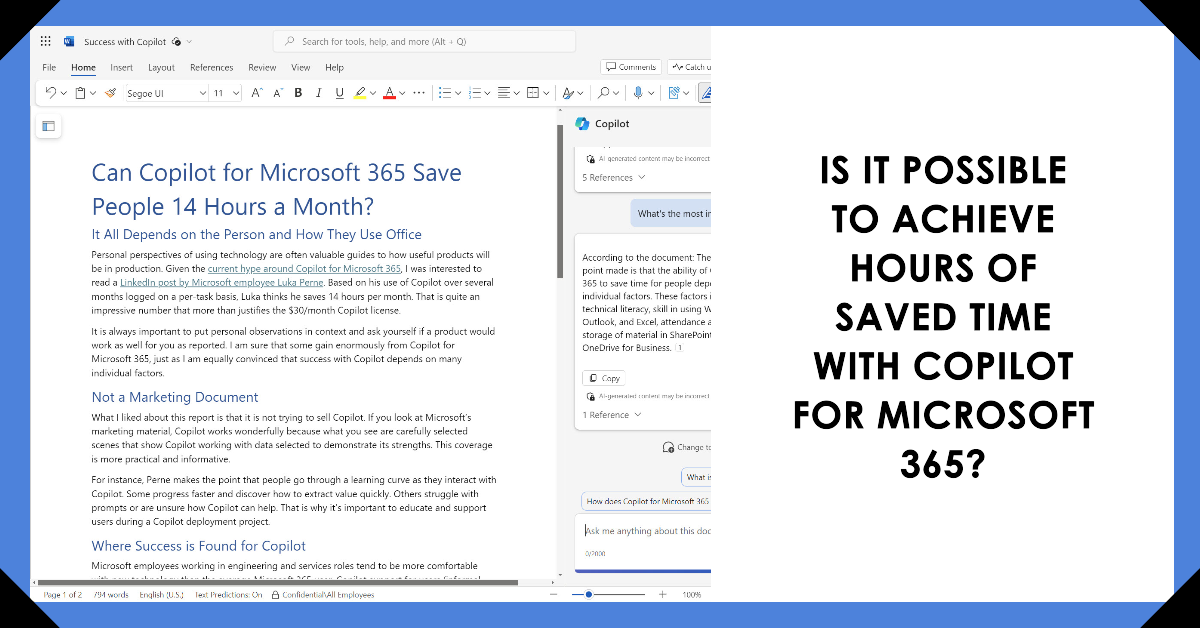
An interesting LinkedIn post by a Microsoft employees relates how Copilot for Microsoft 365 saves him 14 hours monthly. Reports like this must be taken with a pinch of salt because many factors combine to determine the success individuals achieve with a new technology. However, there’s a ring of truth in this report. The question is can others achieve the same results?
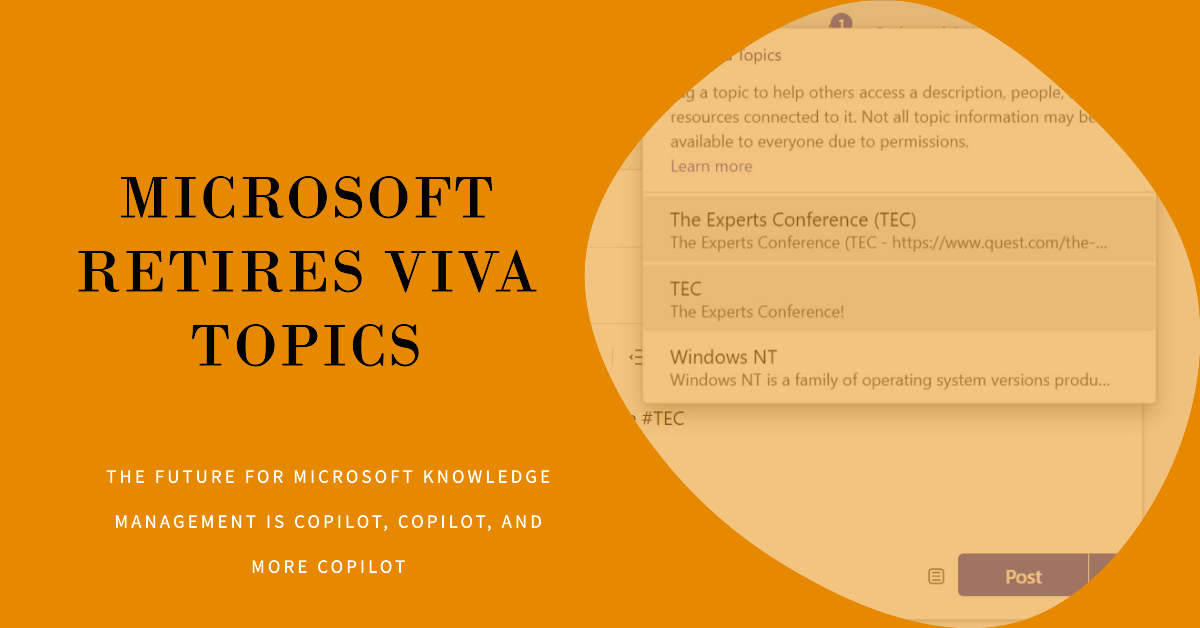
The Viva Topics retirement announced on February 22, 2024 is an inevitable side-effect of Microsoft’s ongoing focus on Copilot. It is difficult to argue against the retirement. Business, technology, and implementation factors stack up against Viva Topics. The future of Microsoft Knowledge Management is firmly in the grasp of Copilot.
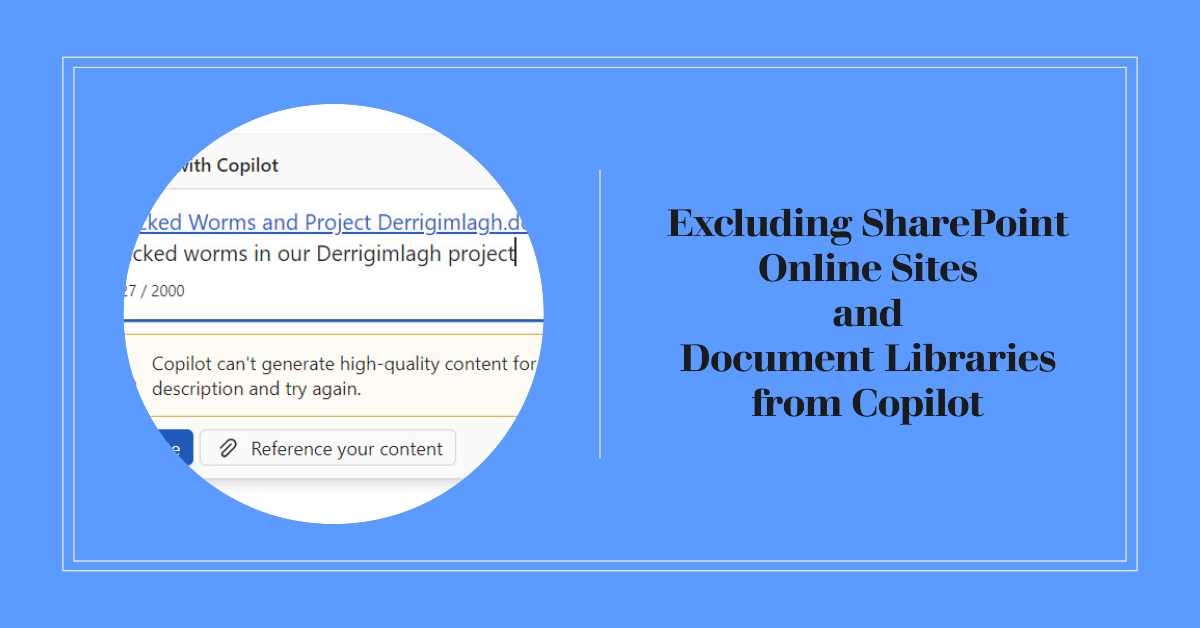
Two methods exist to exclude a SharePoint sites from Copilot being able to use its contents – you can exclude the site (or document library) from search results or use sensitivity labels. Given the choice, sensitivity labels are more flexible and powerful, but removing sites from search indexes is easier to implement.