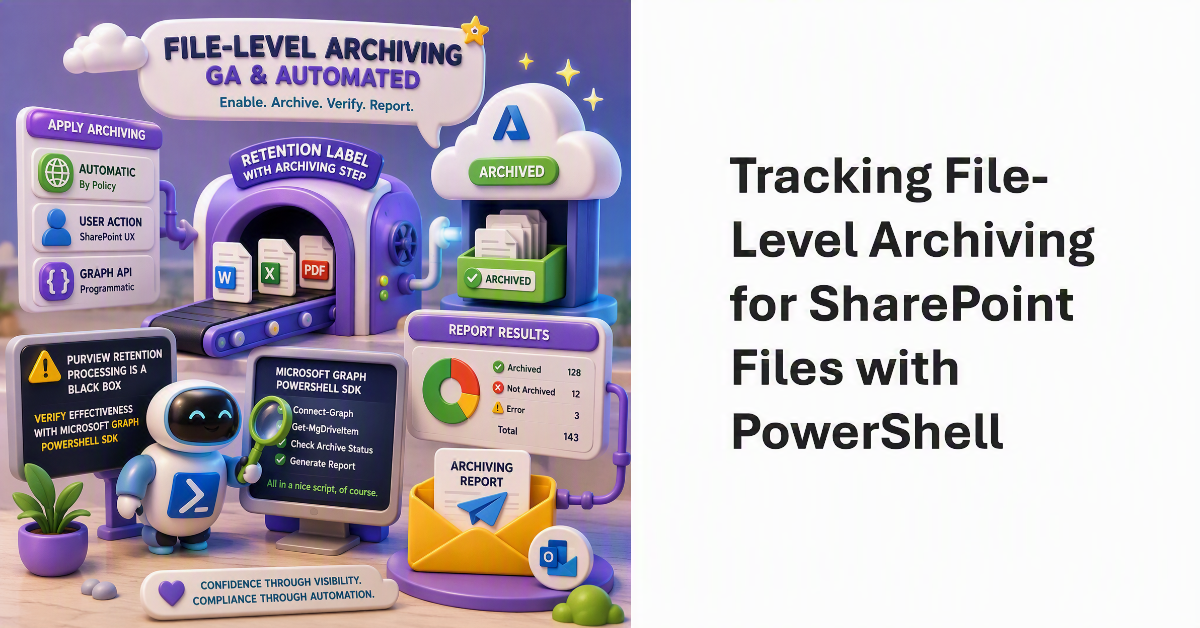
File-level archiving is now generally available and can be applied to files automatically, by users through the SharePoint browser UX, or via a Graph API. The big problem with Purview retention processing is its black box nature, so to discover how effective retention labels with an archiving step are, we use the Microsoft Graph PowerShell SDK to check the archiving status of files and report the results via email. All in a nice script, of course.
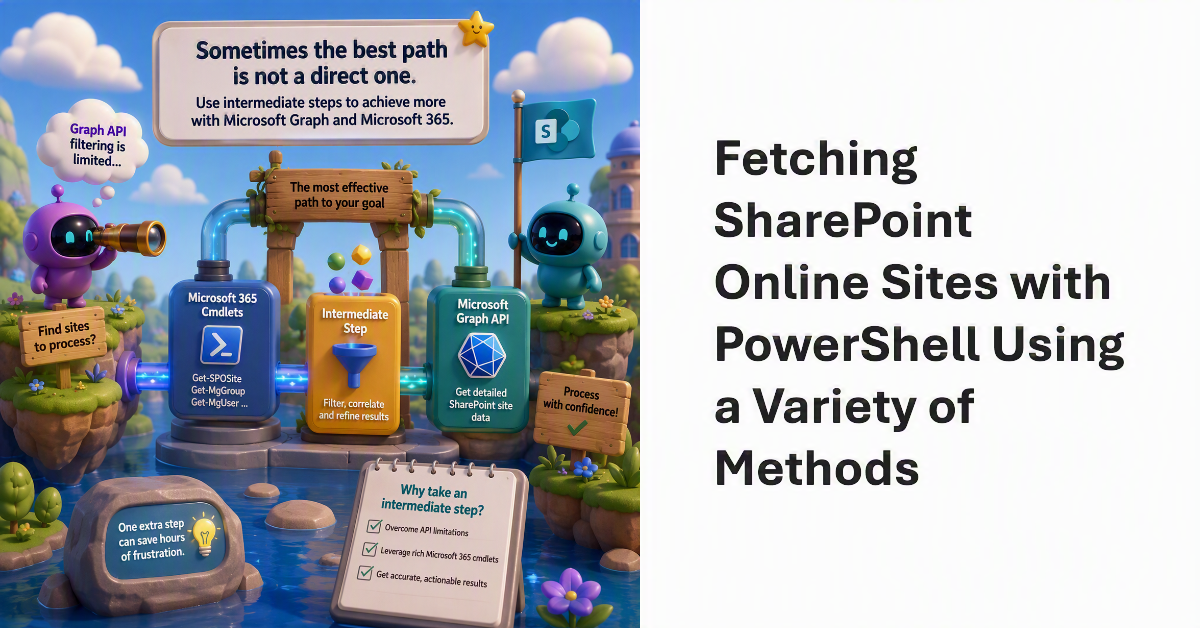
If you use the Microsoft Graph PowerShell SDK, you might know that the Graph APIs for SharePoint sites sometimes need a little help. For instance, finding a set of sites to process can be problematic because the APIs do not support extensive filtering capabilities. The solution is to use other Microsoft 365 cmdlets to find objects associated with sites. Inserting an intermediate step might seem crazy, but it can be the most effective way of solving the problem.
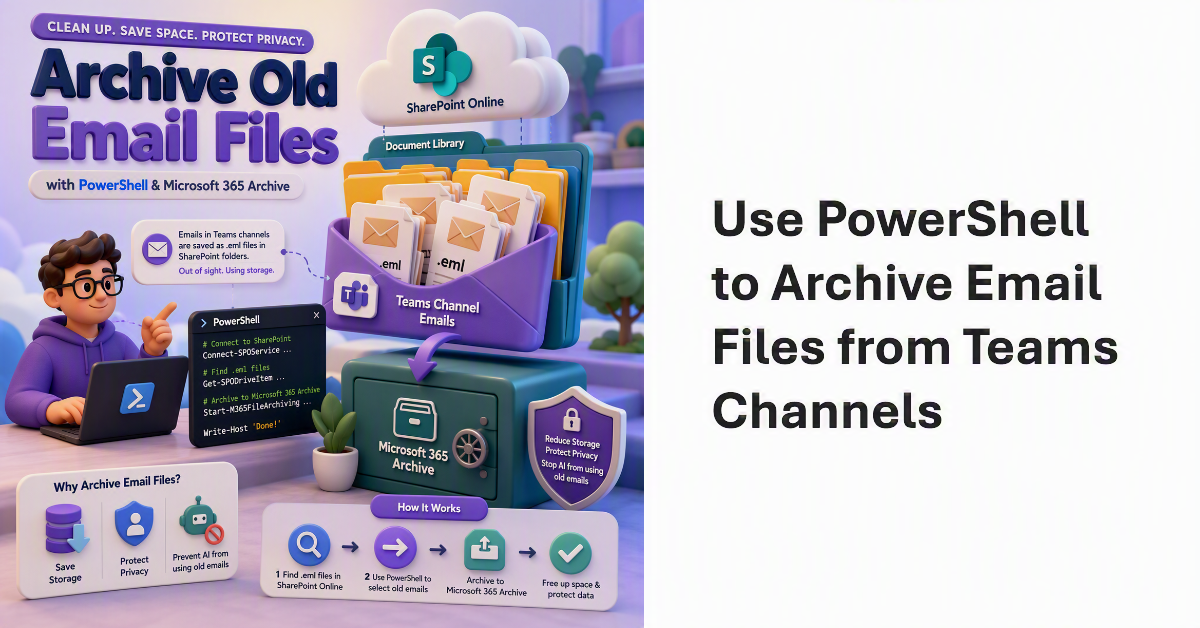
The File-level archiving API supports any file stored in a SharePoint Online document library, including the emails sent to Teams channels and stored in folders where the email files often disappear from view, occupying valuable storage quietly and without fuss. Finding and moving the email files to Microsoft 365 Archive makes sense because it saves on storage and stops AI tools using old email to generate responses. Here’s how to archive old email files with PowerShell.
Tenants with Microsoft 365 Archive configured can incorporate an archiving step in how Purview retention policies and labels process SharePoint Online and OneDrive for Business files. It makes perfect sense to move inactive files to lower-cost archive storage as an intermediate point some time before their final deletion. You’ll save on storage and stop AI tools processing the digital debris that invariably accumulates in SharePoint.
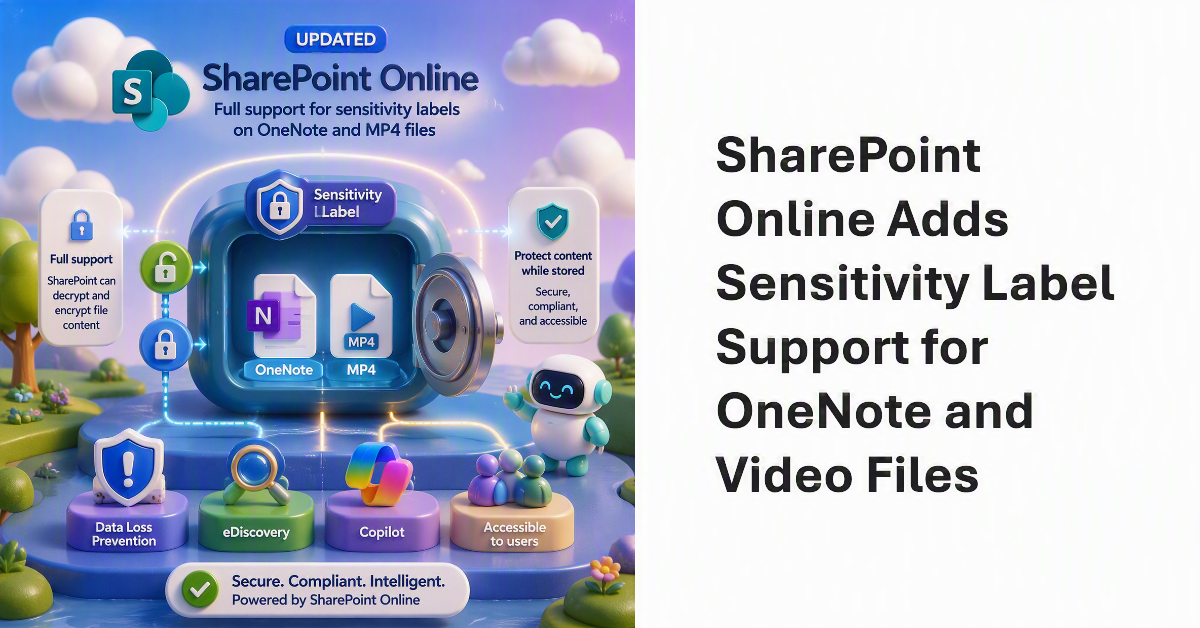
Microsoft has updated SharePoint Online to provide full support for sensitivity labels assigned to OneNote and MP4 files. Full support means that SharePoint Online can decrypt and encrypt file content, which then allows SharePoint to protect the content while storing it in a way that’s accessible to Purview services like Data Loss Prevention and eDiscovery, and of course, accessible to Copilot…
Restricted Content Discovery (RCD) is an important guardrail for Microsoft 365 Copilot deployments. Microsoft is tightening how RCD works to eliminate a corner case where recently accessed files from protected SharePoint Online sites could still surface in Microsoft Search and become available to Copilot. The update closes that loophole by ensuring that recently accessed files from RCD-enabled sites remain hidden from Search and Copilot.
A recent Reddit thread asked the very good question whether Microsoft 365 is now so complex that no single person can understand the ecosystem. There’s no doubt that Microsoft 365 is much more challenging to manage today than ever before. More features, more functionality, more settings, and more updates create an ever-changing environment that’s interconnected in many different ways. What would executives do if their tenant administrator left?
A new DLP rule is available to control sharing of SharePoint and OneDrive files with selected domains and email addresses. The new rule supports an allow list (permit sharing) and can also specify a deny list (block sharing). The user interface takes a little getting used to, but when everything is configured, the rule works and any attempt by a blocked user to use a sharing link is refused.
Microsoft 365 has been around for many years, and it’s likely that a tenant has some obsolete SharePoint Online sites. This article explains how to identify obsolete sites based on usage data extracted from the Microsoft Graph. Combining the usage data with basic site properties taken from SharePoint creates a report that should help administrators to figure out what sites they should consider removing.
The third edition of the Automating Microsoft 365 with PowerShell eBook is now available in EPUB and PDF formats. The paperback version will be available on July 1. This 430-page eBook offers the most comprehensive coverage of automating tenant management operations for Microsoft 365 and includes a swathe of practical, worked-out examples to help tenant administrators build scripts to automate tasks.
A PowerShell script that sends details of open tasks to users for follow up is a good thing. Storing open task statistics in a list for analysis of open task burndown over time is even better. This article describes how to update the script that sends email about open tasks to add the code necessary to use a list in a SharePoint Online site to store details about open tasks.
SharePoint Online authoritative sites are trusted sites for Microsoft 365 Copilot to give priority to when using material for chats and search results. Tenants that don’t use Microsoft 365 Copilot appear to gain nothing from the new ability to mark sites as authoritative because it’s all about “Improved relevance and trust in AI-driven responses grounded in authoritative content.” It does seem like a good idea, though.
This article discusses how to list files archived using the SharePoint Online file-level archiving feature. We also discuss how to archive and unarchive files using the Microsoft Graph PowerShell SDK and Graph API requests. As it turns out, the drives API is the best way to find (list) archived or unarchived files, while archiving files that haven’t been modified in a while is easy with a few lines of PowerShell.
Microsoft phased out the legacy IDCRL authentication mechanism from SharePoint Online on May 1, 2026. Sounds good, until you notice the explosion of IDCRLBlockedDueToSoftEnforcement events created by SharePoint Online in the unified audit log. The events are associated with Microsoft Office apps like Word, which SharePoint appears to think are still using IDCRL. For whatever reason, the audit log is now cluttered with unwanted events generated by the interaction between SharePoint and Office.
18 months after the product became generally available, Microsoft 365 Backup has delivered granular restore for SharePoint Online and OneDrive sites. It’s the kind of feature that most tenant administrators might have assumed is already in the program, but at least it now is. The next step is apparently the ability to restore files in place. That isn’t available yet.
SharePoint Online supports file-level archiving, meaning that you can send individual files (most types) to Microsoft 365 Archive to be held in cold storage. Individual users can make the decision about what files need to be online instead of forcing administrators to decide whether to archive complete sites. If needed, archived files can be retrieved, but it might take 24 hours for this to happen.
Microsoft plans a May 2026 update for the OneDrive Sync client to improve the way that the client handles the deletion of files stored in SharePoint Online and OneDrive for Business. The client will no longer move the local synchronized copy of the deleted file into the workstation’s recycle bin, meaning that the only copy is on the server. The change removes complexity and should improve performance.
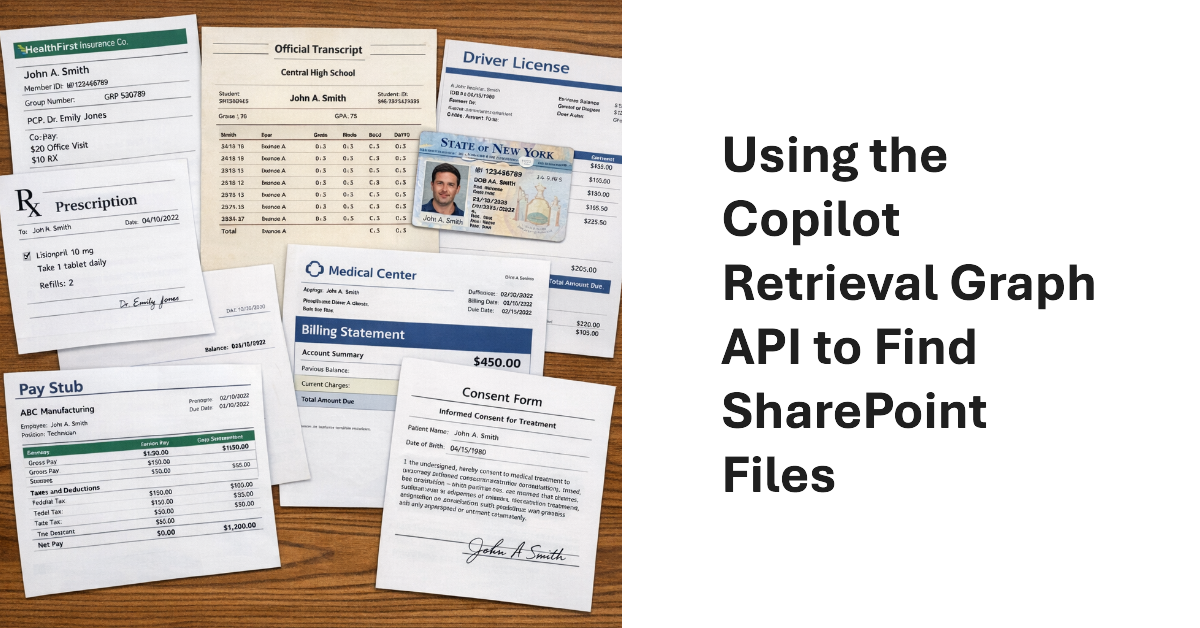
The Copilot Retrieval API is a Microsoft Graph API that apps can use to search Microsoft 365 locations to find information to ground user prompts. Grounding means that the apps use the information found by Copilot to add context to the queries they submit to a generative AI engine for processing. Although I don’t have an immediate purpose for the API, it provides a nice insight into how grounding works.
This article discusses the use of restricted site creation for third-party Entra ID apps. The feature has an allow or deny list to identify apps that can create new SharePoint Online sites. Controlling the set of apps that can create new sites contributes to limiting site sprawl and makes sure that every site has a real function. First-party apps like Teams are unaffected.
I’ve used a SharePoint alert to create an emailed daily digest of changes made to files in a document library for seven years. Microsoft plans to retire SharePoint Alerts in July 2026, and the race is on to find a replacement. Regretfully, neither Power Automate nor SharePoint Rules seem capable of generating an equivalent daily digest, perhaps because these solutions don’t handle the number of file versions created by AutoSave well.
If installed into a MIcrosoft 365 tenant, ChatGPT Enterprise apps can access SharePoint Online files, Exchange Online email and calendar, and Teams chats, messages, and tasks. The Entra ID apps created by ChatGPT have the necessary permissions to access information accessible to the signed-in user. Microsoft 365 Copilot can access more information, but being able to process files, emails, calendar items, and chats and channel conversations delivers access to a lot of Work IQ.
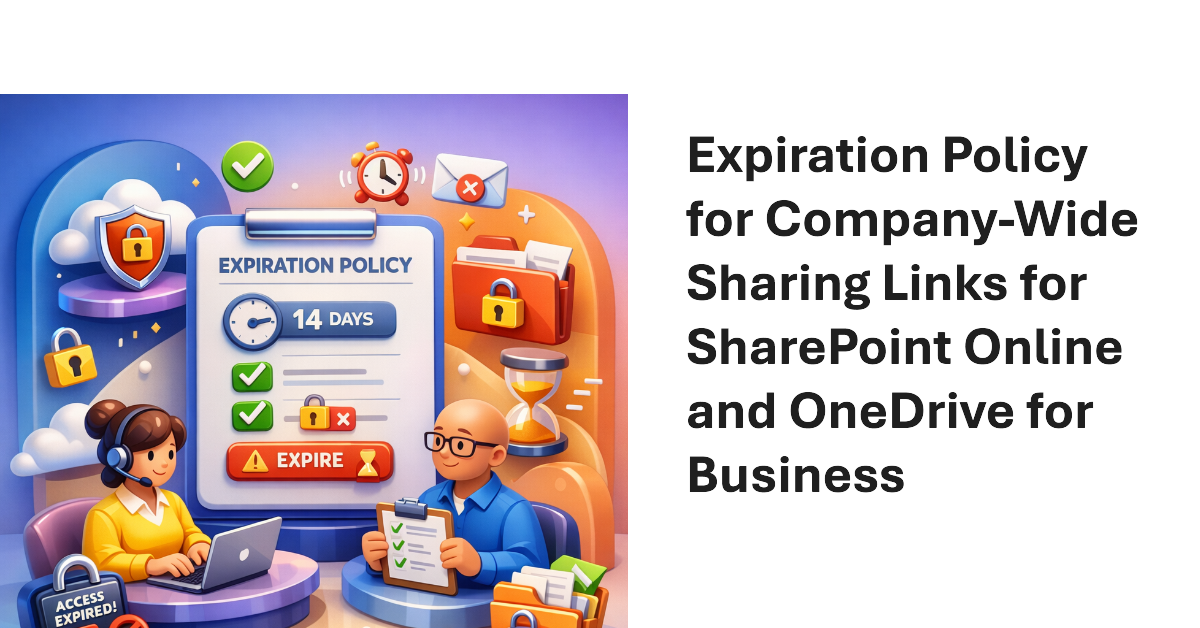
Company-wide sharing links allow any authenticated user account in a Microsoft 365 tenant to access a shared file or folder. New settings are available to create an expiration policy for company-wide sharing links, with different values supported for SharePoint Online and OneDrive for Business. The idea is to stop the potential for abuse of sharing links, including stale links that should not grant access to files and folders.
The Microsoft 365 Backup solution will soon be able to restore individual files and folders instead of complete sites. That’s a welcome upgrade to restore capabilities to cover situations like the inadvertent deletion of a file. It’s a wonder why Microsoft didn’t make more about this capability when they celebrated SharePoint’s 25th anniversary last week when they discussed departmental billing for Microsoft 365 Backup.
From July 2026. SharePoint Online and OneDrive for Business will use Entra B2B Collaboration (guest accounts) to control external access to shared files. This change has been coming since 2021, but it takes time for organizations to get their heads around changing the way to grant external access. It’s time to embrace guest accounts, and that means doing some work to manage guest accounts on an ongoing basis.
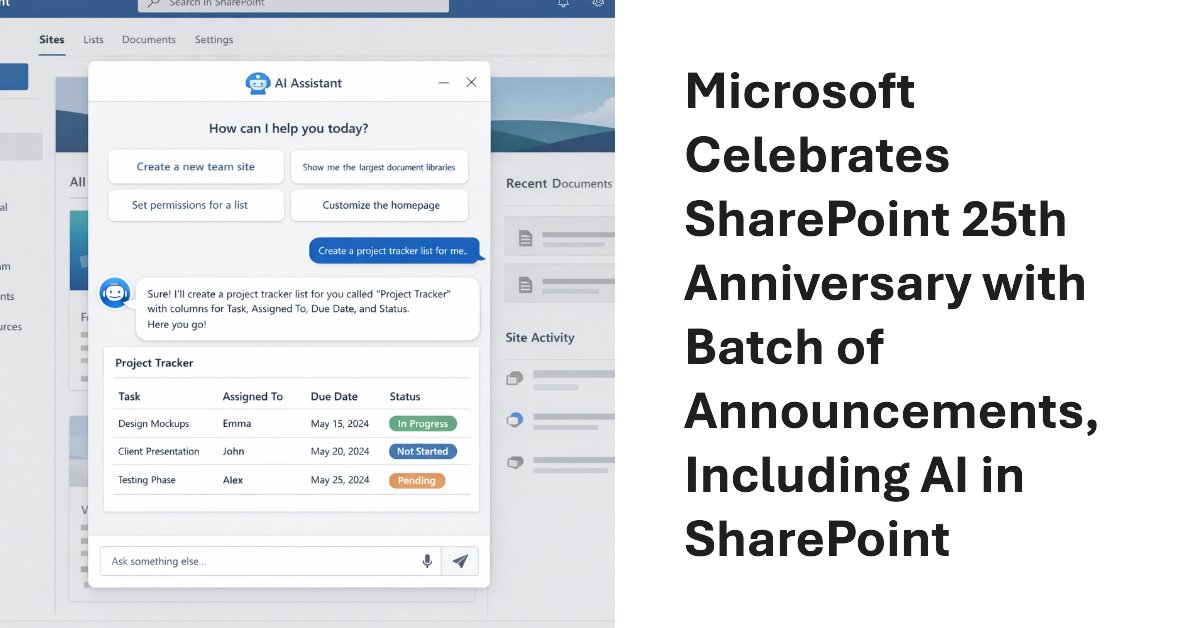
Microsoft celebrated the 25th anniversary of SharePoint with a batch of announcements, including AI in SharePoint, intended to help administrators to manage all aspects of SharePoint Online through natural language. Other interesting announcements included department-level payments for Microsoft 365 Backup and the renaming of the Connections app in Teams as the SharePoint app. Well, the last wasn’t that interesting…
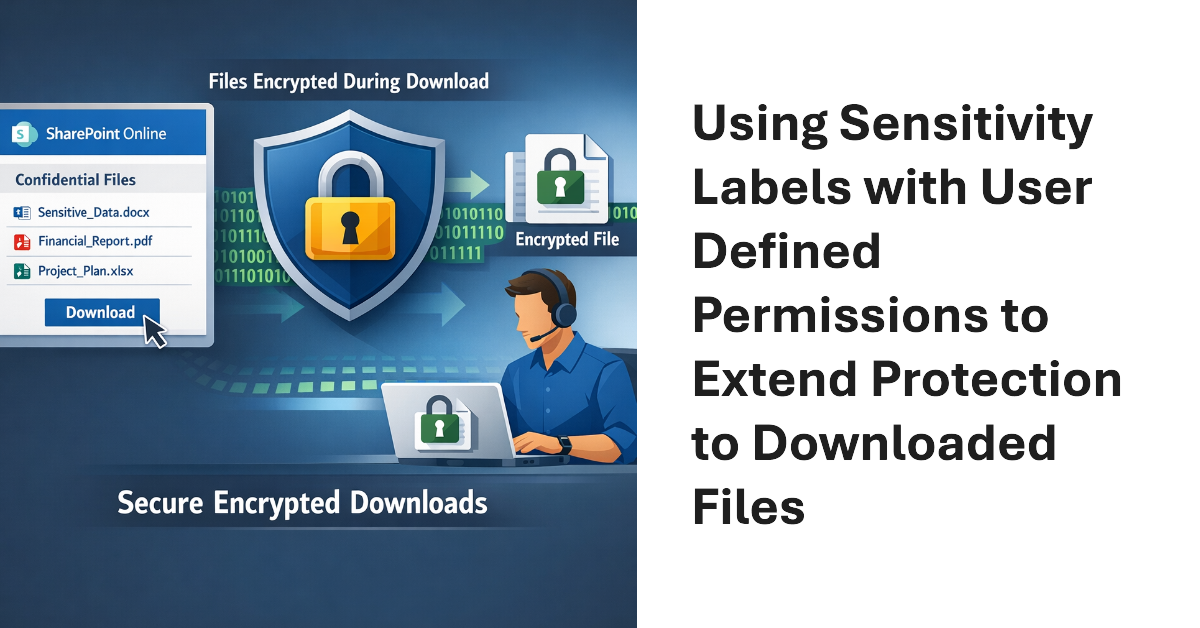
Sensitivity labels offer great protection against unauthorized access, but sometimes files that aren’t encrypted escape from a document library. SharePoint Online can now use sensitivity labels configured with user defined permissions (UDP) to extend protection to downloaded files. The magic works by configuring permissions on download based on the membership of the user who downloads a file.
This article explains how to use scoped Graph permissions to restrict app access to lists and list items in SharePoint Online and OneDrive for Business sites. It’s a follow-up to other articles covering how to restrict app access to SharePoint Online sites and files. Scoping app access to specific objects is important because otherwise apps can access everything in SharePoint Online, and that isn’t good.
A code error allowed Copilot Chat to expose confidential email. Microsoft is fixing the problem, but it’s a reminder of how AI can expose information of Microsoft 365 tenants don’t use available features to restrict AI access. Those features need to be configured and deployed, but that doesn’t take much effort. It’s better than users complaining when Copilot exposes their most secret thoughts.
Microsoft released the beta version of the SharePoint Online create Site API for the Microsoft Graph in late November 2025. Since then, Microsoft has dropped one of the three site templates. Playing with the API, we’ve discovered that the API can certainly create sites but that the SharePoint Graph API misses a heap of features, like adding members to the new site. Oh well, one step forward…
Restricted Content Discovery (RCD) is a feature that blocks access by Microsoft 365 Copilot and agents to the files stored in a SharePoint Online site. Instead of relying on tenant administrators, site administrators can now enable or disable RCD. It’s a natural evolution of what is an essential feature to keep sensitive and confidential information being leaked inadvertently by AI.
MC1211579 (3 January 2026) announces the retirement of four legacy SharePoint compliance features in favor of Purview Data Lifecycle management and Records management. It’s always unsurprising when Microsoft chooses to remove old features developed for on-premises and replaces them with better online options, which is exactly what’s happening here. Some tenants might face additional licensing requirements for Purview.
Microsoft is launching version expiration policies in SharePoint Online for audio and video files. The approach is the same as used for intelligent versioning of Office files stored in SharePoint Online and OneDrive for Business and can be configured at the tenant, site, and document library level. If your tenant uses Clipchamp, this could be a way to save expensive SharePoint storage.
Microsoft has released a set of security benchmark recommendations for Microsoft 365 tenants that it calls baseline security mode. The recommendations cover authentication, file access, and Teams and the idea is that these are settings that Microsoft believes have proven their value over the years. The only criticism that you might have is about the potential clash for conditional access policies, but that’s not serious.
Paul Robichaux and I led a session about Microsoft 365 Compliance at the European SharePoint Conference in Dublin on December 2, 2025. During the session, we discussed how intelligent versioning works and its value in saving storage, priority cleanup and its ability to delete files even if the files are under retention hold, and the recent revamp of the Purview eDiscovery solution. We were thrilled at the attendance. Here’s what happened.
The latest versions of the SharePoint Online PowerShell module support app-only authentication (certificate-based authentication) for the Connect-SPOService cmdlet. In other words, applications can now connect to SharePoint Online to run administrative cmdlets by presenting a registered Entra ID app and an X.509 certificate instead of the credentials for a human SharePoint administrator. It’s a good change, even if I still prefer using the Graph APIs for SharePoint automation.
In January 2025, Microsoft changed the SharePoint folder location to store copies of the email sent to Teams channels. Apparently, this update improved security, but it’s unclear exactly how the improvement comes about unless through obscurity. In any case, we missed this change completely and are publishing this note to remind everyone else of the importance of reading message center posts.
OpenAI has launched a ChatGPT enterprise SharePoint Connector that allows organizations to synchronize files from SharePoint Online to ChatGPT. I could never understand why Microsoft 365 tenants allowed users to upload individual files from SharePoint or OneDrive to ChatGPT for processing. Using a connector to synchronize entire sites to ChatGPT makes even less sense, especially from a compliance perspective. I must be missing something!
An update for Chromium 141 can affect the ability of SharePoint Online and OneDrive for Business to access offline content, including files and lists and lead to degraded performance. The change is designed to improve user privacy, but some Microsoft 365 apps need browsers to be able to access local files, notably for OneDrive synchronization. Prepare by upgrading the OneDrive Sync client and distributing a new policy to workstations.
With not a little hype, Microsoft launched the SharePoint Knowledge Agent on September 18. Getting some AI help to organize sites sounds good, but only if the assistance delivered by the artificial intelligence does something useful. In this case, the agent generated some moderately interesting results without ever reaching the level of AI magic anticipated (and reported) by some.
Microsoft 365 Copilot now has some SharePoint skills to deploy in the SharePoint admin center. The problem is that the skills aren’t very good and don’t do much to help hard-pressed SharePoint Online administrators cope with the vast explosion of sites that exist in many tenants today. The problem is data. If Copilot doesn’t have the information to reason over, it can’t answer questions or give advice.