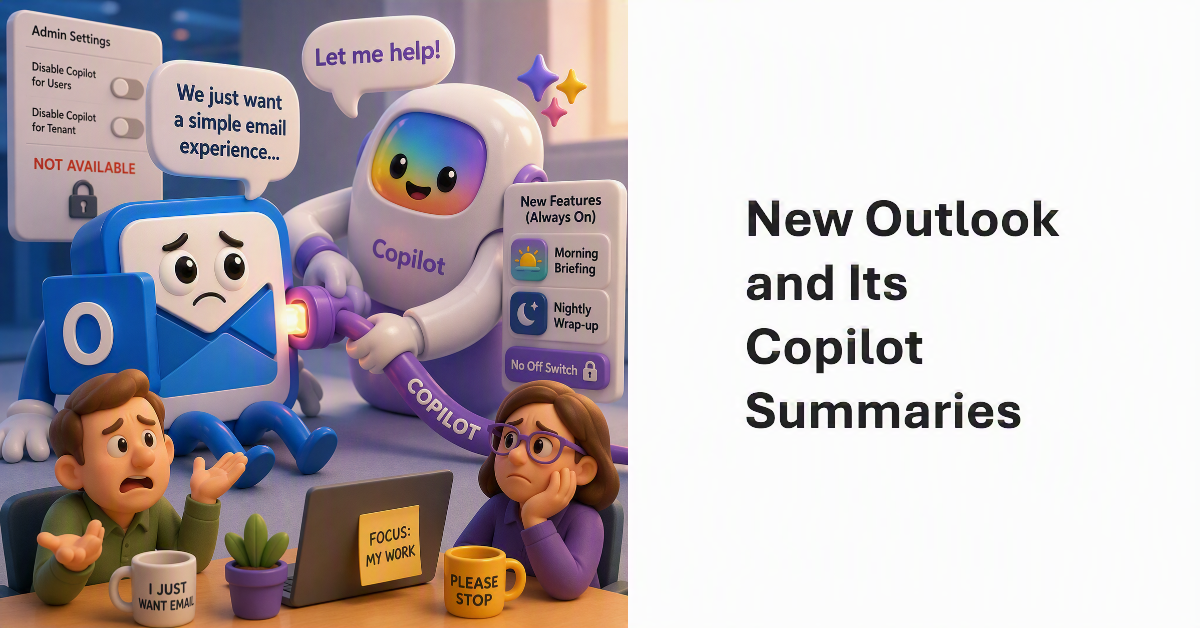
New Outlook is an acceptable email client. Some dislike its lack of support for different features, like COM add-ins. Then Copilot gets involved and adds options to generate morning briefing and nightly wrap-ups without any way to disable the feature for individual users or the entire tenant. Plugging Copilot in like this will please some people, but I suspect that it will harm the reputation of new Outlook, especially without settings to stop Copilot seeking to be quite so helpful.
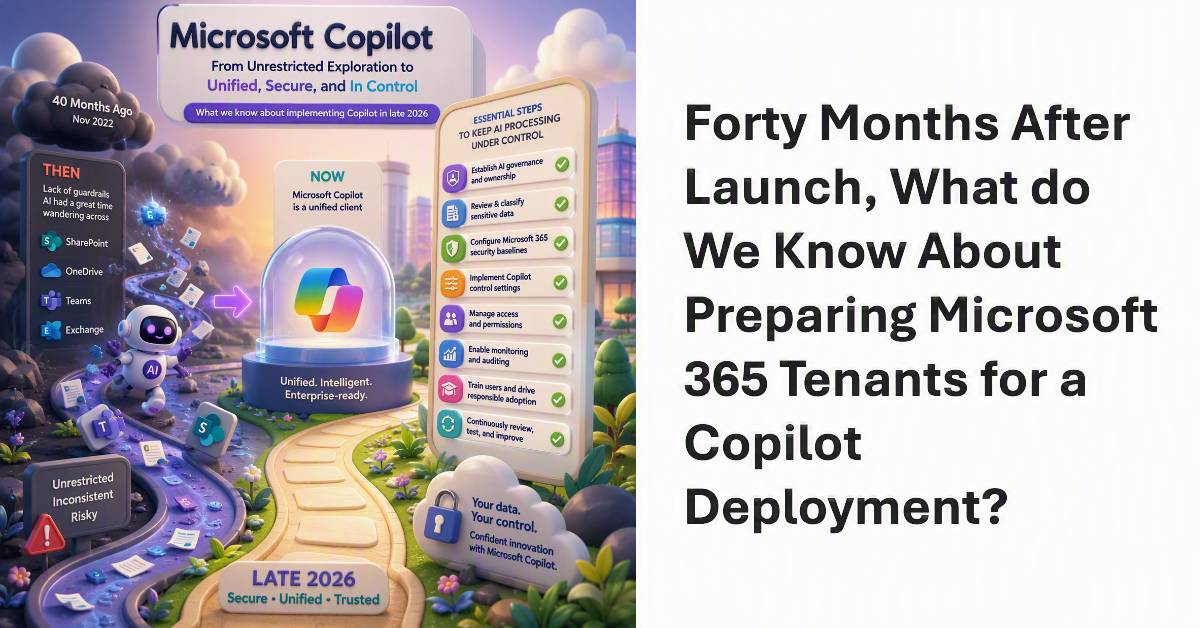
40 months ago, Microsoft launched Copilot. Looking back, the lack of guardrails at the time was staggering, and AI had a great time wandering across SharePoint, OneDrive, Teams, and Exchange. Now Microsoft Copilot is a unified client and there’s a bunch of essential steps for tenants to take to keep AI processing under control and their sensitive and confidential information safe. Here’s what we know about implementing Copilot in late 2026.
Restricted Content Discovery (RCD) is an important guardrail for Microsoft 365 Copilot deployments. Microsoft is tightening how RCD works to eliminate a corner case where recently accessed files from protected SharePoint Online sites could still surface in Microsoft Search and become available to Copilot. The update closes that loophole by ensuring that recently accessed files from RCD-enabled sites remain hidden from Search and Copilot.
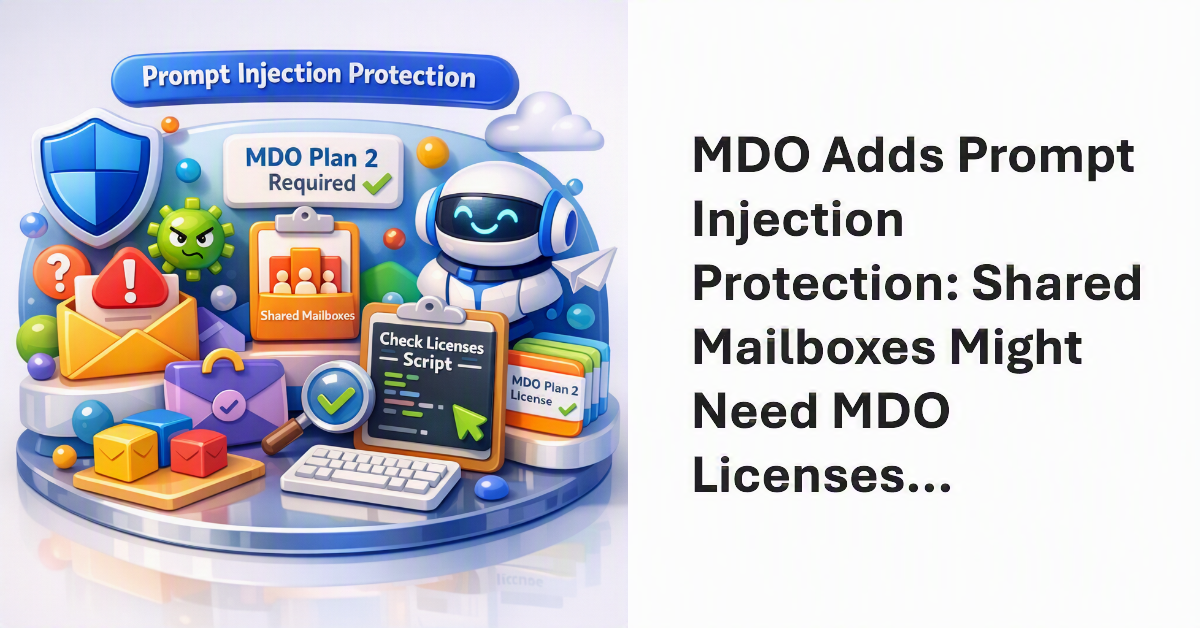
Microsoft Defender for Office 365 (MDO) can detect and quarantine email containing prompt injections. Shared mailboxes might need MDO Plan 2 licenses if they receive email from external domains. This requirement existed before MDO introduced Prompt Injection Protection, but the advent of the new capability is another reason to check mailbox licensing, especially if your tenant uses Copilot. We have a script to help!
A recent Reddit thread asked the very good question whether Microsoft 365 is now so complex that no single person can understand the ecosystem. There’s no doubt that Microsoft 365 is much more challenging to manage today than ever before. More features, more functionality, more settings, and more updates create an ever-changing environment that’s interconnected in many different ways. What would executives do if their tenant administrator left?
On July 29, Microsoft released their FY26 Q4 results. We learned that Microsoft 365 Copilot has 30 million paid seats, but that’s still less than 7% of the Microsoft 365 installed base, so there’s lots of room for Copilot to grow. Microsoft didn’t provide a number for Teams monthly active users, which is strange because no new data has appeared for 11 quarters. Among all the numbers, one thing’s for sure. The Microsoft Cloud makes lots of money.
A new (preview) DLP capability allows Microsoft 365 tenants to block Microsoft 365 Copilot from processing the content of external email. When set, any message coming from a domain that’s not in a tenant’s accepted domain list is blocked for Copilot for grounding, referencing, or summarization. It’s an effective way of blocking threat like prompt injections transmitted in email too, but some people might not like blocking all their external email.
Two recent changes to the Microsoft 365 Copilot Chat app have made the app easier to use. Interaction persistence is better, meaning that chat threads are always created and available to go back to if necessary, and Copilot memory is managed more easily. Copilot memory is an intensely personal capability. If you spend the time to figure out the instructions that Copilot should always remember, the quality of Copilot responses will be much better.
An app written to fetch details of Copilot interactions from the TeamsMessagesData folder suddenly stopped working when the Graph refused to return items. The 403 forbidden error can’t be argued with. It’s a pain when apps stop working just because of a change made at an API level. Fortunately, the aiInteractionHistory API fills the gap.
I was asked what the most important step is in the deployment of Microsoft 365 Copilot. It’s a good question. Put simply, restricted access is the answer. That is, restricting Copilot access to information stored in Microsoft 365 locations until your tenant is ready for unrestricted Copilot search and retrieval. The fortunate thing is that tools exist today to make it relatively easy to establish guardrails for Copilot, which is exactly what you need to do.
SharePoint Online authoritative sites are trusted sites for Microsoft 365 Copilot to give priority to when using material for chats and search results. Tenants that don’t use Microsoft 365 Copilot appear to gain nothing from the new ability to mark sites as authoritative because it’s all about “Improved relevance and trust in AI-driven responses grounded in authoritative content.” It does seem like a good idea, though.
Microsoft’s People Skills service can use AI to attribute 16,000 different skills to users. Those skills show up on the user profile card. However, once a Microsoft 365 tenant enables People Skills, they lose the ability to add custom skills for user profiles via Graph APIs or People Connectors. It’s a curious situation where Microsoft blocks custom additions because its AI-powered service is active. Couldn’t both exist alongside each other?
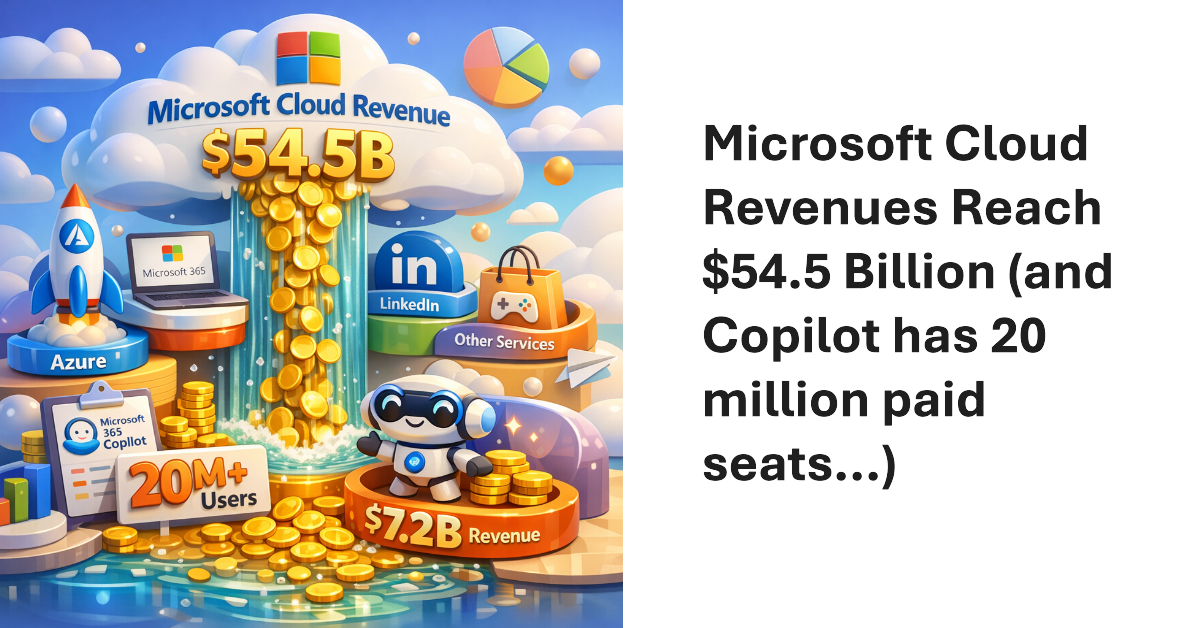
Microsoft’s FY26 Q3 results produced $54.5 billion revenue for the Microsoft Cloud, the segment that includes Microsoft 365, Azure, LinkedIn, and other services. The annualized run rate of $218 billion proves just how vital these revenues are to Microsoft. Lots of time was spent talking about Microsoft 365 Copilot, which now has “over 20 million” paid seats. Sounds good, and it’s up five million from the last quarter, but Copilot still has a long road to travel to profitability.
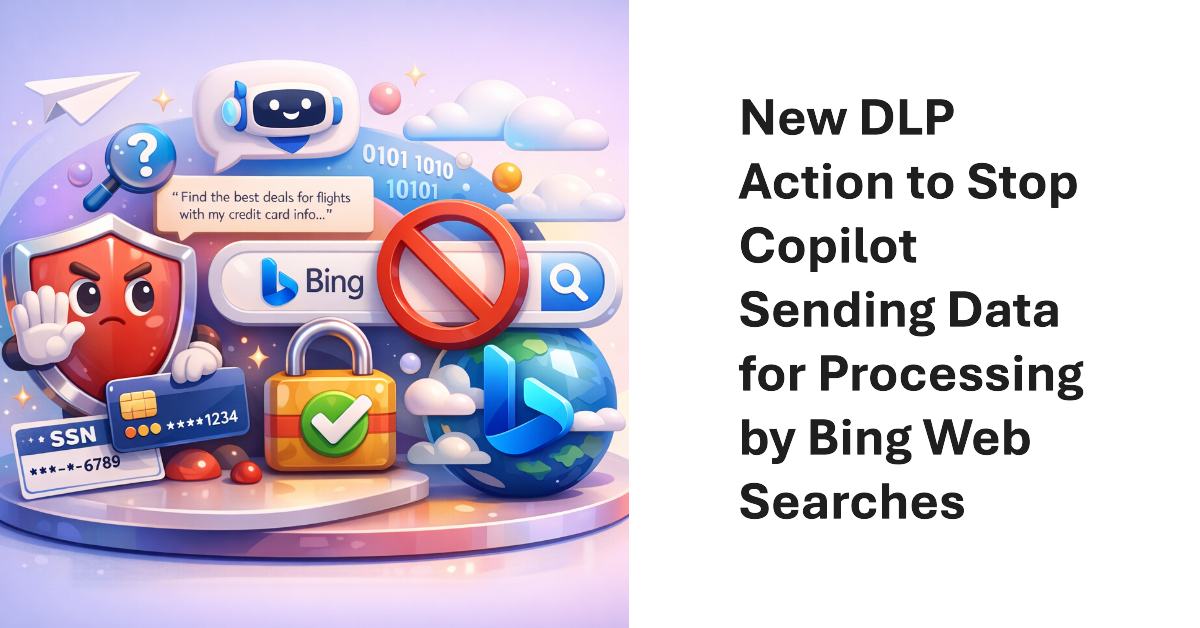
A new action for the DLP Policy for Copilot allows Microsoft 365 tenants to block Copilot from performing (Bing) web searches if a prompt contains sensitive information types. The new action allows Copilot to continue to process prompts using Microsoft 365 content (if the user has a Microsoft 365 Copilot license) while stopping potentially sensitive data being sent to Bing.
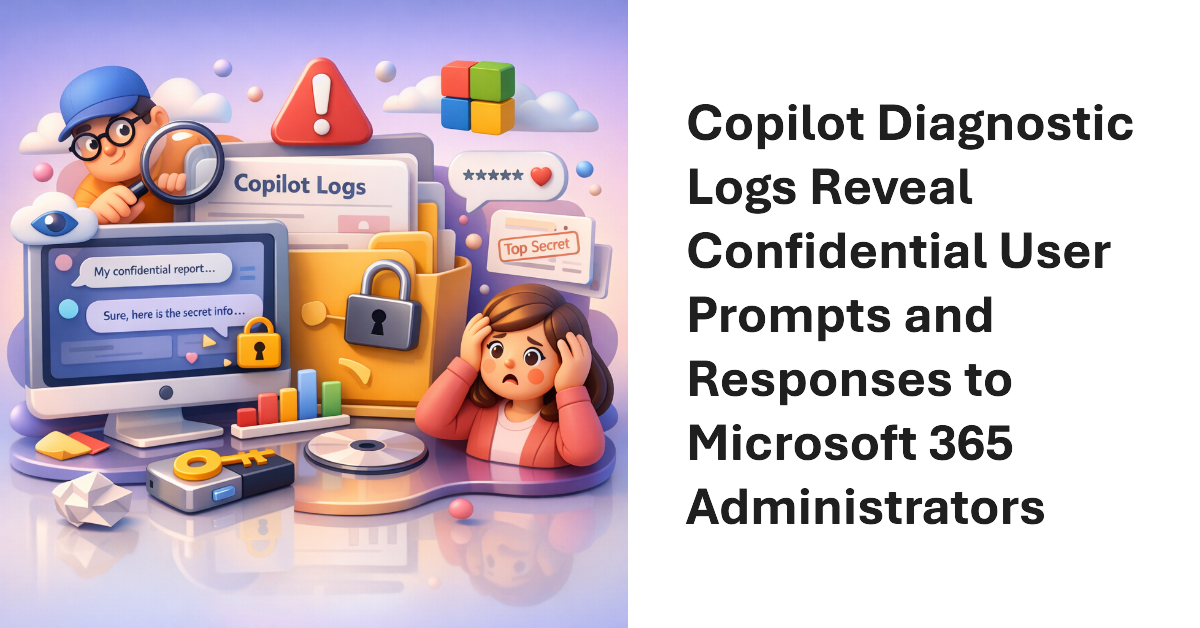
The Microsoft 365 admin center includes an option for administrators to send Copilot diagnostic logs on behalf of users to Microsoft for investigation. Sounds good, but the diagnostic logs are in plain text (JSON format) and the prompts and responses for Copilot user interactions can be viewed by administrators. That doesn’t seem like a good way to preserve anyone’s privacy. Vote for the feedback item to close this loophole.
Microsoft plans to introduce flex routing to handle situations when demand exceeds capacity for Copilot processing in Europe. This could be an issue for Microsoft 365 tenants in the European Union or European Free Trade Association who want to be sure that their data is processed in Microsoft local datacenters and not sent to the U.S. or Australia when available capacity cannot meet the demand for “large language model inferencing”.
The Planner agent is now available to users with Microsoft 365 Copilot licenses and any Planner license. The purpose of the Planner agent is to help people understand the steps necessary to accomplish assigned tasks. Like any AI tool, the quality of the agent’s output depends on the precision and completeness of the instructions given for a task. But if you’re prepared to iterate, the agent might work for you.
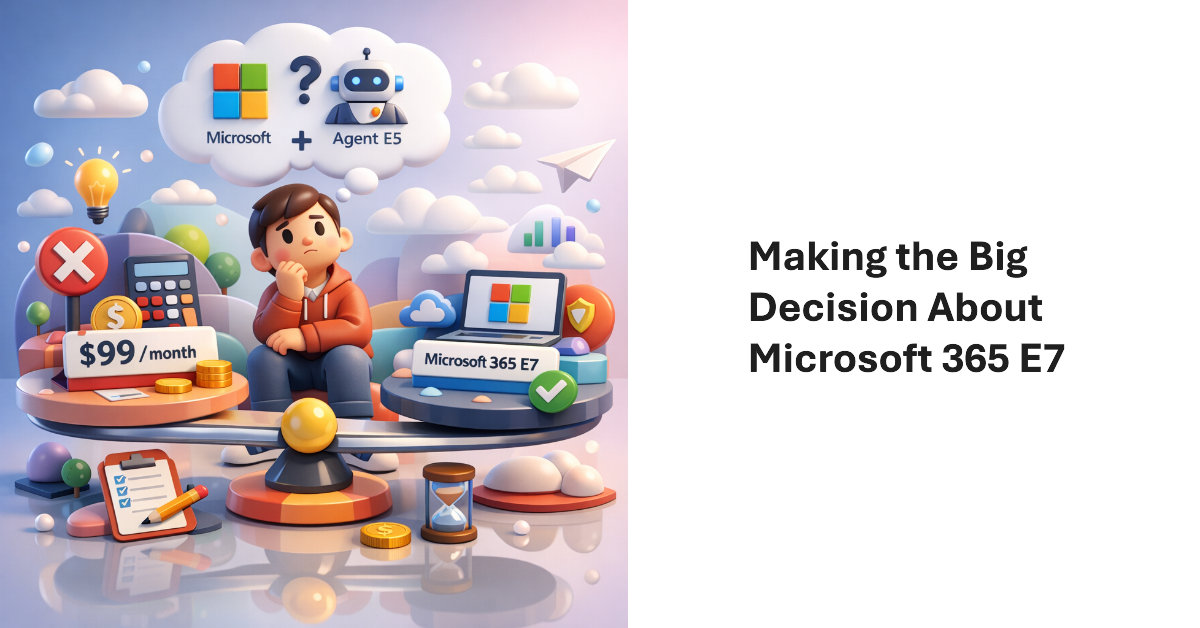
Microsoft 365 E7 bundles Microsoft 365 E5, Microsoft 365 Copilot, the Entra Suite, and the new Agent 365 into a $99/user/month SKU. The big question is whether investing in Microsoft 365 E7 licenses make sense for tenants? Buying a big batch of licenses will simply throw money away unless those licenses can be used. Paul Robichaux debates the issues and suggests some advice about how to assess the need for E7.
In December 2024, Microsoft introduced a control to block responses to sentiment-related prompts in Teams meeting chat. Now that block extends to every Teams user following a consolidation of the Teams meeting implementation of chat with Microsoft 365 Copilot. Basically, the block stops Copilot responding to prompts that look for opinions about emotions, judgement, or evaluations of other meeting participants. It’s a good thing.
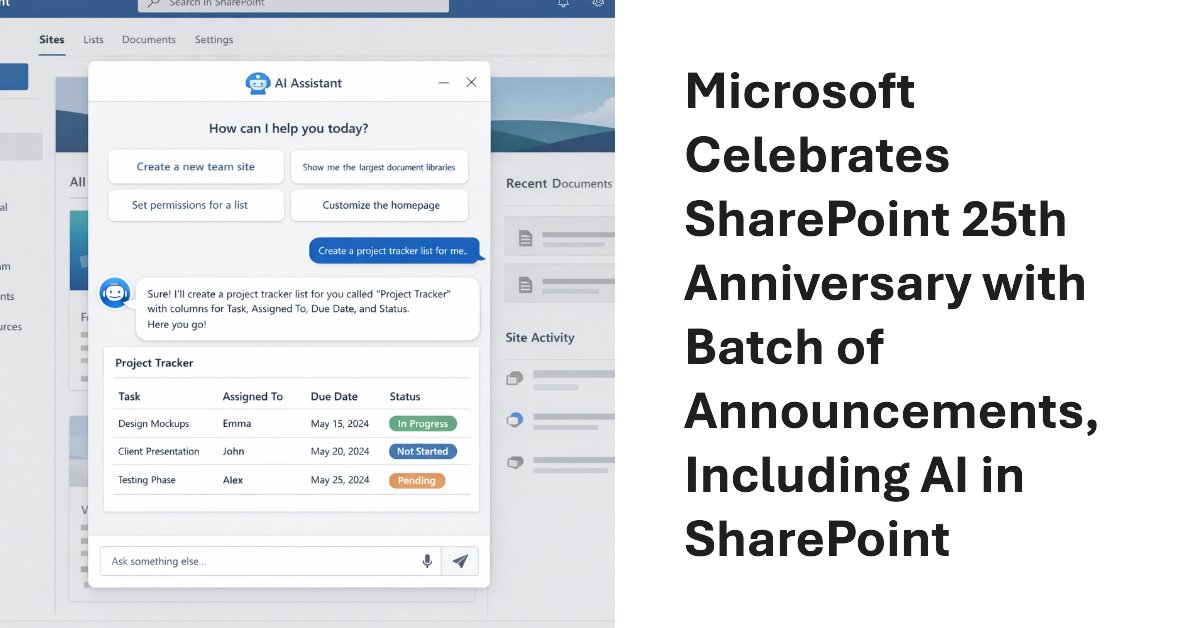
Microsoft celebrated the 25th anniversary of SharePoint with a batch of announcements, including AI in SharePoint, intended to help administrators to manage all aspects of SharePoint Online through natural language. Other interesting announcements included department-level payments for Microsoft 365 Backup and the renaming of the Connections app in Teams as the SharePoint app. Well, the last wasn’t that interesting…
Microsoft would very much like Microsoft 365 tenants to use Copilot instead of ChatGPT. A recent comparison between Copilot and ChatGPT outlines some areas that Microsoft thinks are important when deciding which AI tool to use. Microsoft has a point because Copilot is embedded into Microsoft 365 whereas ChatGPT is more of an add-on. The competition for hearts and minds is very intense in the AI space.
A code error allowed Copilot Chat to expose confidential email. Microsoft is fixing the problem, but it’s a reminder of how AI can expose information of Microsoft 365 tenants don’t use available features to restrict AI access. Those features need to be configured and deployed, but that doesn’t take much effort. It’s better than users complaining when Copilot exposes their most secret thoughts.
Microsoft FY26 Q2 results included a new figure for Microsoft 365 commercial paid seats: “over 450 million.” Seats are growing at a consistent 6% year-over-year rate, and the June 2026 increases will mean an extra $10 billion or so revenue. In other news, we learned that Microsoft 365 Copilot has 15 million paid seats, or roughly 3.33% of the Microsoft 365 installed base.
Restricted Content Discovery (RCD) is a feature that blocks access by Microsoft 365 Copilot and agents to the files stored in a SharePoint Online site. Instead of relying on tenant administrators, site administrators can now enable or disable RCD. It’s a natural evolution of what is an essential feature to keep sensitive and confidential information being leaked inadvertently by AI.
Chat and meetings have their agents, and now the Teams channel agent is available to help members understand what happens inside channels. Like any AI agent given limited sets of data to reason over, the channel agent does a good job of finding nuggets hidden in conversations. The issue is that the channel agent doesn’t currently work for channels that have external members, like guest accounts. That’s a big downside.
A LinkedIn post explained how the UK Revenue and Customs authority train 30,000 people to use Microsoft 365 Copilot effectively. It’s a reminder that introducing complex software to a user community takes careful planning and support, including the provision of well-planned training to help people exploit the new software as quickly as possible. Otherwise, some of those expensive licenses might be wasted.
After the fuss around the initial introduction of the Anthrophic models into Microsoft 365 in September, we learn that Microsoft will enable access for all in January 2026. It would have been so much better had Microsoft said that they were working on the data protection arrangements with Anthrophic, but that didn’t happen. Is all well now? We’ll see in January…
A new DLP policy for Copilot prompts monitors blocked sensitive information types like credit card numbers to stop their use in Copilot prompts. The new policy can’t be combined with the existing DLP policy for Copilot, which checks for files with specific sensitivity labels to prevent Copilot from using their content in its responses. But that’s OK because the two policies do very different work.
The Ignite 2025 keynote was a marathon 150-minute event, but some interesting Microsoft 365 announcements emerged, mostly centered on AI. Microsoft is obviously focused on making AI and agents a very real part of tenant activities, so there’s new agent management and a repository among other things that will roll out in the year ahead.
A temporary chat with Microsoft 365 Copilot is one that forgets everything discussed in the conversation once the chat is over. The idea is that by leaving no trace, Copilot won’t recycle the ideas discussed in the chat later. Copilot absolutely discards the chat thread, but those pesky compliance records remain behind, ready for eDiscovery and other compliance investigations.
The question was asked if it was possible to identify use of the Claude LLM by the Copilot Researcher Agent. Audit records often help, so that’s the natural location to check. As it turns out, some information is captured when the Researcher agent is used, but figuring out if the agent uses the default ChatGPT-5 or Claude LLMs is a matter of intuition (or guesswork).
The site attestation policy is designed to require site owners to make a positive statement that the settings of their site, including its current membership, are accurate. The idea is that requiring site owners to attest that their site is still needed will force people to decide whether sites are still in active use and should be kept online. If not, the policy can move the sites into Microsoft 365 Archive.
OpenAI has launched a ChatGPT enterprise SharePoint Connector that allows organizations to synchronize files from SharePoint Online to ChatGPT. I could never understand why Microsoft 365 tenants allowed users to upload individual files from SharePoint or OneDrive to ChatGPT for processing. Using a connector to synchronize entire sites to ChatGPT makes even less sense, especially from a compliance perspective. I must be missing something!
The Copilot usage report Graph API is now generally available. Like the report APIs for the other workloads, the Copilot usage API helps to understand usage of some very expensive licenses. Even better, the usage data can be combined with data from other Microsoft 365 sources to produce interesting and valuable insights. All it takes is some PowerShell to knit everything together.
On September 24, Microsoft announced that Anthrophic LLMs could be used with the Copilot Researcher agent and to build agents with Copilot Studio. Although it’s great to enable choice so that customers can choose the AI model they prefer, questions about data security, lack of support for compliance solutions, and adherence to standards like the EU data boundary will concern Microsoft 365 tenants.
With not a little hype, Microsoft launched the SharePoint Knowledge Agent on September 18. Getting some AI help to organize sites sounds good, but only if the assistance delivered by the artificial intelligence does something useful. In this case, the agent generated some moderately interesting results without ever reaching the level of AI magic anticipated (and reported) by some.
The rollout of the Copilot Chat integration with the Microsoft 365 apps has started, with the intention of making it easier to use AI in peoples’ work. Nice as the integration is, the news that an Open in Word action button is coming (soon) to allow content generated by Copilot to be edited in Word is even better. And we round out the week with a note about a change to the domain used by Teams.
Microsoft 365 Copilot now has some SharePoint skills to deploy in the SharePoint admin center. The problem is that the skills aren’t very good and don’t do much to help hard-pressed SharePoint Online administrators cope with the vast explosion of sites that exist in many tenants today. The problem is data. If Copilot doesn’t have the information to reason over, it can’t answer questions or give advice.
Microsoft plans to deploy an update to change how transcription behaves for Teams meetings where Copilot is enabled. New meetings will not generate a transcript unless the meeting organizer explicitly enables transcription or the Microsoft 365 tenant deploys custom meeting policies that enable transcription with Copilot. The AI features work even without a transcript. But no transcript means no searchable artifact, and that’s what some want.
A new SharePoint Site content and policy comparison report is available to tenants with Microsoft 365 Copilot or SharePoint advanced management licenses. The idea is that you choose some reference sites to compare other sites against to detect deviations from the reference site. It seems like a good idea if you’re trying to impose standards to control Copilot. Unhappily, attempts at running the report turned up zero results.