It is possible to schedule Teams meetings from shared mailboxes without incurring the need to license the shared mailboxes. However, Microsoft’s recent clampdown on unlicensed OneDrive for Business accounts creates a problem because Teams meeting recordings are stored in the OneDrive account for the organizer (shared mailbox). And if that account remains unlicensed for 365 days, it will be removed along with all the recordings.
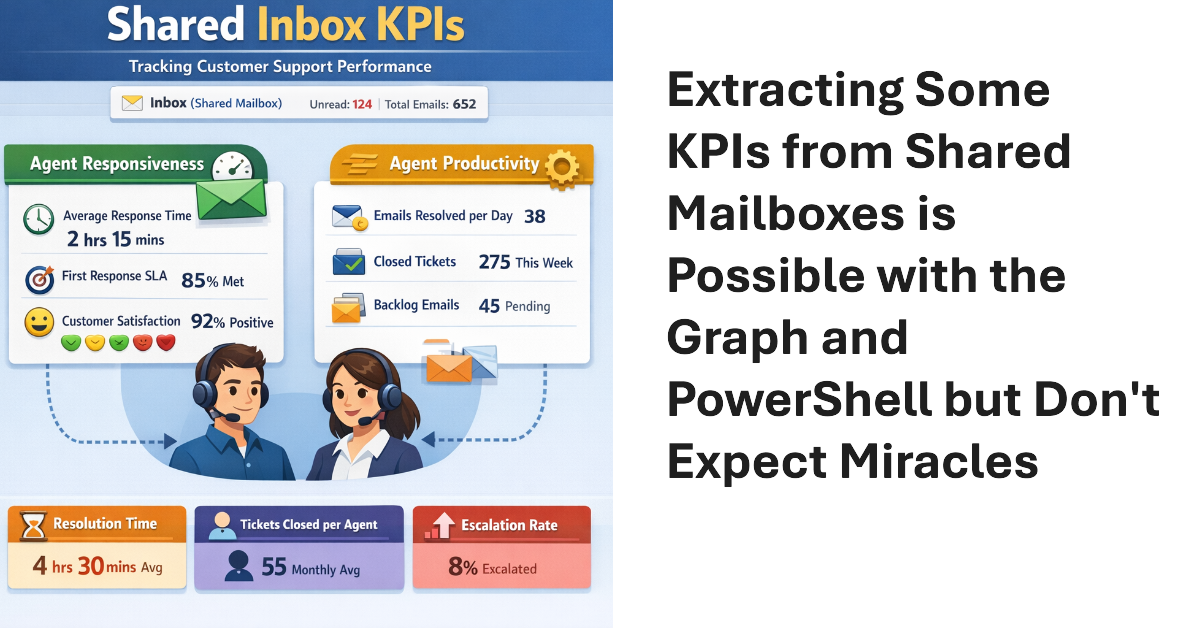
Shared mailboxes are not CRM systems. However, many Microsoft 365 tenants use shared mailboxes to handle customer queries and then want to measure KPIs such as agent responsiveness to customer queries or the number of queries handled per agent in a month. As explored in this article, it’s possible to use the Microsoft Graph to extract some KPI-like data from shared mailboxes.
Shared mailboxes might need Microsoft Defender for Office 365 licenses, but how do you identify how many licenses? We use PowerShell to do the job by analyzing external email sent to shared mailboxes. If a mailbox receives external email, then by definition the mailbox receives benefit from MDO, and that’s the test for requiring a license.
After being asked whether licenses are needed to include shared mailboxes in Microsoft 365 retention policies, I investigated and found that licenses are not. This led to a consideration of the steps needed to create a special retention policy for shared mailboxes (with PowerShell, naturally) and how to avoid retention setting collisions with other policies. All explained in detail here.