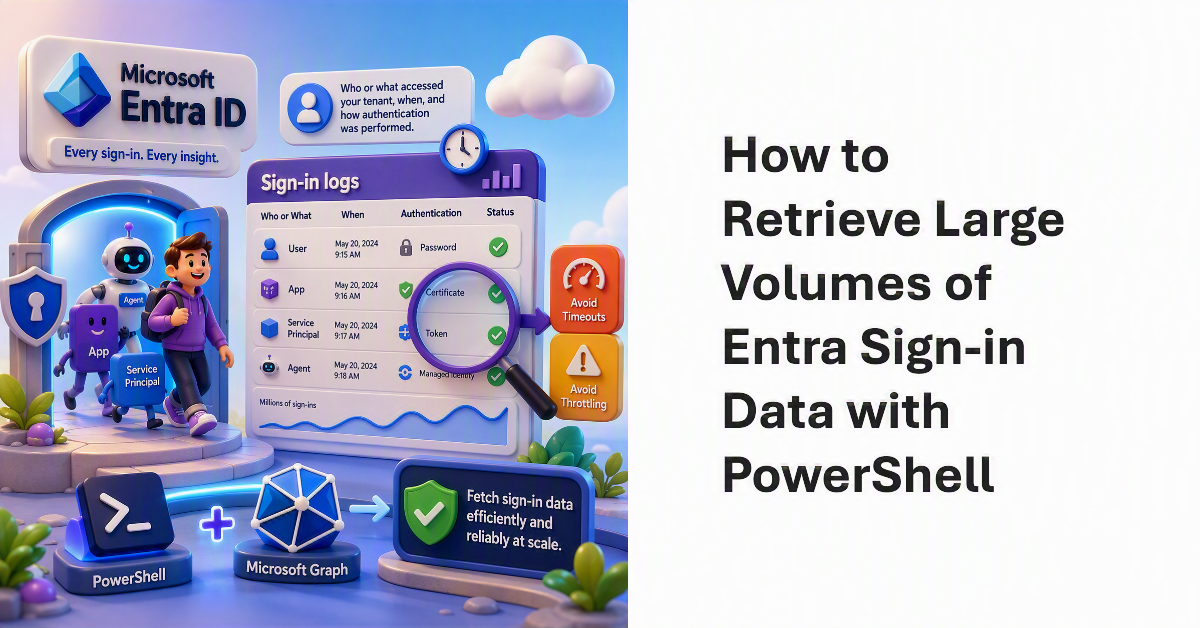
Every time a user, app, service principal, or agent authenticates against Entra ID, the action generates a sign-in log. These records are an invaluable source of information about who or what accessed a tenant, when the access occurred, and how authentication was performed. Active tenants generate large volumes of sign-in logs. This article discusses how to fetch sign-in data using PowerShell and the Graph while avoiding timeouts and throttling.
After all the fuss about Teams users inviting people to chat via email, tenant administrators realize that knowing where users are active as guest accounts is not as easy as it might seem. Part of the problem is that data about user activity is mostly controlled by host rather than home tenants. However, it’s possible to extract some information from audit sign-in logs to figure out where tenant users go as guests.
Service principal sign-in data from Entra ID is now accessible through a Microsoft Graph API. This means that you can analyze sign-in data to locate problem apps and remove old or unwanted service principals from your Microsoft 365 tenant. It’s time for spring cleaning!