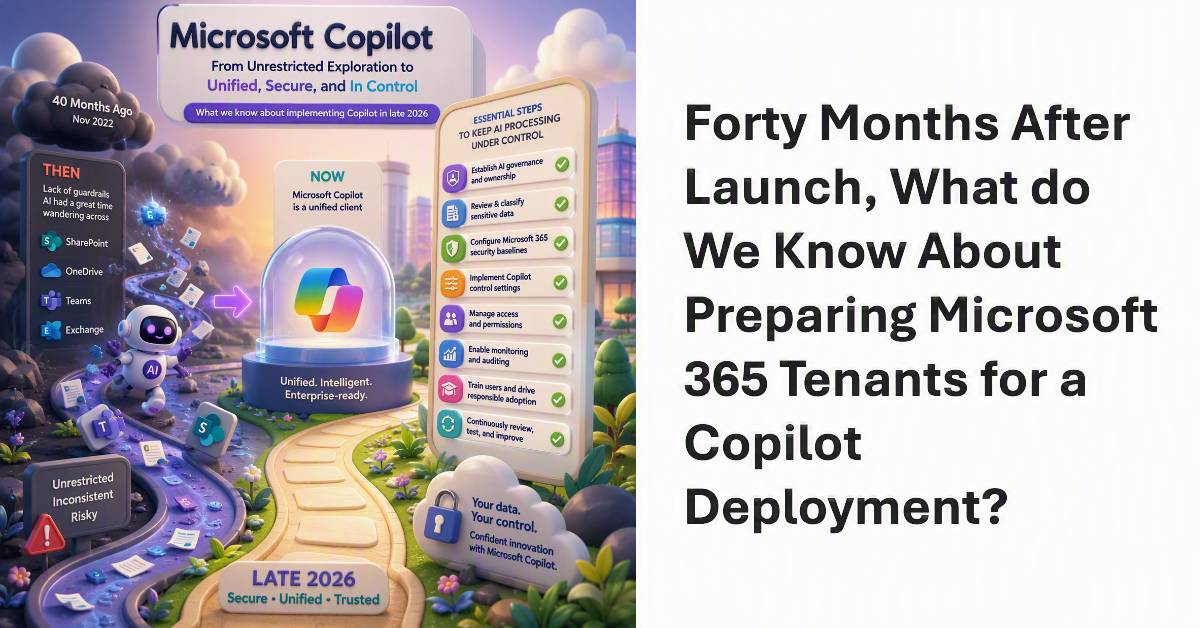
40 months ago, Microsoft launched Copilot. Looking back, the lack of guardrails at the time was staggering, and AI had a great time wandering across SharePoint, OneDrive, Teams, and Exchange. Now Microsoft Copilot is a unified client and there’s a bunch of essential steps for tenants to take to keep AI processing under control and their sensitive and confidential information safe. Here’s what we know about implementing Copilot in late 2026.
I was asked what the most important step is in the deployment of Microsoft 365 Copilot. It’s a good question. Put simply, restricted access is the answer. That is, restricting Copilot access to information stored in Microsoft 365 locations until your tenant is ready for unrestricted Copilot search and retrieval. The fortunate thing is that tools exist today to make it relatively easy to establish guardrails for Copilot, which is exactly what you need to do.
Deploying new features to a massive 100-million plus user community takes a lot of planning and careful management. Outlook Mobile caters for both consumer and commercial users, and different methods are used to deliver new features to the two groups. Sometimes this means that different users in the same tenant can’t access a new feature even if they have the right software.
Everyone likes free stuff. Here’s a link to a free eBook published by Quadrotech relating their experience of introducing and using Teams.