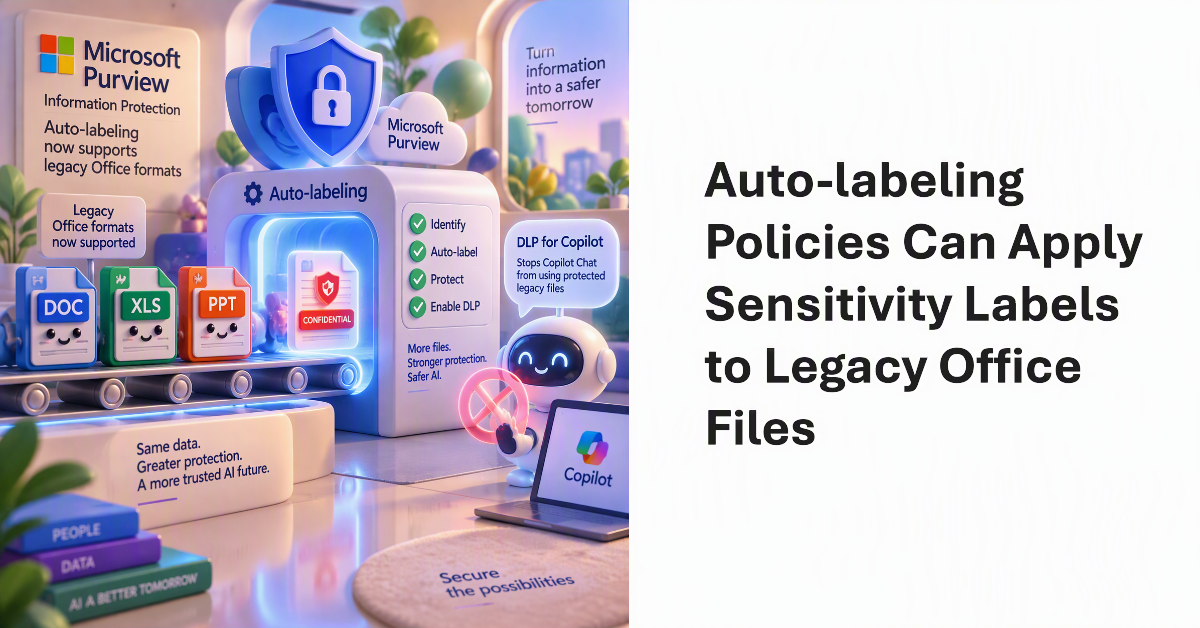
Microsoft has updated the Purview Information Protection auto-labeling workflow for sensitivity labels to enable support files in legacy Microsoft Office formats (DOC, XLS, PPT). Previously, auto-labeling only supported modern Microsoft Office file formats (and PDFs). The new feature closes a gap which might allow AI tools to process old and potentially misleading contained in these files and allows the DLP policy for Copilot to stop Copilot Chat attempting to use the legacy files in its processing.
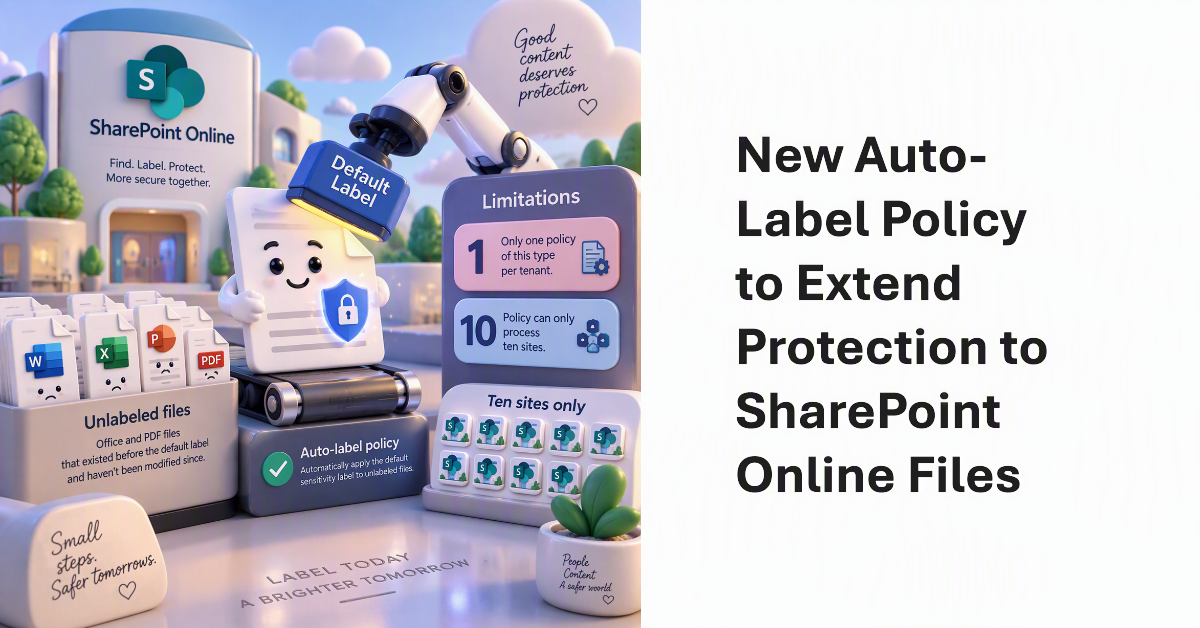
A new auto-label policy allows SharePoint Online to stamp unlabeled files in document libraries with default sensitivity labels with the default label. The idea is to find and protect Office and PDF files that aren’t labeled because they existed before the document library was configured with the default label and haven’t been modified since. It’s a good idea. The only weakness is that each tenant is limited to one policy of this type and the policy can only process ten sites.
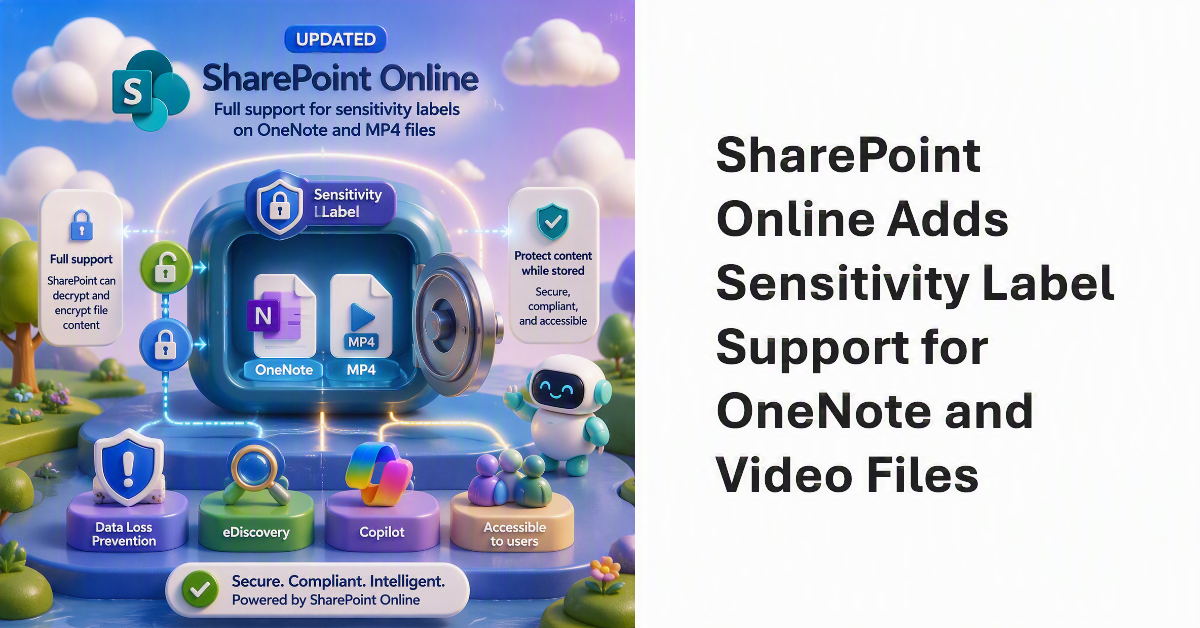
Microsoft has updated SharePoint Online to provide full support for sensitivity labels assigned to OneNote and MP4 files. Full support means that SharePoint Online can decrypt and encrypt file content, which then allows SharePoint to protect the content while storing it in a way that’s accessible to Purview services like Data Loss Prevention and eDiscovery, and of course, accessible to Copilot…
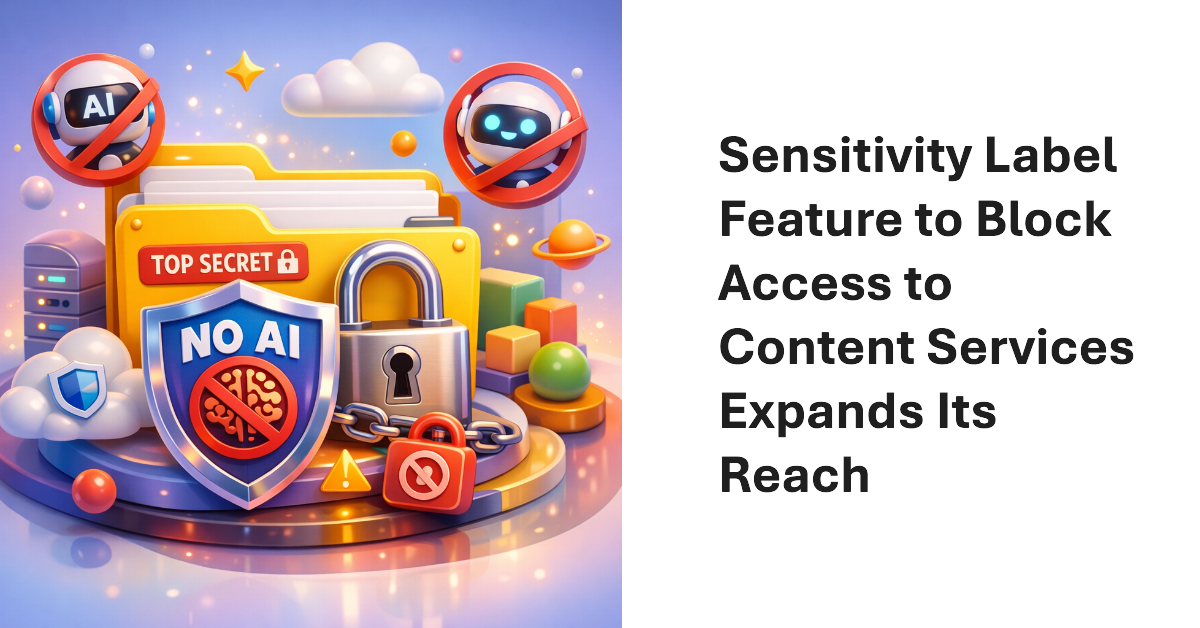
The BlockContentAnalysisServices sensitivity label setting blocks access to Microsoft connected services for the content of labeled Office documents. The intention is that users assign sensitivity labels with the block setting to protect an organization’s most sensitive files. Regretfully, Microsoft’s documentation and explanation offered in the message center post don’t convey a clear story about its value.
A recent blog from the Microsoft Digital (IT department) discusses the preview implementation of container management labels for security groups. The implementation is limited because it encompasses just one control: the ability to have guest accounts in the membership of security groups. However, just that limited control is sufficient to stop unintended access to sensitive information by guest accounts, and that’s a very good thing.