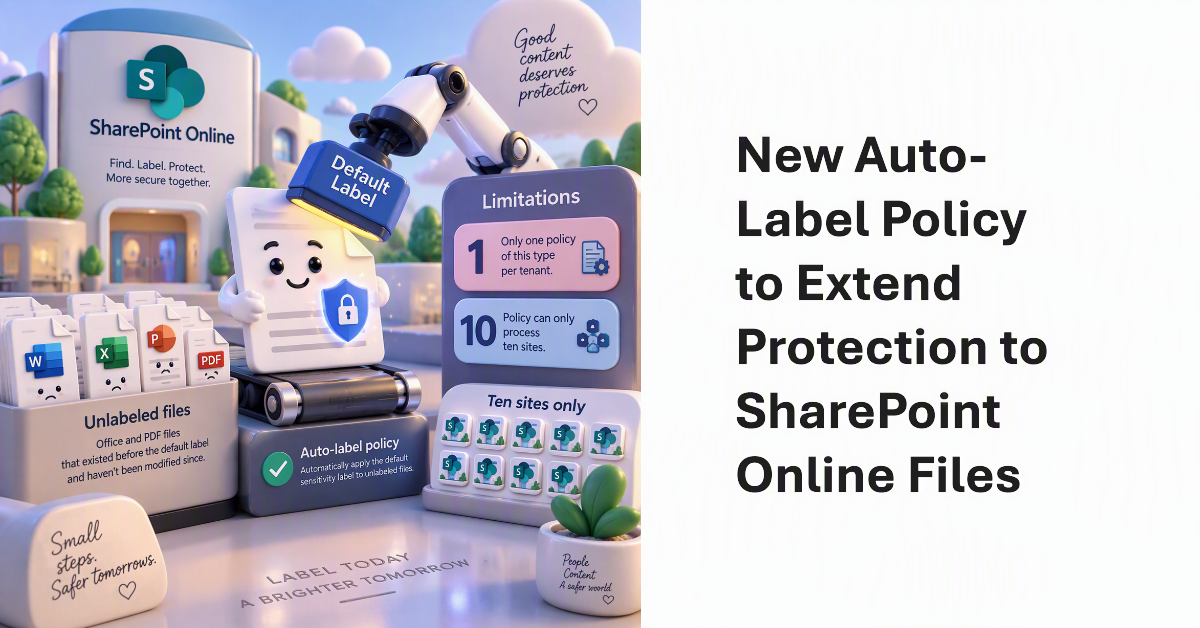
A new auto-label policy allows SharePoint Online to stamp unlabeled files in document libraries with default sensitivity labels with the default label. The idea is to find and protect Office and PDF files that aren’t labeled because they existed before the document library was configured with the default label and haven’t been modified since. It’s a good idea. The only weakness is that each tenant is limited to one policy of this type and the policy can only process ten sites.
Investigating the work necessary to convert PowerShell scripts based on the Search-UnifiedAuditLog cmdlet to use the AuditLogQuery Graph API shows that it’s not easy. Running audit jobs is a multi-stage process rather than running a simple cmdlet. Parameter values are now passed in a request body, and the properties output in the AuditData payload use a different format. This is definitely not a drop-in exercise, so it’s time to find scripts that need conversion.
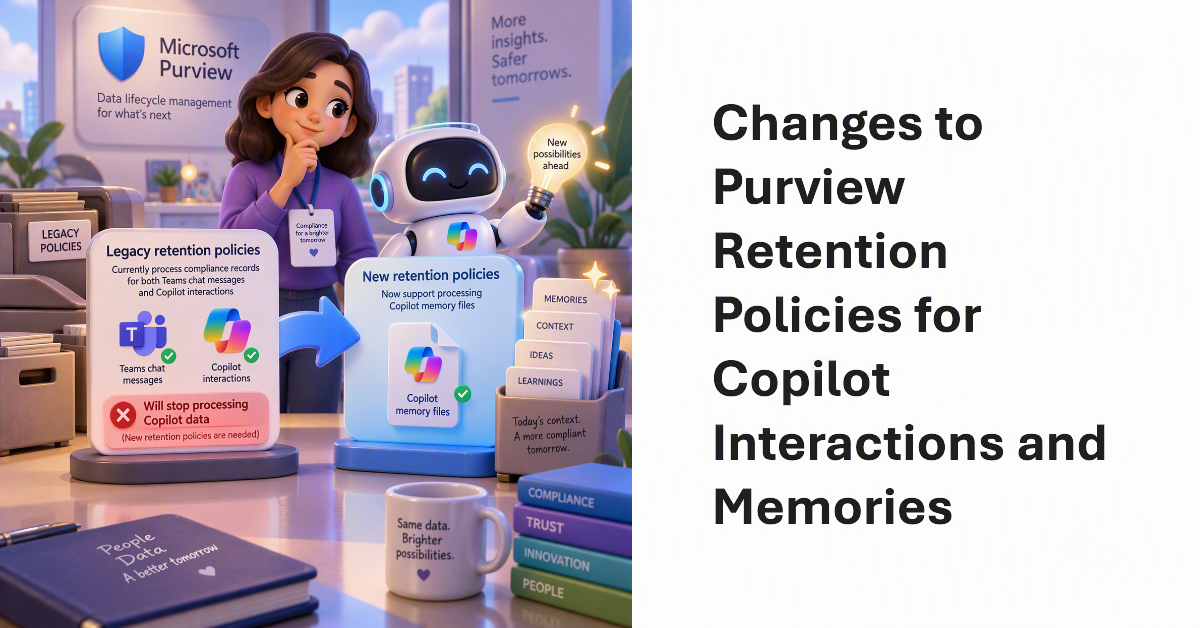
Purview data lifecycle management is changing how Copilot retention policies work. First, legacy policies which process compliance records for both Teams chat messages and Copilot interactions will stop processing Copilot data (so new retention policies are needed). Second, Microsoft is introducing support for retention policies to process Copilot memory files. We don’t quite know yet how compliance officers will make use of Copilot memory files, but I guess we’ll see in the future.
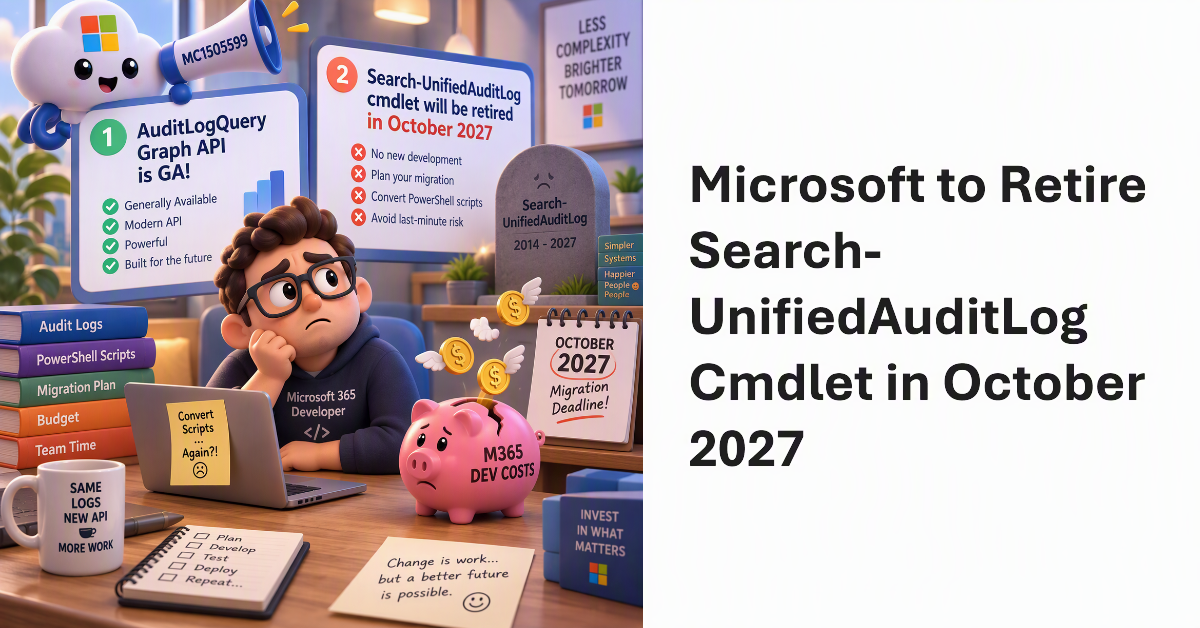
MC1505599 covers two big announcements. First, the AuditLogQuery Graph API is GA. Second, Microsoft will retire the heavily used Search-UnifiedAuditLog cmdlet in October 2027. Microsoft hasn’t said why they want to retire Search-UnifiedAuditLog and have tenants convert their PowerShell scripts to use the AuditLogQuery API but reducing engineering cost and complexity are probably at the heart of the matter. In any case, the conversion will cost Microsoft 365 development effort and money between now and October 2027, and that’s a bad thing.
Tenants with Microsoft 365 Archive configured can incorporate an archiving step in how Purview retention policies and labels process SharePoint Online and OneDrive for Business files. It makes perfect sense to move inactive files to lower-cost archive storage as an intermediate point some time before their final deletion. You’ll save on storage and stop AI tools processing the digital debris that invariably accumulates in SharePoint.
Microsoft Purview is expanding its ability to process data from external services such as Google Workspace and Box through DLP policies and Information Protection auto-labeling. Everything depends on Microsoft Defender for Cloud Apps connectors to fetch data from the external services to Azure to be processed there. This is an esoteric play that will appeal to certain enterprise Microsoft 365 tenants with the need for a common protection strategy across multiple cloud platforms.
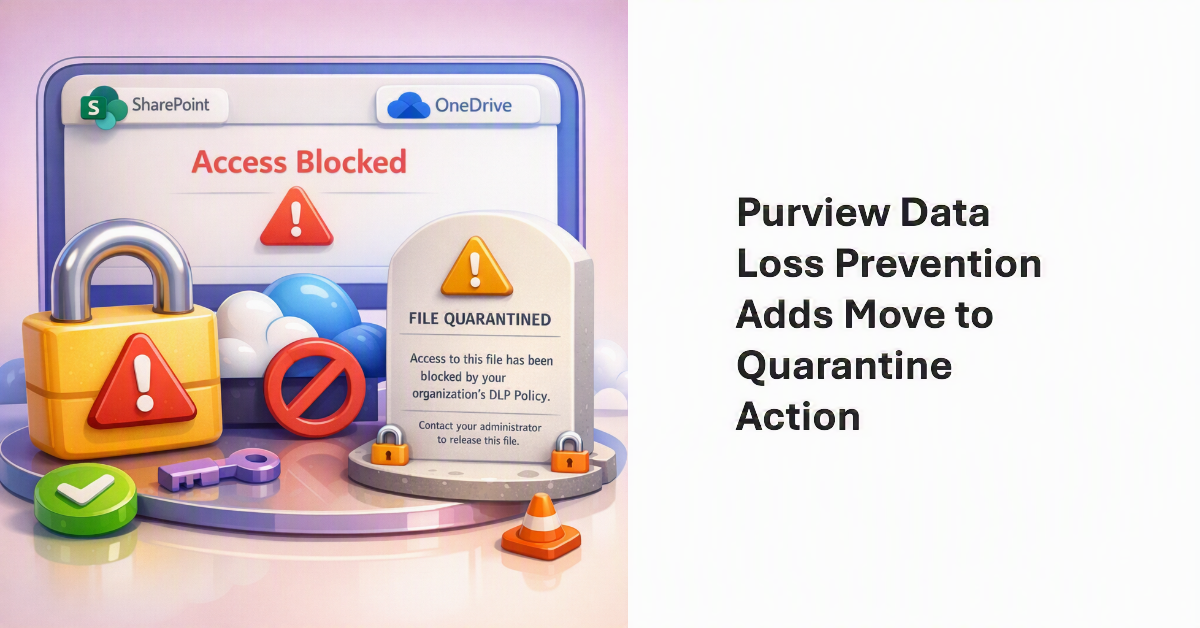
Data Loss Prevention (DLP) policy rules can now use the move to quarantine action to block access to SharePoint Online and OneDrive for Business files. If blocked, DLP replaces the quarantined file with a plain text “tombstone” file explaining why the block is in place. Releasing the block requires manual administrator intervention. The capability adds to the ways to protect highly confidential files.
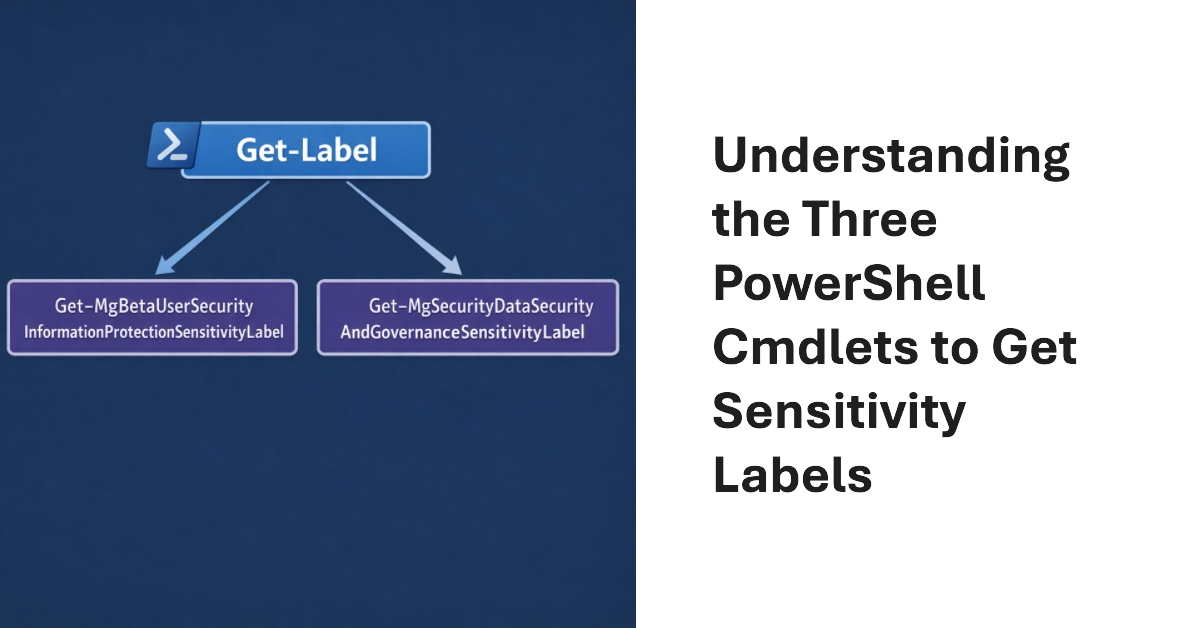
Three cmdlets exist to fetch sensitivity labels. One is in the Exchange Online module; the others are powered by Graph APIs. What are the differences between each method and how can you make sure that the set of sensitivity labels fetched by PowerShell is the full set of available labels? These and other questions are investigated in this article.
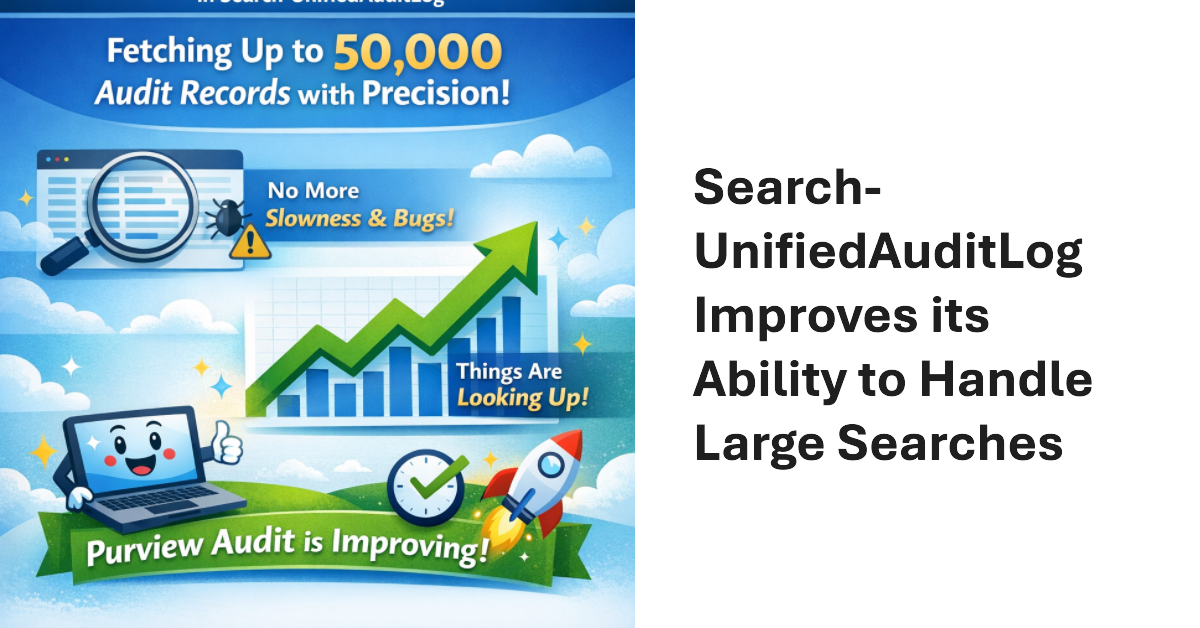
The advent of the MoreRecordsAvailable property gives the Search-UnifiedAuditLog cmdlet more precise control over fetching large numbers of audit records (up to 50,000 records). It’s a welcome change to report something positive about the Microsoft Purview Audit solution because most of the time we complain about its stability, slowness, and bugs. Things are looking up.
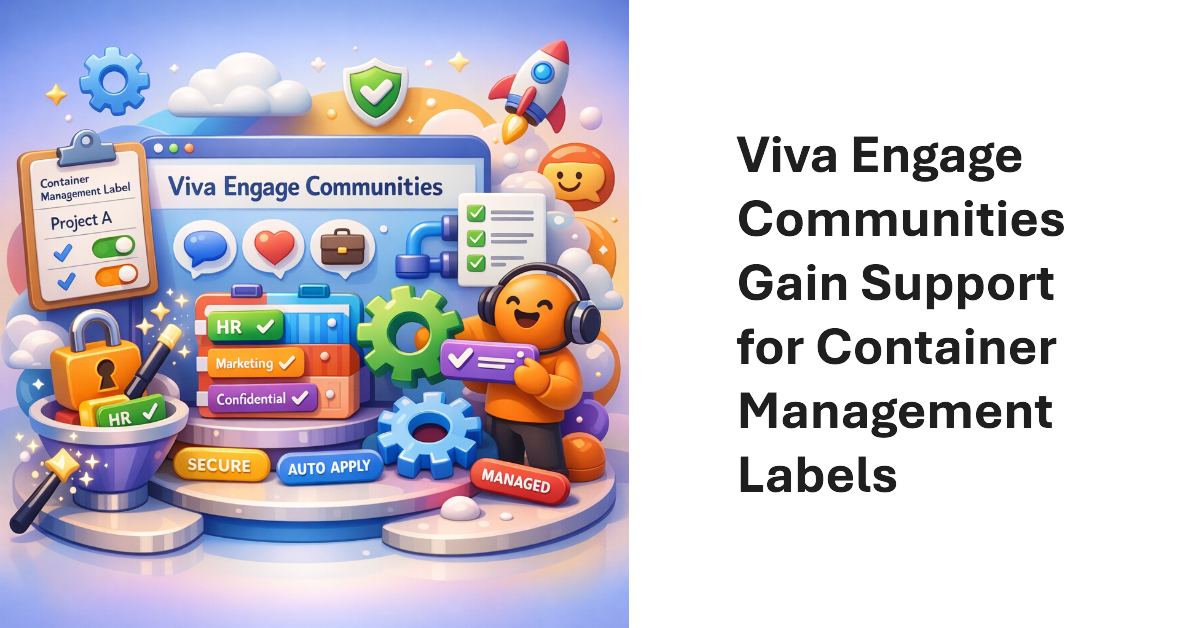
Viva Engage communities now support Purview container management labels (sensitivity labels that manage settings for groups, teams, communities, etc.). The update makes it possible to manage community settings like privacy through labels instead of settings applied to individual communities. Once communities have container management labels, you can manage the labels in the same way as when applied to Teams and Microsoft 365 groups.
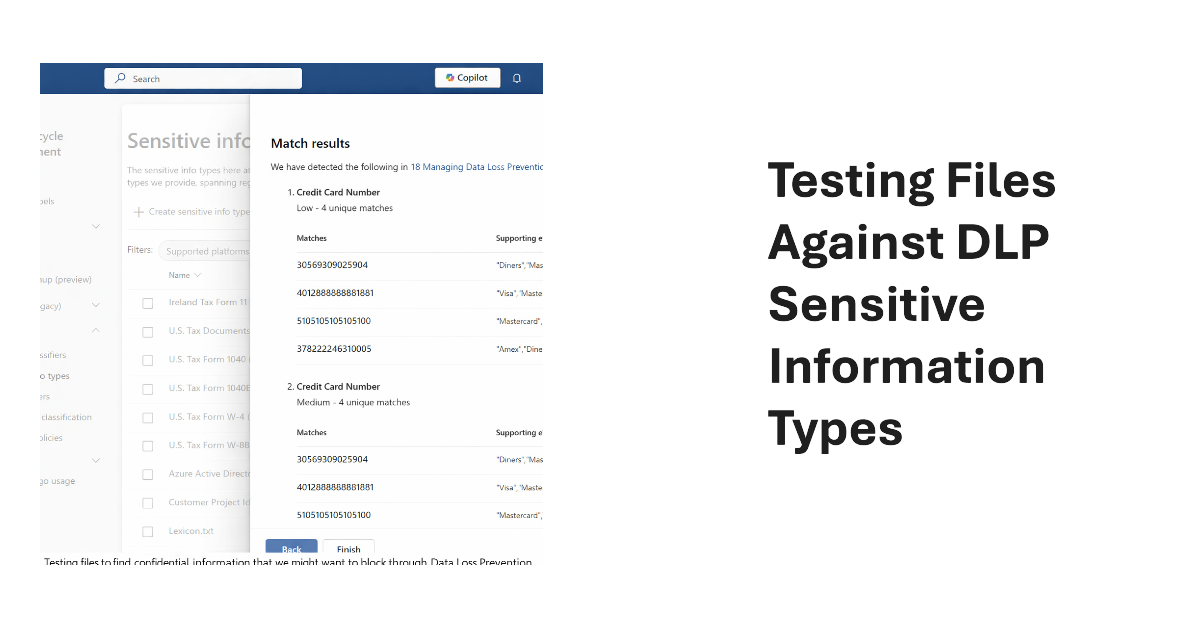
Sensitive Information types (SITs) are definitions of data like credit card numbers used by DLP rules to detect potential external sharing violations. Knowing what SIT to use in a DLP rule is often difficult, which is why the Purview developers have added a test option to allow tenants to test files against individual SITs or all SITs to see what happens.
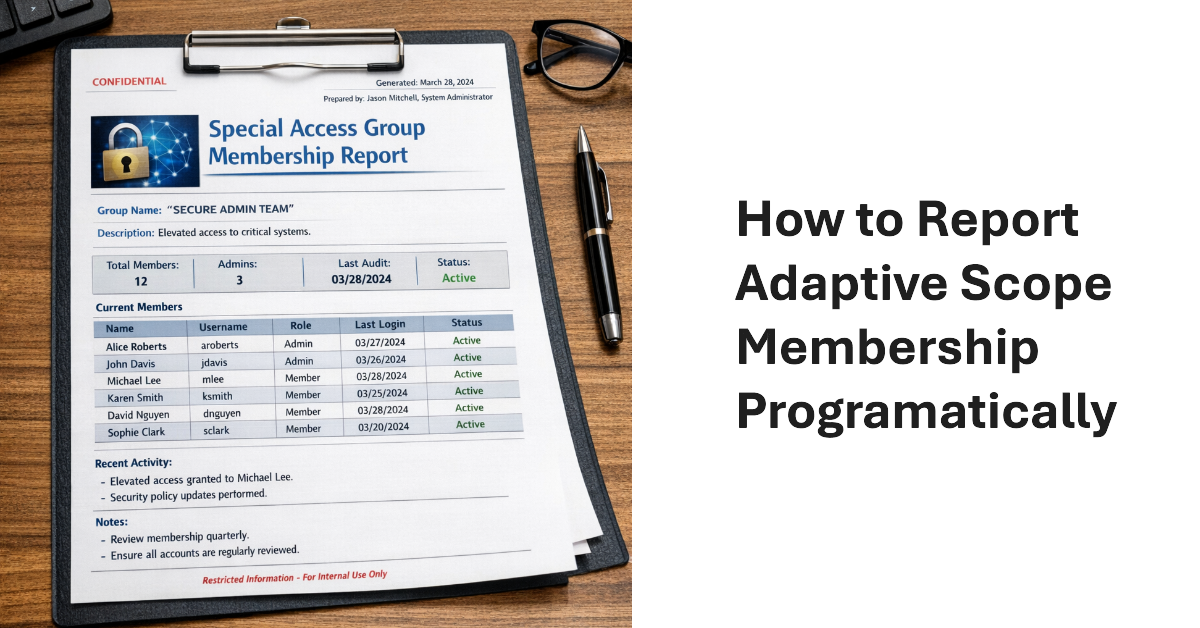
The Get-AdaptiveScopeMembers cmdlet reveals details of adaptive scope membership to make it possible to report this information programmatically. The task is not as simple as you might imagine. Summary records must be separated from member records, which can reflect add or remove operations. And there’s the question of pagination for large adaptive scope. All explained here with a PowerShell script to help.
Microsoft offers several PAYG services to Microsoft 365 tenants. Data Security Investigations (DSI) is the newest. These services can rack up compute charges to perform processing (in the case of DSI, AI processing of items found in Microsoft 365 sources). If tenants don’t take care, they might end up with big Azure bills. Be aware, prepare, measure, and minimize processing to avoid large charges.
As part of the modernization of the Purview eDiscovery solution, Microsoft will simplify the content searches UX in February 2026 to remove features that are inappropriate for the way that content searches are intended to be used. The change is logical and reasonable because you should use a full eDiscovery case to access all the eDiscovery functionality.
During the quiet holiday period, I tested the new Purview Data Security Investigations (DSI) solution, which seems to be put together from bits of Microsoft 365 together with Security Copilot and some generative AI. Assembling new solutions from existing components makes sense because it reduces engineering effort. Without real data, it’s hard to know how effective DSI is, but the cost of an investigation came as a real surprise.
MC1211579 (3 January 2026) announces the retirement of four legacy SharePoint compliance features in favor of Purview Data Lifecycle management and Records management. It’s always unsurprising when Microsoft chooses to remove old features developed for on-premises and replaces them with better online options, which is exactly what’s happening here. Some tenants might face additional licensing requirements for Purview.