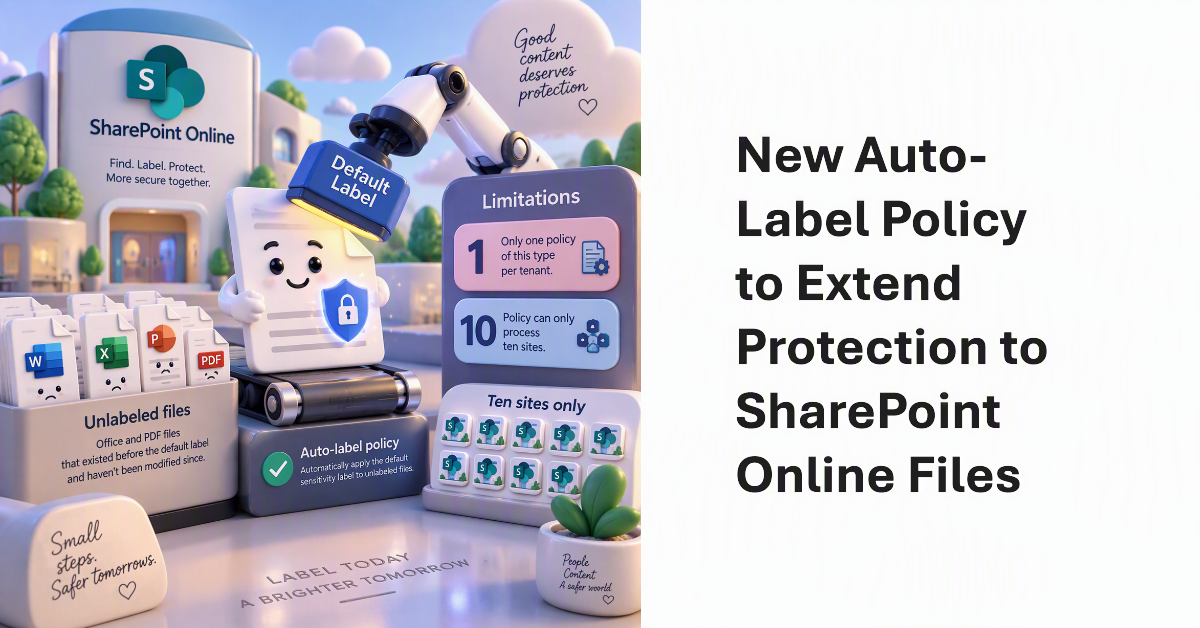
A new auto-label policy allows SharePoint Online to stamp unlabeled files in document libraries with default sensitivity labels with the default label. The idea is to find and protect Office and PDF files that aren’t labeled because they existed before the document library was configured with the default label and haven’t been modified since. It’s a good idea. The only weakness is that each tenant is limited to one policy of this type and the policy can only process ten sites.
A recent Reddit thread asked the very good question whether Microsoft 365 is now so complex that no single person can understand the ecosystem. There’s no doubt that Microsoft 365 is much more challenging to manage today than ever before. More features, more functionality, more settings, and more updates create an ever-changing environment that’s interconnected in many different ways. What would executives do if their tenant administrator left?
Retention policies and retention labels have been around for about 8 years. Some of the older retention settings might use file created dates to remove items. No doubt basing retention on creation dates made perfect sense at the time, but experience shows that maybe basing retention on the last modified date can be better. All explored here together with a script to update retention labels in OneDrive.