All software has unique quirks, and the foibles of the Microsoft Graph PowerShell SDK are well known. But it’s much harder when the underlying foundation contributes to the craziness as described in this article. Graph pagination works in a specific way and Microsoft tunes the Graph to deliver great performance by reducing the set of properties returned for objects. Both can cause concern for developers.
The Teams and Groups activity report is a popular script that helps administrators identify inactive teams and groups within a Microsoft 365 tenant. The script code has been developed over the years. The last version converted to Graph API requests to improve performance. This time, the upgrade is to use the Microsoft Graph PowerShell SDK to make the code easier to maintain.
The Outlook settings API is a unfinished Graph API that can read and update some but not all mailbox settings. It’s a pity that the API is incomplete because it would be nice to have a comprehensive API that supported every mailbox setting, including some of the more recently introduced tweaks seen in OWA. The current state of the Outlook settings API is usable but not for much, but at least it can update auto-reply settings.
The Set-PlannerUserPolicy cmdlet allows Microsoft 365 tenant administrators stop users deleting tasks created by other users. However, an undocumented consequence of setting the policy for user accounts is that it stops those accounts removing plans too. The unexpected block imposed by Set-PlannerUserPolicy caused me problems when attempting to delete a plan with PowerShell. It would be nice if the modules created by Microsoft worked as expected (and as documented).
The Set-MailboxFolderPermission cmdlet is usually used to set calendar permissions, including the permission for the default user to allow everyone in an organization to see each other’s calendars. But you can use cmdlets from the Microsoft Graph PowerShell SDK too. The Graph SDK cmdlets are faster, but not enough to warrant replacing the Exchange cmdlet in scripts. We explain why here.
A Microsoft Graph update makes per-user MFA state available for user accounts. Being able to access the data means that we can include it in the User Passwords and Authentication report. You can now see if accounts are disabled, enabled, or enforced for per-user MFA along with all the other information captured about passwqrd changes, MFA authentication methods, and so on.
Deciding whether to use Microsoft Graph PowerShell SDK cmdlets or Graph API requests is sometimes not easy. Some say that it’s best to use Graph API requests everywhere and avoid the complication of possibly buggy Graph PowerShell SDK cmdlets. My approach is different. I start with Graph PowerShell SDK cmdlets and only resort to Graph API requests when absolutely necessary. It works for me!
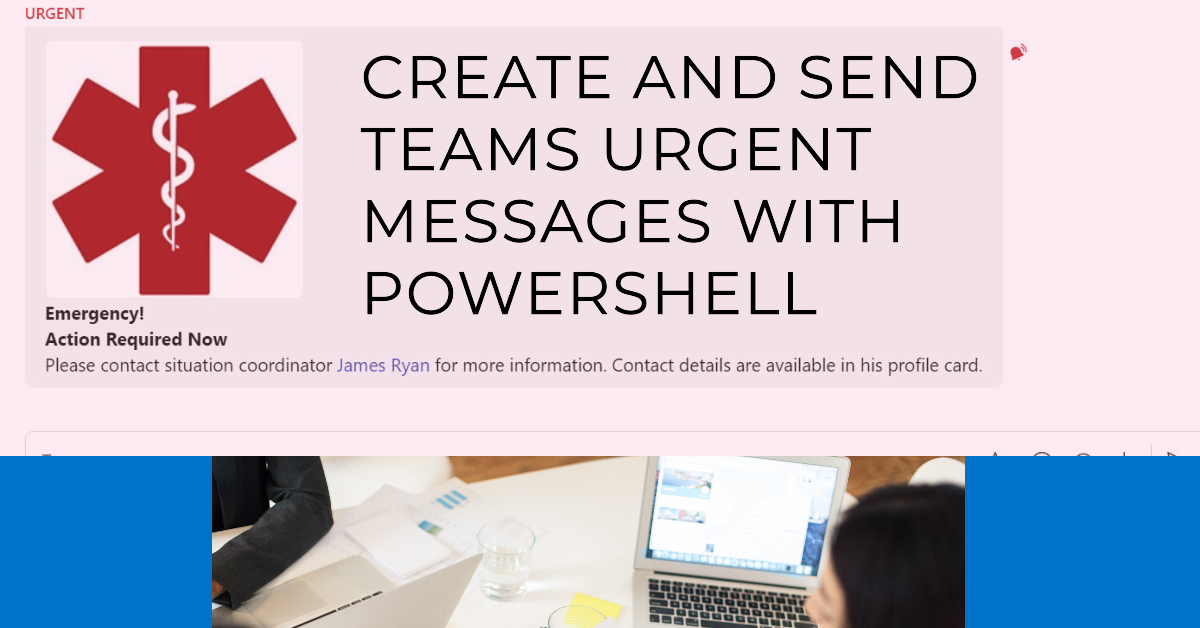
A reader asked if it is possible to script sending chat messages. In this article, we explore how to compose and send Teams urgent messages to a set of recipients using Microsoft Graph PowerShell SDK cmdlets. The conversation with each recipient is a one-to-one chat that Teams either creates from scratch or reuses (if a suitable one-on-one chat exists).
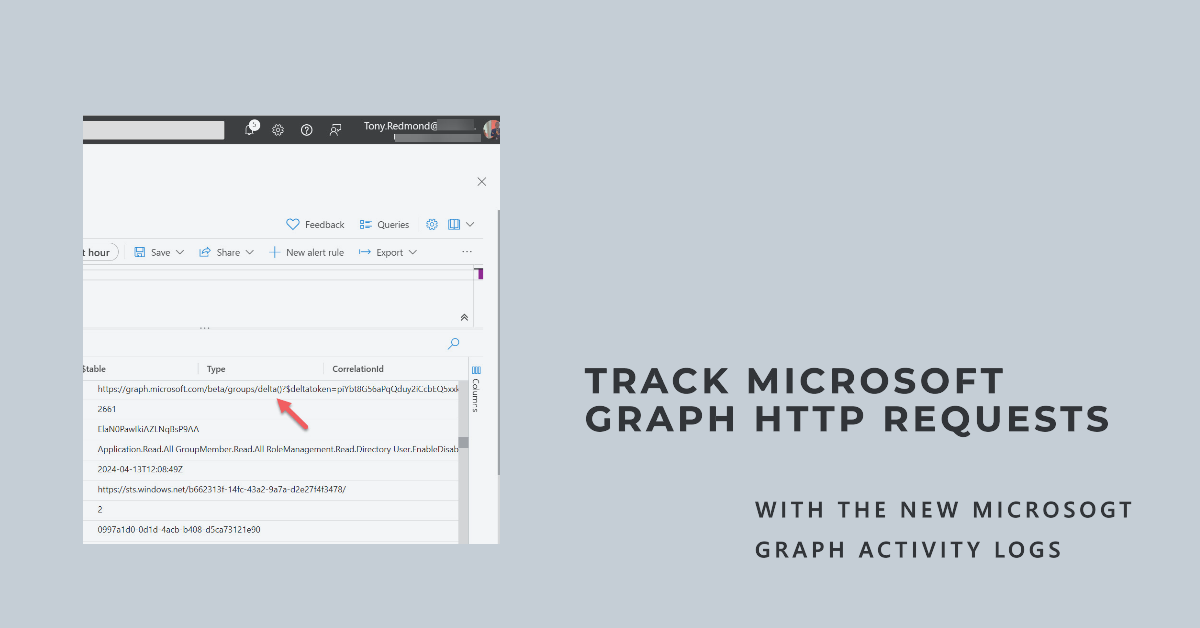
April 11 saw the general availability of Microsoft Graph activity logs, a new set of data recording details of Graph API HTTP requests made in a tenant. The logs are intended to help security analysts understand actions taken by apps in a tenant such as data access or configuration updates. Before working with Graph activity logs, security analysts will need to understand Graph API requests and the context they’re made.
If you wanted to write a PowerShell script to create a OneDrive storage report, you’d probably use the cmdlets from the SharePoint Online management module. But accessing OneDrive usage data via the Graph is much faster. And you can include information from other sources, such as user properties, to build out the report. All explained here.
The Microsoft Graph includes the Service Communications API. SDK cmdlets can use the API to retrieve and work with service health data. In this article, we show how to use Graph SDK cmdlets (based on the API) to fetch and work with service health data, including creating an email report to update people about the current state of tenant health.
The Graph User.ReadBasic.All permission is now available for both delegated and application usage. Think before rushing to use the permission. Although the permission does what it sets out to do, the restriction on filtering means that many scenarios need the full User.Read.All permission.
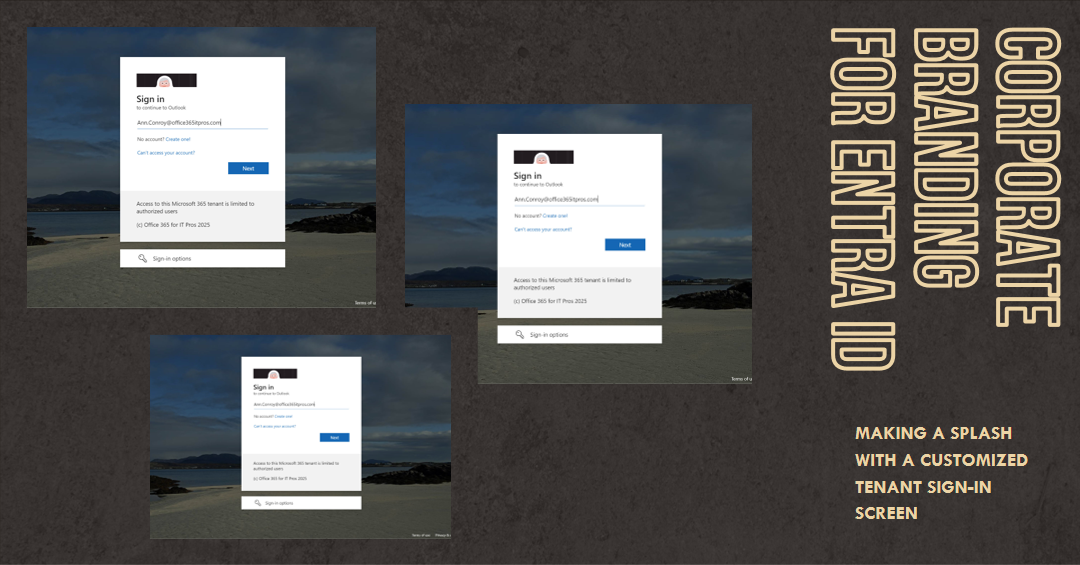
The ability to apply custom corporate branding for Entra Id screens has existed since 2020. You can update elements through the admin center or PowerShell. This article explains how to use the Microsoft Graph PowerShell SDK to customize the sign-in text and background image for the sign-in screen.
Recent attacker activity made me think that access might have been gained through an OAuth app. Keeping an eye on app permissions is important. From a PowerShell perspective, it is reasonably straightforward to retrieve details of app permissions using the Microsoft Graph PowerShell SDK. Several methods are available to do the job.
Entra ID registered apps can authenticate using app secrets and certificates. These credentials expire over time, so it’s good to review app credential expiration dates periodically. This article explains how to use the Microsoft Graph PowerShell SDK to generate a report about app credential expiration dates to allow tenant administrators to manage registered apps a little better…
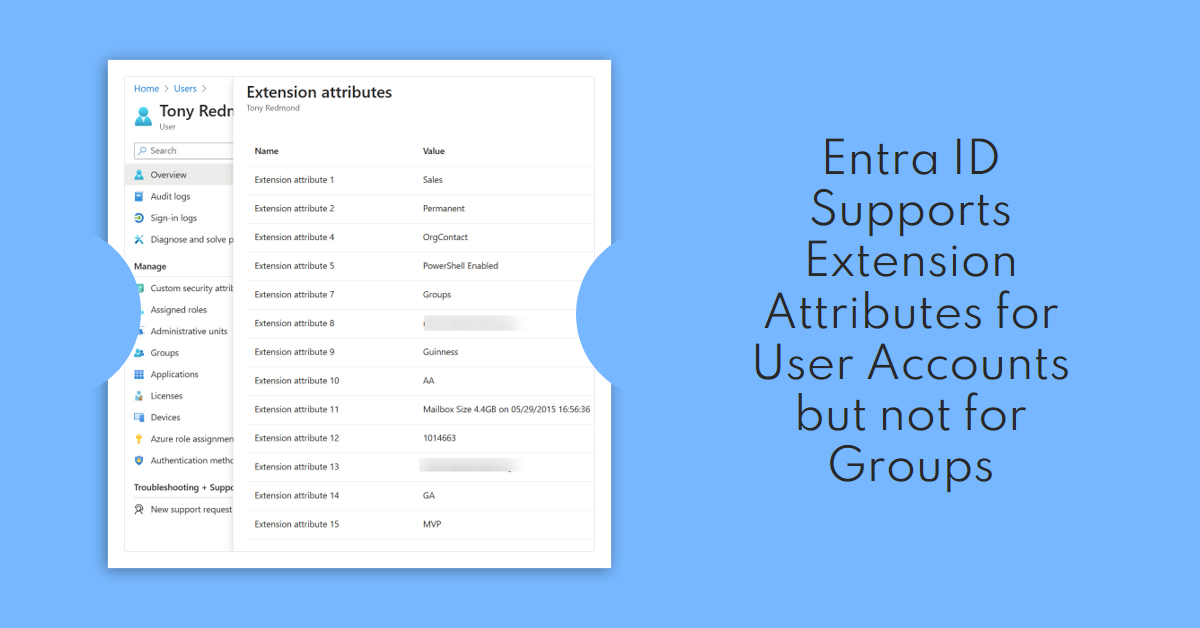
Entra ID supports user extension attributes but the same facility is unavailable for group objects. That seems strange, but it might be due to the way that Entra ID thinks about group object. In any case, it’s an inconsistency that Microsoft should address. Also covered is how to report problems with Graph SDK cmdlets and a new function to help you understand the permissions needed to run a script.
Exchange mailbox statistics reports are usually produced using PowerShell cmdlets. However, using Graph usage data is a faster way to process mailboxes because it avoids the need to fetch mailbox statistics by running a cmdlet for each mailbox. This article describes how to speed things up in a way that will probably benefit larger organizations most, but every Exchange Online tenant can probably benefit.
An article last week discussed how to create SharePoint lists with the PnP.PowerShell module. In this article, we do the same with cmdlets from the Microsoft Graph PowerShell SDK. The results achieved with the Graph SDK aren’t as good as those gained with PnP.PowerShell. Some of the SDK cmdlets don’t function as expected and the resulting list is not as functional as the one generated by PnP. Oh well…
Microsoft 365 group display names longer than 120 characters will cause problems for Graph API requests attempting to fetch the groups. A workaround exists, which is to make the request an advanced query rather than a regular one. But the question really should be “who needs group display names that are longer than 120 characters?”
The Microsoft Graph PowerShell SDK V2 attained general availability on July 4, 2023. Microsoft did a horrible job of announcing the news, but now that the SDK V2 is available, it’s time to migrate scripts from earlier versions. Splitting the V1.0 and beta cmdlets into different modules is a big difference, as is renaming the beta cmdlets. But other points exist to consider as you migrate from the Microsoft Graph PowerShell SDK V1 to V2.
Using Connect-MgGraph scopes to request a precise set of permissions at the start of a PowerShell script is the right way to make sure that the script can run and access the data it needs to process. Two schools of thought exist. Is it best to use the Scopes parameter to define the set of permissions when connecting with Connect-MgGraph, or should you go ahead and connect and check afterward? I favor the first approach, but either way works.
I now have a Microsoft Graph Early Adopter badge. I didn’t ask for it. The badge just arrived via email. Which brings me to how to deliver product feedback. Sure, you can make comments via GitHub, but that ignores a perfectly good feedback portal developed to allow people to give direct feedback (including requests for new features) to Microsoft. You won’t get a badge for providing feedback via the portal, but it’s the right thing to do.
Microsoft announced the availability of the SharePoint Admin API for the Microsoft Graph on May 8. The API currently supports a small set of tenant settings., but it’s a start and a pointer to where Microsoft is going. And while they’re looking in that direction, maybe they might accelerate production of a Graph API for Exchange Online management.
The set of permissions consented for the Microsoft Graph Explorer allows the app to run Graph API requests. Over time, the set of Graph Explorer permissions can accumulate to a point where the app is overly permissioned. That can be a bad thing because you might overlook the need for an app to have consent for a permission to run successfully. In this article, we look at how to remove permissions from the Graph Explorer.
In an unannounced move, Microsoft imposed a new limit on Graph requests using the List Users API that include the SignInActivity property. The old limit allowed a request to fetch 999 items; the new reduces it to 120 items. I’m sure that the change is made with the best possible motive, but introducing something like this without warning broke a lot of programs and scripts, and that’s just unacceptable.
Microsoft has released the first public preview of the Microsoft Graph PowerShell SDK V2.0. Although the new version delivers some welcome functionality, it contains some contentious proposals such as dividing the SDK into V1.0 and beta modules and using different names for the beta cmdlets. It would be nice if Microsoft fixed some of the basic group and user cmdlets before they imposed more work on PowerShell developers.
A December 2 post by the Microsoft Graph development team clarifies how it plans to charge for some Microsoft 365 APIs. The three-tier model Microsoft plans to use is logical and the default will remain free access to customer data. However, the way Microsoft has communicated the introduction of a charging model for some high-capacity APIs is a model of how not to manage change.
This article offers some tips about working with the Microsoft Graph Usage Reports API. In particular, we cover how to detect if the concealment of display names setting is active and how to reset it to allow display names appear in reports. We also cover the strangeness of some of the numbers reported for Teams message counts.
No Microsoft 365 admin portal will tell you about the set of email addresses assigned to Teams channels. Fortunately, it’s relatively easy to create a report with PowerShell and just a little Graph magic.
A new version of the Microsoft 365 user activity report PowerShell script is available. This version extends the activity lookback period to 180 days, which is helpful when assessing if user accounts are active when people might be on parental leave or sabbaticals.
In a July 12 announcement, Microsoft says that they will restrict the use of Exchange Web Services to access Teams message data from September 30. Microsoft wants customers to use the Teams Export API instead. All that’s fine, but it means that customers have to change their Teams backup product to one that uses the new API – and they’ll be charged for the privilege of using the Export API.
The new tenant admin Microsoft Graph API allows access to read and update SharePoint Online tenant settings. Although the API offers limited capabilities for now, it marks the start of Graph support for tenant settings that are currently managed through admin portals or PowerShell. It’s a welcome development.
Cmdlets in the Microsoft Graph PowerShell SDK module can interact with many types of Microsoft 365 data using Graph API requests. Adding the Debug parameter gives you an insight into what happens when SDK cmdlets run Graph requests. The knowledge can help you write better code and avoid mistakes, and that’s always a good thing.
The Microsoft Graph continues to grow in importance, as do tools like the Graph Explorer web application. The Explorer has received a couple of new and useful features recently, including the generation of PowerShell code snippets. This doesn’t work for every Graph API, but it’s a start and a great enhancement to what’s already a very useful tool.
The Azure AD PowerShell module allows guest accounts to sign into target tenants and update their account photo there. The Microsoft Graph PowerShell SDK includes a cmdlet to do the job, but it doesn’t work when connected to a target tenant. Permissions are the reason why, which is what we explain in this article.
The new Graph X-Ray extension available for the Chrome and Edge browsers gives developers an insight into how the Azure AD admin center uses Graph API commands to retrieve user and group objects. The insight is invaluable when teasing out some of the syntax needed to get work done with the Graph. It’s much appreciated.
A reader asked if it’s possible to use PowerShell to return the unread count for the Inbox folder in user mailboxes. The standard Exchange Online PowerShell cmdlets tell you a lot about mailbox folder statistics, but they can’t look inside a folder. But the Microsoft Graph APIs can, so a combination of PowerShell and the Graph deliver a solution to the problem.
The Microsoft Graph SDK for PowerShell includes cmdlets to create Entra ID Groups and manage those groups afterward. The cmdlets work and in some places they are screamingly fast compared to Exchange Online or Azure AD cmdlets. In other places, the cmdlets are a tad bizarre and expose a little too much of their Graph underpinnings. Oh well, at least after reading this article, you’ll know where the holes lie.
With the demise of the AzureAD and MSOL PowerShell modules on the horizon, it’s time to figure out how to upgrade scripts to use cmdlets from the Microsoft Graph PowerShell SDK. This article books at basic account management and shows how to update, delete, restore, and find Entra ID user accounts using SDK cmdlets.
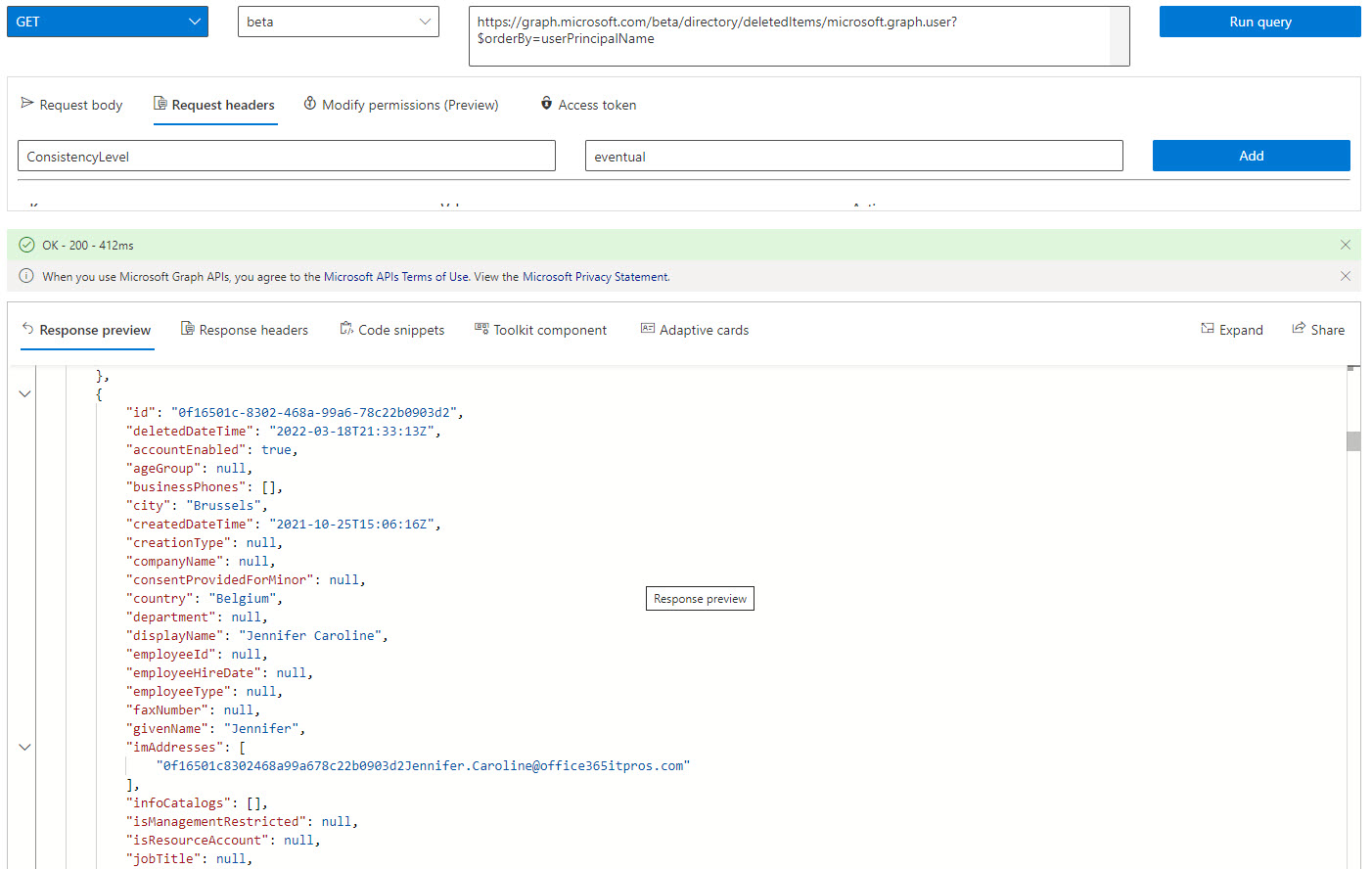
Microsoft has announced that it will be possible to recover a deleted service principal by the end of May. This is good news because it means that an accidental deletion can’t wreak the kind of havoc it can today. Microsoft hasn’t updated the APIs to manage soft-deleted service principals yet, but we can get an insight into what’s likely to happen by investigating how to manage deleted Entra ID accounts using cmdlets from the Microsoft Graph PowerShell SDK.