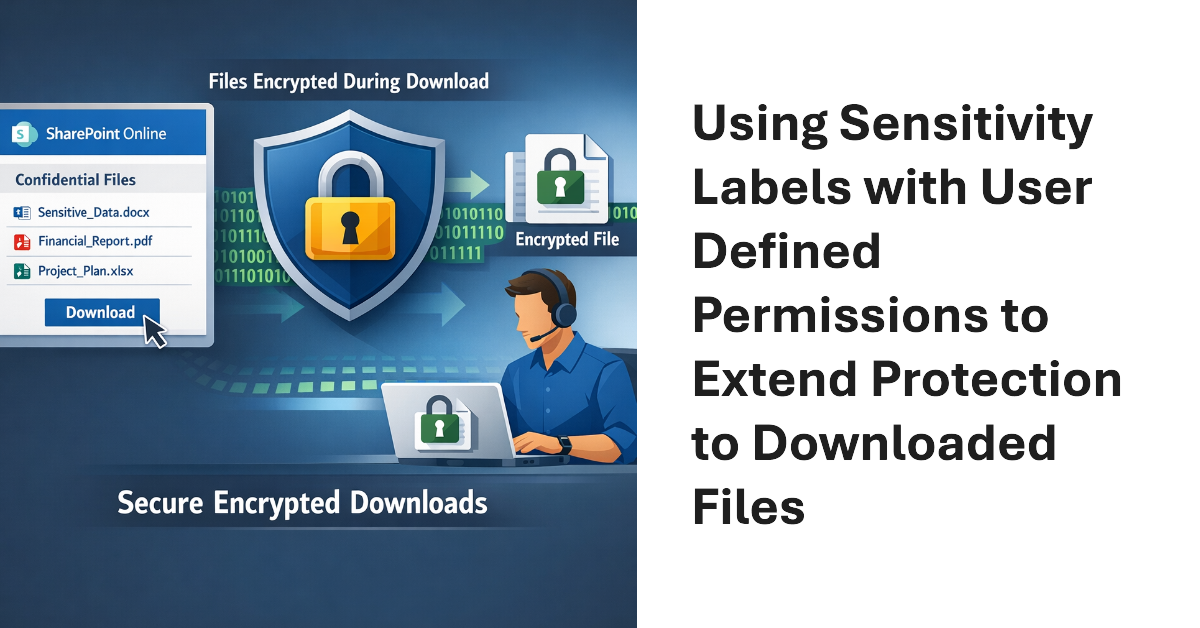
Sensitivity labels offer great protection against unauthorized access, but sometimes files that aren’t encrypted escape from a document library. SharePoint Online can now use sensitivity labels configured with user defined permissions (UDP) to extend protection to downloaded files. The magic works by configuring permissions on download based on the membership of the user who downloads a file.
SharePoint Online and OneDrive for Business will soon gain the ability to apply default sensitivity labels to document libraries. The feature is currently in preview and requires some complicated PowerShell to configure, but Microsoft is working on the GUI and expects to make the capability generally available later this year.
Now that SharePoint Online supports Office 365 Sensitivity Labels, it’s time to consider how to protect files stored in document libraries. When you compare the two approaches, there’s really only one winner. And there’s no surprise in saying that the winner is Office 365 Sensitivity Labels.
The tabs in a Teams channel can be associated with many different forms of data. When you delete a channel, you only remove the conversations for that channel. Any other data is left intact, including files in the folder in the SharePoint site used by the team. To fully clean up a deleted channel, you must therefore check what tabs exist and what data is accessed through those tabs.