From July 2026. SharePoint Online and OneDrive for Business will use Entra B2B Collaboration (guest accounts) to control external access to shared files. This change has been coming since 2021, but it takes time for organizations to get their heads around changing the way to grant external access. It’s time to embrace guest accounts, and that means doing some work to manage guest accounts on an ongoing basis.
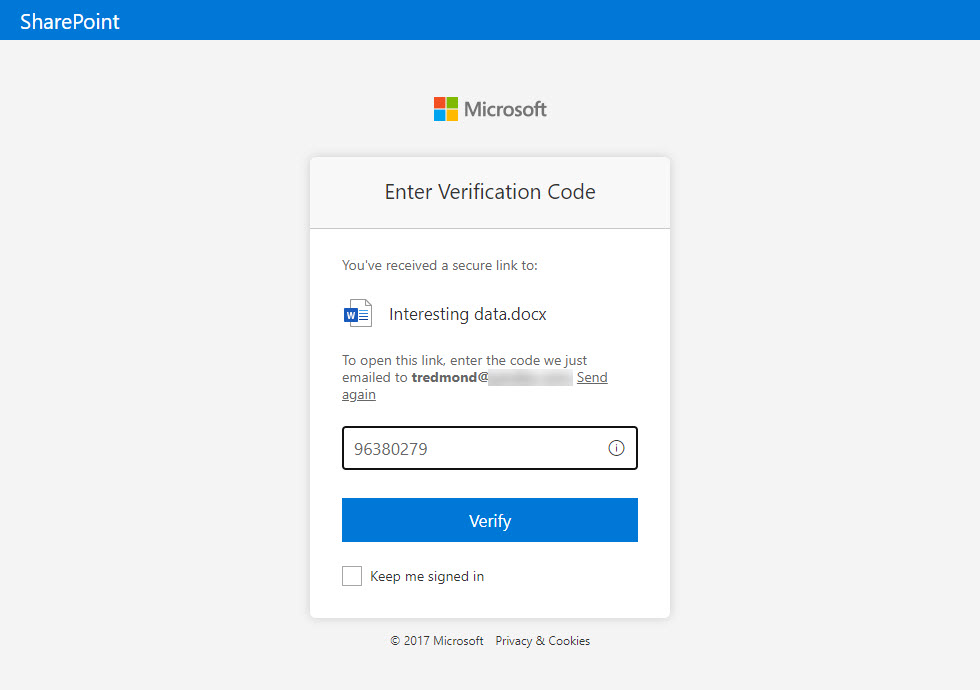
After July 1, 2025, any sharing links generated with one-time passcodes (OTP) will stop working. Only links based on Entra ID B2B Collaboration will work. Users who lose access to content shared from SharePoint Online or OneDrive for Business will have to contact the original sharer to ask them to generate a new sharing link. Sounds like a recipe for confusion, which is what might happen.
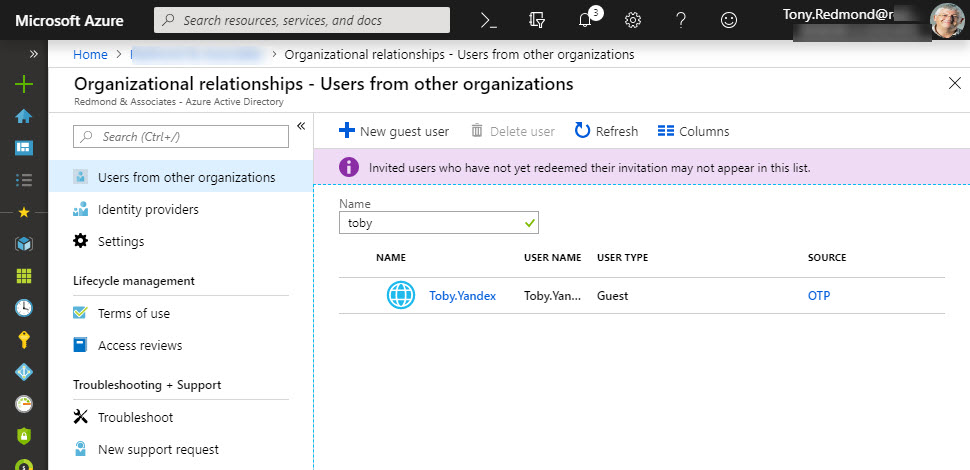
In October 2021, Microsoft will enable the Azure AD email one-time passcode identity provider in tenants. SharePoint Online and OneDrive for Business will use the provider to control access for external people to its resources. The net effect is that Azure AD will create guest accounts for external sharing recipients. Even though guest accounts need to be managed, there’s lots of good reasons to use guest accounts, as we describe here.
Microsoft has launched email one-time passcodes (OTP) into preview for Azure Active Directory guest accounts. It’s all to do with better collaboration. OTP doesn’t support Teams, Planner, or Office 365 Groups yet, but it can be used to share documents from SharePoint Online or OneDrive for Business.