Tracking File-Level Archiving Activity in SharePoint Online with PowerShell
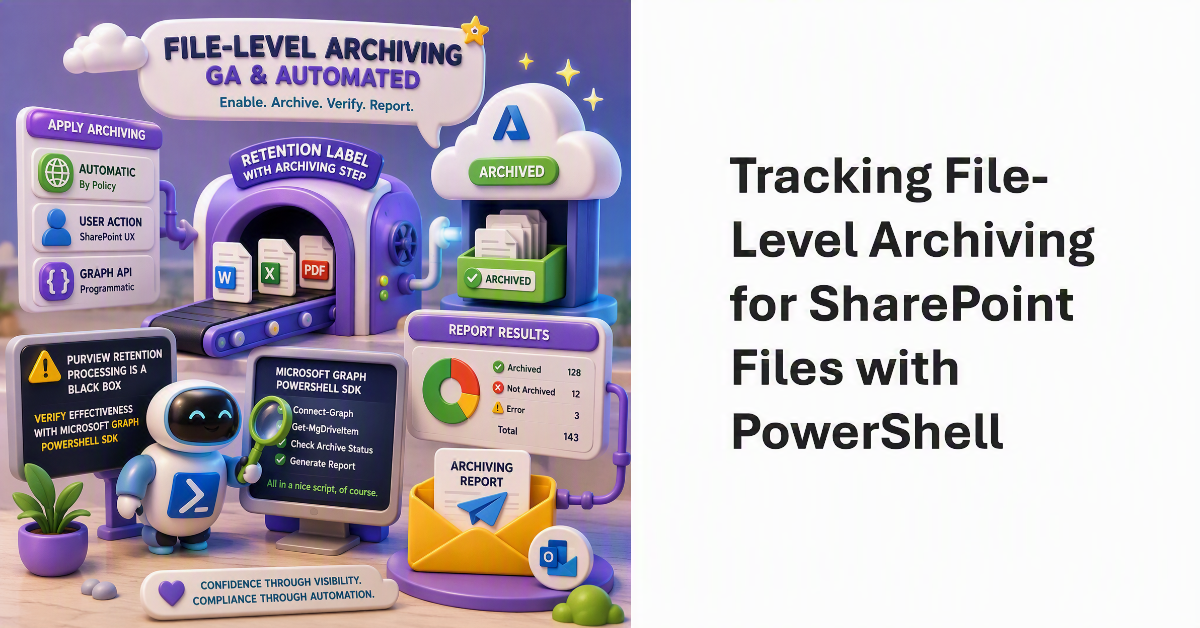
Track file-level archiving for SharePoint sites.

File-level archiving is now generally available and can be applied to files automatically, by users through the SharePoint browser UX, or via a Graph API. The big problem with Purview retention processing is its black box nature, so to discover how effective retention labels with an archiving step are, we use the Microsoft Graph PowerShell SDK to check the archiving status of files and report the results via email. All in a nice script, of course.

New Archiving Capability for Purview Data Lifecycle Management

Move to Microsoft 365 Archive for Purview DLM.

Tenants with Microsoft 365 Archive configured can incorporate an archiving step in how Purview retention policies and labels process SharePoint Online and OneDrive for Business files. It makes perfect sense to move inactive files to lower-cost archive storage as an intermediate point some time before their final deletion. You’ll save on storage and stop AI tools processing the digital debris that invariably accumulates in SharePoint.