Tenants with Microsoft 365 Archive configured can incorporate an archiving step in how Purview retention policies and labels process SharePoint Online and OneDrive for Business files. It makes perfect sense to move inactive files to lower-cost archive storage as an intermediate point some time before their final deletion. You’ll save on storage and stop AI tools processing the digital debris that invariably accumulates in SharePoint.
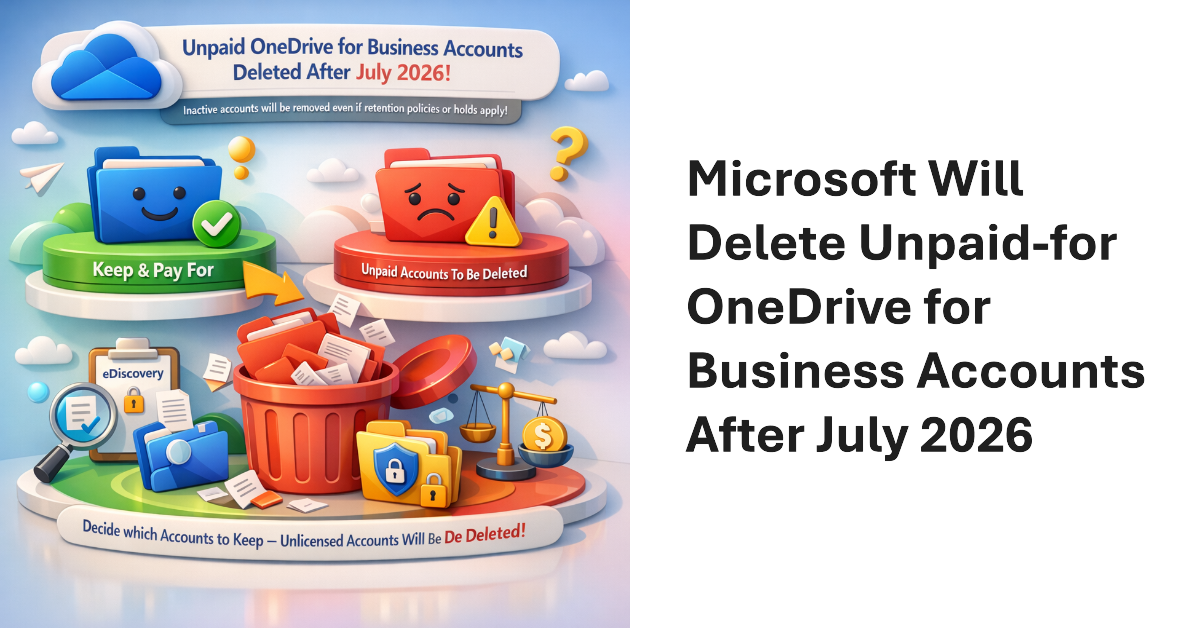
Microsoft will delete unlicensed OneDrive for Business accounts that aren’t paid for (to be archived) after July 2026. Up to now, it’s been possible to leave unpaid-for accounts linger in Microsoft 365 archive until retention policies and holds expire. Now, tenants must decide which accounts they wish to keep and pay for. Unpaid accounts will be removed, even if retention policies or eDiscovery holds apply to their content.
This article discusses how to list files archived using the SharePoint Online file-level archiving feature. We also discuss how to archive and unarchive files using the Microsoft Graph PowerShell SDK and Graph API requests. As it turns out, the drives API is the best way to find (list) archived or unarchived files, while archiving files that haven’t been modified in a while is easy with a few lines of PowerShell.
SharePoint Online supports file-level archiving, meaning that you can send individual files (most types) to Microsoft 365 Archive to be held in cold storage. Individual users can make the decision about what files need to be online instead of forcing administrators to decide whether to archive complete sites. If needed, archived files can be retrieved, but it might take 24 hours for this to happen.
The site attestation policy is designed to require site owners to make a positive statement that the settings of their site, including its current membership, are accurate. The idea is that requiring site owners to attest that their site is still needed will force people to decide whether sites are still in active use and should be kept online. If not, the policy can move the sites into Microsoft 365 Archive.
Microsoft 365 Archive will no longer charge fees to reactivate archived SharePoint Online sites after March 31, 2025. The good news might encourage higher use of Microsoft 365 Archive to store old but wanted material in a safe location while removing it from the view of apps like Microsoft 365 Copilot. The reduction in fees does not apply to archived OneDrive for Business accounts.
An interesting article by Microsoft’s Mark Kashman lists his top five SharePoint features shipped in 2024. Four of the five features involve extra cost. Is the trend of Microsoft charging extra for most new features likely to continue in 2025? The need to generate additional revenues from the Microsoft 365 installed base probably means that this is the new normal.
Microsoft plans to archive unlicensed OneDrive sites starting in January 2025. The obsolete sites will end up in Microsoft 365 archive, from where the sites can be reactivated for a small per-gigabyte fee. Archived sites are indexed and discoverable. However, the message is clear: remove unlicensed OneDrive sites now. They’re only cluttering up your digital landscape and might give Copilot for Microsoft 365 a headache.
Understanding SharePoint Online storage used to be easy. Then applications like Loop arrived. Other influences like retention and archive can affect storage too. It’s a complicated situation before you throw OneDrive for Business into the mix and consider that Microsoft has removed unlimited OneDrive storage while an increasing number of apps store files in OneDrive. It’s a complicated situation.