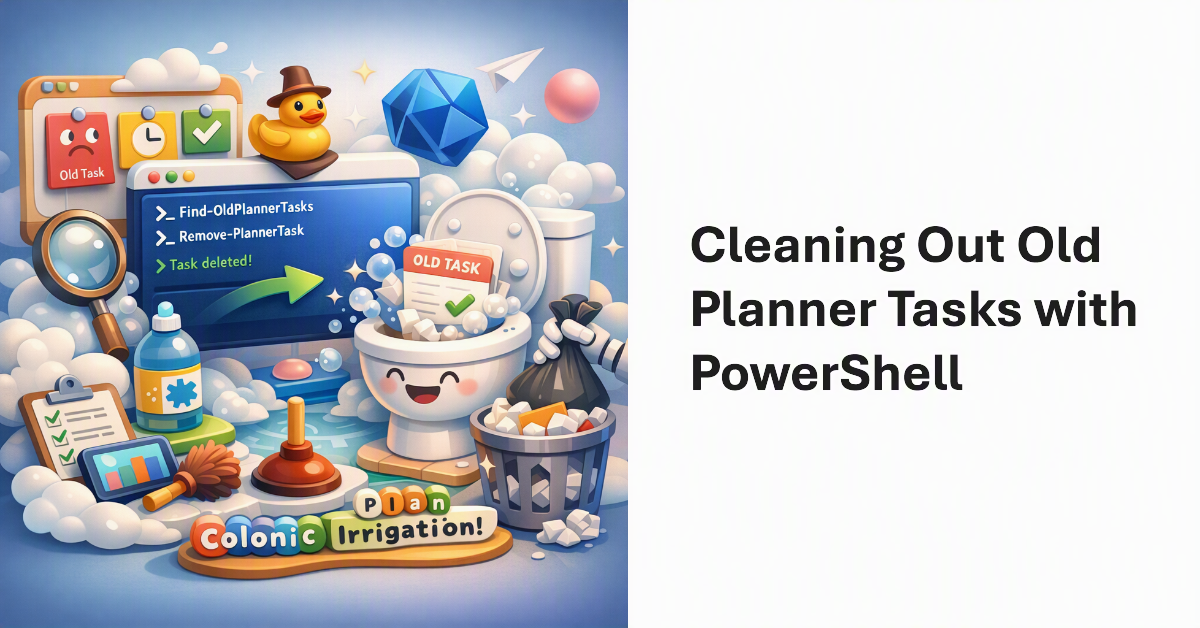
Microsoft Purview supports retention policies for Planner tasks and that’s the supported way to remove old tasks from plans. But you can also remove old Planner tasks with PowerShell. Just for fun, we show how to find and delete old tasks using the Microsoft Graph PowerShell SDK. Cleaning out obsolete tasks that have been hanging around plans for years speeds up client access. It’s a form of colonic irrigation for plans!
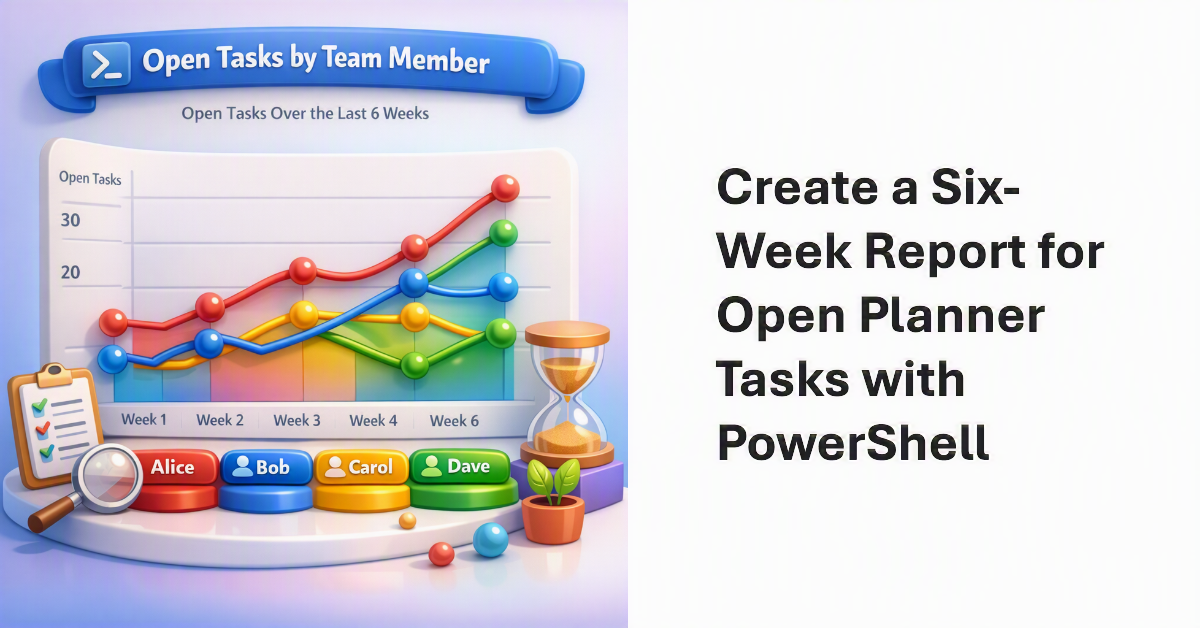
Accumulating statistics for open tasks in a Planner plan is helpful to understand how active team members are in clearing assigned tasks. Creating a report showing how the number of open tasks vary by team member over a six-week period delivers another type of insight. It’s the kind of thing that PowerShell is very good at. If data is available, we can report it in different ways!
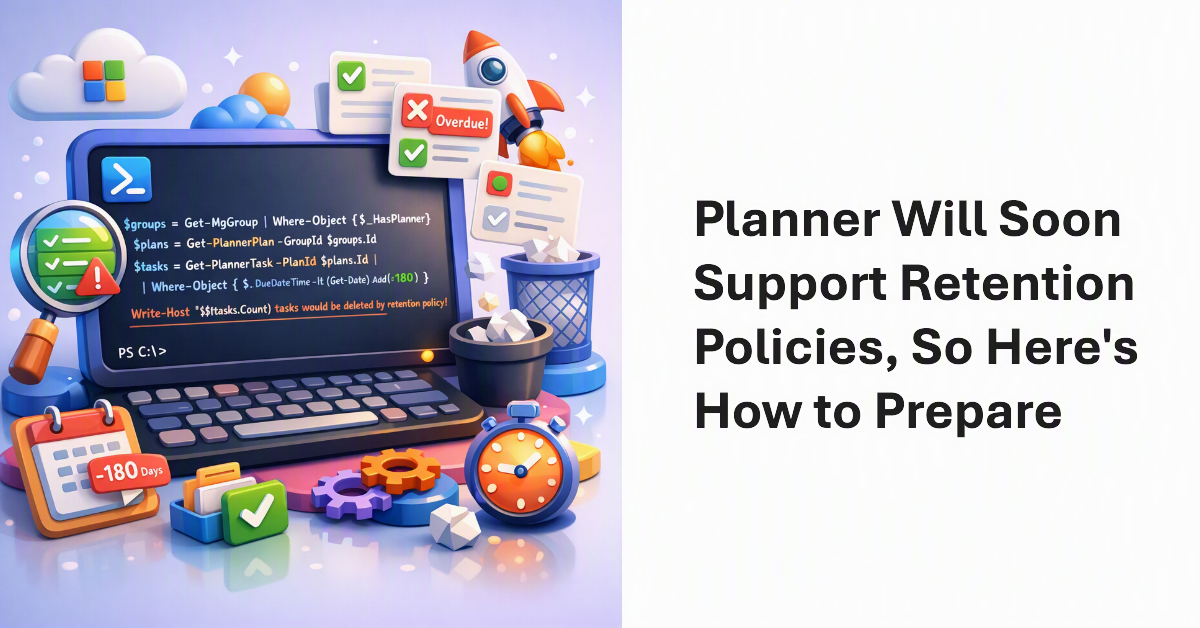
From next month, Microsoft 365 tenants can apply retention policies to Planner Tasks. We began our preparation to create a retention policy for Planner tasks by writing some PowerShell to test the likely effect of retention. The code scans Microsoft 365 Groups for groups with plans and checks each plan for tasks that would be removed by a retention policy. It’s amazing what some PowerShell can do…
Administrators can set a block policy on users to stop them deleting Planner tasks that they didn’t create. The feature isn’t well known, but might be useful in situations where plan owners want tight control over task deletion. Unfortunately, the implementation isn’t well finished and client user experiences are not what you’d like.
A new feature allows Teams users to create tasks from personal chats and channel conversations. Tasks from chats are personal while those created from channel conversations can be personal or go into a Planner plan. Although you might like the tasks to be populated more fully, the overall implementation is a nice addition to the Microsoft 365 tasks system.
Microsoft To-Do now boasts the ability to process messages flagged by Outlook as tasks. It’s a great way to handle complex tasks that arrive in email, so Office 365 users might like to give To-Do a second look. The steps feature makes it very easy to build checklists of stuff that needs to be done to accomplish tasks.