Entra ID includes a registration campaign feature to help organizations move users to stronger authentication methods like the Authenticator app. Running campaigns is a good thing, unless you decide to do it when the administrators are away from the office (like me) or users are unprepared. But it is time to get rid of SMS and voice responses to MFA challenges, so maybe you should schedule a campaign soon?
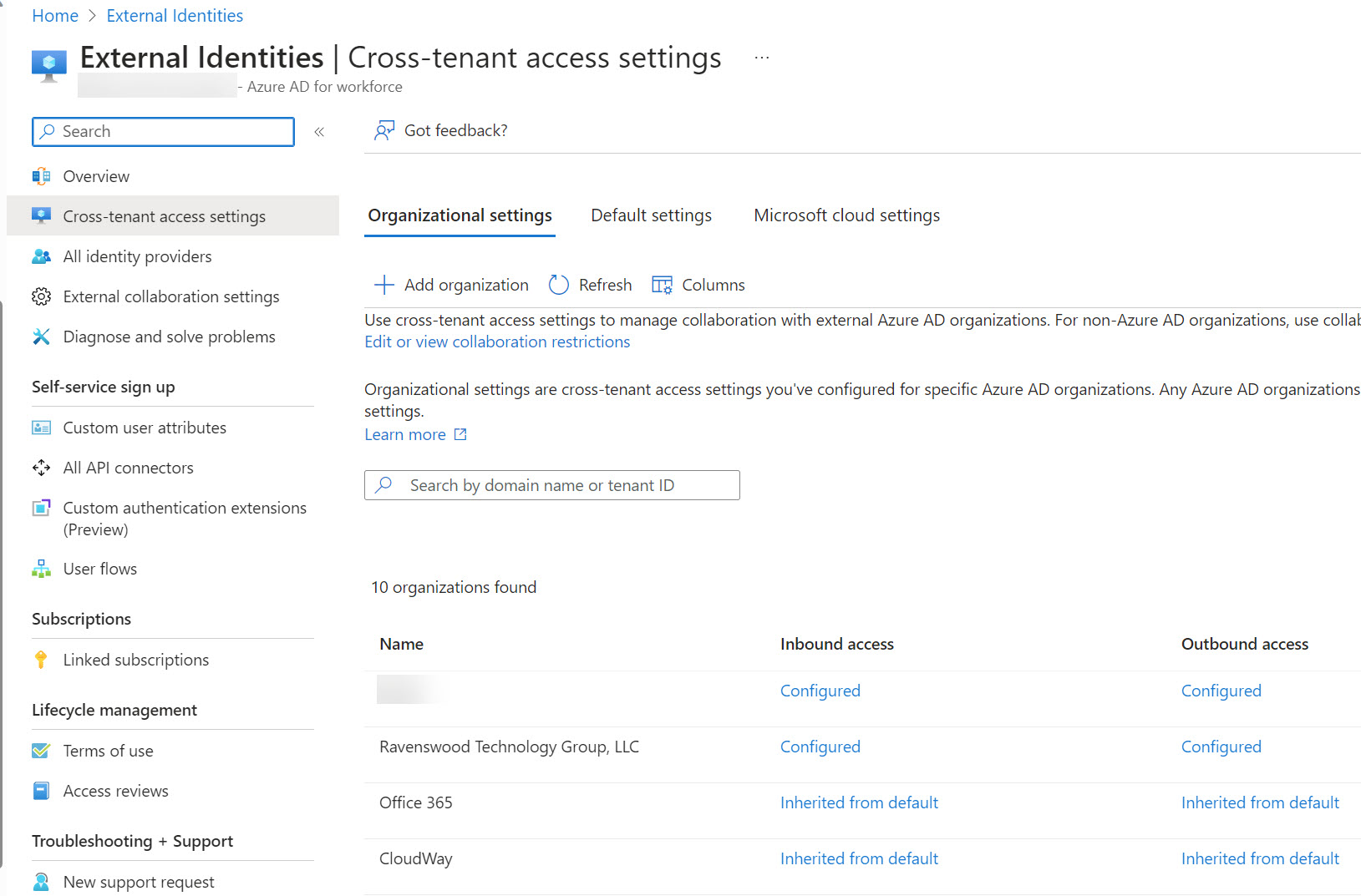
Microsoft announced three changes to Entra ID cross-tenant access settings that will improve how the settings work for large enterprise tenants in particular. One of the changes improves the blocking of Entra ID B2B Collaboration invitations extended to allow guest users access resources in a tenant. When Entra ID evaluates whether it should issue an invitation, it now takes the blocklist (if set) in the B2B collaboration policy and cross-tenant access settings into account. It’s the way things should have worked from the start.
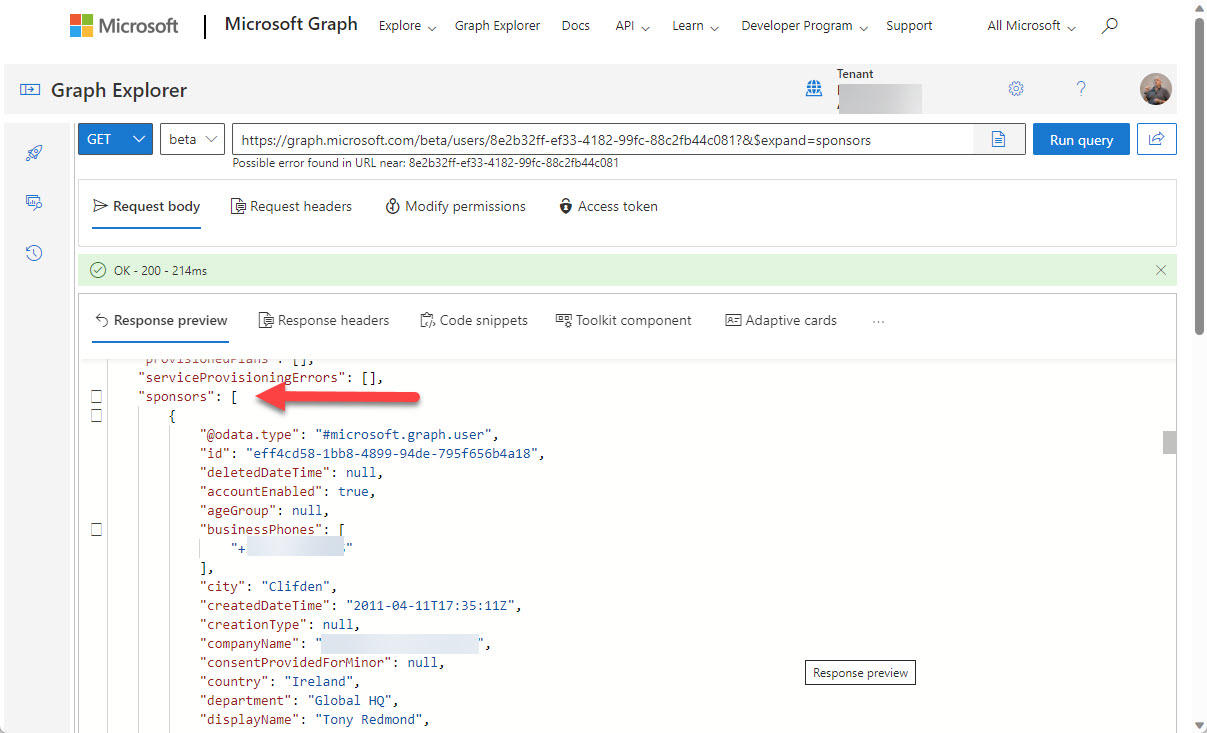
You can now define Entra ID guest account sponsors using the Entra ID admin center or PowerShell. A sponsor is an account or group that knows why a guest account exists. During operations like account reviews of the membership of a Microsoft 365 group, sponsors can help group owners decide if guest accounts should continue as members or should be removed. I’m sure others will come up with ideas for using guest account sponsors, but that’s what we have for now.
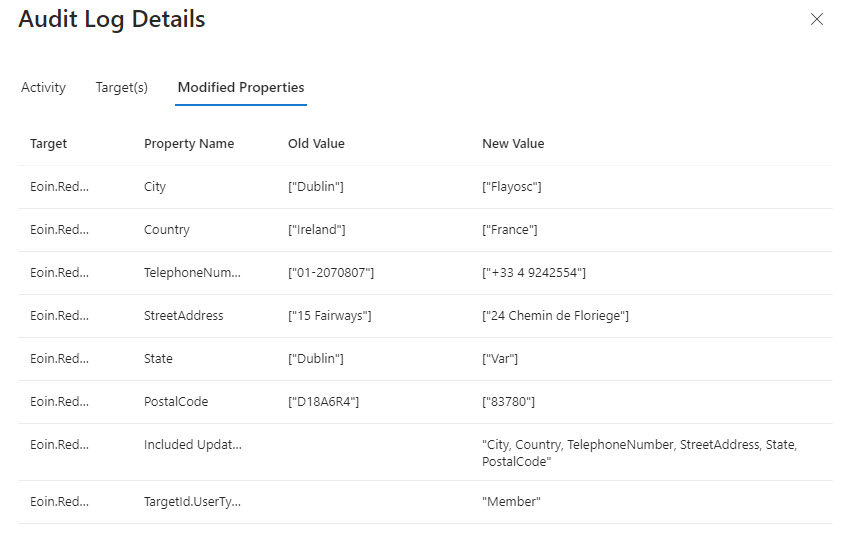
A Twitter discussion about how to audit user account changes revealed that Entra ID does not capture details of changes to the usage location for an account. The possibility existed that the data might be present in the information ingested from Entra ID into the unified audit log, but that turned out not to be the case. Even if some properties are missing, a PowerShell script demonstrates the principle of how to report user account changes (old and new properties). But it would be nice if Entra ID captured details about changes to the UsageLocation property.
PIM, or Privileged Identity Management, is a solution for managing the assignment of privileged Entra ID roles to users and groups. PIM role assignments can be active or eligible. If you report “normal” role assignments, you only see the currently active set. Some more processing is needed to fetch the PIM assignments. Here’s our version of a script to do the job for holders of the Exchange administrator and Global administrator roles.
Outlook’s Org Explorer (available in Insider builds) brings together information from multiple Microsoft 365 sources to help users understand the people they work with in an organization. It’s like an Office 365 profile card on steroids, but only for user accounts as guest accounts and other external people are ignored. In other news, roaming signatures for Outlook desktop are getting closer as OWA now supports the creation and use of multiple web signatures, all of which can be used by Outlook desktop.
Access tokens are an important part of accessing data using modern authentication through APIs like the Microsoft Graph. But what’s in an access token and how is the information in the access token used by PowerShell when the time comes to run some Graph queries in a script? In this article, we look behind the scenes to find out what’s in the JSON-structured web tokens issued by Entra ID.
The Entra ID Keep Me Signed In (KMSI) feature uses a persistent cookie to allow users close and reopen browser sessions without sign-ins. If you don’t want to use KMSI, you can update Azure AD company branding to remove the option. Users will then have to reauthenticate each time they start a browser session. The decision to disable or keep KMSI is highly tenant-specific and depends on how authentication happens.
Service principal sign-in data from Entra ID is now accessible through a Microsoft Graph API. This means that you can analyze sign-in data to locate problem apps and remove old or unwanted service principals from your Microsoft 365 tenant. It’s time for spring cleaning!
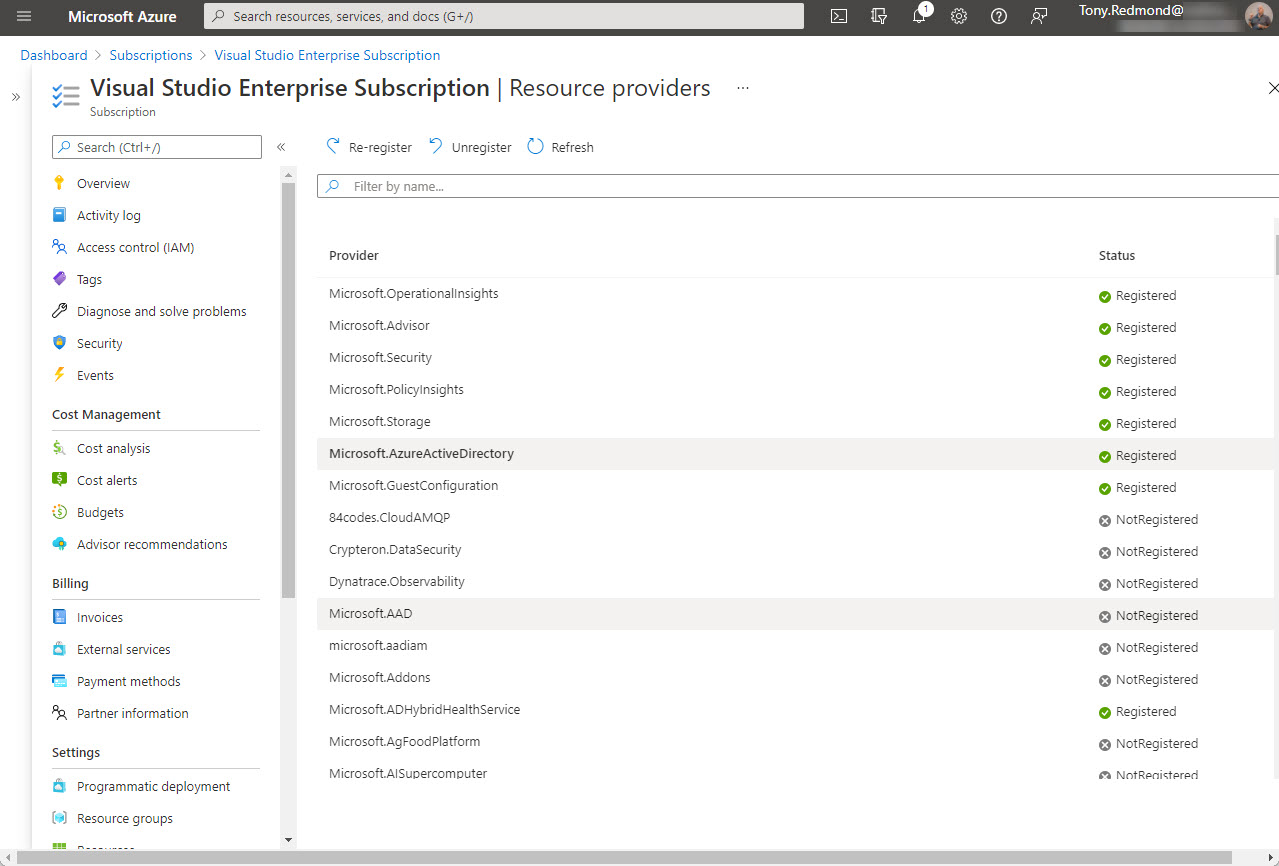
Office 365 tenants using Entra ID external identities (like Entra ID B2B Collaboration guest accounts with apps like Teams) are moving to a monthly active users (MAU) billing model. The new model replaces the 1;5 ratio for Entra ID premium licenses used up to now. Microsoft allows tenants to have the first 50,000 unique external identities free of charge each month and bills for access thereafter. If you don’t already have an Azure subscription, you’ll need one to link to Entra ID. Linking the subscription should be an easy task, until it’s not…
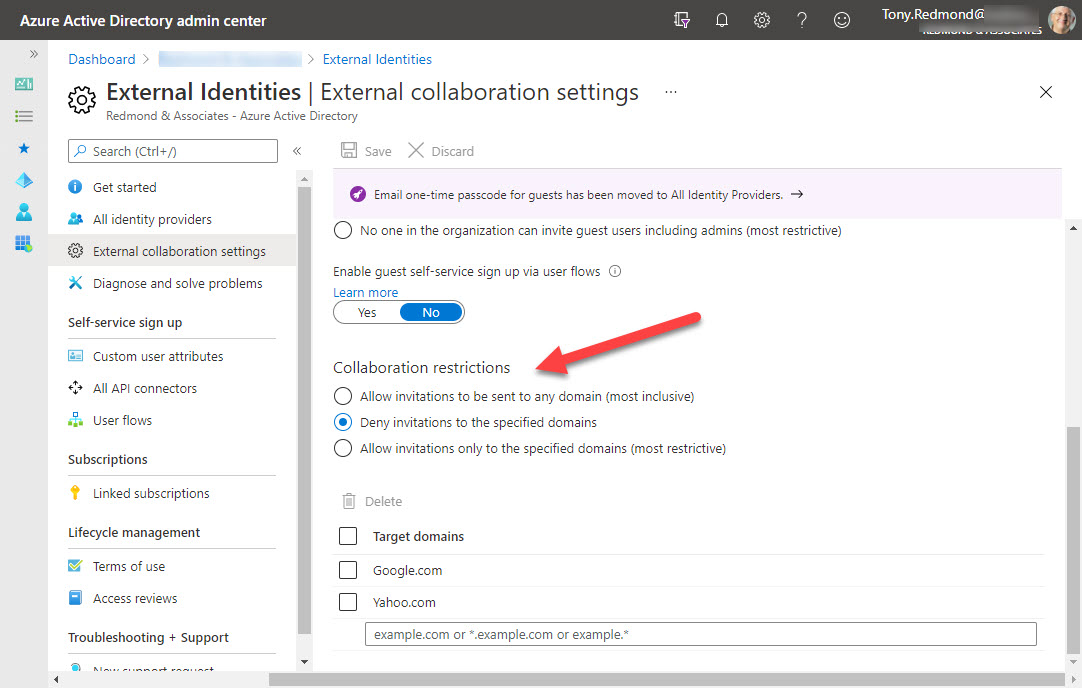
Azure B2B collaboration is used by Microsoft 365 Groups-based apps like Teams, Planner, and Yammer to control the creation of new guest accounts. You can update settings in the Azure AD portal to stop new accounts from specific domains or restrict guests to a list of known domains. But before you go ahead and update the settings, it’s a good idea to know where existing guest accounts come from. It’s easy to create a report with PowerShell. The next step might be to remove guests from offending domains.
By default, the Groups policy for an Office 365 tenant allows group owners to add guest users to group membership. You can block this access if necessary, but it’s probably not what you want to do as blocking brings guest access to a complete halt across the tenant.
Teams supports the ability to create org-wide teams, but only if your tenant has fewer than 10,000 accounts. It’s a neat idea, if you can use it, but if your organization spans more than 10,000 accounts, there are other ways to foster company-wide communications.