Microsoft announced a new component for OWA distribution list management but clearly the engineers never took role assignment policy customizations into account. If they had, they wouldn’t have created something that ignores the way organizations block end user ability to create new distribution lists. It’s just a sad indication of Microsoft’s attitude to one of the workhorses of Exchange.
The April 2024 update for the Office 365 for IT Pros eBook is now available for subscribers to download from Gumroad.com or Amazon.com. Like every month, update #107 covers lots of new material to document the changing landscape of Microsoft 365. The author team would appreciate if subscribers download and use the updated version – there’s no point in using old stuff to navigate an ecosystem that changes all the time.
On March 27, SharePoint history reached its 23rd year. That’s a great achievement and SharePoint Online powers many apps. But dark clouds are on the horizon as information governance becomes a real issue for Microsoft 365 tenants. Too much information that is never cleared out is held in SharePoint, a fact revealed by the ability of Copilot to find and consume documents.
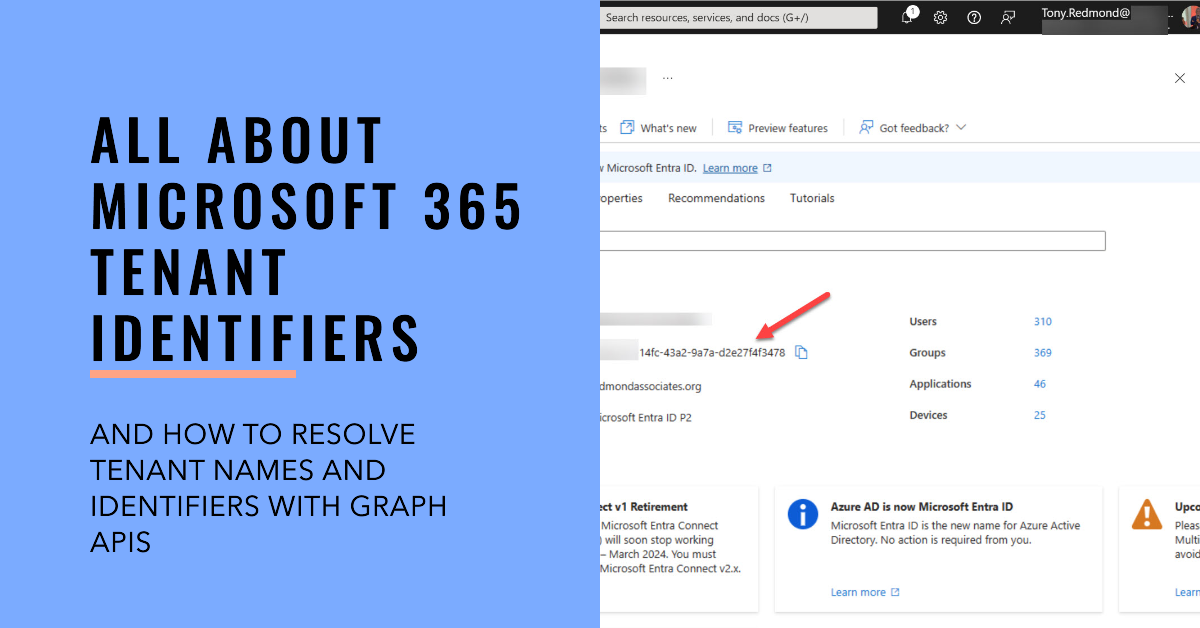
Every Microsoft 365 tenant has a tenant identifier, a unique GUID that’s used within the Entra ecosystem to identify a tenant and its objects. Much has changed since I last wrote about this topic in 2021, including the introduction of new Graph APIs to resolve tenant names to identifiers and vice versa.
After the welcome announcement that the Loop app will support external access, thoughts might turn to figuring out who uses the app. Fortunately, it’s easy to answer the question by using data extracted from the unified audit log. Activity records tell us about both licensed user interaction and unlicensed user activity. It’s good to know what people are up to.
A new preview feature supports high completeness audit log searches. These searches are optimized to make sure that they find every matching audit instead of finishing as quickly as possible. High completeness audit log searches do take more time but their results are accurate and they find more records than Search-UnifiedAuditLog was able to in the past. Looks like a good new feature.
Message center notification MC734281 explains that Copilot for Microsoft 365 will get better grounding for Word, Excel, PowerPoint, and OneNote from April 2024. After the update, the apps will be able to ground user prompts by using Graph and web searches to find relevant information. Being able to generate accurate text seems like a good thing for an AI tool, and there’s no doubt that better grounding will help. But why is it appearing six months after the general availability of Copilot for Microsoft 365?
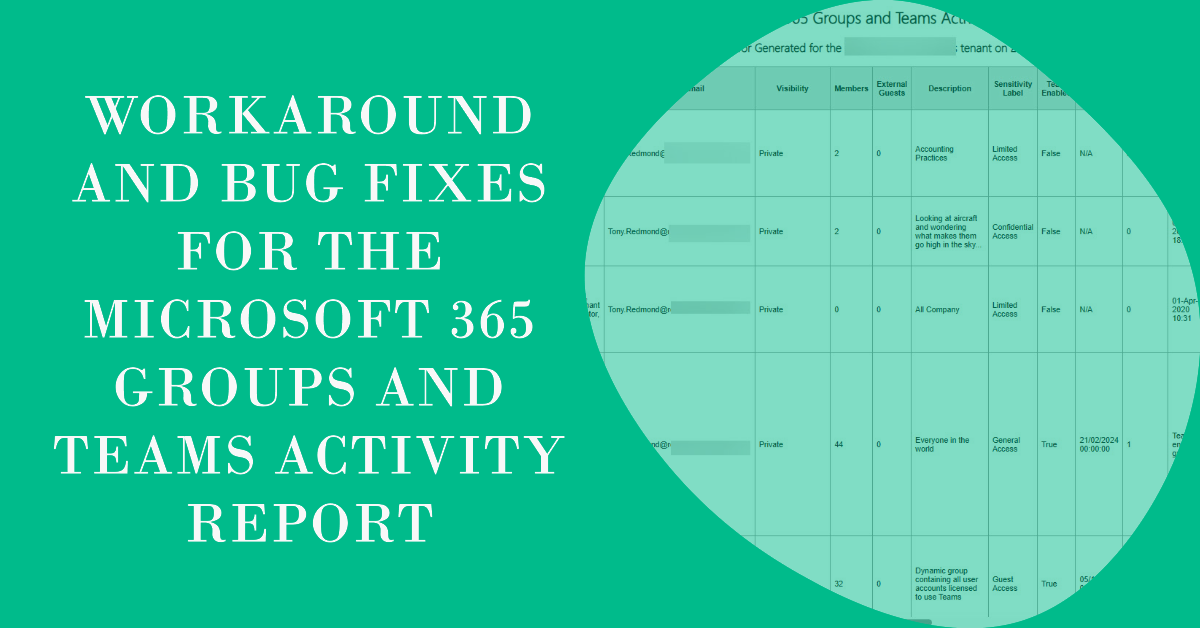
The Microsoft 365 Groups and Teams Activity Report is a PowerShell script that I’ve worked on since 2016 (not all the time). Some recent Graph hiccups meant that I had to apply some fixes and workarounds. At the same time, some users hit the infamous ‘not recognized as a valid datetime’ problem, so another update was needed. All good, clean fun.
A new convert to internal user preview feature allows Entra ID administrators to convert external accounts to internal accounts. An option is available in the Users section of the Entra admin center or PowerShell can be used to automate the conversion of accounts. It’s a useful feature that should prove popular.
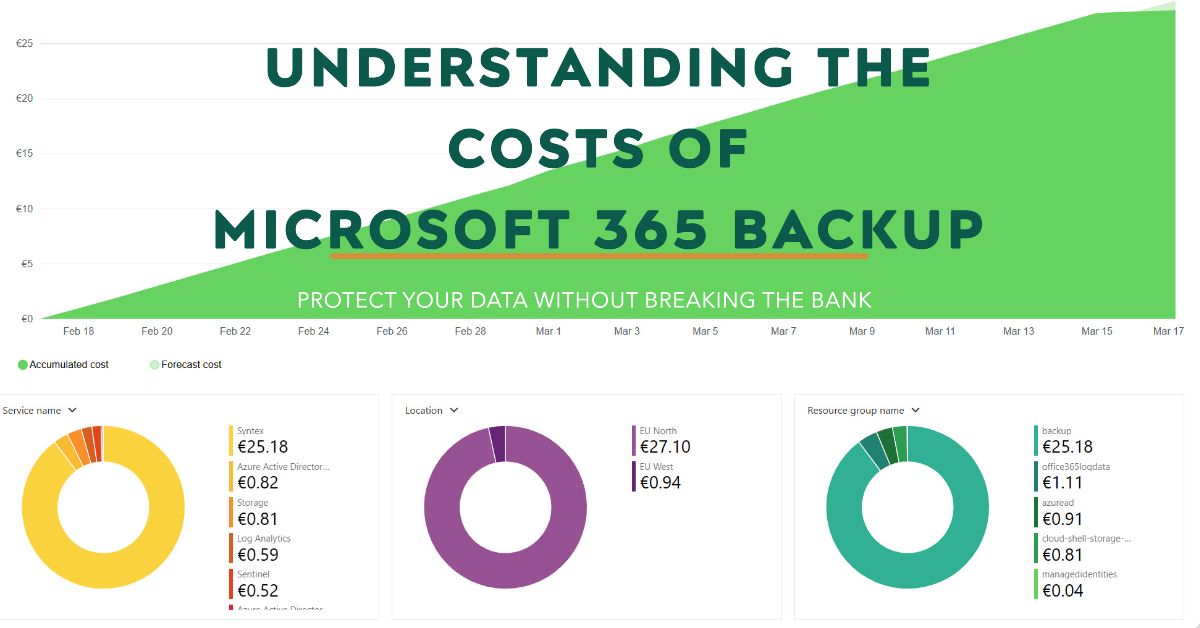
Microsoft 365 Backup costs are charged on a PAYG basis against an Azure subscription. You pay a flat fee of $0.15 per month per gigabyte of protected content. This article discusses calculating the sizes of protected data and reports the costs accrued over two months.
Microsoft’s support for SharePoint Online PowerShell has degraded over the last few years. Pnp.PowerShell is now the best option as not much is happening in the official SharePoint Online management module or the tenant settings Graph API. the lack of progress is a pity, but perhaps it’s also true that community-driven projects sometimes deliver better results.
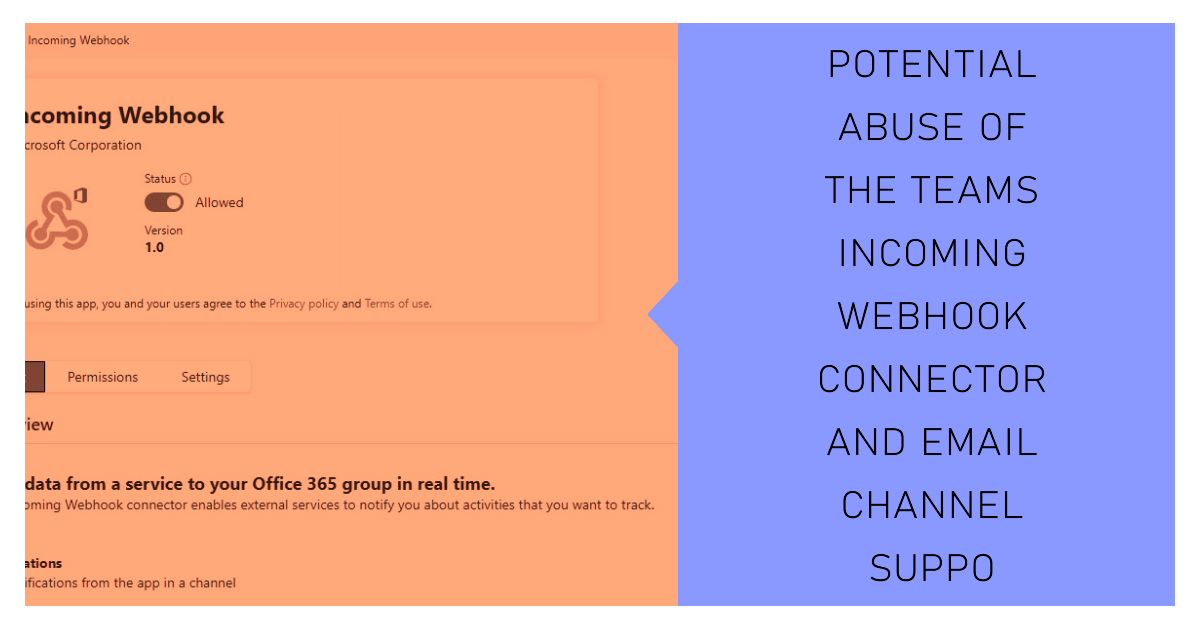
An article by security researchers Black Hills pointed to some vulnerabilities with incoming webhook connectors and email connections for Teams channels. Fortunately, it seems like Microsoft is making changes to Teams to improve security. Even so, it’s always wise for tenants to keep an eye on how information flows into Teams.
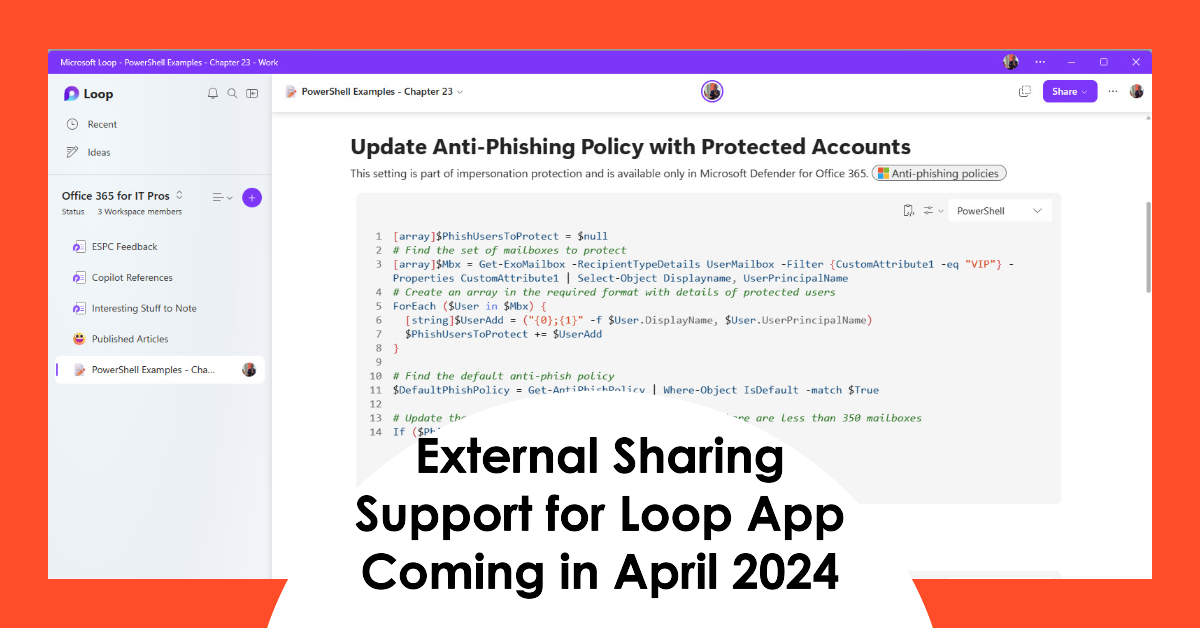
The Loop app is a powerful collaborative platform that has been handicapped up to now with a restriction on its External Sharing capabilities. That restriction is being lifted in a two-phase process starting in April 2024. Tenants without sensitivity labels will get the capability first followed by those that use sensitivity labels.
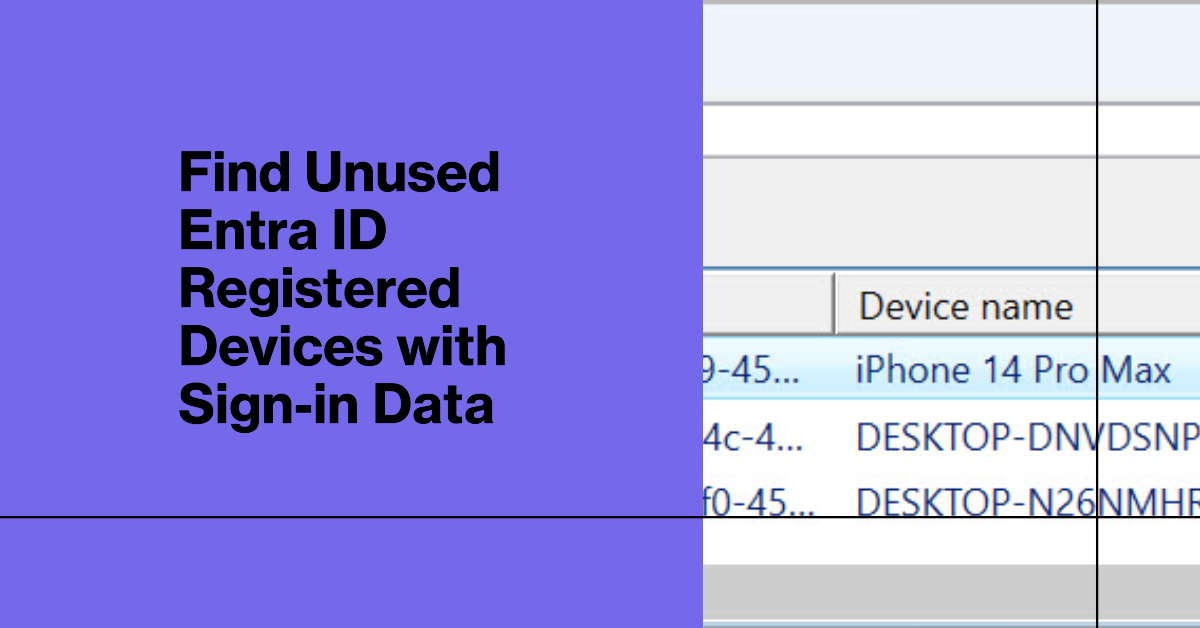
This article describes how to use sign-in data to identify unused Entra ID registered devices. It’s an imperfect solution because Entra ID doesn’t log device information in many sign-in records. I’m sure there’s a good reason why Microsoft doesn’t capture the device information, but it’s a little frustrating. We have an imperfect and partial solution, but that’s better than nothing.
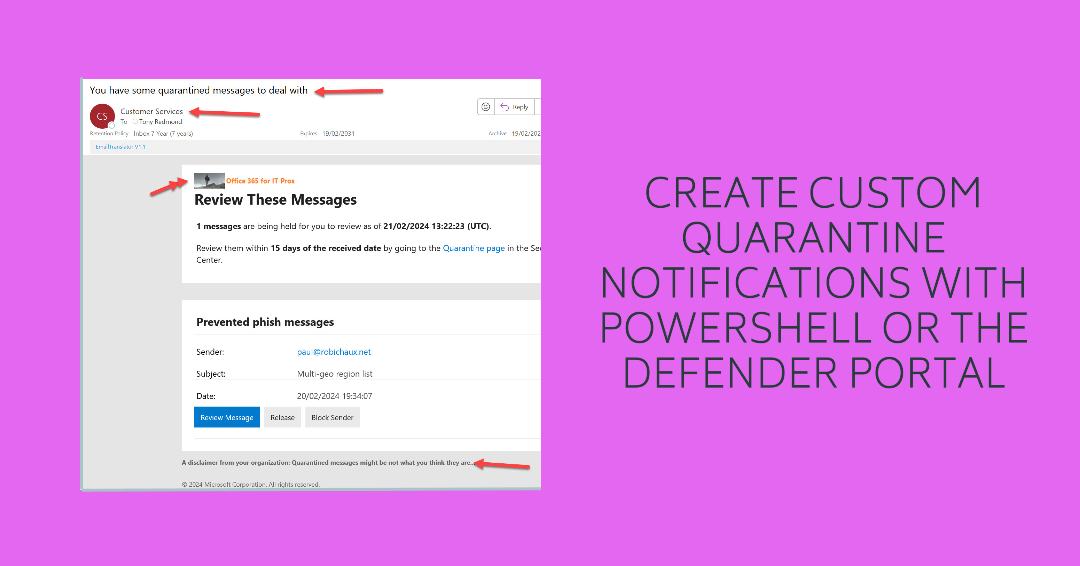
This article describes the experience of creating a custom quarantine message for Exchange Online Protection to send to those with email held in quarantine. The Microsoft Defender portal allows administrators to create custom settings for up to three languages. My initial attempts failed, but then something happened and all is well. It could just be the difference between English and English…
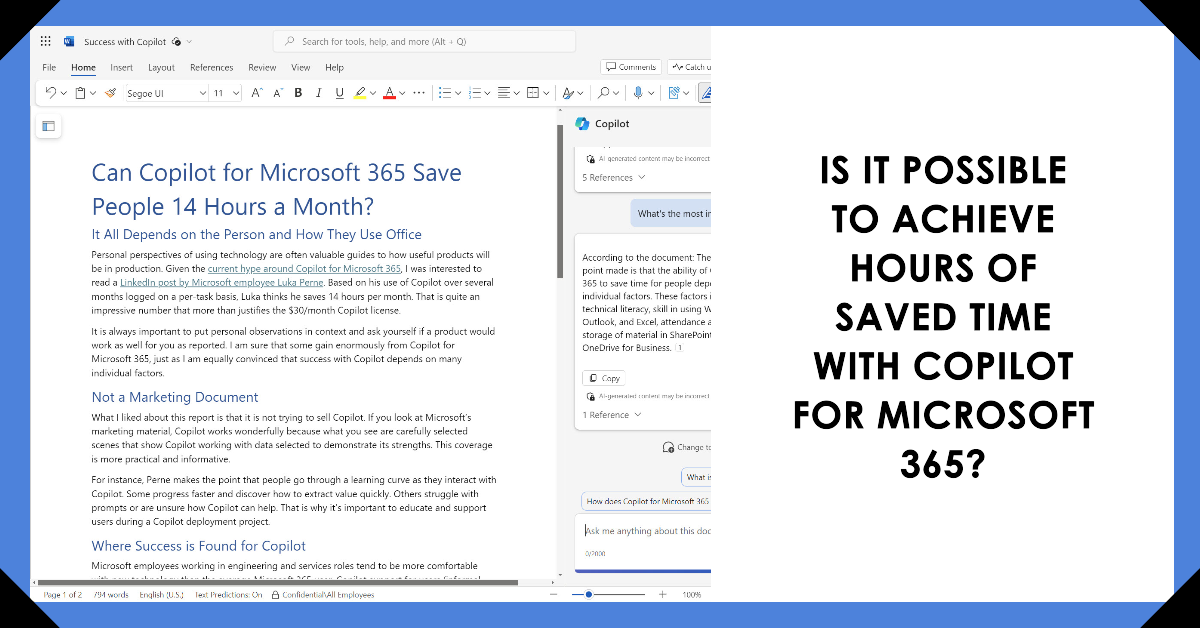
An interesting LinkedIn post by a Microsoft employees relates how Copilot for Microsoft 365 saves him 14 hours monthly. Reports like this must be taken with a pinch of salt because many factors combine to determine the success individuals achieve with a new technology. However, there’s a ring of truth in this report. The question is can others achieve the same results?
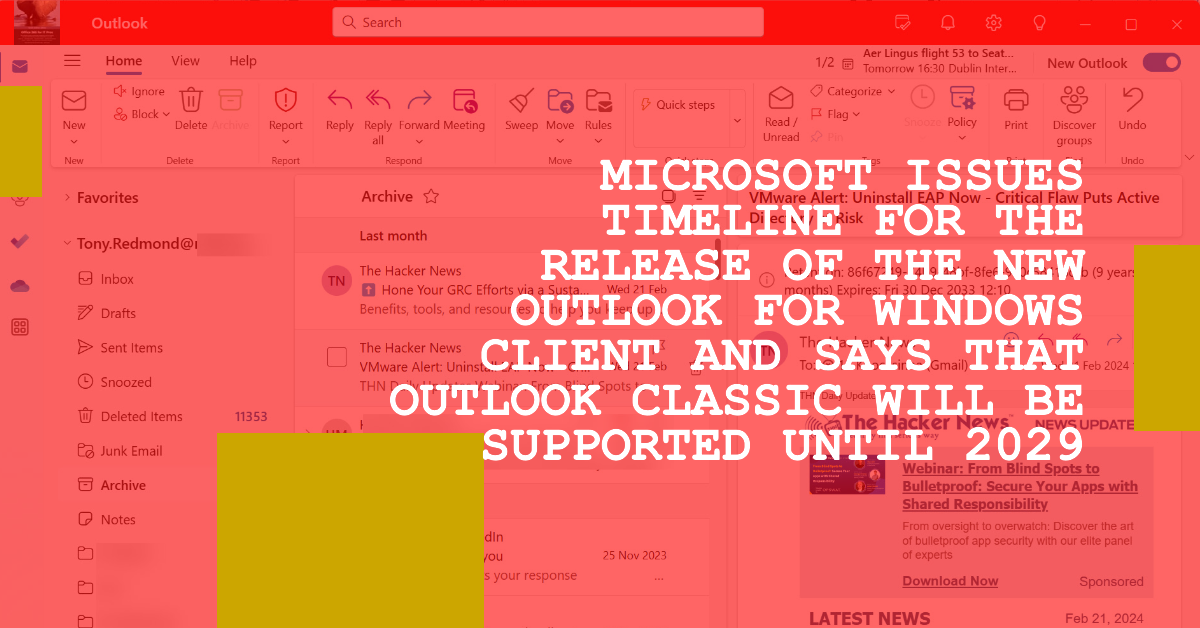
On March 7, Microsoft published a timeline for the New Outlook for Windows client that says that support for the classic client will be until at least 2029. Three phases must be navigated and a lot of functionality added before the new Outlook for Windows can replace Outlook Classic, including fundamental functionality like offline mode.
A recent article by a Microsoft MVP attempted to lay out a case that tenants should not use Microsoft 365 PowerShell and use ISV products instead. It’s a silly position to argue. PowerShell is an important automation tool for administrators that can’t be replaced by any ISV product. ISV products have their place and fill many gaps, but arguing to dump PowerShell and use ISV products instead just can’t be justified.
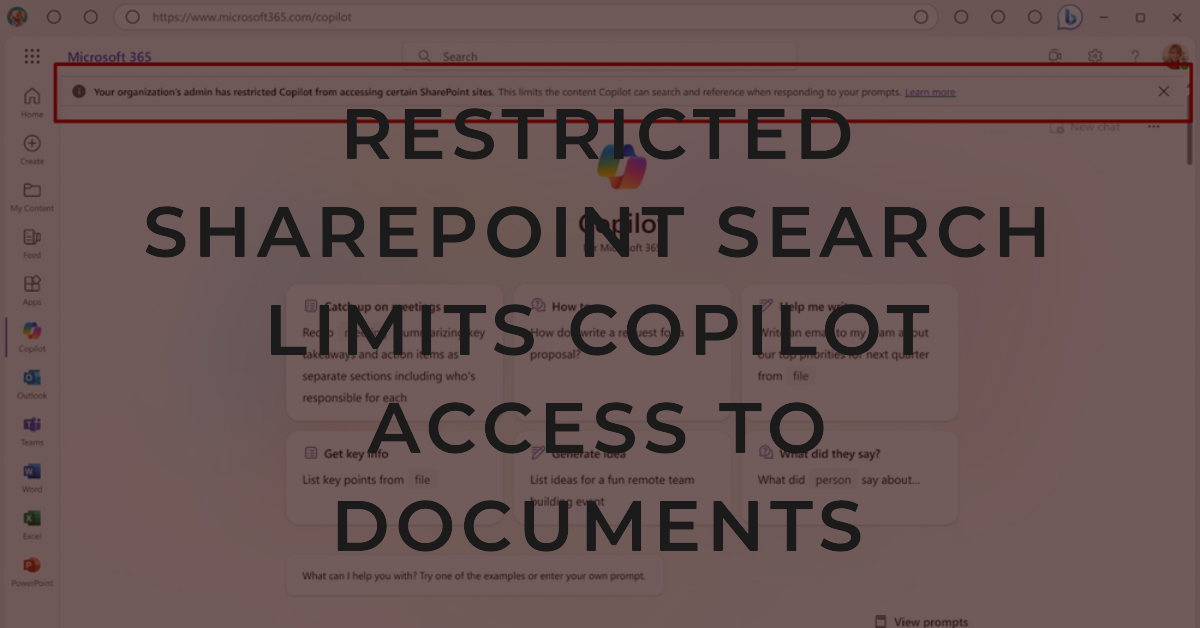
Restricted SharePoint Search is an answer for customers who don’t like the idea of Copilot for Microsoft 365 being able to find documents in any site the signed-in user has access to. A curated list of 100 sites will be avialable to Copilot along with user data in OneDrive and files that have been shared with or worked on by a user. Will this scheme allow tenants to deploy Copilot while they sort out site permissions? Time will tell, starting in April 2024.
The use of Information Protection sublabels is one of the questions for teams implementing sensitivity labels in Microsoft 365 tenants. Some like the granular appearance of sublabels and consider them a valuable guide to assist users to pick the most appropriate label. Others prefer a simple list of sensitivity labels. Both approaches work well. It’s up to you to decide.
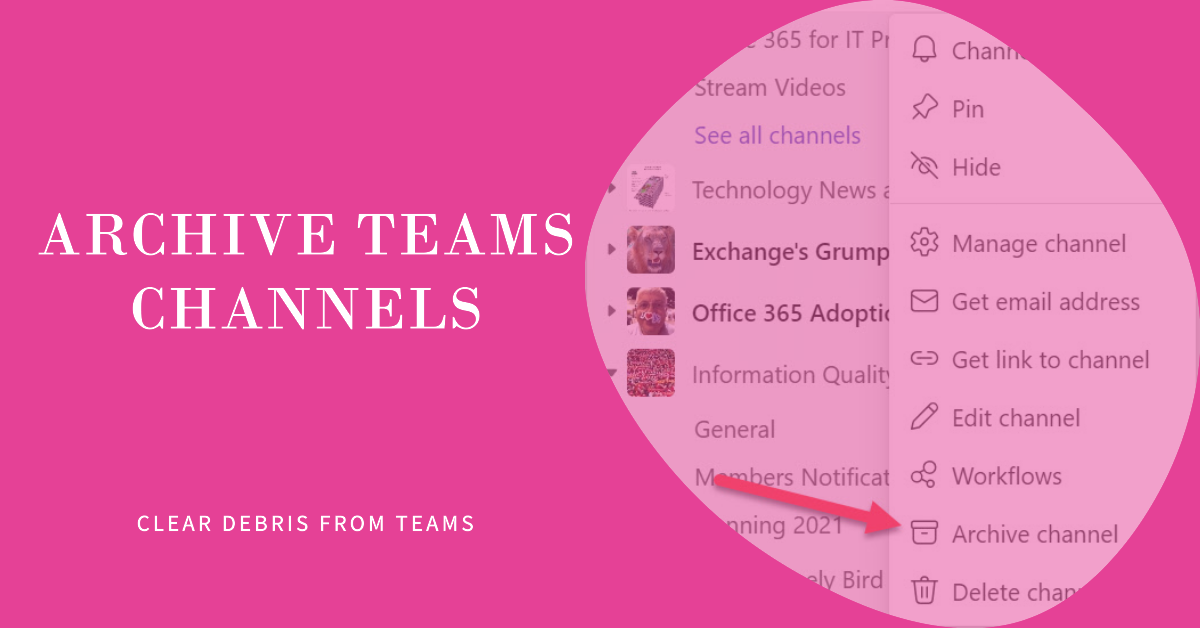
An update allows Teams owners to archive Teams channels. This is an excellent way of keeping old channels online while removing them from open view. The PowerShell cmdlets have not yet caught up the archive channel option so they don’t report this status, but all good things come to those who wait and I’m sure that we will be able to report archived channels soon.
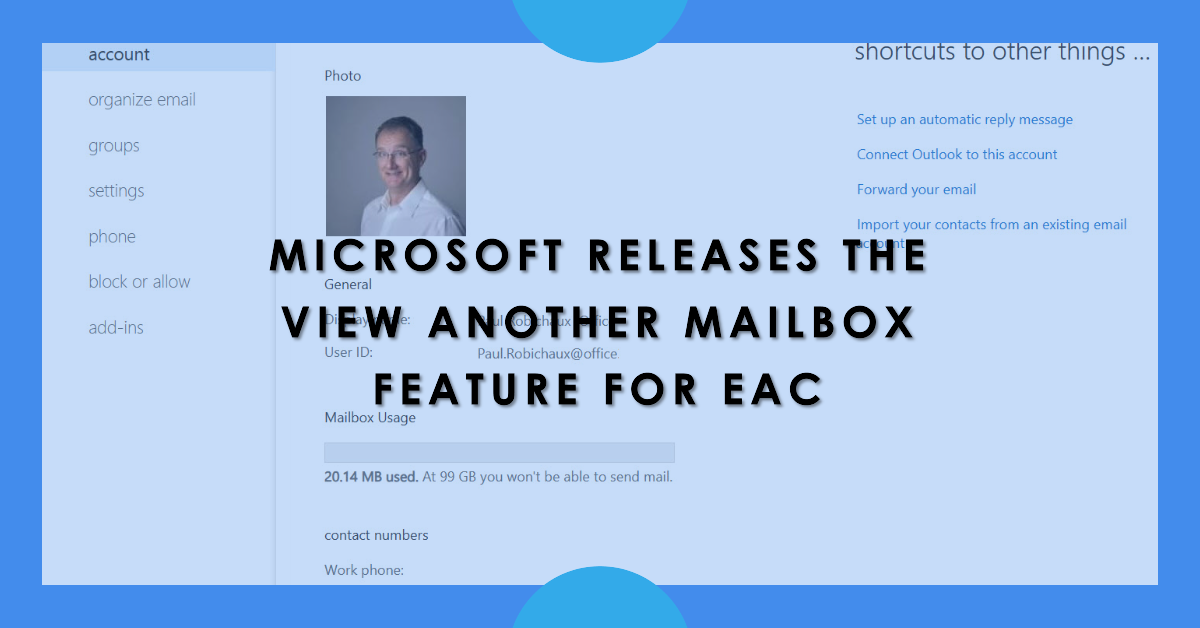
Microsoft has released the View Another Mailbox feature for the new EAC. This is part of the build-out of the new EAC functionality before the retirement of the old EAC. Interestingly, the new feature depends on the old Exchange Control Panel dating back to Exchange 2010. Things aren’t quite as modern and fast as Microsoft says they are.
The Office 365 for IT Pros eBook team has released the March 2024 update for the only eBook covering the Microsoft 365 ecosystem that’s updated monthly. February 2024 saw many different issues that impacted the content of the book, including the retirement of Viva Topics and some annoying PowerShell bugs. It’s just the kind of change that keeps us busy updating the book month after month.
Microsoft has created an easy to use Microsoft 365 Backup solution. Its key feature is speed, including speed to restore data. I tested restores for Exchange Online (which worked) and SharePoint Online and OneDrive for Business (which didn’t). The lack of logging and error reporting when failures happen lead to frustration. Microsoft has some work to do to bulletproof this solution.
A Microsoft Technical Community article gave some interesting information about how to report soft-deleted Entra ID objects. We think we can improve the information by tweaking the script, especially to include the object type in the output. As always, you can download the script from GitHub.
If you wanted to write a PowerShell script to create a OneDrive storage report, you’d probably use the cmdlets from the SharePoint Online management module. But accessing OneDrive usage data via the Graph is much faster. And you can include information from other sources, such as user properties, to build out the report. All explained here.
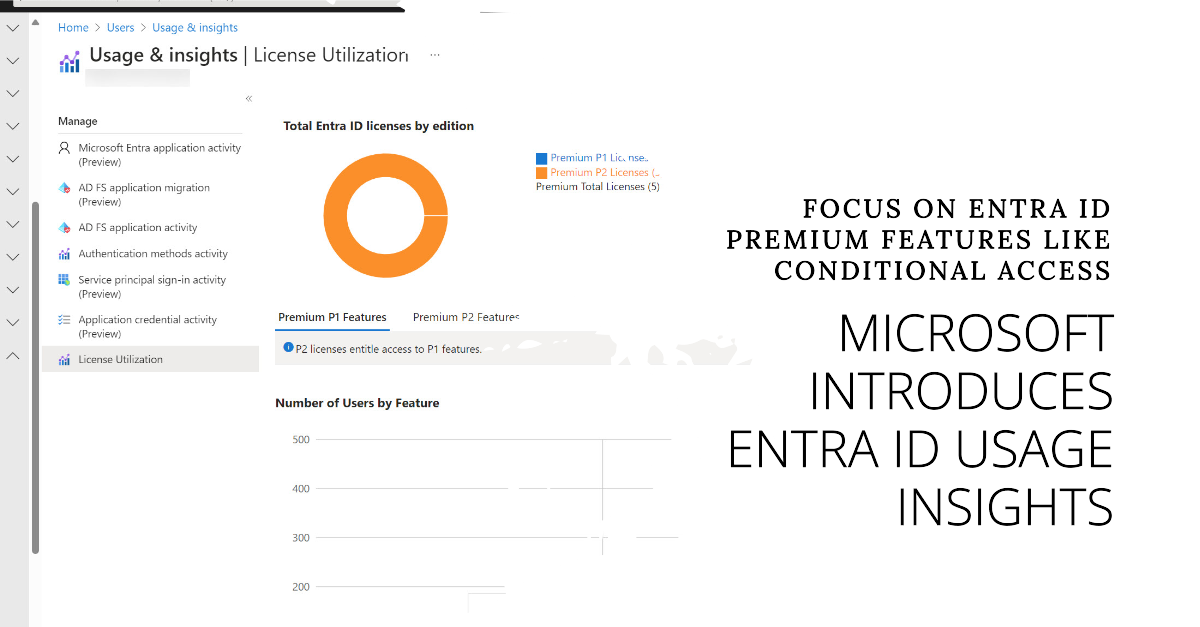
Microsoft has released the preview of the Entra ID usage insights for premium license consumption. This could be the harbinger of a more restricted licensing regime for Entra ID premium features such as conditional access. Putting any barrier in place to stop more accounts being protected by multifactor authentication seems like a bad idea. Let’s hope that this isn’t the case here.
The Viva Topics retirement announced on February 22, 2024 is an inevitable side-effect of Microsoft’s ongoing focus on Copilot. It is difficult to argue against the retirement. Business, technology, and implementation factors stack up against Viva Topics. The future of Microsoft Knowledge Management is firmly in the grasp of Copilot.
Teams Tags Support for Private and Shared Channels should arrive in targeted tenants soon. The new tag capability uses channel memberships instead of the team roster. It’s a small but useful change, as is the option to start a chat with tagged members. On the downside, Microsoft is deprecating suggested tags. But on the upside, you can include emojis in tag names.
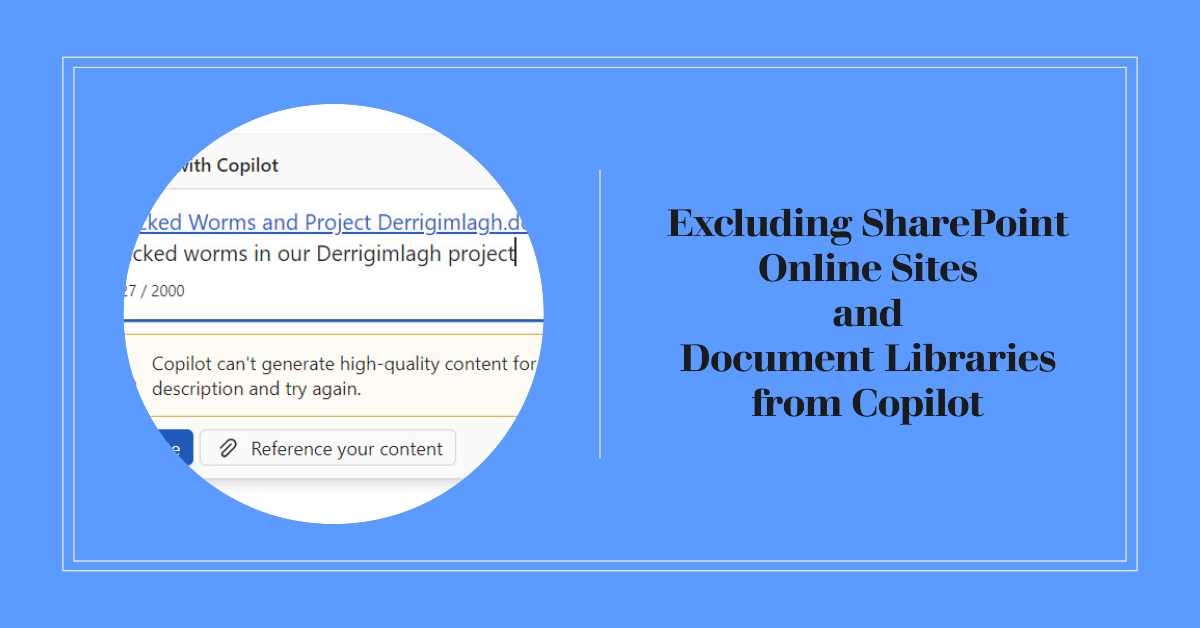
Two methods exist to exclude a SharePoint sites from Copilot being able to use its contents – you can exclude the site (or document library) from search results or use sensitivity labels. Given the choice, sensitivity labels are more flexible and powerful, but removing sites from search indexes is easier to implement.
Usually, we recommend that Microsoft 365 tenants use the latest version of the Microsoft Graph PowerShell SDK. However, a serious bug in V2.14 means that this (and perhaps V2.13.1) should be avoided until Microsoft fixes a problem that causes spurious output to be included when cmdlets like Get-MgUser and Get-MgGroup are run.
A longstanding problem (SP676147) open since September 2023 causes problems retrieving important SharePoint usage data like site URLs and user activity data. The problem shows up in the usage reports section of the Microsoft 365 admin center and affects any attempt to fetch SharePoint usage data via Graph API requests. It’s odd that the problem has lasted so long.
The Office 365 for IT Pros team welcomes Michel de Rooij as a new author. As a PowerShell Pro, he’ll like the code to update the impersonation protection list for anti-phishing policies. Or maybe he’ll rewrite it to make the code better. Either way, we win and the Mail Flow chapter should get a new lease of life.
Microsoft originally said that Copilot for Microsoft would only support the Monarch client. Now it turns out the Outlook Win32 Copilot support is coming. No formal announcement is available and Microsoft hasn’t shared when the support will turn up in an Office channel, but it’s good news that this deployment blocker is no more. And Teams has a new Copilot experience, so things are moving in the world of AI-powered assistants.
The latest version of the Microsoft 365 Licensing Report script includes code to generate cost analyses for the departments and countries assigned to user accounts. Everything works well if the properties of Entra ID user accounts are complete and accurate. Sometimes this isn’t so, and that leads to problems when attributing costs at a department or country level.
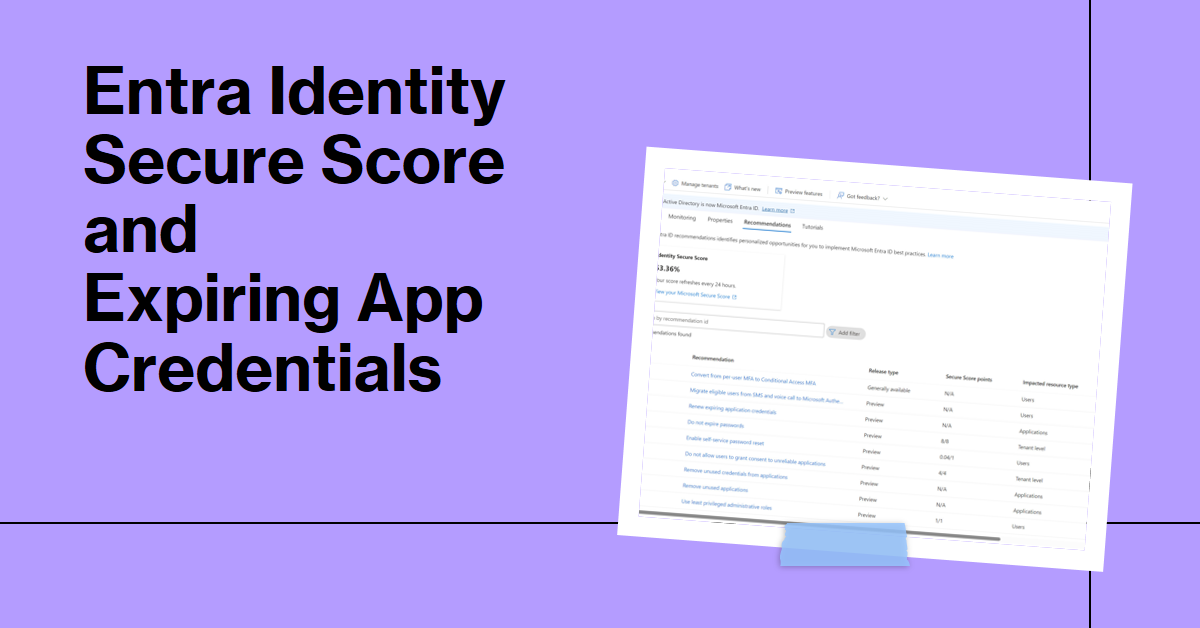
If your Microsoft 365 tenant has Entra P2 licenses, you can use the Entra Identity Secure Score feature to measure your tenant against Microsoft benchmarks and recommendations, including expiring app credentials. The fact that credentials expire is one of the reasons why I don’t use apps as much any more. Using the Microsoft Graph PowerShell SDK is just easier.
If conditional access policies impose MFA for all cloud apps, it gives external users a problem when they use Outlook desktop to read protected email. The issue is because Outlook can’t obtain a use license to decrypt the content because it can’t satisfy the MFA challenge. It’s an example of how two good parts of the Microsoft 365 ecosystem clash.
This article describes how to use the Microsoft Graph PowerShell SDK to retrieve and interpret Microsoft 365 message center posts with the intention of discovering what percentage of announcemengts end up being delayed (not being available at the predicted date). Teams makes lots of feature announcements and over 57% of those announcements are delayed.
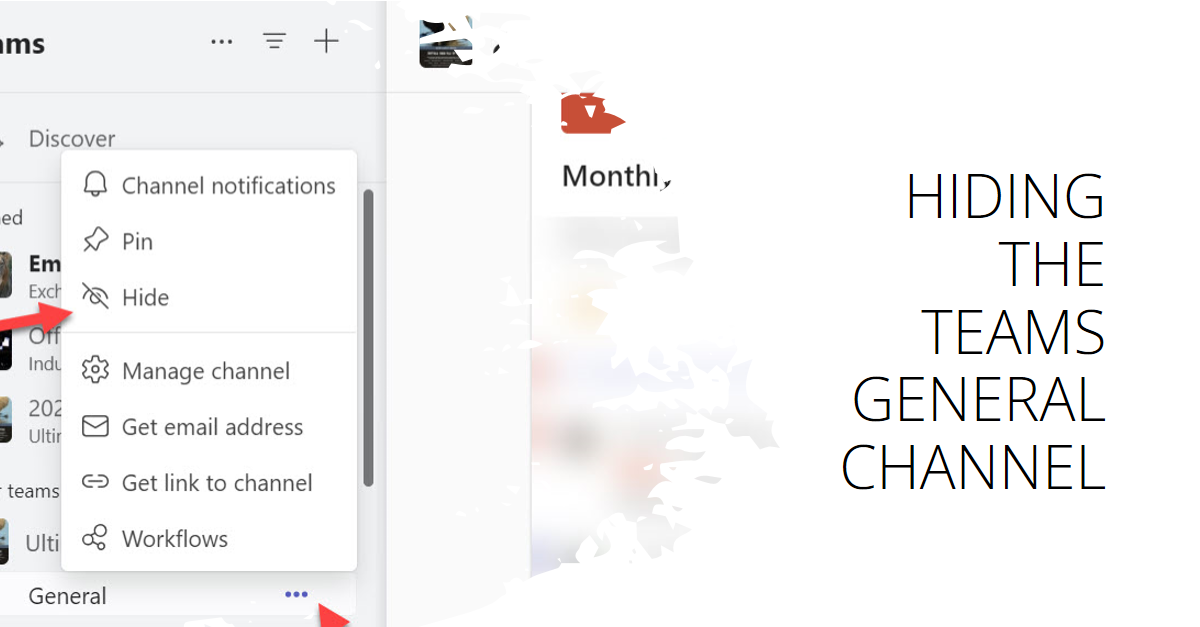
Message center notification MC711019 covers the ability to hide the General channel for a team, a feature designed to free up space in the teams and channels list. Team members (including guests) can decide if they want to see the General channel in their list. Because teams can have up to 1,000 channels, being able to hide the General channel is a useful change.
The Microsoft Graph includes the Service Communications API. SDK cmdlets can use the API to retrieve and work with service health data. In this article, we show how to use Graph SDK cmdlets (based on the API) to fetch and work with service health data, including creating an email report to update people about the current state of tenant health.