In message center notification MC703706 Microsoft announces yet another attempt to retire the Search-Mailbox cmdlet. This time it’s due to happen in March 2024. I don’t mind Microsoft removing old technology from its products, but it’s important that the old functionality is replaced by newer, better technology. And that’s not the case here. At least, not so far.
This article explains how I use custom document properties with SharePoint Online to track the topics covered by blog articles that I write. The custom document properties allow me to track where and when articles appear and the technology areas covered in their text. It’s a very easy update that can be applied in many situations where SharePoint is used to store documents.
A new beta Graph API supports the creation of a Viva Engage community. This article explains how to use the Graph SDK to create a new community with the API. It’s the start on the transition from the old Yammer APIs to fully embrace the Graph API.
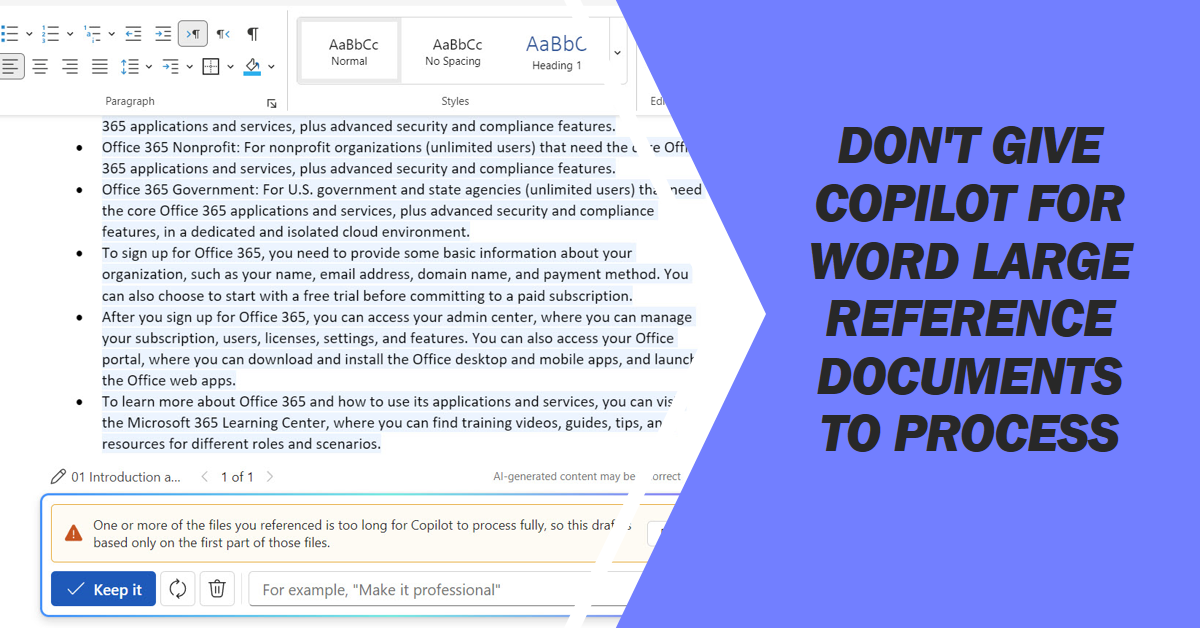
Copilot for Word reference documents help to ground the prompts sent to LLMs for processing. The documents can be too large, which means that their contents aren’t fully taken into account when the LLM processes the prompt. This might or might not be an issue.
The January 2024 update for the Office 365 for IT Pros eBook is available for subscribers to download from Gumroad.com or Amazon. Like any monthly update, the January 2024 update is packed full of changes across the content chapters. Readers should download the updated files as soon as convenient to make sure that they have the most up-to-date information available.
A question came in about how to report admin consent requests as viewed through the Entra ID admin center. PowerShell does the trick, once you know how. The key thing is to find the right cmdlet to use. Once you know that, the rest is pretty easy as we explain in this article.
This article describes how to block welcome messages for new members of Microsoft 365 groups using a resource behavior option (a group setting). This is an immutable setting that prevents the Groups service sending welcome messages to new members. You might want to take this approach when creating team-enabled groups.
The Sensitive by Default control allows tenants to prevent external access to newly uploaded documents until DLP processing checks their content. The idea is to close off the opportunity external users have to access control between its upload and DLP scanning of the content. You can combine the sensitive by default control with sensitivity labels to exert maximum control over confidential material.
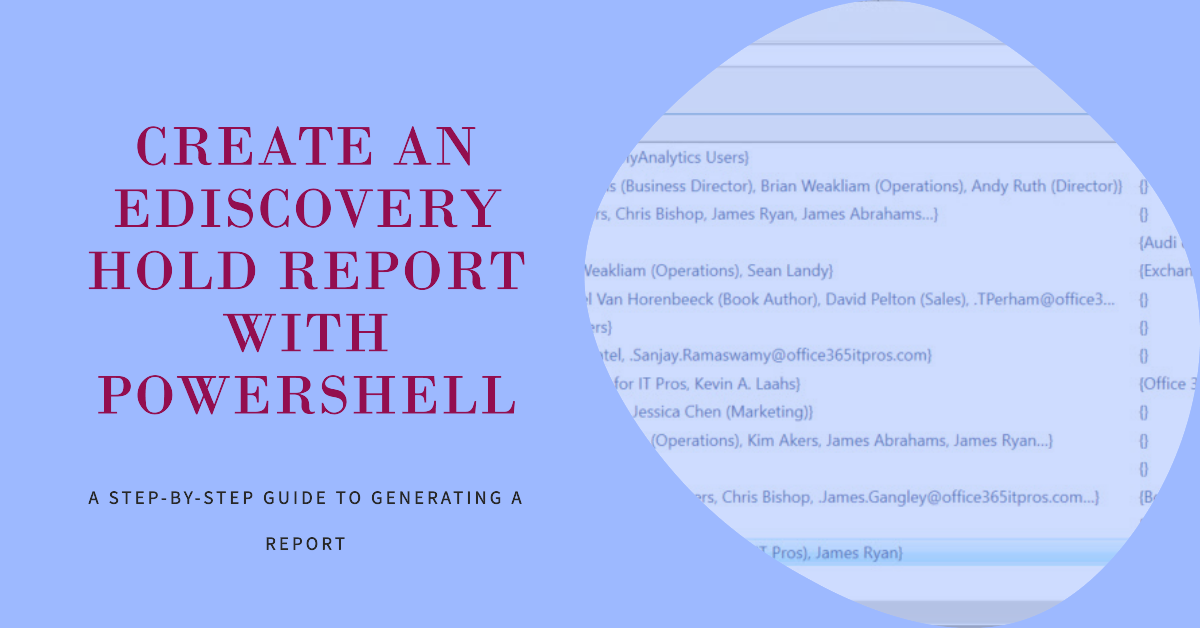
Microsoft plans to make an eDiscovery hold report available to tenants in January 2024. This article explains how to use PowerShell to create a similar report. Without seeing what Microsoft plans, it’s hard to create a perfect replica, but it will be possible to upgrade the script once Microsoft reveals their hand.
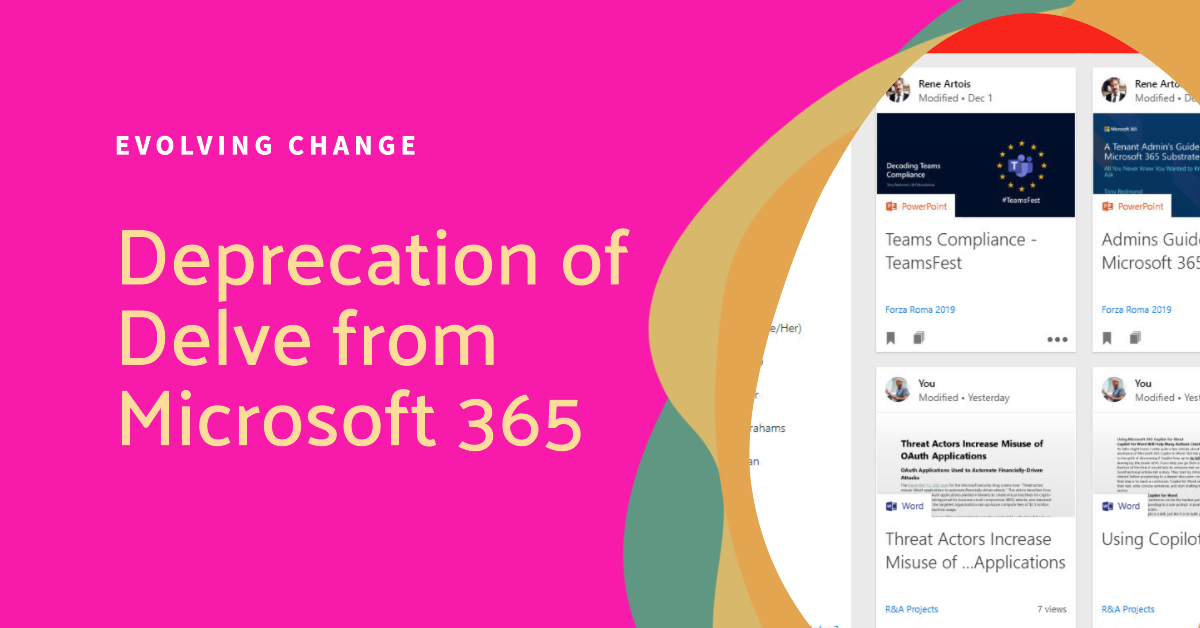
The Delve web app will be deprecated by Microsoft in December 2024. It’s the end of a line for an app that once promised to reimagine search. The problem is that Delve never achieved much traction within Office 365 and its functionality never increased. In fact, Delve seemed to lose features over the years. Delve now joins apps like Sway and StaffHub as artifacts of Office 365 development and evolution.
OAuth apps are a big part of the extensibility picture for Microsoft 365 tenants. As such, they are targeted by attackers as a good way to gain access to data. In a recent security blog, Microsoft recommends some steps to secure tenants. We’ve covered most of them in other articles, but it’s always good to pull the story together and rewrite a script to make it easier to report consent grants for apps.
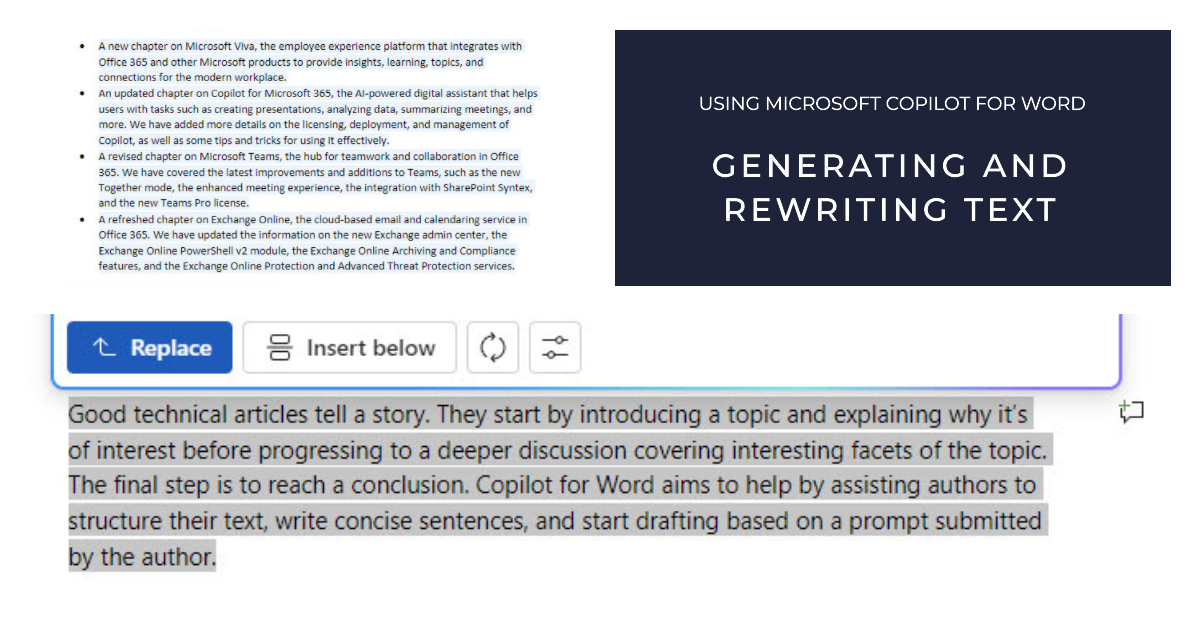
Copilot for Word is an application-specific implementation of Microsoft 365 Copilot. Amongst its capabilities, Copilot can generate and rewrite text. In this article, I explore the experience of interacting with Copilot for Word to generate text that could be used for articles and to rewrite paragraphs from real articles.
Microsoft’s security strategy is all about AI with Security Copilot leading the charge. Even in a world of AI tools, knowing how to use KQL and Sentinel is key. After all, AI might be able to identify potential problems and fix some of issues, but sorting out situations needs a certain level of basic knowledge to guide the AI to a successful conclusion.
For whatever reason, it’s not possible to update the Default MRM policy to add the DeletedItems retention tag to process items in the Deleted Items folder. All attempts to add the tag fail and Exchange Online doesn’t signal any errors. Is this part of Microsoft’s cunning plan to prompt tenants to use Microsoft 365 retention?
The preview app instance property lock feature designed to improve the security of Entra ID registered apps is becoming the default for new apps. In this article, we describe how to update the app instance property lock to reflect the new default setting using cmdlets from the Microsoft Graph PowerShell SDK, including a script you can download and run.
Entra ID captures the lastSuccessfulSignInDateTime property to record the last successful sign-in action against user accounts. The new property is available through the Graph beta endpoint. Quite a difference can exist between the last successful sign in and the last sign in, as explored in this article.
Conditional access policies control access to Entra ID connections. Policies should have exclusions for breakglass accounts, but sometimes this doesn’t happen. This article explains how to use cmdlets from the Microsoft Graph PowerShell SDK to check conditional access policies and update policies with exclusions where necessary.
Cloudy attachments are links to files sent in messages. An auto-label policy can capture copies of cloudy attachments and make them available for eDiscovery. Sounds good, but you need Office 365 E5 or above licenses to use an auto-label policy and Purview eDiscovery (premium). Even so, it’s a nice example of applying technology to solve a problem, even if it does use up some valuable SharePoint Online storage quota.
Exchange Online keeps message trace data online for 10 days and that’s what’s normally used to check for unused distribution lists. Checking over 90 days is obviously much better, and we can do this by checking against historic message trace data. All explained here with a script to do the job.
SharePoint Embedded is a new Microsoft offering for application developers. The big upside is that apps can take advantage of the Microsoft 365 ecosystem. Cost is the potential downside. Microsoft will charge using a pay-as-you-go model, but estimating the likely cost could be difficult until more experience about how apps use SharePoint Embedded emerges.
The December 2023 update (monthly update #102) for the Office 365 for IT Pros eBook is now available for subscribers to download. While Microsoft has become obsessed with AI and Copilots, we’ve stayed focused on getting real work done with the tools available to most Microsoft 365 tenants. That seems like a more intelligent way for us to work than becoming fixated on technology that only some tenants can aspire to use.
A new setting in OWA options allows users to choose to preserve declined meetings. Keeping details of declined meetings can help users to find information included in meeting details of data created during meetings like chats and meeting summaries, or forward the meeting to someone else if needed.
Now available for OWA and the Monarch client, Outlook voice dictation allows users to compose the body text of messages with speech-to-text transcription. A limited set of languages are available for now, but more to come. Learning how to compose email with speech is an acquired art and might required some AI help to produce acceptable results.
Not everyone likes to respond to email with an emoji, which is why the options to disallow Outlook reactions through clients or mail flow rules exist. Everything revolves around the x-ms-reactions message header, which is what Exchange Online uses to understand if people can respond to email with emojis.
The European SharePoint, Office 365, and Azure Conference (ESPC 2023) starts in Amsterdam on Monday, November 27. There’s lots of Copilot and Viva content at the event, but a disappointing lack of coverage of Exchange Online and Entra ID, both of which are essential to any Microsoft 365 deployment. Oh well… you can’t have everything and ESPC 2023 will be a great event.
Teams background blur now comes in two flavors. The standard blur is what we’ve had since 2018. The new portrait blur applies a more subtle level of blurring and doesn’t obscure background details as much as the standard blur option. It’s a small but interesting addition to the range of video effects people can use during Teams meetings.
A year ago, I wrote about the ability to pause membership processing for dynamic Entra ID groups. Now we return to consider the reasons for pausing processing. Mostly suitable circumstances occur when the directory is in a state of flux, often caused by corporate restructuring or similar scenarios. When this happens, you can pause processing for all dynamic groups and restart once the directory stabilizes.
A reader asked how to report user and group assignments for enterprise apps. As it turns out, this isn’t particularly difficult, if you know where to look. Our script uses the Graph SDK to check service principals, filters out the apps to check, and extracts the user and group assignments before reporting what it finds.
Exchange mailbox statistics reports are usually produced using PowerShell cmdlets. However, using Graph usage data is a faster way to process mailboxes because it avoids the need to fetch mailbox statistics by running a cmdlet for each mailbox. This article describes how to speed things up in a way that will probably benefit larger organizations most, but every Exchange Online tenant can probably benefit.
Entra ID administrative units are supported for granular access to the Microsoft 365 audit log. Exchange Online manages the audit log so it’s core to the support. This article reviews how to restrict access to the audit log using compliance roles and RBAC and how administrative unit data is stamped onto audit events during ingestion to support restricted searches based on administrative units.
On November 15, Microsoft announced Microsoft 365 Backup would enter a public paid preview in December 2023, Paid preview means that tenants must link a valid Azure subscription to Syntex pay-as-you-go to pay the $0.15 fee per GB per month for protected content. We’ll know more once the preview begins and we get the chance to see just how fast backup and restore is.
This article explains how to use PowerShell to report the email proxy addresses assigned to Exchange Online mail-enabled objects. Creating the list is straightforward, but figuring out how to use the list afterwards might need more creativity. To get things going, we show how to load the list into a hash table to resolve email addresses into display names.
This article describes how to use the Microsoft Graph PowerShell SDK to customize the user account properties shown by the Microsoft 365 user profile card. Previously this was possible using a Graph API request to the beta endpoint. Now everything is in production and Graph SDK cmdlets are available to make customization a tad easier.
A Nov 9 article published by a German website expressed concern about the way that the new Outlook synchronizes user email data to Azure. There’s nothing to worry about. Outlook synchronizes email data to be able to process the data to support features that the user’s email server might not. It’s what the Outlook mobile client has done for years.
On November 6, Microsoft announced that they will deploy Microsoft-managed conditional access policies to eligible tenants. A conditional access policy controls the connections users want to make to apps or data by setting conditions. In this case, the Microsoft policies will require MFA before access is granted to apps like administrative portals.
Message center notification MC687849 announces the retirement of the Teams Who bot. This was one of the original apps developed to show the potential of Teams. In truth, the bot was never very useful. Microsoft says that its functionality will be replaced with Copilot. You’ll be able to query for the answers the Who bot provided for a small extra investment.
Microsoft has described the compliance support from Purview solutions for data generated by Microsoft 365 Copilot prompts and responses. There’s nothing earthshattering in terms of what Microsoft is doing, but it’s good that audit events and compliance records will be gathered and that sensitivity labels will block Copilot access to confidential data.
When Microsoft put the Loop app into preview, they didn’t impose any restrictions in terms of licensing or workspace storage. MC678308 announces that Loop workspace storage will count against the tenant SharePoint Online storage quota. This article explains how to use the Get-SPOContainer cmdlet to fetch information about Loop workspaces and the storage they consume.
From mid-November 2023, users have the chance to forward Teams chat messages. The feature works for 1:1, group, and meeting chats. The lack of a forward option in the Teams desktop and browser clients is a little surprising because the mobile client has been able to do this for some time.
The Exchange Online developers issued three recommendations to improve performance and reduce memory consumption for Exchange Online PowerShell sessions, specifically those used by automated scripts that don’t involve human interaction. I think two of the recommendations are very practical and worth implementing by everyone, even if you think everything is good with PowerShell.