The April 2026 update for the Automating Microsoft 365 with PowerShell eBook is now available for subscribers to download. Refreshed EPUB and PDF files can be downloaded from Gumroad.com. The Kindle and paperback editions are also updated. This month we reflect on V2.36.1 of the Microsoft Graph PowerShell SDK and why so little has changed in this important component.
Some Microsoft MVPs have expressed a strong opinion that Microsoft isn’t doing enough to develop and enhance the Microsoft Graph APIs across Microsoft 365. Problems include inconsistency in implementation, undocumented APIs, assembly clashes, missing coverage, and APIs that never come out of beta. It seems like Microsoft doesn’t dedicate sufficient attention to this important topic. What do you think?
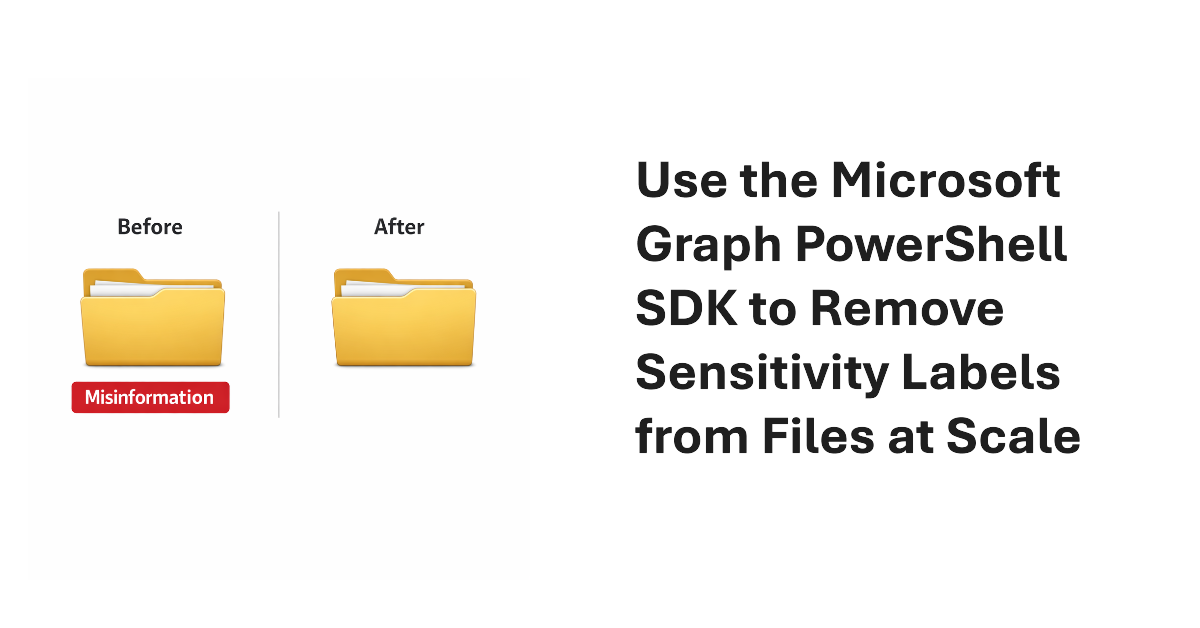
It’s easy to remove sensitivity labels from SharePoint Online files when only a few files are involved. Doing the same task at scale requires automation. In this article, we explain how to use the Microsoft Graph PowerShell SDK to find and remove sensitivity labels from files stored in SharePoint Online and OneDrive for Business.
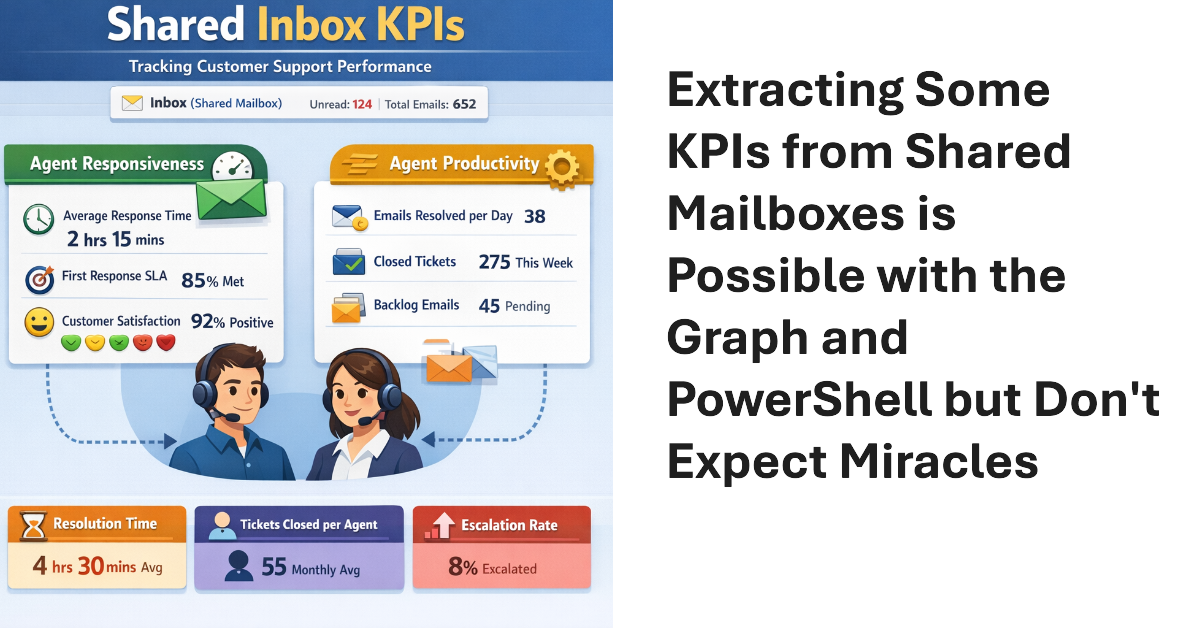
Shared mailboxes are not CRM systems. However, many Microsoft 365 tenants use shared mailboxes to handle customer queries and then want to measure KPIs such as agent responsiveness to customer queries or the number of queries handled per agent in a month. As explored in this article, it’s possible to use the Microsoft Graph to extract some KPI-like data from shared mailboxes.
This article explains how to use scoped Graph permissions to restrict app access to lists and list items in SharePoint Online and OneDrive for Business sites. It’s a follow-up to other articles covering how to restrict app access to SharePoint Online sites and files. Scoping app access to specific objects is important because otherwise apps can access everything in SharePoint Online, and that isn’t good.
Update #21 for the Automating Microsoft 365 with PowerShell eBook is now available for current subscribers to download from Gumroad.com. Refreshed PDF and EPUB files are available and the paperback version available from Amazon.com is also updated. Automating Microsoft 365 with PowerShell is packed with practical ready-to-use examples of working with apps, sites, mailboxes, teams, plans, and other data. Every Microsoft 365 administrator should have this book!
Dev Proxy is a Microsoft tool built to help developers figure out the most effective way of using Microsoft Graph API requests. On the surface, Dev Proxy doesn’t seem like a tool that would interest people who use the Microsoft Graph PowerShell SDK to write scripts for Microsoft 365. But all tools have some use, and Dev Proxy can help.
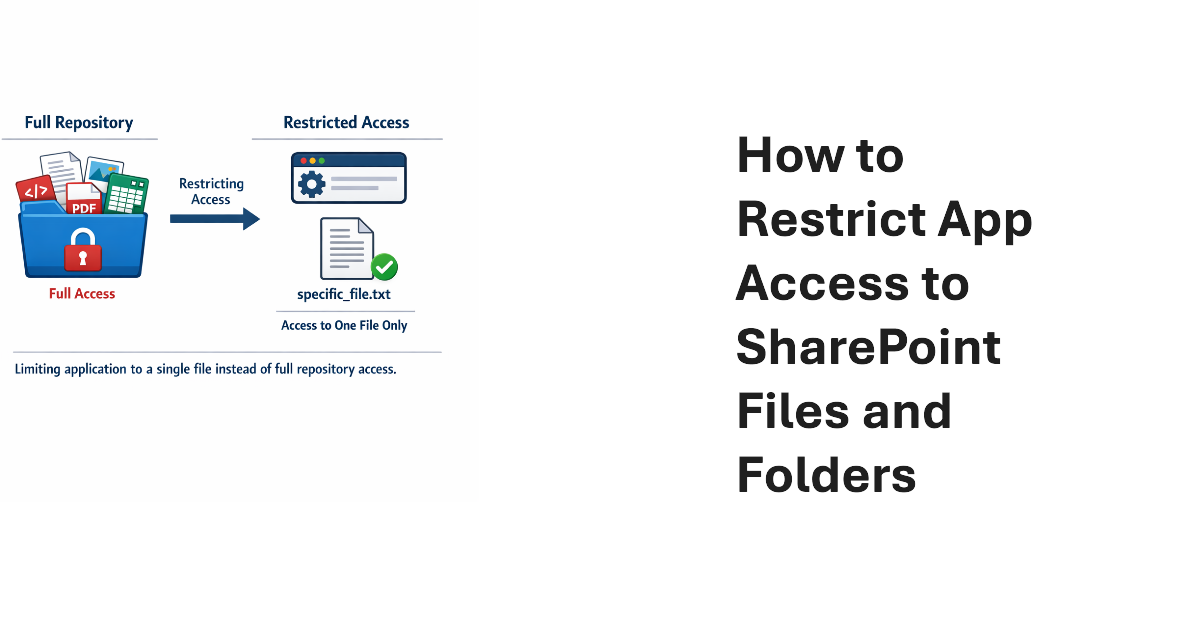
Scoped permissions grant apps granular access to files and folders in SharePoint Online and OneDrive for Business sites using the Files.SelectedOperations.Selected Graph permission. The permission allows apps to access specific files or all the files in a folder. It’s a great way to make sure that apps don’t have unfettered access to confidential documents. Not that any app would try to have that kind of access…
Entra multi-tenant applications can be used by any tenant – unless you restrict sign-in audiences to permit only specific tenants to use the application. In this article, we explain the preview feature and use the Microsoft Graph PowerShell SDK to restrict sign-in audiences by defining a list of permitted tenant identifiers in the properties of multi-tenant applications.
January 22 saw the announcement of the beta version of an Exchange Online Graph-based message trace API. The API can retrieve message trace records and their details and offers equivalent functionality to the message trace cmdlets in the Exchange Online management PowerShell module. However, sometimes applications simply want to access data without going through a module, and that’s what this API delivers.
Monthly update #20 for the Automating Microsoft 365 with PowerShell eBook is now available for subscribers to download the updated EPUB and PDF files. Like any monthly update, #20 includes a mixture of new information, revisions, and even some bug fixes (changes to text or examples). Meantime, assembly clashes continue to be a bugbear for Microsoft 365 PowerShell modules. Microsoft should fix this problem!
An article from 2018 uses the AzureAD and Exchange PowerShell modules to synchronize membership between a security and a Microsoft 365 group. The idea is to enable collaboration for the members of the security group. This version does the work with the Microsoft Graph PowerShell SDK. The code is better and it will work as an Azure Automation runbook, which is always nice.
The Web Account Manager (WAM) authentication broker becomes the default method for handling interactive Microsoft Graph PowerShell SDK connections from V2.34 onwards. The rapid release of a new version (V2.33 appeared 12 days beforehand) is usually a sign of a big problem, but in this case the reason is more likely to be a security vulnerability that’s just come to light. We’ll find out after the holidays.
Update #19 of the Automating Microsoft 365 with PowerShell eBook is now available. Subscribers can download the updated PDF and EPUB files from Gumroad.com. A paperback version is also available, but we can’t update the print characters. In any case, a new SharePoint create Site API is in beta, and a new version of the Microsoft Graph PowerShell SDK is available. Both have their moments, as we discuss here.
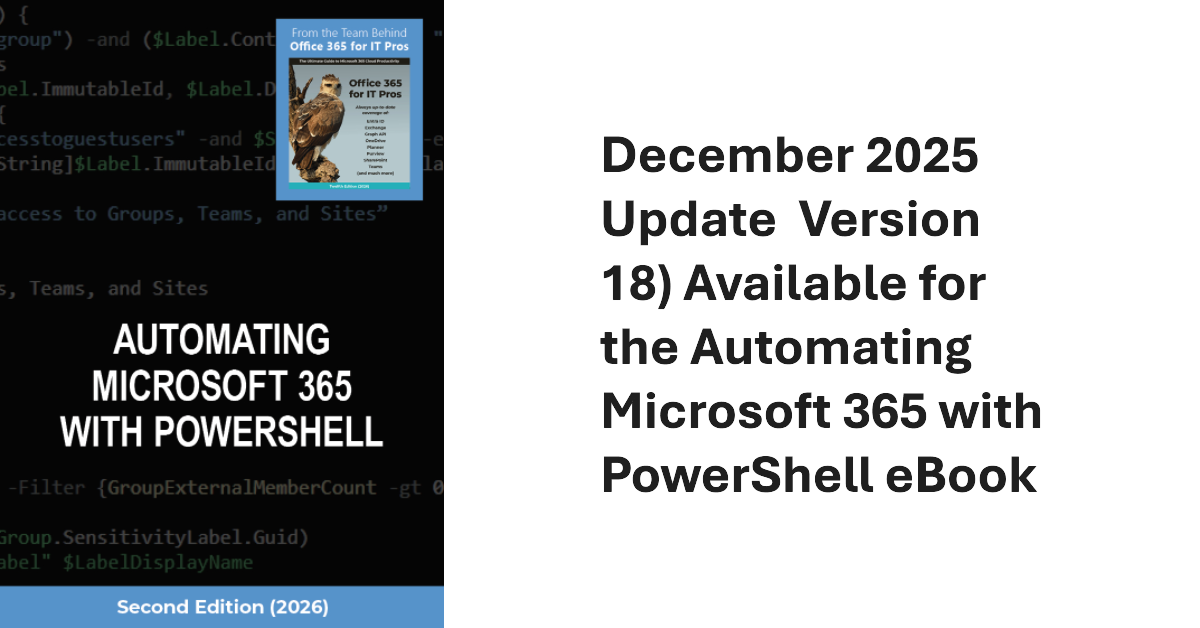
The December 2025 update (version 18) of the Automating Microsoft 365 with PowerShell eBook is now available to download. Current subscribers can fetch the updated EPUB and PDF files from Gumroad.com using the link in their account (or receipt), but we can’t do much for the paperback edition except consider using scissors, paste, and Tippex, just like the old days.
The Entra ID password protection policy contains settings that affect how tenants deal with passwords. Entra ID includes a default policy that doesn’t require additional licenses. Creating a custom password protection policy requires tenant users to have Entra P1 licenses. As explained in this article, once the licensing issue is solved, it’s easy to update the policy settings with PowerShell.
The November 2025 update for the Automating Microsoft 365 with PowerShell eBook is available online. Subscribers can download the new PDF and EPUB files from their Gumroad account. As always, the update features a mixture of new and updated information, some corrections, and removal of obsolete information. Look no further for guidance about using PowerShell with the Graph APIs to interact with Microsoft 365 data!
What’s the best way to find SharePoint sites with the Microsoft Graph PowerShell SDK? Is the Get-MgAllSite cmdlet best or should you use the Get-MgSite cmdlet? Does it matter if you’re looking for one site or many sites? We explore the issue in this article by examining some reasons why you’d choose Get-MgSite and others that drive the decision for Get-MgAllSite.
An assembly clash happens when a PowerShell module attempts to load a .NET assembly only to find that a different version is already loaded in the session. Unhappily, this kind of thing happens far too often with Microsoft 365 modules, which implies that there isn’t a great deal of coordination between different development groups. All you can do is to load modules in the right order.
A change to a Graph beta API meant that some data used to create the user password and authentication report was no longer available. A script update was required. The experience underlines the truth that developers should not rely on the Graph beta APIs because the APIs are prone to change at any time as Microsoft moves them along to become production-ready.
Microsoft announced a new Copilot license check diagnostic for the Exchange Connectivity Analyzer. Sounds good, but the test is very simple, and its results don’t tell you anything more than a few lines of PowerShell can deliver. To prove the point, we wrote a quick script to show how to perform a Copilot license check with the Microsoft Graph PowerShell SDK.
Microsoft has depreciated the Microsoft Graph CLI and Graph Toolkit. It’s nice to see some rationalization, but the real need is for better quality and coverage across all the Microsoft 365 administrative actions. Even after fourteen years of development, too many undocumented and private APIs exist today, which is an unacceptable situation. You should vote for a feedback portal item to ask Microsoft to do better.
A custom runtime environment is a way of defining a specific job execution environment for Azure Automation runbooks, including Microsoft Graph PowerShell SDK runbooks. In this article, we create a new environment for PowerShell V7.4, load in some SDK modules, switch a runbook from a system-generated environment, and run some code.
The Office 365 for IT Pros eBook team is proud to announce the availability of update 15 for the Automating Microsoft 365 with PowerShell eBook. The book includes extensive coverage of how to work with Microsoft 365 workloads through standard modules, Graph APIs, and the Microsoft Graph PowerShell SDK, including hundreds of practical examples over 350-plus pages. No fluff, just real-world code.
If you use the Microsoft Graph PowerShell SDK, you don’t need to worry about obtaining an access token because SDK cmdlets include automatic token management. Although you don’t need to know the details of the access token used in an SDK session, it’s possible to find and examine its contents, and even use the token with a Graph request. It’s a nice to know thing that you’ll never need in practice.
The August 2025 update for the Automating Microsoft 365 with PowerShell eBook is available for subscribers to download. The eBook now includes over 350 content-rich pages packed full of practical examples of how to use PowerShell to automate Microsoft 365 operations. It’s an essential tool for anyone who needs to use PowerShell in a Microsoft 365 environment.
After writing about how to copy group memberships from one user to another, the question arises about removing members from groups. The answer is straightforward when dealing with members of distribution lists and mail-enabled security groups, but things become more complicated when working with Microsoft 365 groups and it’s important to handle group owners correctly.
Version 2.29 of the Microsoft Graph PowerShell SDK can now be downloaded from the PowerShell Gallery. Initial tests show that the release is stable. However, it’s recommended that you deploy V2.29 on a few workstations to test essential scripts before proceeding to a full-scale roll-out. V2.29 does not address the issue with PowerShell runtime in Azure Automation, but overall, first indications are that V2.29 is a good release.
Sometimes tenants need to copy group membership from one user to another. Often PowerShell is used, but with the demise of the Azure AD module you might need to update the script that you use. Things are a little more complicated when using the Graph, but where there’s a will, there’s a way. Here’s how to use the Graph PowerShell SDK to do the job.
The Office 365 for IT Pros team are thrilled to announce the availability of Automating Microsoft 365 with PowerShell (2nd edition). This completely revised 350-page book delivers the most comprehensive coverage of how to use Microsoft Graph APIs and the Microsoft Graph PowerShell SDK with Microsoft 365 workloads. Existing subscribers can download the second edition now free of charge.
The conditional access policy condition for token protection now extends to Microsoft Graph PowerShell SDK interactive sessions. Any account within the scope of a CA policy that requires token protection can use Web Account Manager (WAM) to sign in and check that everything is secure and ready to go. It’s a protection that might be of interest to administrators and developers that access sensitive data in Graph SDK sessions.
Recent problems with Microsoft 365 PowerShell modules afflicted the ability of Azure Automation runbooks to execute cmdlets Microsoft Graph PowerShell SDK and Exchange Online Management modules. The root cause is a decision to remove support for .NET6, but the worrying point is the lack of awareness within Microsoft engineering that Azure Automation is where many critical scripts run. Better pre-release testing is definitely needed.
Microsoft 365 tenants with Entra P1 or P2 licenses can use a custom banned password list to stop people using specific terms in their passwords. The idea is to prevent easily-guessed terms being used in passwords. You could also block words deemed to be objectionable. In any case, this article explains how to maintain the custom blocked password list with a PowerShell script.
A user reported that a script didn’t list any details of hidden group memberships and asked why. The reason is that a separate Graph permission controls access to hidden group memberships. If an app doesn’t have the permission, the Graph returns null memberships, which is probably not all that helpful. Once the right permission is in place, everything works.
The June 2025 update for the Automating Microsoft 365 with PowerShell eBook is now available. Coding automation with Microsoft 365 PowerShell can be challenging, but not with this book beside you. It contains hundreds of examples of working with Entra ID, Exchange Online, SharePoint Online, OneDrive for Business, Teams, and Planner using regular PowerShell cmdlets and the Graph APIs.
On May 10, 2025, Microsoft released V2.28 of the Microsoft Graph PowerShell SDK in the hope that the new version would fix a bunch of annoying problems that have dogged the SDK for several months. The first few days haven’t revealed any new problems and bug reports are being closed, so the signs are positive. But do test before deploying V2.28 into production.
V2.26 and V2.26.1 of the Microsoft Graph PowerShell SDK were low-quality, buggy disasters. Microsoft aims to fix the problem in the next version to make it possible for the SDK to work with Azure Automation runbooks again and address many of the obvious problems that should never have appeared outside Microsoft. It will take time for customer confidence to be restored.
A bunch of problems with V2.26 of the Microsoft Graph PowerShell SDK V2.26 make the software unusable. Not only did Microsoft do a horrible job of testing the new release before making it available to customers, but they also failed to communicate the level of change in the new SDK and how it could impact Azure Automation runbooks.
Many examples are available online to explain how to add a single attachment to messages using the Microsoft Graph PowerShell SDK. Here we look at the principles behind how to add attachments (one or many) to messages before sending them with the Send-MgUserMail cmdlet. Get the principles right and you’ll never go wrong!
The Microsoft Graph PowerShell SDK offers developers easy access to data across the Microsoft 365 ecosystem and that’s good. However, there’s a problem with Graph SDK plain text passwords that must be fixed. In today’s threat climate, passwords should be passed as secure strings. It’s a small but important step to improve overall security.