Azure AD conditional access policies can exert fine-grained control over the type of external users who can connect and what tenants they belong to. The new capability works especially well alongside Azure B2B Collaboration (guest users) and Azure B2B Direct Connect (used by Teams shared channels). It’s yet another way to impose control over who you allow to connect to your tenant.
Microsoft has made number matching and additional context generally available for its Authenticator app. The new capabilities help users to avoid MFA fatigue. In other words, instead of being challenged with a simple request to approve a sign-in, users must respond by entering a number selected by Azure AD. At the same time, Authenticator can display additional information, such as where the sign-in originated from. It all helps to make Authenticator a more secure way of approving user sign-ins.
Microsoft has released the preview version of the Stream migration tool to move videos from Stream classic to Stream on SharePoint. The tool uses the same Mover technology as employed to migrate data from other repositories to SharePoint Online. Generally, it works well. The big decisions are all around what content to move and what can be left behind.
Users will soon have the option to use Outlook reactions to respond to emails received from people inside the same tenant (well, it also works with some other tenants). It’s the same kind of feature that already exists in Yammer and Teams, but whether this kind of response works with email remains to be seen. It’s a cultural thing!
The new Teams Premium product ($10/.user/month) and Outlook both claim that they will support sensitivity labels and a meeting recap. That’s confusing, especially if Outlook delivers the features at no cost. However, when you look into the matter a little deeper, it’s obvious that what Teams Premium will deliver is very different to what you can expect to see in Outlook. All of which proves why it’s important to read announcements carefully and put them into context with what you already know about how products work.
In most situations, it’s a good idea to enable Azure AD accounts for SSPR (self-service password reset) to avoid the need for administrators to update user accounts when things go wrong. This article explains how to report accounts that are not yet set up to use SSPR. It’s a check that should happen regularly, perhaps with the aid of Azure Automation.
Before an app or an Azure Automation account can use the Teams PowerShell cmdlets in a script or runbook, it must have the permission to act as an administrator. In this article, we cover how to assign the necessary role to a service principal.
A reader asked how to update user email addresses and UPNs. As it turns out, this is not a very difficult technical challenge. The problem lies in the aftermath. It’s easy to update the primary SMTP address for a mail-enabled object or assign a new user principal name to an Azure AD account. Then problems might come into view, like needing to adjust the Microsoft Authenticator app to make MFA challenges work for the new UPN.
An October 14 report says that Office 365 Message Encryption shouldn’t be used because its encryption scheme might reveal email content. Well, that might be the case if an attacker can hijack connectivity from Office 365 to another email service. But the relatively low levels of OME usage and the difficulty of acquiring enough email to understand message structure makes this a less than practical attack in the wild.
This article explains how to use PowerShell and the Office 365 audit log to report Azure AD license assignments. The output isn’t pretty, but it works. The code works by finding two different audit events for each license assignment and combining information from both events to create a view of what happened. It’s rough and ready and can be improved, but the principal is proven and that’s what I set out to do.
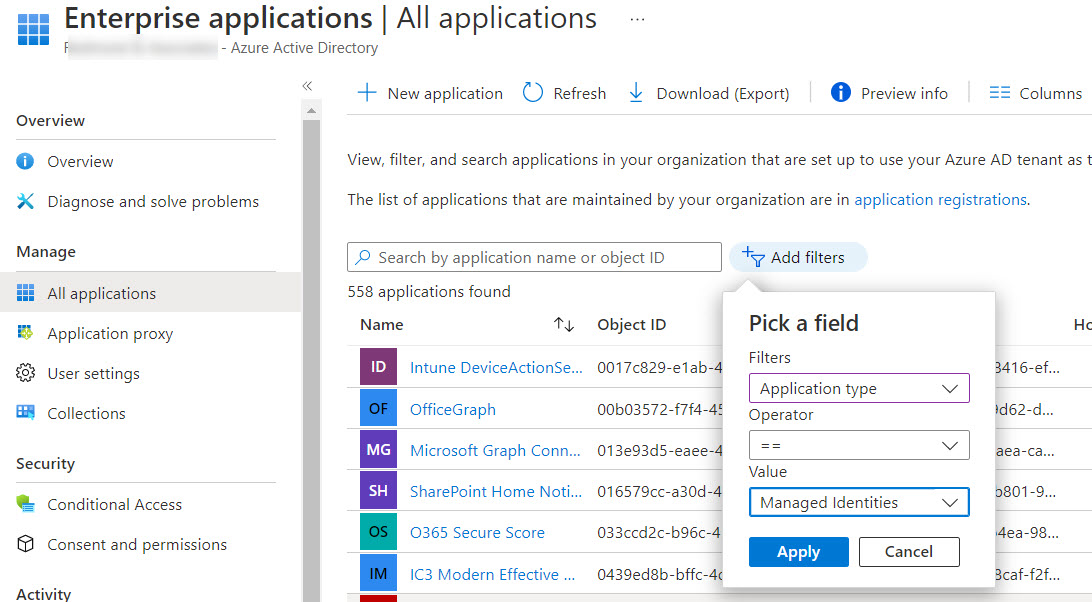
This article describes how to use the Exchange.ManageAsApp permission to allow Azure AD apps to run Exchange Online PowerShell cmdlets. You can do this in the Azure AD admin center for registered apps, but when the time comes to allow Azure Automation runbooks to sign into Exchange Online with a managed identity, you must assign the permission to the automation account with PowerShell. Easy when you know how, hard when you don’t!
The Outlook Sweep feature is available in OWA and the Outlook Monarch client. The idea is that you clean up your mailbox by ‘sweeping’ unwanted items into somewhere like the Deleted Items folder. As it turns out, the Sweep feature uses both Inbox and Sweep rules to get its work done. Overall, Sweep is a pretty useful piece of functionality.
Teams clients now have an unread only toggle for the activity feed. The toggle hides previously read notifications to highlight messages awaiting attention by the user. Apart from hiding work you’ve already done, the toggle might just surface some items you haven’t yet taken care of.
A new setting for Azure AD conditional access policies allows organizations to dictate the authentication strength of accepted connections. This is part of a Microsoft effort to move MFA-enabled Azure AD accounts away from the relatively insecure SMS-based challenges to methods that are less susceptible to attack.
A script written by a Microsoft program manager to remove authentication methods from an Azure AD account caused me to write a script to capture all the authentication methods used in a tenant. I have other similar scripts, but this one records some additional detail for each method. And I have a moan about why the Microsoft Graph PowerShell SDK includes so many cmdlets for interacting with authentication methods. Some consolidation would be nice.
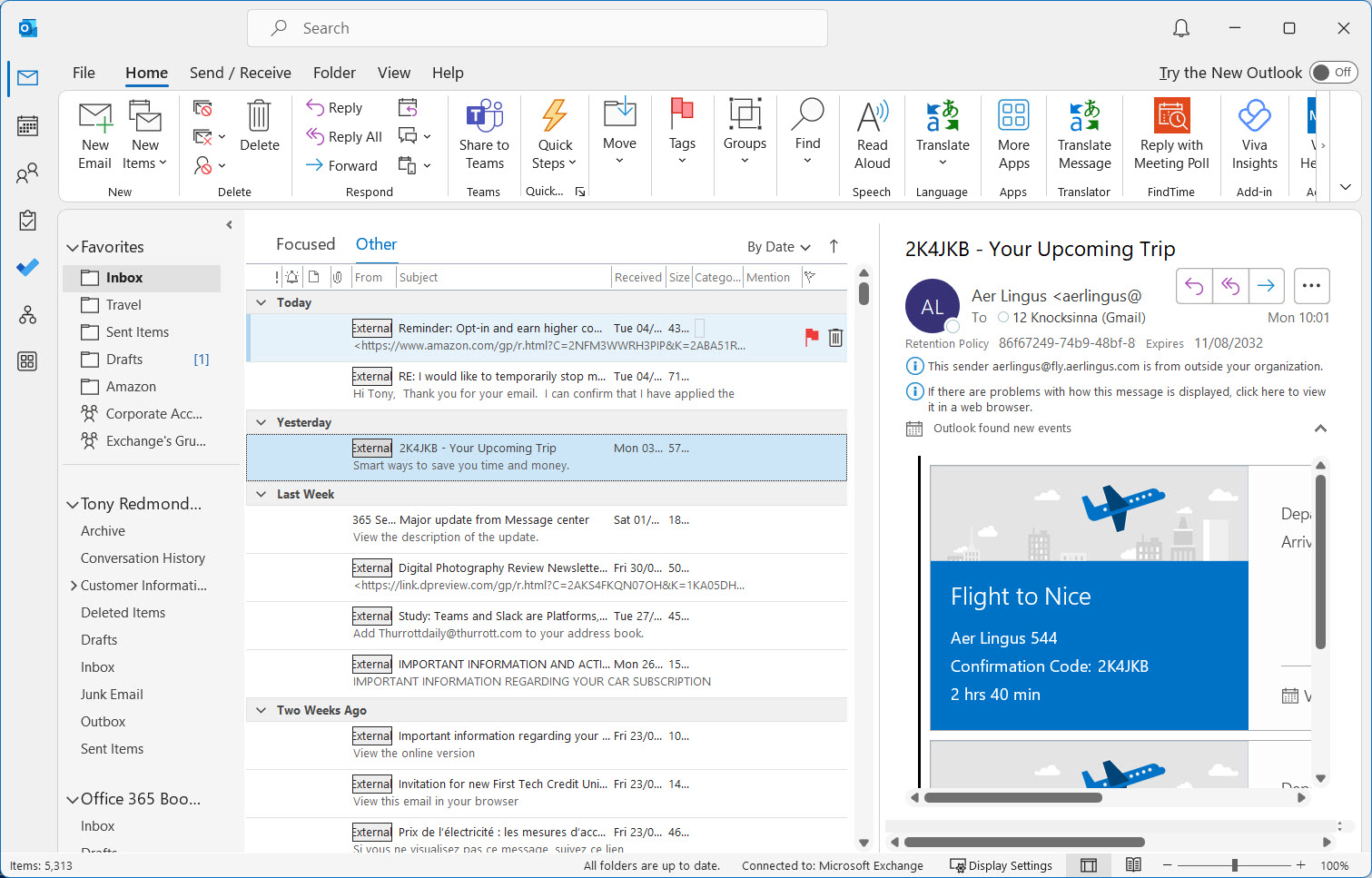
External tagging has been available for OWA, Outlook mobile, and Outlook for Mac since 2021. Now it’s coming to Outlook for Windows. Some might wonder about why it’s taken Microsoft so long to add external tagging to the Windows client. It might be that they’re waiting for the Monarch client, but it’s more likely the difficulty of retrofitting new features into the Outlook GUI.
Microsoft is moving the listing of archived mailboxes from the Purview Compliance portal to its natural home in the Exchange Admin Center. In this post, we look at how you can report the current status of archive mailboxes (both user and shared mailboxes) in a Microsoft 365 tenant.
Hidden membership is supported for Microsoft 365 Groups and distribution lists. Hidden membership means that no one except members and admins can see who’s in a group. It’s a useful feature if you don’t want people poking around to find out who’s in a group or distribution list. One thing to be aware of is that once a Microsoft 365 group has hidden membership, it has it forever. Distribution lists on the other hand can flip between hidden and visible membership.
Now that October 1 has arrived, Microsoft has started the process to permanently remove basic authentication from 7 email connection protocols. So what happens next? Well, for many organizations, not much. They’re the ones that have already transitioned to modern authentication. For others, some unpleasant surprises might lie ahead as people discover that stuff just doesn’t work anymore.
The October 2022 update for the Office 365 for IT Pros (2023 edition) eBook is available for subscribers to download. This is the 88th in a series of updates since the original launch of the book in May 2015. Although some might consider this month to be a light one in terms of changes made inside Microsoft 365 because everyone’s waiting for Ignite, we still had lots to do and many changes to process. Just like every month.
A new Outlook Monarch build is available for Office Insiders to test. Still a prettier version of OWA, Monarch is maturing, and this build is usable, especially if you prefer OWA rather than desktop Outlook. However, if you need offline working, you need to wait a little longer because that feature still isn’t there.
This article describes how to adapt the Microsoft 365 licensing report script to highlight Azure AD accounts that haven’t signed in for a long time. Because Microsoft charges for licenses on a monthly basis, every month that goes by racks up cost for underused accounts. The new version of the script tells you what accounts to check to help you focus on driving down licensing costs.
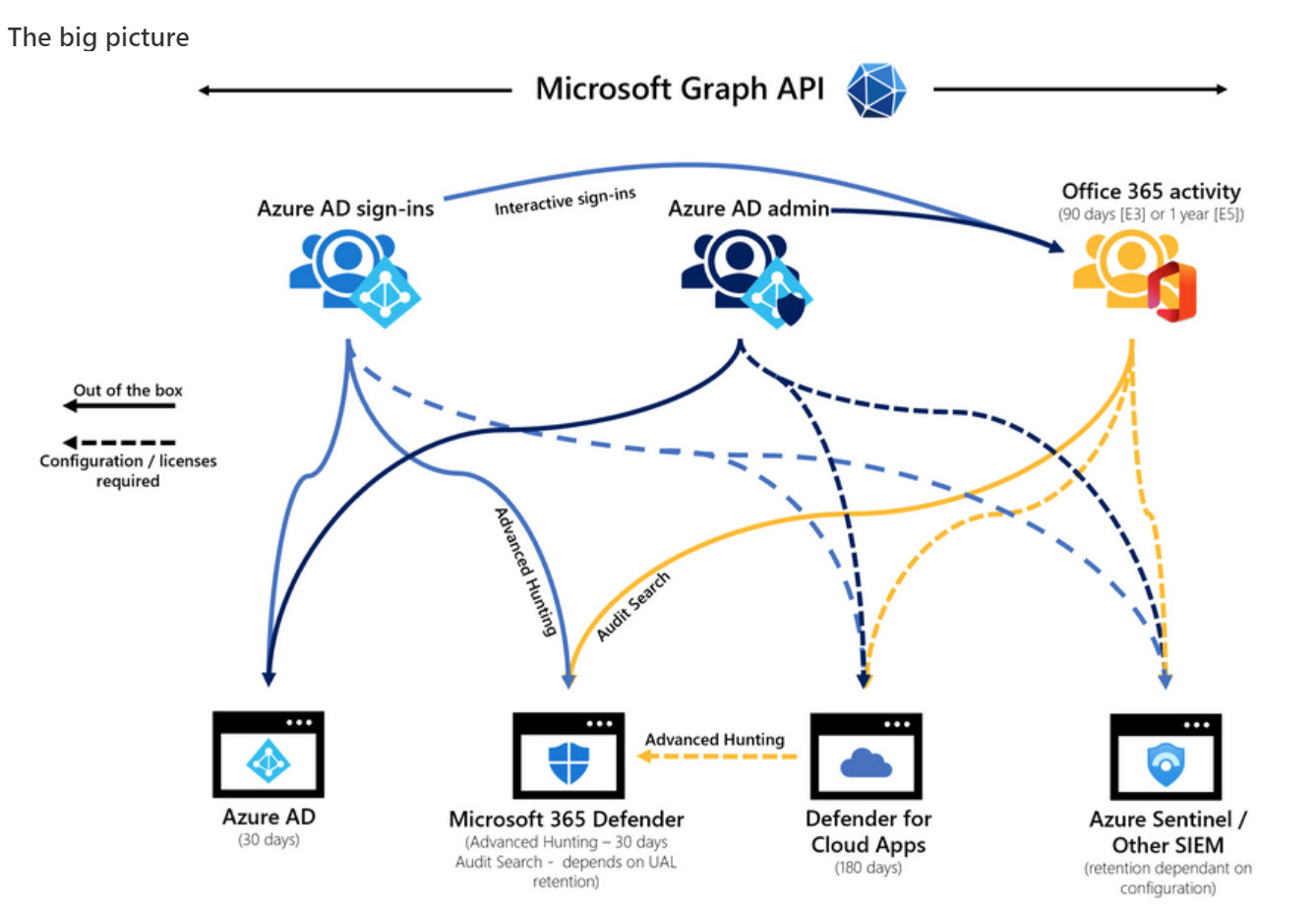
Microsoft DART (cybersecurity response team) published an interesting article about the essential sources of Microsoft 365 audit data used for forensic investigations. The Office 365 audit log gets a big mention and DART seems pretty impressed by the new audit log search that’s available in preview in the Purview Compliance portal. I’m not impressed by the performance of the new interface and will continue to use PowerShell. As it turns out, so will DART.
Teams meeting participants can open Excel workbooks through the Share Tray and collaborate with everyone in the meeting through Excel Live. The new feature builds on several existing capabilities, including co-authoring and autosave for Office documents and it’s a useful addition to how people can work together during online meetings. The only thing to remember is that all the workbooks used by Excel Live need to be in OneDrive for Business, but that shouldn’t be a big issue.
Teams video messages are clips of up to 1 minute in length that can be sent in 1:1, group, and meeting chats. They’re a powerful way to deliver a message to chat participants, but they come with a downside in that support for eDiscovery is poor. But that’s not a reason to eschew their usage. Who doesn’t like receiving video messages from their closest friends?
Audit logs hold lots of information, including records for when Azure AD consent permission grants happen. Checking the audit data can detect illicit grants. Records are in the Azure AD audit log and are also ingested into the Office 365 (unified) audit log, so there’s two places to check. The audit data is interesting and could help administrators work out if a permission grant is illicit. But only if checks are made and people review the reports.
Like OWA and Teams chat, Outlook for Windows boasts the ability to add Loop components in messages. The implementation is very similar to OWA, as you’d expect, which means that some of the same shortcomings seen in OWA are in Outlook for Windows. Such is life.
The Teams scheduled send feature allows users to set a time when Teams will deliver chat messages. The feature works for Teams enterprise and consumer users. It isn’t available for channel conversations. If you’re used to the delayed send feature in OWA and Outlook, you’ll know the value of being able to schedule a message to arrive at the most appropriate time!
The Stream for SharePoint browser client includes the ability for people to record short (up to 15 minute) videos. The input comes from workstation cameras (including software cameras like Snap Camera) or the screen. Videos are stored in OneDrive for Business and can be updated and shared from there. The question we have is what role will Clipchamp play in the Microsoft 365 video playbook?
According to notifications sent by Microsoft to customers that have users of the Teams Linux client, Microsoft plans to retire the client in early December and replace it with a progressive web app (PWA). The news is not unexpected. The Teams Linux client has always lagged its Windows and macOS counterparts and was buggy to boot.
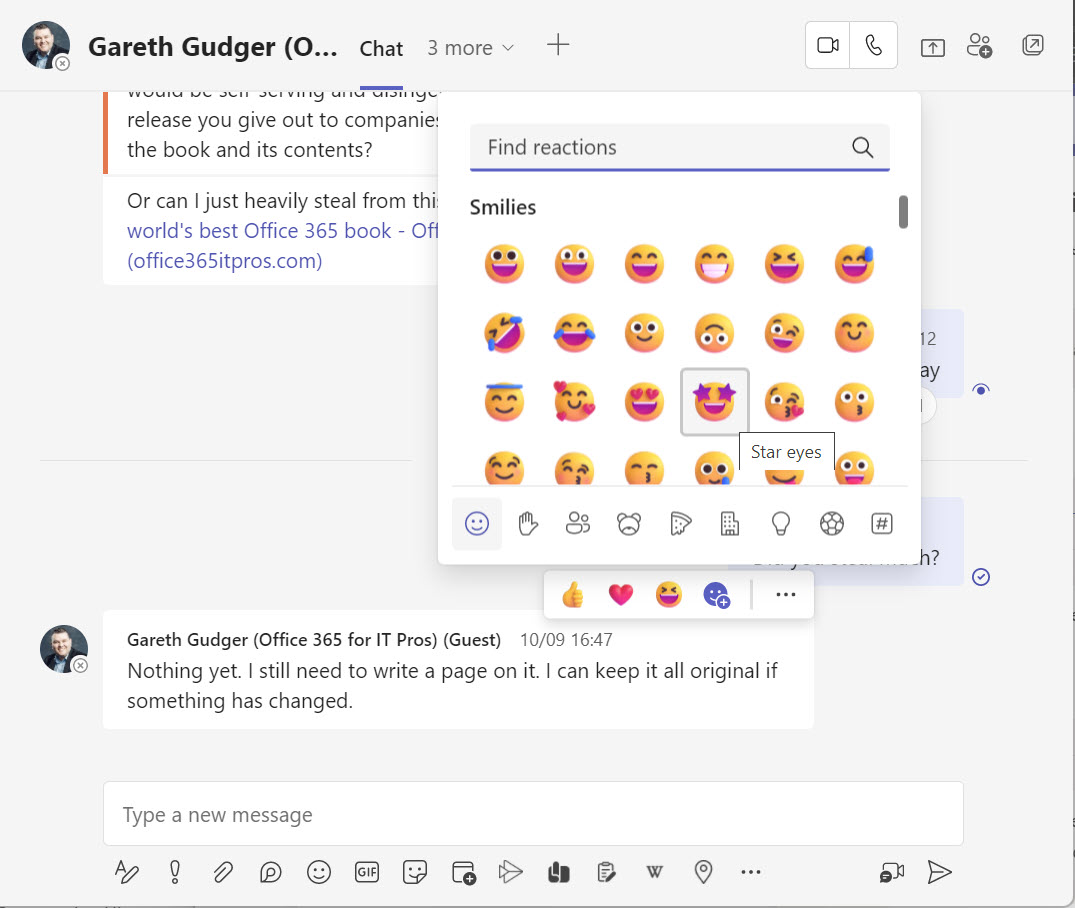
Instead of being limited to five emojis to express reactions to Teams chat and channel messages, Microsoft is making over 800 emojis available as expanded reactions. Whether this will make any difference to the way anyone uses Teams is entirely personal. For me, I think I shall remain content by using the limited set available to date because it’s just too much hard work to choose from over 800 options.
Microsoft revealed some interesting Exchange Online statistics at the MEC 2022 event. 300 K physical mailbox servers is a staggering amount, but 7.3 billion mailboxes might be even more surprising. Also at MEC we discovered more about the campaign to remove basic authentication from Exchange Online and how well Microsoft’s Greg Taylor can communicate in Irish when he presents about the deprecation of basic authentication.
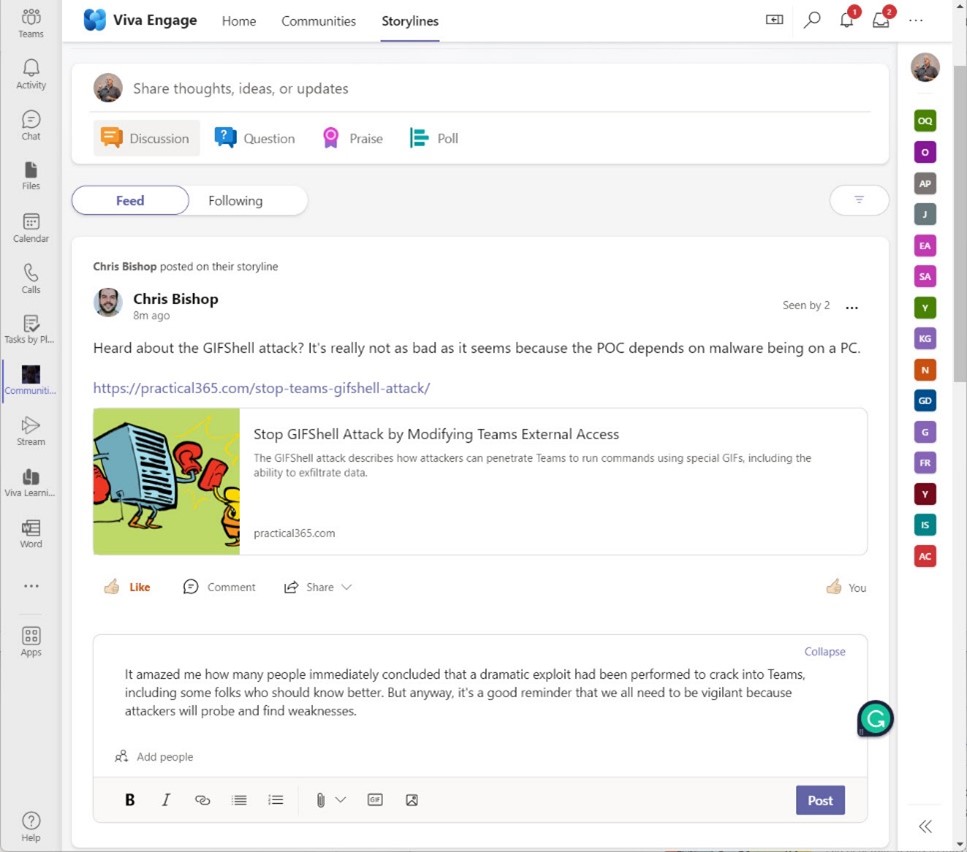
Viva Engage Storyline is a new way of posting information to Yammer. Instead of posting to communities, people can post to their personal storyline, with the aim of fostering better communication and creating their personal brand. Storyline works in both the Viva Engage app in Teams and the traditional Yammer browser UI. It’s a nice way to post stuff when you don’t have a good home for the information, but I do have a nagging doubt that storyline is just another way to share information inside Microsoft 365, which is exactly what’s needed.
Outlook automapping is usually a good thing. Exchange marks a mailbox after a user receives full access permission for the mailbox. Autodiscover publishes details of the new access, and Outlook adds the mailbox to its resource list. But Some downsides exist, like the size of the OST, which mean that sometimes it’s better to add a mailbox manually to Outlook and forget about automapping.
Over the next two weeks, I’ll attend and present at the Microsoft Exchange Conference and The Experts Conference (MEC and TEC). It should be fun! It’s nice to see conferences gradually returning to normal. I prefer in-person events and am looking forward to TEC in Atlanta on September 20-21. Before then, there’s the small matter of presenting two sessions at MEC 2022.
This article offers some tips about working with the Microsoft Graph Usage Reports API. In particular, we cover how to detect if the concealment of display names setting is active and how to reset it to allow display names appear in reports. We also cover the strangeness of some of the numbers reported for Teams message counts.
Every time someone reacts to a message in a team chat or channel conversation, Teams captures an audit record and sends it to the Office 365 audit log. The Teams reactions audit records are an interesting source of information. In this article, we show how to use PowerShell to interpret the contents of the reactions, and how to use the data to find the underlying messages.
After debuting in summer 2021, the Microsoft Cortana Scheduler service will close on September 1, 2023. High cost and a lack of users are among the likely causes for Scheduler’s demise, but it wouldn’t be surprising to see it reappear in the future as part of a high-end Office 365 or Microsoft 365 bundle.
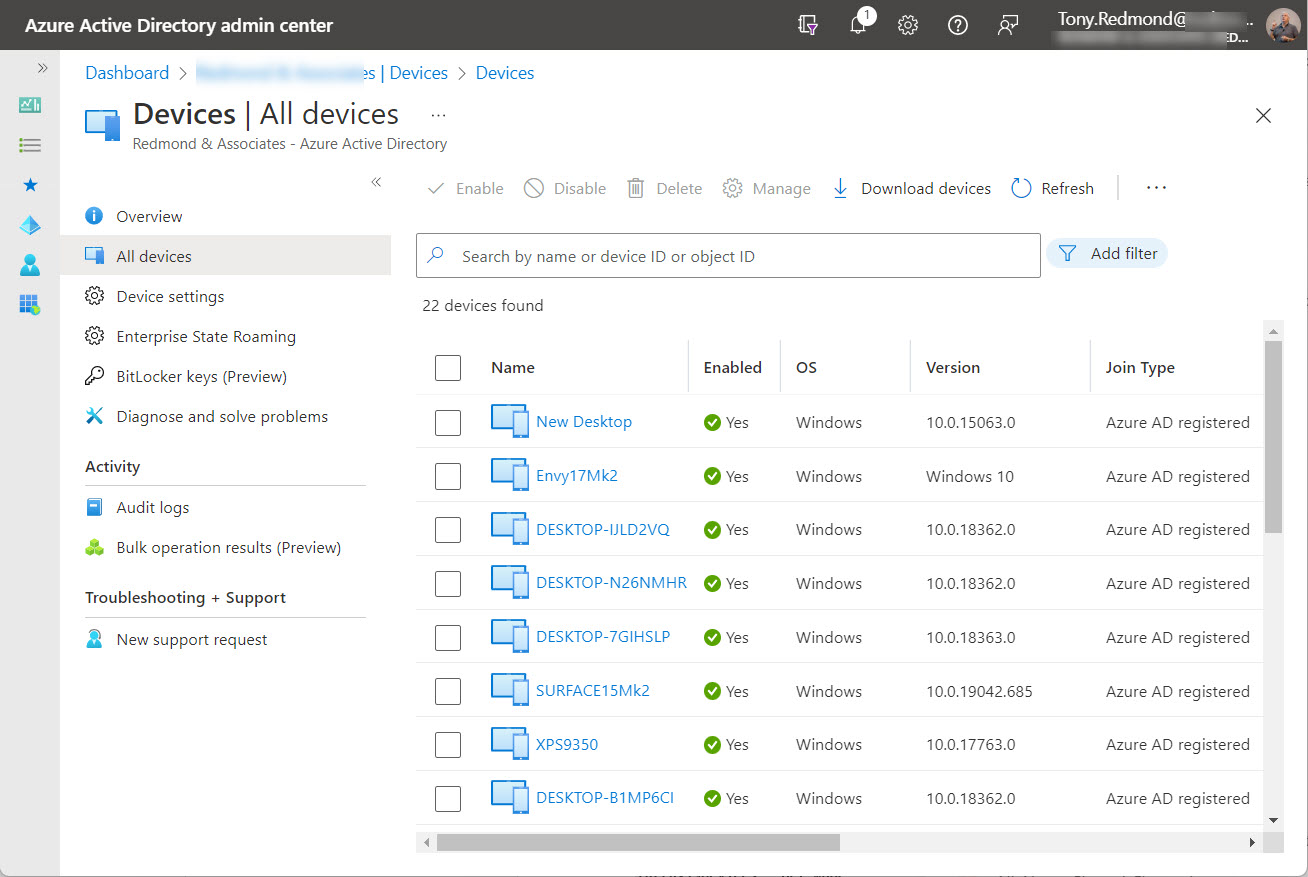
Entra ID registered devices have 15 extension attributes that tenants can use for their own purposes. In this article, we explore how to use the Microsoft Graph PowerShell SDK to update extension attributes for registered devices, and even better, access the content in the extension attributes afterward.
Microsoft launched an effort on September 2 to stop the creation of any more unmanaged Azure AD accounts in unmanaged tenants. A set of tools is available to help tenants to find unmanaged accounts and reset them by reissuing invitations to the affected guest members. There’s not much to complain about, but it is something to understand.