Chat and meetings have their agents, and now the Teams channel agent is available to help members understand what happens inside channels. Like any AI agent given limited sets of data to reason over, the channel agent does a good job of finding nuggets hidden in conversations. The issue is that the channel agent doesn’t currently work for channels that have external members, like guest accounts. That’s a big downside.
Microsoft is rationalizing the options to revoke sessions for a user account in the Entra admin center by removing an old revoke MFA sessions button. That seems like a perfectly reasonable thing to do. When administrators want to revoke sessions for an account, the best way is to create a PowerShell script to perform the necessary steps. That way you don’t need to worry about buttons.
After considering customer feedback, Microsoft cancelled the mailbox external recipient rate limit for Exchange Online. The idea behind the new limit was simple – it makes life more difficult for spammers to use Exchange Online as a platform. Unhappily, customers didn’t like losing the ability to send relatively small amounts of external email for different reasons. C’est la vie.
Microsoft announced the availability of a Slack to Teams migration tool in the Microsoft 365 admin center. The new tool exists to assist the 79 million monthly active users of Slack who might want to move to Teams and don’t know how to get there. ISVs have been helping people move from Slack to Teams for years, so other migration options exist.
During the quiet holiday period, I tested the new Purview Data Security Investigations (DSI) solution, which seems to be put together from bits of Microsoft 365 together with Security Copilot and some generative AI. Assembling new solutions from existing components makes sense because it reduces engineering effort. Without real data, it’s hard to know how effective DSI is, but the cost of an investigation came as a real surprise.
MC1211579 (3 January 2026) announces the retirement of four legacy SharePoint compliance features in favor of Purview Data Lifecycle management and Records management. It’s always unsurprising when Microsoft chooses to remove old features developed for on-premises and replaces them with better online options, which is exactly what’s happening here. Some tenants might face additional licensing requirements for Purview.
Microsoft is rolling out a UX update for the Teams admin center to make it easier to manage external collaboration settings. The new UX doesn’t introduce any new features. Instead, its goal is to hide some of the policies and settings complexity that sometimes afflicts the Teams application. It’s a good change, even if it probably won’t make much difference.
Monthly Update #127 for the Office 365 for IT Pros eBook (2026 edition) is now available for current subscribers to download from Gumroad.com. In this note, we explore some of the options the writing team is considering for the next edition of the book. Microsoft 365 doesn’t stop changing, so it makes sense for the best Microsoft 365 book available today to change to reflect new developments.
A LinkedIn post explained how the UK Revenue and Customs authority train 30,000 people to use Microsoft 365 Copilot effectively. It’s a reminder that introducing complex software to a user community takes careful planning and support, including the provision of well-planned training to help people exploit the new software as quickly as possible. Otherwise, some of those expensive licenses might be wasted.
While examining mailbox properties, I noticed that the EnforcedTimeStamps property held some information that I just couldn’t explain. Google search was no help, but Microsoft Copilot told me that the information related to the management of compliance holds. Basically, the data are guardrails to help the Managed Folder Assistant do the right thing, which is nice, even if no documentation exists.
MC1169572 announces that administrators can add classifications to DLP alerts to help with reporting. But how do you report DLP alerts? As it turns out, it’s relatively easy to retrieve DLP alerts via the Microsoft Graph Security API. Using the Get-MgSecurityAlertV2 cmdlet from the Microsoft Graph PowerShell SDK makes it even easier to find and report the data.
The Web Account Manager (WAM) authentication broker becomes the default method for handling interactive Microsoft Graph PowerShell SDK connections from V2.34 onwards. The rapid release of a new version (V2.33 appeared 12 days beforehand) is usually a sign of a big problem, but in this case the reason is more likely to be a security vulnerability that’s just come to light. We’ll find out after the holidays.
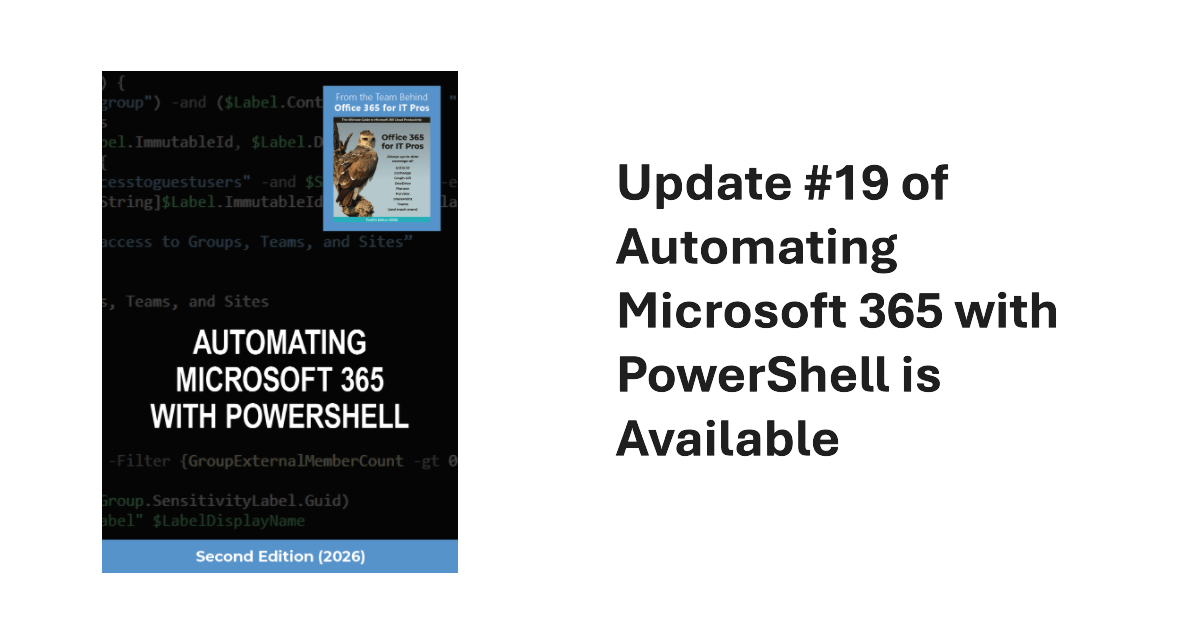
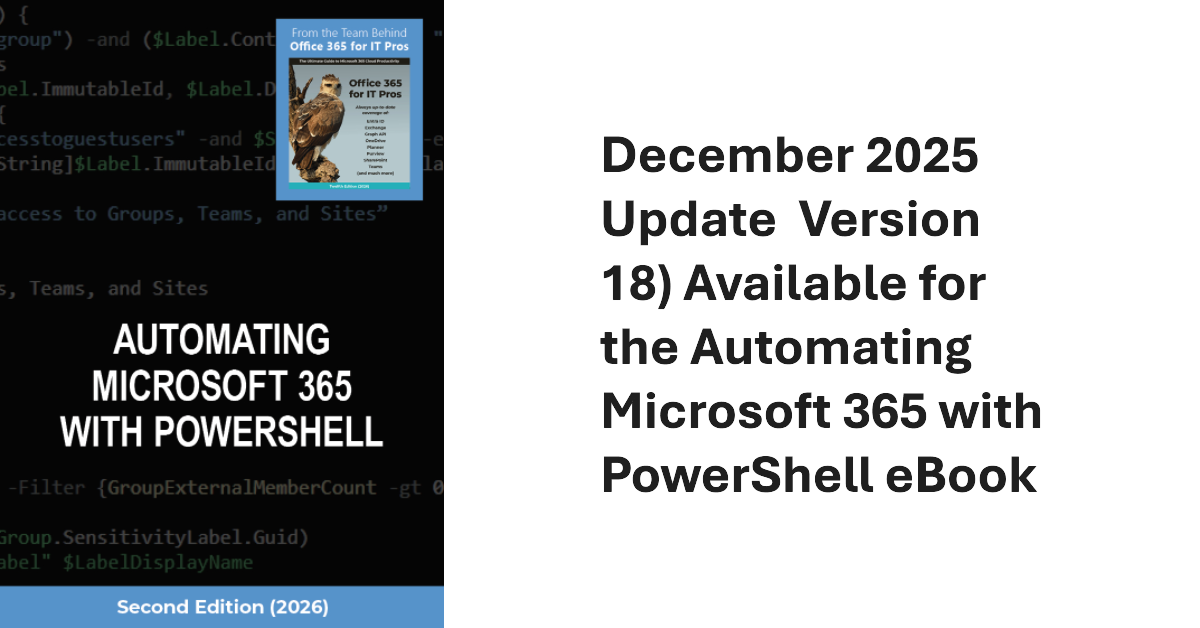
Update #19 of the Automating Microsoft 365 with PowerShell eBook is now available. Subscribers can download the updated PDF and EPUB files from Gumroad.com. A paperback version is also available, but we can’t update the print characters. In any case, a new SharePoint create Site API is in beta, and a new version of the Microsoft Graph PowerShell SDK is available. Both have their moments, as we discuss here.
Microsoft has launched a tenant-to-tenant migration orchestrator solution in public preview to migrate mailboxes, OneDrive accounts, and Teams chat between tenants. ISVs have been active in the T2T space for a long time. They probably won’t welcome the new Microsoft offering, but at least the migration orchestrator legitimizes the concept of tenant-to-tenant migration.
A new Exchange Online feature allows administrators to remove multiple types of holds from mailboxes (usually inactive mailboxes). It’s a great way to release holds that might be keeping inactive mailboxes lingering in a tenant. The feature doesn’t remove holds used to retain items required for eDiscovery or other compliance purposes. Even so, this is definitely a feature that needs to be carefully tested.
Microsoft is launching version expiration policies in SharePoint Online for audio and video files. The approach is the same as used for intelligent versioning of Office files stored in SharePoint Online and OneDrive for Business and can be configured at the tenant, site, and document library level. If your tenant uses Clipchamp, this could be a way to save expensive SharePoint storage.
Exchange Online will require email clients to use Exchange ActiveSync (EAS) V16.1 to connect from March 1, 2026. Email clients that use older versions of EAS won’t be able to synchronize with Exchange Online to upload outbound messages or download messages, attachments, and calendar items. There should be relatively few clients using an old version of EAS, but it’s wise to check.
Microsoft has released a set of security benchmark recommendations for Microsoft 365 tenants that it calls baseline security mode. The recommendations cover authentication, file access, and Teams and the idea is that these are settings that Microsoft believes have proven their value over the years. The only criticism that you might have is about the potential clash for conditional access policies, but that’s not serious.
After the fuss around the initial introduction of the Anthrophic models into Microsoft 365 in September, we learn that Microsoft will enable access for all in January 2026. It would have been so much better had Microsoft said that they were working on the data protection arrangements with Anthrophic, but that didn’t happen. Is all well now? We’ll see in January…
The MCP Server for Enterprise is one of a set of preview servers released by Microsoft to show how MCP servers can help Microsoft 365 tenants get real work done. I’m sure things will improve, but the current state of the preview is that it can do a splendid job to answer simple questions, but once things get more complex, don’t depend on any of the PowerShell code the server generates.
The addition of Autocorrect for messaging is a small but important change for Teams messaging brings Teams up to speed with the other Office applications. It’s taken Teams a little longer than it perhaps should have to support Autocorrect and the implementation is not as functional as it is in Outlook, but that’s not a reason to overlook the update.
After all the fuss about Teams users inviting people to chat via email, tenant administrators realize that knowing where users are active as guest accounts is not as easy as it might seem. Part of the problem is that data about user activity is mostly controlled by host rather than home tenants. However, it’s possible to extract some information from audit sign-in logs to figure out where tenant users go as guests.
Customers will see their bills increase from July 1, 2026, when Microsoft 365 pricing increases go into effect, adding up to $3/month for licenses. This is the first increase since March 2022, and it moves the baseline Office 365 E3 license to $26/month and Microsoft 365 E5 to $60/month. Microsoft justifies the increases based on the functionality and apps it delivers. Time for a licensing review!
A December 2 announcement says that Exchange Online will block access to Exchange Web Services for users with kiosk or frontline worker licenses from June 2026. In fact, the Exchange Online service description has always excluded EWS access for these licenses, but the necessary code to enforce the exclusion was never implemented. It will be in March. Time to check licenses…
Microsoft recommends passwordless authentication to help secure Microsoft 365 tenants. The latest is synced passkeys, something that apparently leads to “syncability,” whatever that might mean. In any case, after some struggles, I managed to enable synched passkeys for my iPhone and then started to consider how to remediate user accounts that are flagged with a high-risk (compromised) status when they can’t simply update their password.
Paul Robichaux and I led a session about Microsoft 365 Compliance at the European SharePoint Conference in Dublin on December 2, 2025. During the session, we discussed how intelligent versioning works and its value in saving storage, priority cleanup and its ability to delete files even if the files are under retention hold, and the recent revamp of the Purview eDiscovery solution. We were thrilled at the attendance. Here’s what happened.
The latest versions of the SharePoint Online PowerShell module support app-only authentication (certificate-based authentication) for the Connect-SPOService cmdlet. In other words, applications can now connect to SharePoint Online to run administrative cmdlets by presenting a registered Entra ID app and an X.509 certificate instead of the credentials for a human SharePoint administrator. It’s a good change, even if I still prefer using the Graph APIs for SharePoint automation.
The Office 3675 for IT Pros team is happy to announce that the files for update #126 are available for subscribers to download from Gumroad.com. The paperback edition of the PowerShell book has also been refreshed. Updated PDF and EPUB files are available for the Office 365 for IT Pros and Automating Microsoft 365 with PowerShell eBooks. Happy reading!
Some weeks ago, I wrote about using a transport rule to suppress spammy email by sending the messages to the quarantine. But what’s the best way to check the rule’s effect? One method is to use the transport rule report PowerShell cmdlet to check for the actions you expect the rule to perform. Once information is found, it’s a matter of slicing and dicing the data.
Shared mailboxes might need Microsoft Defender for Office 365 licenses, but how do you identify how many licenses? We use PowerShell to do the job by analyzing external email sent to shared mailboxes. If a mailbox receives external email, then by definition the mailbox receives benefit from MDO, and that’s the test for requiring a license.
Teams now includes weaponized file protection and malicious URL protection to make sure that people don’t share bad files or URLs in chats or channel conversations. Given that a user can post a message to up to 50 channels at one time, it obviously makes a heap of sense to check that any files or URLs that people share in chat or channel conversations are safe and not malicious.
The December 2025 update (version 18) of the Automating Microsoft 365 with PowerShell eBook is now available to download. Current subscribers can fetch the updated EPUB and PDF files from Gumroad.com using the link in their account (or receipt), but we can’t do much for the paperback edition except consider using scissors, paste, and Tippex, just like the old days.
A new DLP policy for Copilot prompts monitors blocked sensitive information types like credit card numbers to stop their use in Copilot prompts. The new policy can’t be combined with the existing DLP policy for Copilot, which checks for files with specific sensitivity labels to prevent Copilot from using their content in its responses. But that’s OK because the two policies do very different work.
The Ignite 2025 keynote was a marathon 150-minute event, but some interesting Microsoft 365 announcements emerged, mostly centered on AI. Microsoft is obviously focused on making AI and agents a very real part of tenant activities, so there’s new agent management and a repository among other things that will roll out in the year ahead.
Microsoft launched the preview of the Exchange Admin API on November 17. The new API is intended to close known feature gaps that exist in the Graph APIs and allow developers to migrate from EWS before Microsoft retires EWS in October 2026. Think of the Exchange Admin API as a discardable time-limited API that allows clients to submit cmdlets for processing. It’s certainly one way to approach the EWS problem!
The Entra ID Governance solution includes a workflow to detect and remove inactive user accounts. Sounds good, but the same can be done with PowerShell if you want to avoid the cost of Entra ID Governance licenses or want to create a bespoke workflow that’s better suited to the business needs of the organization. Azure Automation would be a good way to process this workflow.
A temporary chat with Microsoft 365 Copilot is one that forgets everything discussed in the conversation once the chat is over. The idea is that by leaving no trace, Copilot won’t recycle the ideas discussed in the chat later. Copilot absolutely discards the chat thread, but those pesky compliance records remain behind, ready for eDiscovery and other compliance investigations.
In January 2025, Microsoft changed the SharePoint folder location to store copies of the email sent to Teams channels. Apparently, this update improved security, but it’s unclear exactly how the improvement comes about unless through obscurity. In any case, we missed this change completely and are publishing this note to remind everyone else of the importance of reading message center posts.
The question was asked if it was possible to identify use of the Claude LLM by the Copilot Researcher Agent. Audit records often help, so that’s the natural location to check. As it turns out, some information is captured when the Researcher agent is used, but figuring out if the agent uses the default ChatGPT-5 or Claude LLMs is a matter of intuition (or guesswork).
Entra ID has long supported soft-deleted Microsoft 365 Groups. Now support is available to list and restore soft-deleted security groups in both the Entra admin center and cmdlets from the Microsoft Graph PowerShell SDK. The update is very welcome as it fixes a big recovery gap in the Entra ID story. Too many important security groups have been deleted in error, much to the chagrin of administrators.