The Microsoft Authenticator app gets two important changes in September 2025 to make the app easier to use for average users. The current number matching mechanism is modified to make it less likely that notifications will fail to be seen and the first run experience is changing to give priority to Entra ID accounts. Hopefully, the changes will encourage adoption of MFA in Microsoft 365 tenants.
The news that people can customize Teams by choosing one of ten accent colors for use in the Teams UX might or might not be positive, depending on your view. While it’s nice to see things in your chosen color, the thought might cross your mind that engineering could focus on other more important tasks… But that’s being very critical.
The Exchange Extended Security Update program is a 6-month lifeline for organizations struggling to upgrade servers to Exchange Server SE. Although it’s easy to upgrade a server to , many things might get in the way before the Setup program can run. Small things like vacations, buying new hardware, or deploying a new O/S. From August 1, organizations can sign up to receive security updates from October 2025 to April 2026.
A July 15 announcement says that Exchange Online is reducing the Delicensing Resiliency threshold from 10,000 to 5,000 mailboxes. That’s fine, but this feature should be available for all Exchange Online tenants. It’s a sticking plaster for how group-based licensing works and is inconsistent with how OneDrive for Business deals with unlicensed personal user data.
Security researchers documented a prompt injection vulnerability in an agent created with Copilot Studio that allowed the exfiltration of customer data. Microsoft has fixed the problem, but the researchers figure that natural language prompts and the way that AI responds means that other ways will be found to cause agents to do silly things. Microsoft 365 tenants need to think about the deployment and management of agents.
Microsoft 365 Copilot Search is the second iteration of Copilot Search. It borrows heavily from the older Microsoft Search in Bing feature in terms of how it presents different types of results. Copilot Search is unmatched when it comes to searching Exchange, SharePoint, and Teams, but its ability to search the web is hindered by the dependency on Bing and the preference given to Microsoft.com sources.
Version 2.29 of the Microsoft Graph PowerShell SDK can now be downloaded from the PowerShell Gallery. Initial tests show that the release is stable. However, it’s recommended that you deploy V2.29 on a few workstations to test essential scripts before proceeding to a full-scale roll-out. V2.29 does not address the issue with PowerShell runtime in Azure Automation, but overall, first indications are that V2.29 is a good release.
The Microsoft Authenticator app is a secure authentication method for MFA. The app is getting an easier way for backup and recovery, which should make it easier for people to move to new iOS devices. Instead of a Microsoft recovery account, Authenticator will use the iCloud keychain. The update is expected to roll out in September 2025.
A sometimes overlooked 2024 update delivers easier access to protected messages delivered to shared mailboxes. Instead of direct assignment of Full Access to user mailboxes, access can be controlled through membership of a mail-enabled security group. It’s a small but very nice change, just like any update that eases the life of tenant administrators.
Sometimes tenants need to copy group membership from one user to another. Often PowerShell is used, but with the demise of the Azure AD module you might need to update the script that you use. Things are a little more complicated when using the Graph, but where there’s a will, there’s a way. Here’s how to use the Graph PowerShell SDK to do the job.
Microsoft 365 Copilot users can generate audio overviews from Word and PDF files and Teams meeting recordings stored in OneDrive for Business. Copilot creates a transcript from the file and uses the Azure Audio Stack to generate an audio stream (that can be saved to an MP3 file). Sounds good, and the feature works well. At least, until it meets the DLP policy for Microsoft 365 Copilot.
July 1 marked the general availability of Exchange Server SE (subscription edition), the latest in a long line of server releases going back to Exchange 4.0 (1996). Exchange Server SE will soon be the only game in town after Exchange 2016 and 2019 reach end of support in October 2025. In other news, Defender for Office 365 now boasts protection against email bombs.
The New Outlook for Windows supports an export to PST function. Unfortunately, exporting mailbox items is very slow – roughly ten times slower than Outlook (classic). But a bigger question is whether Microsoft 365 tenants should allow the use of the export to PST function because of the potential effect on tenant compliance and governance. Fortunately, it’s easily blocked.
The MCP server for Microsoft Learn is available in public preview. It can be installed to allow AI agent real-time access to Microsoft documentation. The problem with any AI technology is that it depends on the accuracy of its sources. And sometimes the accuracy of Microsoft Learn is not as good as people assume, which then means that the AI responses aren’t so good.
Office 365 for IT Pros (2026 edition), the 12th in an eBook series going back to May 2015, is now available. Covering all the essential aspects of Microsoft 365 tenant management from Entra ID to Exchange Online, SharePoint Online, OneDrive for Business, Teams, data lifecycle management, information protection, and more, Office 365 for IT Pros is an indispensable companion for tenant administrators who want to understand how Microsoft 365 really works.
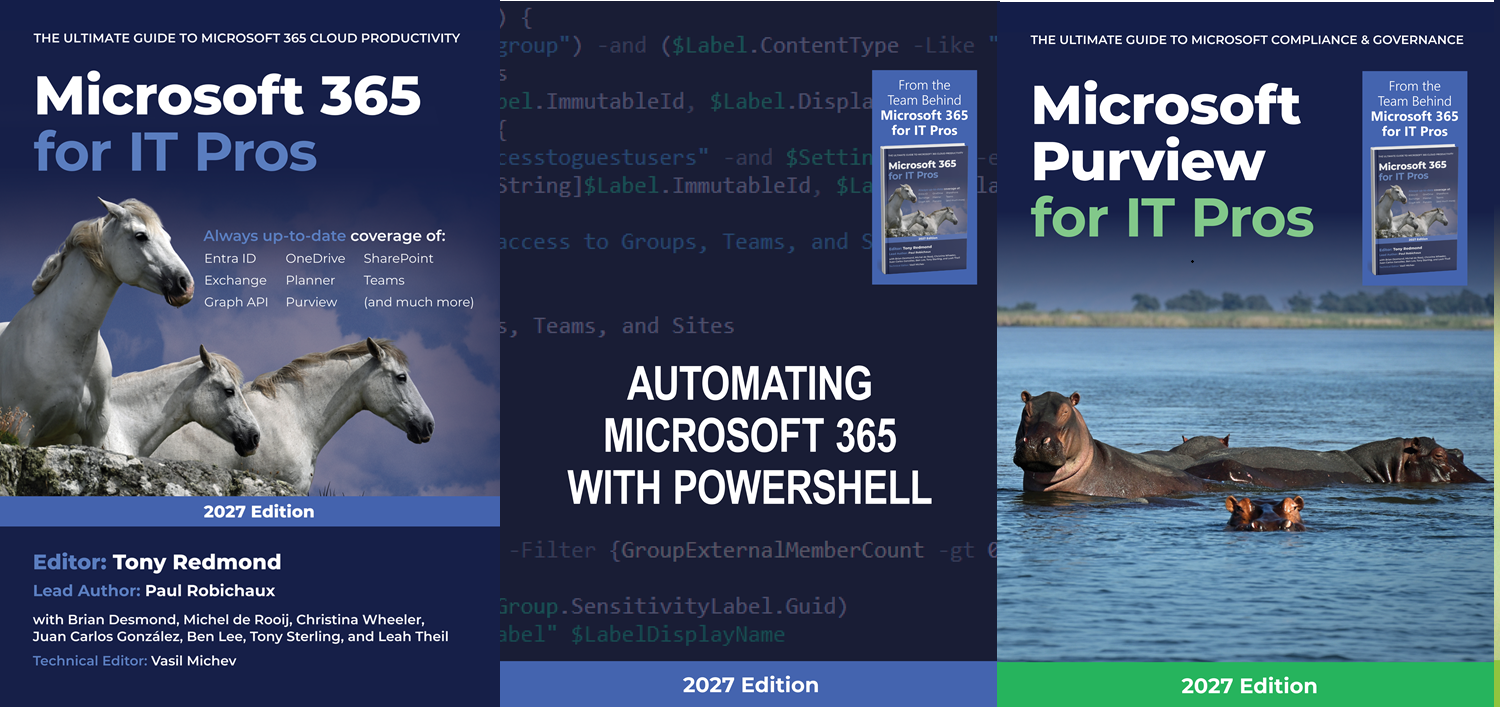
The Office 365 for IT Pros team are thrilled to announce the availability of Automating Microsoft 365 with PowerShell (2nd edition). This completely revised 350-page book delivers the most comprehensive coverage of how to use Microsoft Graph APIs and the Microsoft Graph PowerShell SDK with Microsoft 365 workloads. Existing subscribers can download the second edition now free of charge.
Agent governance is the framework that allows tenants to deploy agents safely, securely, and under control. A new ISV offering from Rencore helps to fill some gaps in Copilot agent governance that currently exist in what’s available in Microsoft 365. It’s good to see ISV action in this space because the last thing that anyone wants is the prospect of Copilot agents running amok inside Microsoft 365 tenants.
The conditional access policy condition for token protection now extends to Microsoft Graph PowerShell SDK interactive sessions. Any account within the scope of a CA policy that requires token protection can use Web Account Manager (WAM) to sign in and check that everything is secure and ready to go. It’s a protection that might be of interest to administrators and developers that access sensitive data in Graph SDK sessions.
Recent problems with Microsoft 365 PowerShell modules afflicted the ability of Azure Automation runbooks to execute cmdlets Microsoft Graph PowerShell SDK and Exchange Online Management modules. The root cause is a decision to remove support for .NET6, but the worrying point is the lack of awareness within Microsoft engineering that Azure Automation is where many critical scripts run. Better pre-release testing is definitely needed.
We’re a week away from the launch of the Office 365 for IT Pros (2026 edition) eBook, the 12th edition issued since the first book appeared in 2015. This article describes the launch plan and informs current subscribers about how they will receive an update offer to extend their subscription. We’re also updating the Automating Microsoft 365 with PowerShell eBook.
Among the blizzard of Copilot changes is one where Outlook can summarize attachments. That sounds small, but the feature is pretty useful if you receive lots of messages with “classic” (file) attachments. Being able to see a quick summary of long documents is a real time saver, and it’s an example of a small change that helps users exploit AI. Naturally, it doesn’t work with Outlook classic.
In July, Microsoft plans to introduce an app consent policy to stop users granting access to third-party apps to their files and sites. Letting users grant unsupervised consent to third-party apps to access files stored in OneDrive for Business and SharePoint Online is a bad idea. There are certainly apps out there that need such access, but requiring one-time administrator approval is no hardship.
Microsoft 365 tenants with Entra P1 or P2 licenses can use a custom banned password list to stop people using specific terms in their passwords. The idea is to prevent easily-guessed terms being used in passwords. You could also block words deemed to be objectionable. In any case, this article explains how to maintain the custom blocked password list with a PowerShell script.
On June 16, Microsoft announced European sovereign solutions, including a new offering called Microsoft 365 Local that has nothing to do with Microsoft 365 apart from the need to connect to Azure from time to time. Microsoft 365 Local is an on-premises packaged solution. There’s nothing bad about that because some companies need to run on-premises servers for their own reasons. But calling it Microsoft 365?
People Skills is a new Microsoft 365 solution that uses AI to determine what skills are possessed by users based on their profile and activities. The skills recorded for users turn up on the Microsoft 365 profile card, just like the older SharePoint/Delve implementation. Is this an example of more AI being used “just because we can” or a useful solution? It’s up to you to decide.
Copilot Studio Agents can use files as knowledge sources to reason over when they respond to user prompts. We explain how to use the monthly PDFs issued for the Office 365 for IT Pros and Automating Microsoft 365 with PowerShell eBooks as knowledge sources. If you’ve got Microsoft 365 Copilot licenses, this is an interesting way to interact with the books.
The AI-based generative summaries featured by Google and other search engines remove organic traffic from technology websites and make it less attractive for content creators to write about new topics. The upshot is likely to be a decrease in the amount of new knowledge shared on public websites and a resultant lack of information for the AI LLMs to feed off.
Sometimes it’s hard to get a response back from running a Graph API request with the Invoke-MgGraphRequest cmdlet. Graph Explorer helps. So does reading Microsoft’s documentation for the cmdlet. In the end, everything works out and we can discover some valuable information that comes back in a response header. In this case, the response header helps us discover if a purge job works.
The old Set-MsolCompanySettings cmdlet is no more, so how can a Microsoft 365 tenant block email-based subscriptions? With the Graph, of course! Seriously, there’s no 1-to-1 mapping from the old cmdlet to a new, but some of the settings are available in the Entra ID authorization policy. We can update the authorization policy with PowerShell to block email-based subscriptions, like Copilot Studio.
After July 1, 2025, any sharing links generated with one-time passcodes (OTP) will stop working. Only links based on Entra ID B2B Collaboration will work. Users who lose access to content shared from SharePoint Online or OneDrive for Business will have to contact the original sharer to ask them to generate a new sharing link. Sounds like a recipe for confusion, which is what might happen.
An OWA mailbox setting is available to block PST access for the new Outlook for Windows client. The setting mimics controls available for Outlook classic, where companies have been blocking PST access for a long time. Once email is in a PST, it’s invisible to any of the compliance solutions that organizations pay for. It’s also invisible to Copilot, which might not be a bad thing…
The need for more nuanced responses to Teams chat and channel messages can apparently be met through multiple emoji reactions instead of a basic one-emoji response like a smile or thumbs up. In any case, users can add up to 20 emojis in response to Teams chat and channel messages. The possibilities of what 20-emoji combinations might communicate are endless, or so it seems.
Microsoft announced the GA for the new message tracing feature on June 3. The old code will be deprecated in September 2025, so it’s time to update any PowerShell scripts that use the Get-MessageTrace or Get-MessageTraceDetail cmdlets. Upgrading is easy and shouldn’t take too long, once you find the time to do the work.
A recent post revealed that the Mailbox Import-Export Graph API doesn’t capture audit events for its operations. The API is in beta, but this is disappointing. Auditing any mailbox is important, but it becomes a critical requirement when the possibility exists that attackers could use the API to exfiltrate mailbox data outside of the tenant. This is a hole that Microsoft needs to close.
The new TwoClickMailPreviewEnabled setting in the Exchange organization configuration controls if OWA and the new Outlook for Windows use two-click confirmation to open protected email. The new feature could be useful for people who commonly open confidential and protected email in situations where someone else could see what they’re reading. In other situations, it will irritate people.
Monthly update #120 (June 2025) is available for the Office 365 for IT Pros eBook. This is the last update for the 2025 edition as the 2026 edition will be available on July 1, 2025. Change continues as Microsoft continues on their odyssey to an agentic world. Growth in the ecosystem continues and Microsoft 365 now has 430 million paid seats, 56 million of whom use Power Platform. All good!
Microsoft will launch the aiInteractionHistory Graph API (aka, the Copilot Interaction Export API) in June. The API enables third-party access to Copilot data for analysis and investigative purposes, but any ISV who wants to use the API needs to do some work to interpret the records returned by the API to determine what Copilot really did in its interactions with users.
A user reported that a script didn’t list any details of hidden group memberships and asked why. The reason is that a separate Graph permission controls access to hidden group memberships. If an app doesn’t have the permission, the Graph returns null memberships, which is probably not all that helpful. Once the right permission is in place, everything works.
A set of 80 mysterious SharePoint Embedded containers turned up because Microsoft pre-provisioned storage for files used as knowledge sources by Copilot agents. Details of the pre-provisioning are in message center notification MC1058260, but who has the time to read and analyze everything posted to the message center? And anyway, the mysterious containers have now disappeared…
The prospect of agents running amok in Microsoft 365 tenants lessened a tad with the introduction of Entra Agent ID. Tenants will be able to manage agents through the Entra admin center. Custom agents created with Copilot Studio or Azure AI Foundry now have Entra identifiers and show up in the admin center. So far, not much else happens but the promise of more functionality is there.