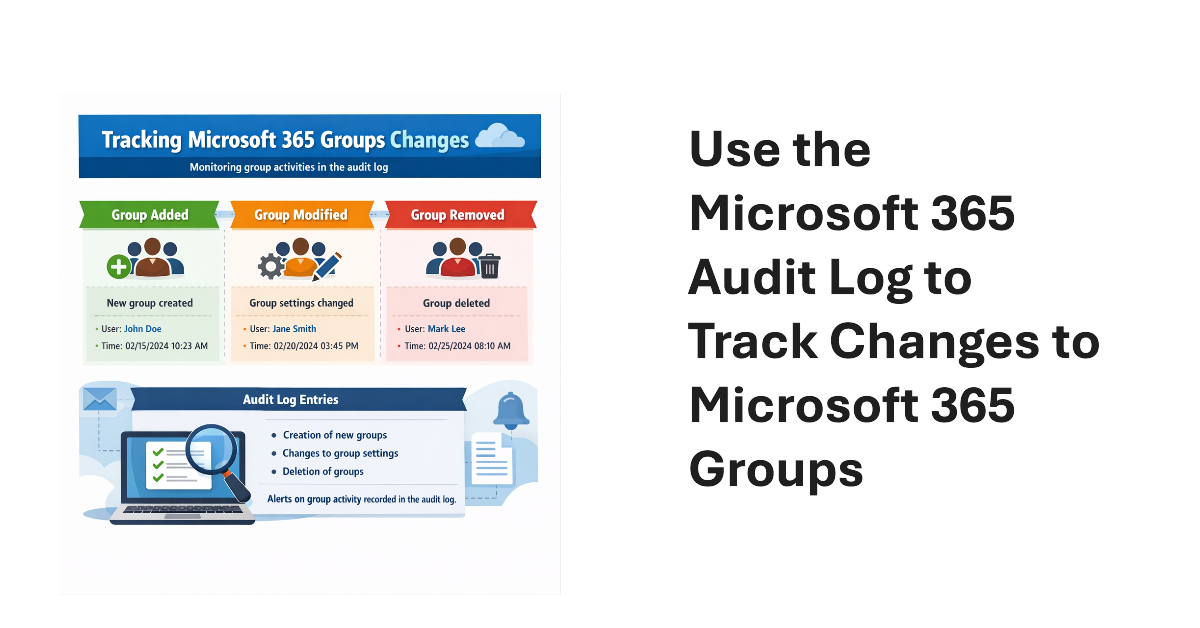
An old PowerShell script tracked changes to Office 365 Groups. The techniques from 2016 wouldn’t be used today because features like the unified audit log didn’t exist then. We show what’s possible now by creating a new version of a Microsoft 365 Groups Change Report script to track additions, deletions, and changes for Microsoft 365 groups in a tenant.
Microsoft has announced details of a change to app permissions to restrict updates to sensitive message properties (like recipients) without consent for a new advanced mail access permission. If tenants have apps that interact with message properties, including apps developed by third parties, they should check whether the apps are updating sensitive properties. If so, the new permission must be assigned or the apps will stop working.
Almost two years after it first previewed, Microsoft is making the High-Volume Email (HVE) solution generally available in March 2026. HVE runs on a pay-as-you-go basis, but Microsoft won’t start charging tenants for sending email until May 2026. Two months should be enough for people to decide if they want to use HVE for internal communications as it has no ability to send external email.
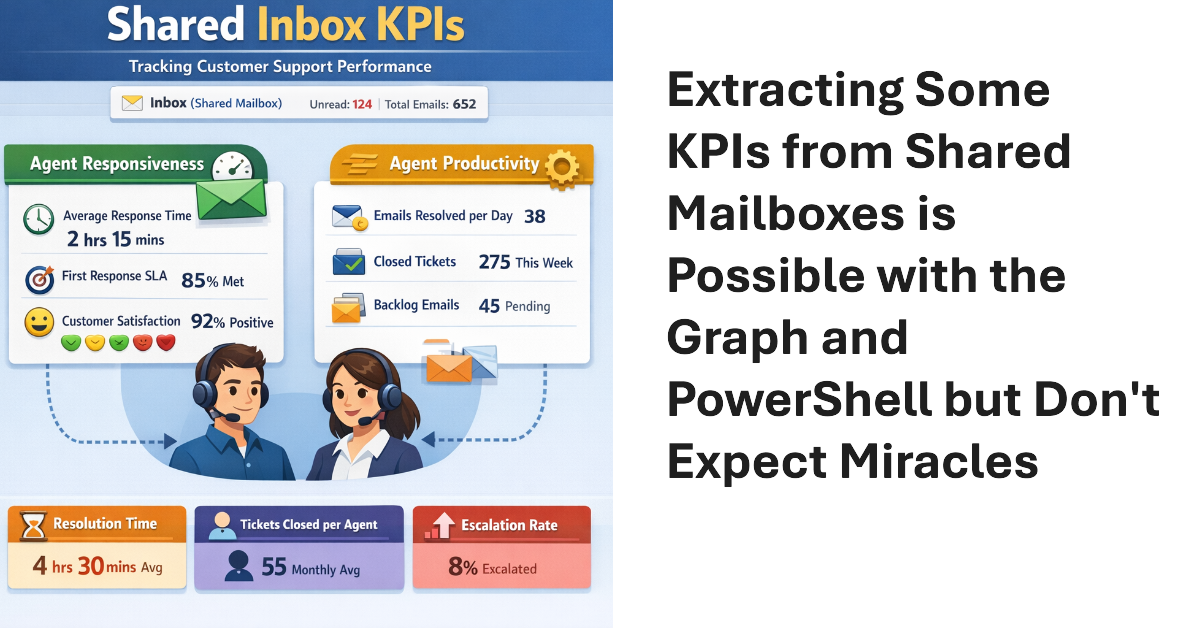
Shared mailboxes are not CRM systems. However, many Microsoft 365 tenants use shared mailboxes to handle customer queries and then want to measure KPIs such as agent responsiveness to customer queries or the number of queries handled per agent in a month. As explored in this article, it’s possible to use the Microsoft Graph to extract some KPI-like data from shared mailboxes.
The temptation to use the Mail.Send application permission in scripts can lead PowerShell developers into trouble because the permission allows access to all mailboxes, including sensitive executive and financial mailboxes. Fortunately, RBAC for Applications allows tenants to control the access that apps have to mailboxes and other Exchange content. All explained here with an example script to test RBAC of Applications.
On February 12, Microsoft announced the deprecation of the Credential parameter for the Connect-ExchangeOnline cmdlet in the Exchange Online PowerShell module. The deprecation won’t affect interactive sessions (which should all be protected by MFA), but it might stop some background jobs running when Microsoft retires the server components that currently support the ROPC authentication flow. Time to check scripts!
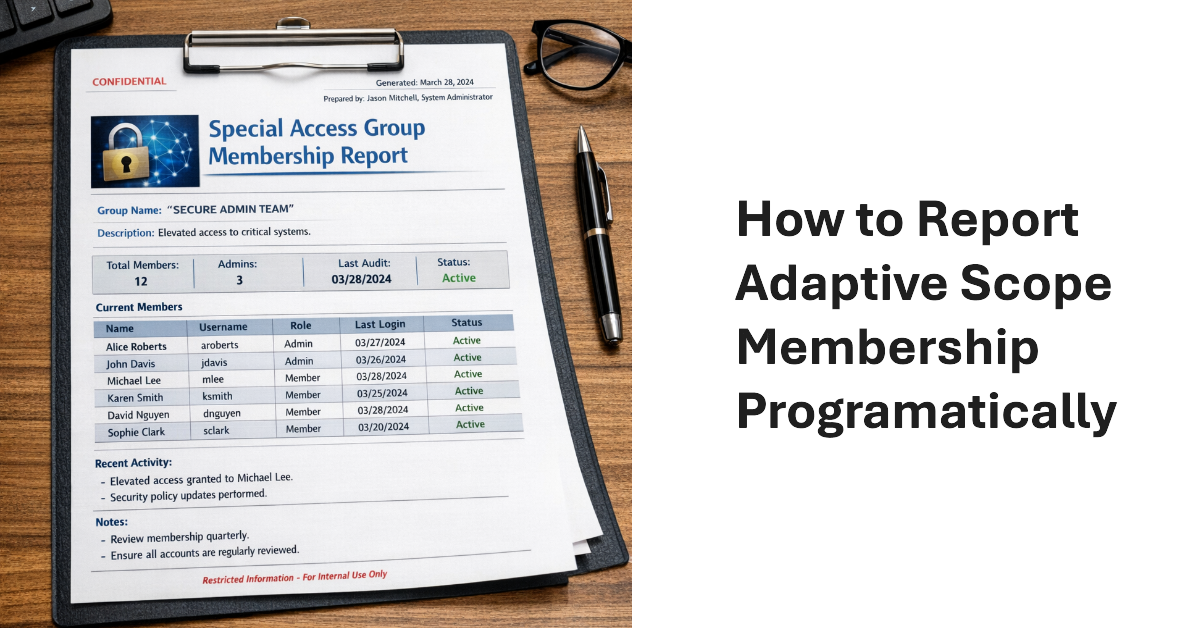
The Get-AdaptiveScopeMembers cmdlet reveals details of adaptive scope membership to make it possible to report this information programmatically. The task is not as simple as you might imagine. Summary records must be separated from member records, which can reflect add or remove operations. And there’s the question of pagination for large adaptive scope. All explained here with a PowerShell script to help.
Microsoft announced the dates leading to the final retirement of Exchange Web Services from Exchange Online. If all goes well, the EWS retirement in the cloud will happen by May 2027. Challenges still exist. Microsoft must remove EWS from its own apps, including Outlook, and help tenants and ISVs make the leap to Graph APIs. Plans are in place and progress is being made, but will everyone be ready when Microsoft removes EWS permanently from Exchange Online in April 2027?
A new userConfiguration API is available to retrieve data from Folder Associated Items (FAIs) in Exchange mailboxes. The new Graph API is part of the EWS migration project and is intended to allow application developers to migrate EWS code that updates FAIs with Graph equivalents. Most Microsoft 365 tenants will never use this API, but it’s nice to know how things work.
Microsoft has delayed the retirement of basic authentication for the SMTP AUTH client submissions protocol to 2027 or beyond. New tenants will be the first to be blocked and Microsoft will disable basic authentication for SMTP AUTH in a way that existing tenants can reenable the protocol. Eventually, we’ll get a date for final retirement sometime in 2027. These things take time!
January 22 saw the announcement of the beta version of an Exchange Online Graph-based message trace API. The API can retrieve message trace records and their details and offers equivalent functionality to the message trace cmdlets in the Exchange Online management PowerShell module. However, sometimes applications simply want to access data without going through a module, and that’s what this API delivers.
After considering customer feedback, Microsoft cancelled the mailbox external recipient rate limit for Exchange Online. The idea behind the new limit was simple – it makes life more difficult for spammers to use Exchange Online as a platform. Unhappily, customers didn’t like losing the ability to send relatively small amounts of external email for different reasons. C’est la vie.
While examining mailbox properties, I noticed that the EnforcedTimeStamps property held some information that I just couldn’t explain. Google search was no help, but Microsoft Copilot told me that the information related to the management of compliance holds. Basically, the data are guardrails to help the Managed Folder Assistant do the right thing, which is nice, even if no documentation exists.
A new Exchange Online feature allows administrators to remove multiple types of holds from mailboxes (usually inactive mailboxes). It’s a great way to release holds that might be keeping inactive mailboxes lingering in a tenant. The feature doesn’t remove holds used to retain items required for eDiscovery or other compliance purposes. Even so, this is definitely a feature that needs to be carefully tested.
Exchange Online will require email clients to use Exchange ActiveSync (EAS) V16.1 to connect from March 1, 2026. Email clients that use older versions of EAS won’t be able to synchronize with Exchange Online to upload outbound messages or download messages, attachments, and calendar items. There should be relatively few clients using an old version of EAS, but it’s wise to check.
A December 2 announcement says that Exchange Online will block access to Exchange Web Services for users with kiosk or frontline worker licenses from June 2026. In fact, the Exchange Online service description has always excluded EWS access for these licenses, but the necessary code to enforce the exclusion was never implemented. It will be in March. Time to check licenses…
Some weeks ago, I wrote about using a transport rule to suppress spammy email by sending the messages to the quarantine. But what’s the best way to check the rule’s effect? One method is to use the transport rule report PowerShell cmdlet to check for the actions you expect the rule to perform. Once information is found, it’s a matter of slicing and dicing the data.
Shared mailboxes might need Microsoft Defender for Office 365 licenses, but how do you identify how many licenses? We use PowerShell to do the job by analyzing external email sent to shared mailboxes. If a mailbox receives external email, then by definition the mailbox receives benefit from MDO, and that’s the test for requiring a license.
Microsoft launched the preview of the Exchange Admin API on November 17. The new API is intended to close known feature gaps that exist in the Graph APIs and allow developers to migrate from EWS before Microsoft retires EWS in October 2026. Think of the Exchange Admin API as a discardable time-limited API that allows clients to submit cmdlets for processing. It’s certainly one way to approach the EWS problem!
On Oct 14, 2025, Exchange 2019 and 2016 reach end-of-life and Exchange SE becomes the only supported on-premises Exchange server. In other news, we discuss Microsoft guidance for moving to cloud first identity, HVE and ECS and the extension of basic authentication support to September 2028, the introduction of auto-archiving for Exchange Online, and why Microsoft is deprecating the Contact object from Exchange Online.
Microsoft will impose a throttling limit for external recipients for tenants that use MOERA domain addresses to send outbound email. The limit is designed to stop tenants using mailboxes with primary SMTP addresses from MOERA domains from sending email, a technique that’s often used by spammers. This shouldn’t cause a problem for legitimate organizations who already have vanity domains, but it might stop some spam.
This article discusses how to use PowerShell to find obsolete mobile device partnerships in Exchange Online (or Exchange Server) and remove the obsolete devices. Users won’t be able to remove obsolete mobile devices after the settings to manage mobile devices are removed from OWA and the New Outlook, so cleaning up the mess is the responsibility of administrators (like it usually always is).
Outlook Mobile clients have started to highlight messages received from unverified senders. But what does “unverified” mean and what can be done to fix the problem? The issue lies at the sender’s end, so the administrators of the sending system must verify their email configuration to make sure that Exchange Online can validate inbound messages from their domain. The same visual markers are available in Outlook classic, OWA, and the new Outlook.
Microsoft plans to remove the ability of users to perform mobile device management (for their devices) from the OWA and new Outlook for Windows clients. It’s unclear how much use these options receive, but following the update, users will only be able to disable or wipe a device remotely using features provided by O/S vendors. Administrators can still act to block or wipe lost or stolen devices.
The Connect-IPPSSession cmdlet is needed to connect to the Security and Compliance endpoint to update a Microsoft 365 retention policy. Unhappily, the Security and Compliance module doesn’t support managed identities, which makes it harder to run Connect-IPPSSession securely in an Azure Automation runbook. In the end, we use a credential stored in the automation account. And then we had to disable WAM. All explained here.
A question about shared mailboxes brought up the topic of licensing requirements when a tenant has Microsoft Defender for Office 365 (MDO). The news is not good. Once MDO is active, every shared mailbox needs an MDO license, and every user mailbox must also be licensed for MDO (those with E5 licenses are covered). At $5 per month, those MDO licenses can ramp up to a considerable cost. Ouch!
Microsoft says that few customers have installed the dedicated hybrid connectivity app that’s needed to migrate from EWS. It’s time to install that app! If not, rich coexistence between cloud and on-premises components will stop working for several days when Microsoft imposes service time-outs in August, September, and October to prompt customers to take action. It’s time to install the dedicated hybrid connectivity app.
After being asked whether licenses are needed to include shared mailboxes in Microsoft 365 retention policies, I investigated and found that licenses are not. This led to a consideration of the steps needed to create a special retention policy for shared mailboxes (with PowerShell, naturally) and how to avoid retention setting collisions with other policies. All explained in detail here.
The new Outlook for Windows now supports the NoSignOnReply control for inheritance of S/MIME signatures from messages to replies. It’s an update to match the feature that’s been in Outlook (classic) for a long time. The new setting is only available for Exchange Online and isn’t supported by OWA.
The Exchange Extended Security Update program is a 6-month lifeline for organizations struggling to upgrade servers to Exchange Server SE. Although it’s easy to upgrade a server to , many things might get in the way before the Setup program can run. Small things like vacations, buying new hardware, or deploying a new O/S. From August 1, organizations can sign up to receive security updates from October 2025 to April 2026.
A July 15 announcement says that Exchange Online is reducing the Delicensing Resiliency threshold from 10,000 to 5,000 mailboxes. That’s fine, but this feature should be available for all Exchange Online tenants. It’s a sticking plaster for how group-based licensing works and is inconsistent with how OneDrive for Business deals with unlicensed personal user data.
July 1 marked the general availability of Exchange Server SE (subscription edition), the latest in a long line of server releases going back to Exchange 4.0 (1996). Exchange Server SE will soon be the only game in town after Exchange 2016 and 2019 reach end of support in October 2025. In other news, Defender for Office 365 now boasts protection against email bombs.
Microsoft announced the GA for the new message tracing feature on June 3. The old code will be deprecated in September 2025, so it’s time to update any PowerShell scripts that use the Get-MessageTrace or Get-MessageTraceDetail cmdlets. Upgrading is easy and shouldn’t take too long, once you find the time to do the work.
A recent post revealed that the Mailbox Import-Export Graph API doesn’t capture audit events for its operations. The API is in beta, but this is disappointing. Auditing any mailbox is important, but it becomes a critical requirement when the possibility exists that attackers could use the API to exfiltrate mailbox data outside of the tenant. This is a hole that Microsoft needs to close.
The new TwoClickMailPreviewEnabled setting in the Exchange organization configuration controls if OWA and the new Outlook for Windows use two-click confirmation to open protected email. The new feature could be useful for people who commonly open confidential and protected email in situations where someone else could see what they’re reading. In other situations, it will irritate people.
Litigation holds can retain mailbox data, but that’s it. You can swap litigation holds out for a Microsoft 365 retention policy and gain extra functionality, such as retaining OneDrive for Business content for the mailbox owners. It’s easy to script the transition from litigation holds to retention policy using PowerShell and to show how, we include a fully working script.
The ConditionalAccessPolicy setting in an OWA mailbox policy can be configured to work with Entra ID conditional access so that OWA blocks access to attachments on unmanaged devices. Microsoft originally introduced the feature in 2018 and as it turns out, the combination of OWA mailbox policy and CA policy also blocks attachment access for the new Outlook for Windows client.
Microsoft recently announced the deprecation of the Exchange cmdlets to search for mailbox audit data. The audit data is ingested into the Microsoft 365 unified audit log, but it’s more difficult to find and retrieve Exchange mailbox audit events. Methods are available to find mailbox audit data, but interpreting what comes back is different. Any script that depends on the old cmdlets must be updated to interact with the unified audit log.
Some new Graph APIs were announced on April 1 to close a feature gap with EWS. The new APIs permanently remove mailbox items and other objects, including folders, calendars, and calendar items. Permanent deletion means that items cannot be recovered through clients because they end up in the Purges folder in Recoverable Items. This article explains how the new APIs work, including a practical example.
The Direct Send feature allows apps and devices to send unauthenticated email via Exchange Online to internal receipts. Microsoft doesn’t want unauthenticated connections to send email because these connections could be hijacked by spammers. Enter the Reject Send feature to block Direct Send. Reject Send is in preview now but Microsoft wants it to be the default setting in the future.