In a somewhat surprising decision, Microsoft announced plans to retire the Together mode feature for Teams meetings in June 2026. Based on personal experience, it didn’t seem that many people used Together mode. It seemed like it was something that people tried a couple of times before giving up. Maybe it’s just the meetings I attend, but I haven’t seen Together mode used in years.
The May 2026 update for the Office 365 for IT Pros eBook is available for current subscribers to download the refreshed EPUB and PDF files. This is monthly update #132 in a line stretching back to 2015. An updated version of the Automating Microsoft 365 with PowerShell eBook is also available for subscriber download. Lots of things happened in the last month and more is coming in May 2026!
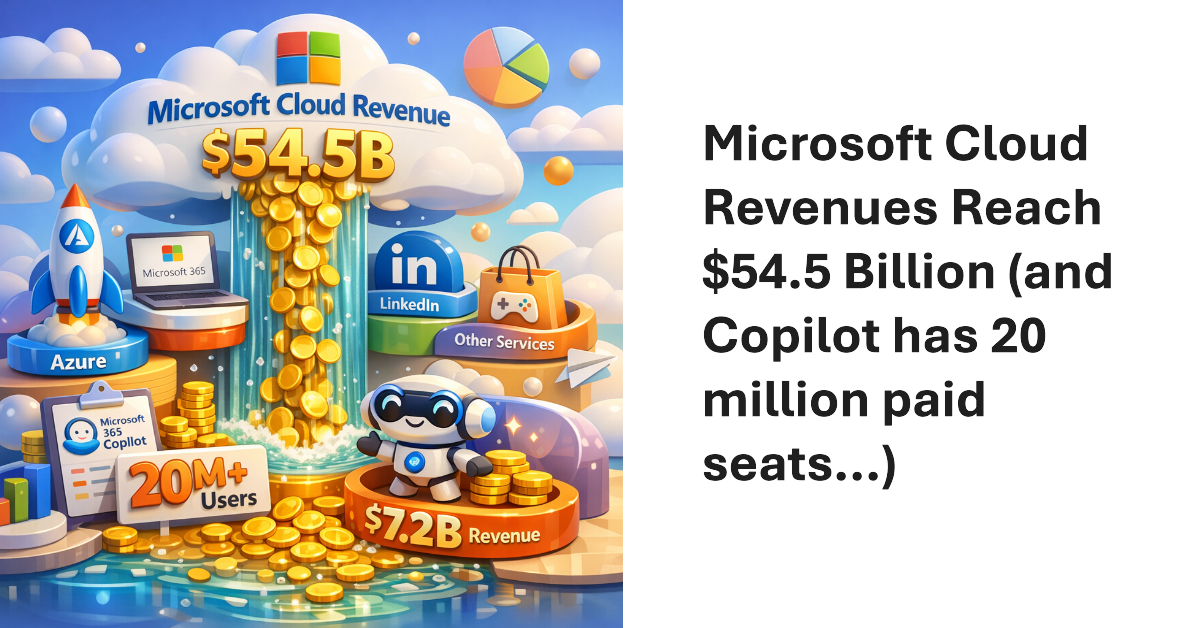
Microsoft’s FY26 Q3 results produced $54.5 billion revenue for the Microsoft Cloud, the segment that includes Microsoft 365, Azure, LinkedIn, and other services. The annualized run rate of $218 billion proves just how vital these revenues are to Microsoft. Lots of time was spent talking about Microsoft 365 Copilot, which now has “over 20 million” paid seats. Sounds good, and it’s up five million from the last quarter, but Copilot still has a long road to travel to profitability.
Microsoft will start to refuse inbound IMAP4 and POP3 client connections using legacy TLS versions (1.0 and 1.1) in July 2026. The move is consistent with other projects to remove obsolete or insecure email protocols from Exchange Online to increase the overall security of the online email service. In this article, we examine some methods to understand the POP3 and IMAP4 usage within a tenant.
In 2024, I wrote a script explaining how to report details of Teams online meetings, including participants. Now someone wants to report single-user meetings. Their reason is that company management believe that some remote workers schedule online meetings that only they attend with the intention of appearing active if anyone checks. It’s an odd ask, but we can do the job with PowerShell.
Microsoft plans a May 2026 update for the OneDrive Sync client to improve the way that the client handles the deletion of files stored in SharePoint Online and OneDrive for Business. The client will no longer move the local synchronized copy of the deleted file into the workstation’s recycle bin, meaning that the only copy is on the server. The change removes complexity and should improve performance.
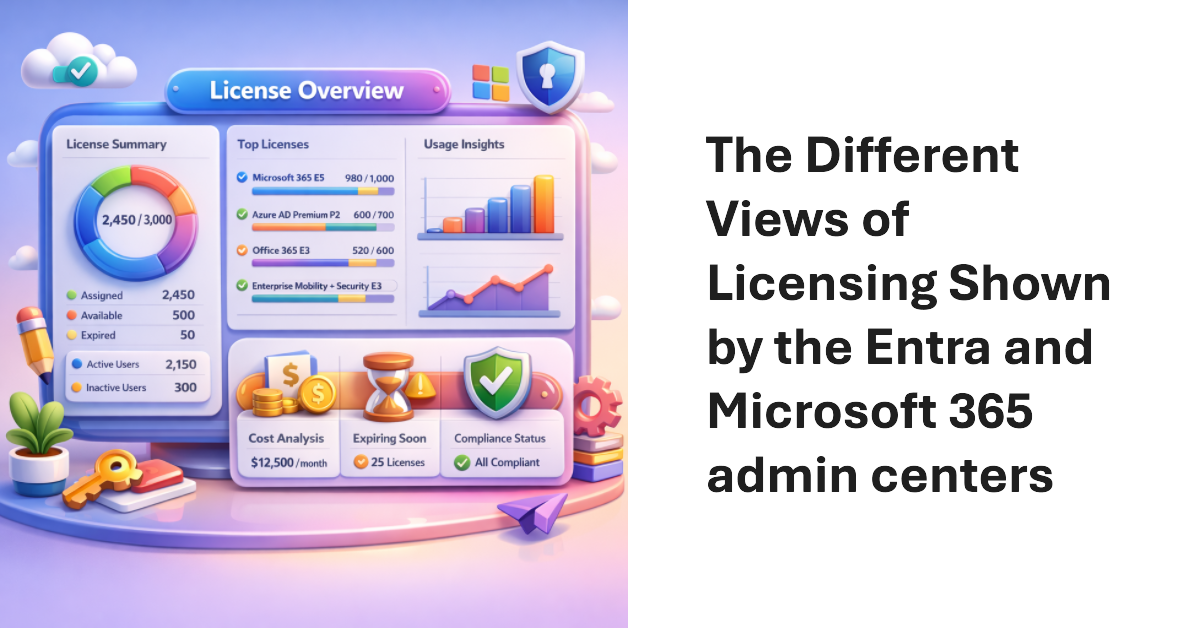
License insights is a new feature in the Entra admin center. The Microsoft 365 admin center also shows some license insights in a dashboard card. The two views don’t line up. This isn’t very surprising because different teams generated the information, but it would sure be nice if Microsoft delivered comprehensive license reporting for Microsoft 365 tenants, including the Entra premium licenses.
On April 1, Microsoft announced the general availability for the High-Volume Email (HVE) solution together with details of the PAYG charges incurred to send email to internal recipients, which is all that HVE can do. Microsoft will enable HVE charging on June 1, 2026, Before then, you’ll need to create a billing policy and link it to a valid Azure subscription if you want to continue to use HVE.
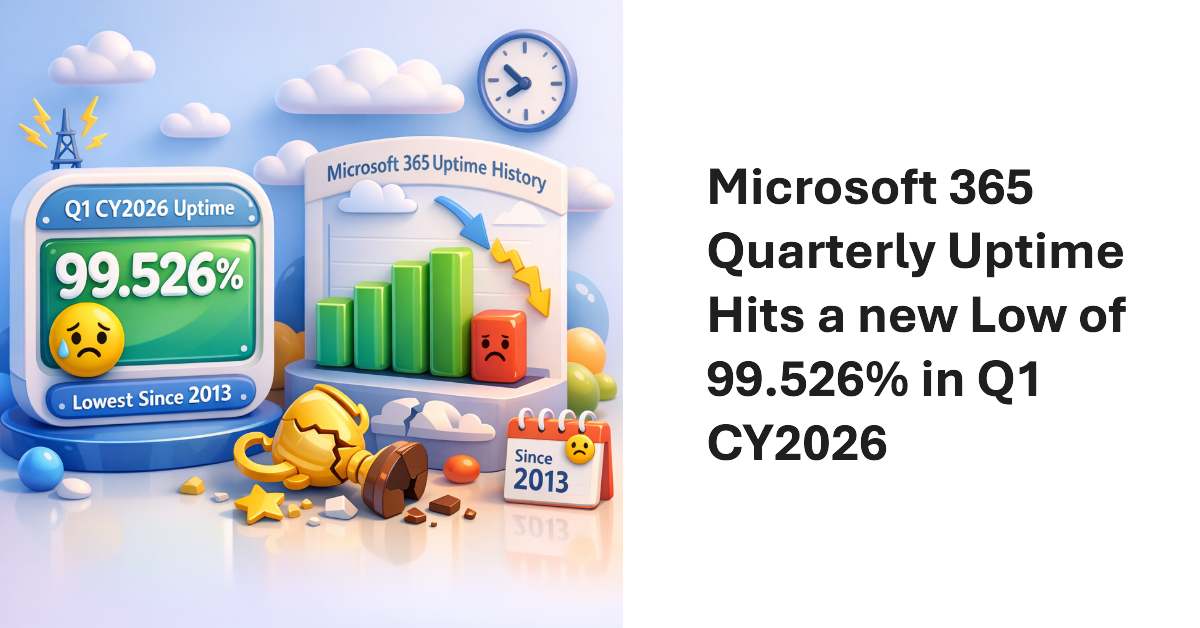
According to Microsoft, the Microsoft 365 uptime performance for Q1 CY2026 was 99.526%. That’s the lowest uptime figure since we started to record data in 2013. The first thing that people might ask is whether this performance means that Microsoft has to pay out under the terms of its financially backed SLA. The answer is no. All explained in the article.
The additionalProperties property is available for many Microsoft Graph PowerShell SDK cmdlets. In this article, we explain the function of the additionalProperties property and how it functions in holding output for Microsoft Graph PowerShell SDK cmdlets. It’s all because of the lack of strongly typed properties, or so the AutoRest process would have us believe.
The May 2026 update for the Automating Microsoft 365 with PowerShell eBook is available. Current subscribers can download new PDF and EPUB files. The paperback edition of the book (available on demand from Amazon) is also updated. With over 400 pages of content, including twice that number of practical examples of using PowerShell to interact with Microsoft 365, the book is going from strength to strength.
A fix due in May 2026 will make sure that the Outlook classic client will handle Outlook reactions properly if the reactions are blocked. Of course, if tenants don’t like responding to email with an emoji, they can create a transport rule to insert the x-ms-reactions header. Detecting the header is an instruction to Outlook clients to suppress reactions that Outlook classic has been ignoring up to now.
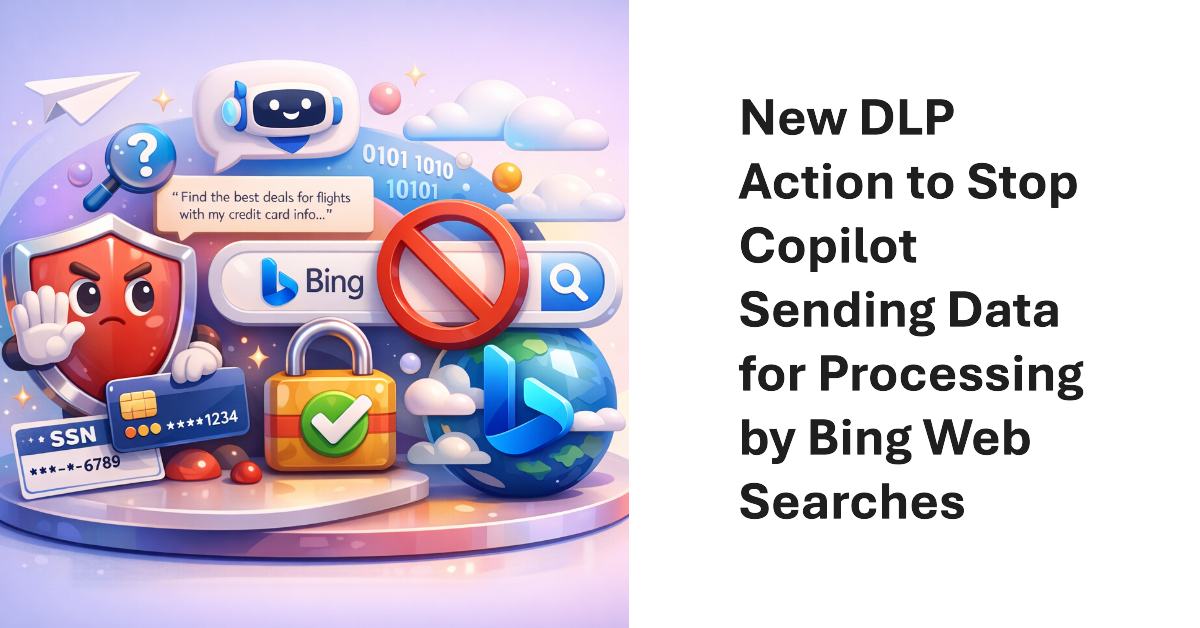
A new action for the DLP Policy for Copilot allows Microsoft 365 tenants to block Copilot from performing (Bing) web searches if a prompt contains sensitive information types. The new action allows Copilot to continue to process prompts using Microsoft 365 content (if the user has a Microsoft 365 Copilot license) while stopping potentially sensitive data being sent to Bing.
A reader wanted a weekly incomplete task digest to send details of Planner tasks to people with outstanding work to do. We used PowerShell to scan for incomplete tasks for people who are members of a group, perform some analysis on the data, and create and send email. Despite some deficiencies in the Planner Graph API, the code is pretty straightforward.
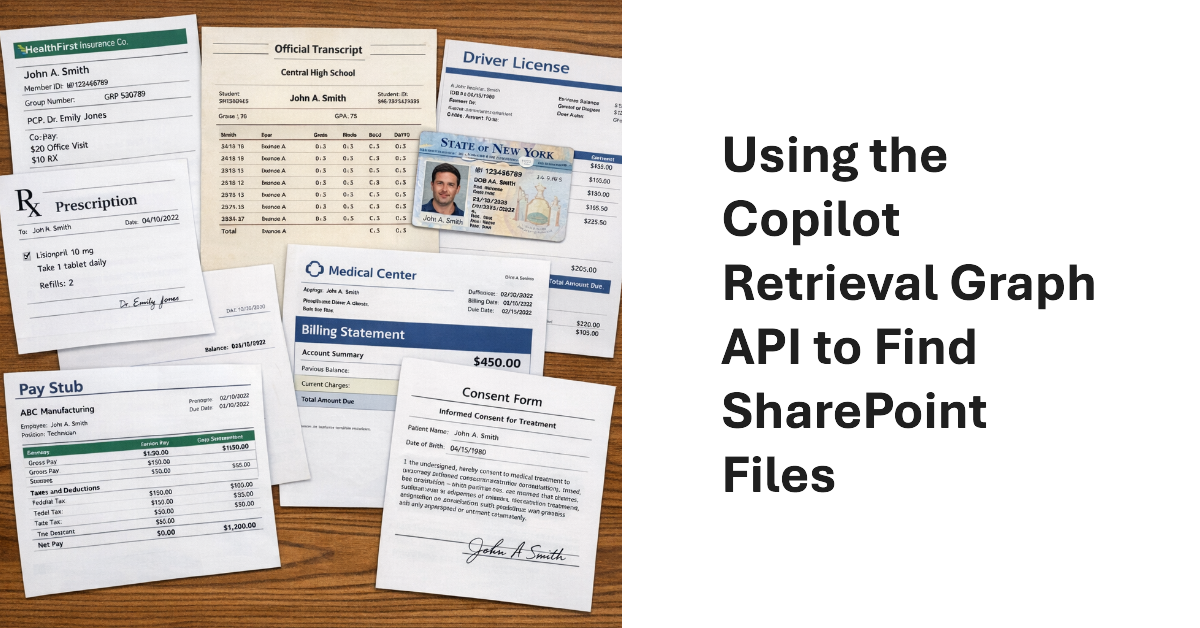
The Copilot Retrieval API is a Microsoft Graph API that apps can use to search Microsoft 365 locations to find information to ground user prompts. Grounding means that the apps use the information found by Copilot to add context to the queries they submit to a generative AI engine for processing. Although I don’t have an immediate purpose for the API, it provides a nice insight into how grounding works.
Entra ID uses an eventually consistent multi-region database architecture. PowerShell code that fetches and updates Entra ID objects needs to interact with the database in the most efficient manner. This article illustrates some guidance from Microsoft engineering with examples from the Microsoft Graph PowerShell SDK. I’m sure your scripts already use these techniques, but if not, we have some helpful pointers.
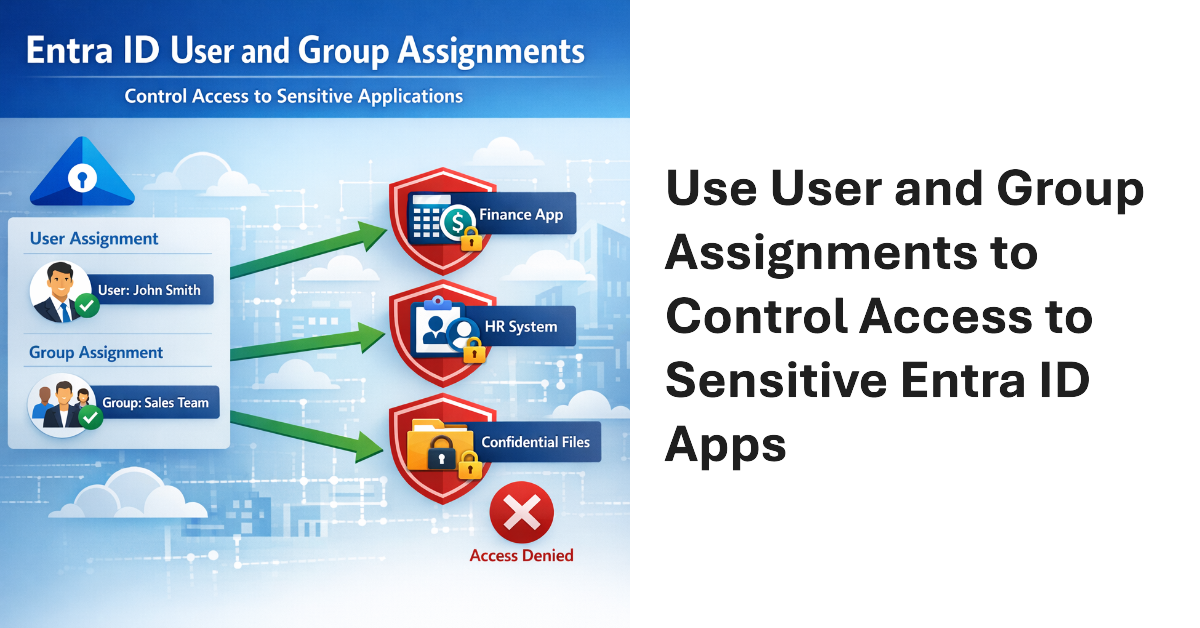
User and Group assignments can be added to Entra ID applications. Once assignments exist for an application, only assigned users can access that application. This method is a good way to secure access to applications that have consent to use high-profile permissions like Sites.FullControl.All or Mail.Read. Microsoft 365 tenants should consider how to use assignments to control user access to applications.
The Microsoft 365 admin center includes an option for administrators to send Copilot diagnostic logs on behalf of users to Microsoft for investigation. Sounds good, but the diagnostic logs are in plain text (JSON format) and the prompts and responses for Copilot user interactions can be viewed by administrators. That doesn’t seem like a good way to preserve anyone’s privacy. Vote for the feedback item to close this loophole.
The Microsoft 365 Connector for Claude allows Claude to access SharePoint and OneDrive files, emails, and Teams chats and meetings. The connector is now available to all users, including the free tier for Claude. Installing the connector creates two Entra ID enterprise apps (MCP server and client) and channels Graph requests to Microsoft 365 to fetch information for processing by Claude. Is that a good thing?
Microsoft plans to introduce flex routing to handle situations when demand exceeds capacity for Copilot processing in Europe. This could be an issue for Microsoft 365 tenants in the European Union or European Free Trade Association who want to be sure that their data is processed in Microsoft local datacenters and not sent to the U.S. or Australia when available capacity cannot meet the demand for “large language model inferencing”.
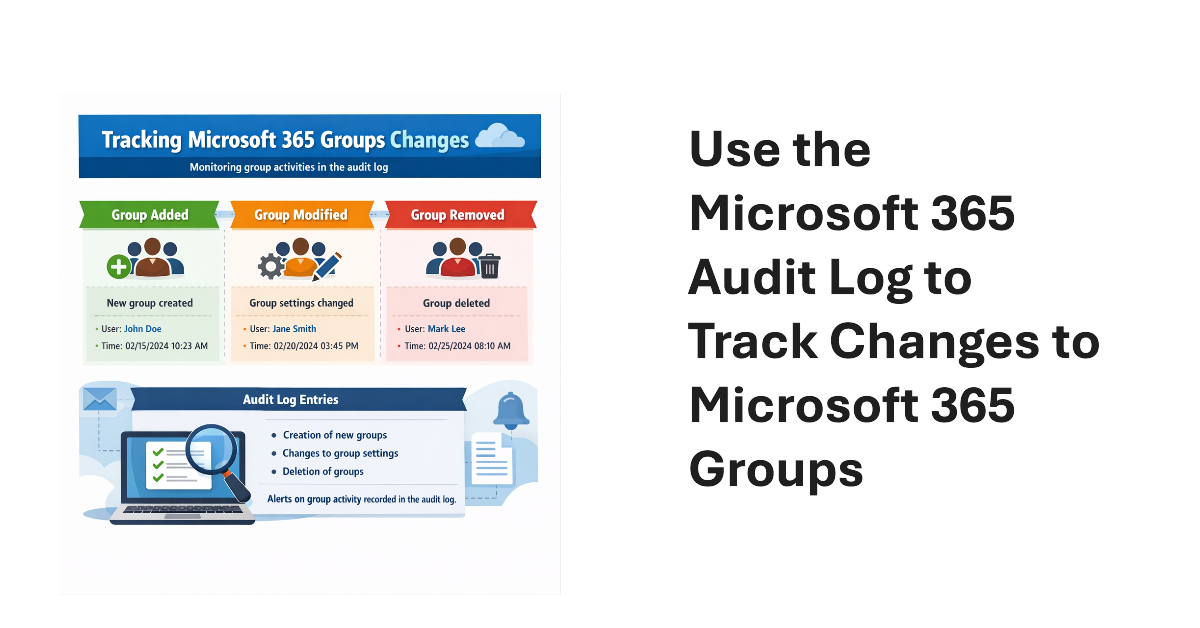
An old PowerShell script tracked changes to Office 365 Groups. The techniques from 2016 wouldn’t be used today because features like the unified audit log didn’t exist then. We show what’s possible now by creating a new version of a Microsoft 365 Groups Change Report script to track additions, deletions, and changes for Microsoft 365 groups in a tenant.
Viva Engage communities now support Purview container management labels (sensitivity labels that manage settings for groups, teams, communities, etc.). The update makes it possible to manage community settings like privacy through labels instead of settings applied to individual communities. Once communities have container management labels, you can manage the labels in the same way as when applied to Teams and Microsoft 365 groups.
This article discusses the use of restricted site creation for third-party Entra ID apps. The feature has an allow or deny list to identify apps that can create new SharePoint Online sites. Controlling the set of apps that can create new sites contributes to limiting site sprawl and makes sure that every site has a real function. First-party apps like Teams are unaffected.
Fresh from celebrating the 30th anniversary of Exchange Server, the Office 365 for IT Pros team is happy to release the 130th monthly update for the book (plus an update for the Automating Microsoft 365 with PowerShell eBook). Reflecting on 30 years of writing about the development of Exchange, Office 365, and Microsoft 365 reminds us about just how far we’ve come. It also reminds us that technology keeps on changing. On to update #131!
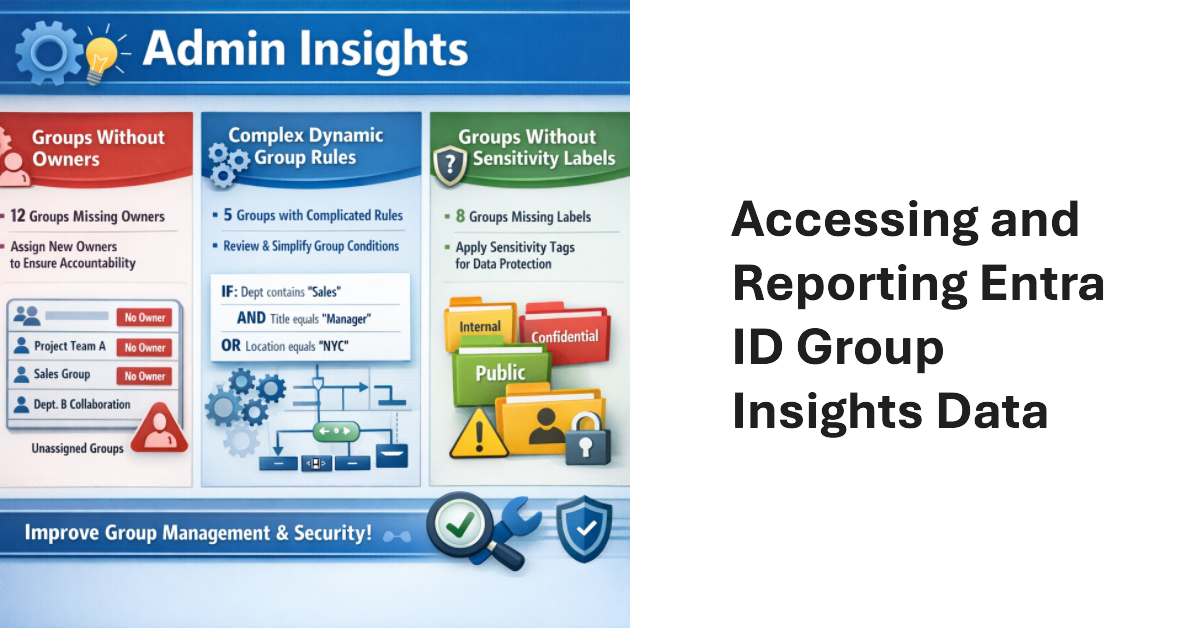
Entra ID Group Insights are a new preview feature in the Entra admin center. The lack of documentation is challenging, but it’s easy to understand what kind of insights Microsoft wants to deliver. Looking behind the scenes, we find the Graph endpoint for Group insights and can extract the data. That allows us to combine insights with other information to make them more interesting. All done with PowerShell.
Conditional access policies are very powerful. A beta feature appears to support time-limited blocks, but maybe the new feature is not needed because the same effect can be accomplished today through a mixture of conditional access policies, dynamic groups, and Azure Automation runbooks (or scheduled PowerShell scripts). Maybe that’s why Microsoft hasn’t released any documentation for the beta feature!
I’ve used a SharePoint alert to create an emailed daily digest of changes made to files in a document library for seven years. Microsoft plans to retire SharePoint Alerts in July 2026, and the race is on to find a replacement. Regretfully, neither Power Automate nor SharePoint Rules seem capable of generating an equivalent daily digest, perhaps because these solutions don’t handle the number of file versions created by AutoSave well.
Microsoft has announced details of a change to app permissions to restrict updates to sensitive message properties (like recipients) without consent for a new advanced mail access permission. If tenants have apps that interact with message properties, including apps developed by third parties, they should check whether the apps are updating sensitive properties. If so, the new permission must be assigned or the apps will stop working.
Microsoft disclosed that Entra ID login events were missing from Microsoft Defender for Cloud Applications for nine months — and waited more than three months after the fix to tell customers. Here’s why that matters and what you should do about it.
If installed into a MIcrosoft 365 tenant, ChatGPT Enterprise apps can access SharePoint Online files, Exchange Online email and calendar, and Teams chats, messages, and tasks. The Entra ID apps created by ChatGPT have the necessary permissions to access information accessible to the signed-in user. Microsoft 365 Copilot can access more information, but being able to process files, emails, calendar items, and chats and channel conversations delivers access to a lot of Work IQ.
Microsoft released the preview of the Entra ID Backup and Recovery solution to tenants on 19 March 2026. Although the software is functional in tenants, Microsoft didn’t make a big announcement. We’ve spent the last few days testing backup and recovery and put together the major points about the new solution, which is doubtless going to be welcomed by tenants if not by backup ISVs.
The April 2026 update for the Automating Microsoft 365 with PowerShell eBook is now available for subscribers to download. Refreshed EPUB and PDF files can be downloaded from Gumroad.com. The Kindle and paperback editions are also updated. This month we reflect on V2.36.1 of the Microsoft Graph PowerShell SDK and why so little has changed in this important component.
The Planner agent is now available to users with Microsoft 365 Copilot licenses and any Planner license. The purpose of the Planner agent is to help people understand the steps necessary to accomplish assigned tasks. Like any AI tool, the quality of the agent’s output depends on the precision and completeness of the instructions given for a task. But if you’re prepared to iterate, the agent might work for you.
Some Microsoft MVPs have expressed a strong opinion that Microsoft isn’t doing enough to develop and enhance the Microsoft Graph APIs across Microsoft 365. Problems include inconsistency in implementation, undocumented APIs, assembly clashes, missing coverage, and APIs that never come out of beta. It seems like Microsoft doesn’t dedicate sufficient attention to this important topic. What do you think?
Microsoft 365 E7 bundles Microsoft 365 E5, Microsoft 365 Copilot, the Entra Suite, and the new Agent 365 into a $99/user/month SKU. The big question is whether investing in Microsoft 365 E7 licenses make sense for tenants? Buying a big batch of licenses will simply throw money away unless those licenses can be used. Paul Robichaux debates the issues and suggests some advice about how to assess the need for E7.
Teams will soon block third-party recording bots from being able to create transcripts and generate AI-based summaries for Teams meetings. The problem is that these bots must export information for processing outside of a tenant, which creates all sorts of compliance issues. The new feature is part of base Teams and will be enabled in all tenants. You can disable it and allow bots if you want.
In December 2024, Microsoft introduced a control to block responses to sentiment-related prompts in Teams meeting chat. Now that block extends to every Teams user following a consolidation of the Teams meeting implementation of chat with Microsoft 365 Copilot. Basically, the block stops Copilot responding to prompts that look for opinions about emotions, judgement, or evaluations of other meeting participants. It’s a good thing.
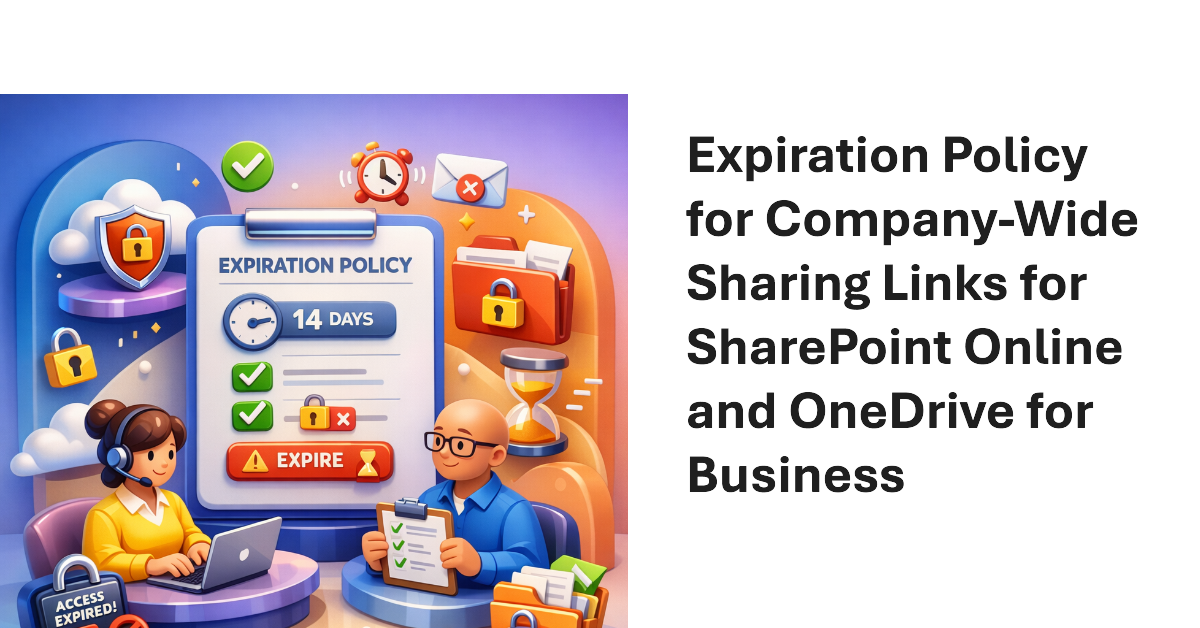
Company-wide sharing links allow any authenticated user account in a Microsoft 365 tenant to access a shared file or folder. New settings are available to create an expiration policy for company-wide sharing links, with different values supported for SharePoint Online and OneDrive for Business. The idea is to stop the potential for abuse of sharing links, including stale links that should not grant access to files and folders.
The Microsoft 365 Backup solution will soon be able to restore individual files and folders instead of complete sites. That’s a welcome upgrade to restore capabilities to cover situations like the inadvertent deletion of a file. It’s a wonder why Microsoft didn’t make more about this capability when they celebrated SharePoint’s 25th anniversary last week when they discussed departmental billing for Microsoft 365 Backup.
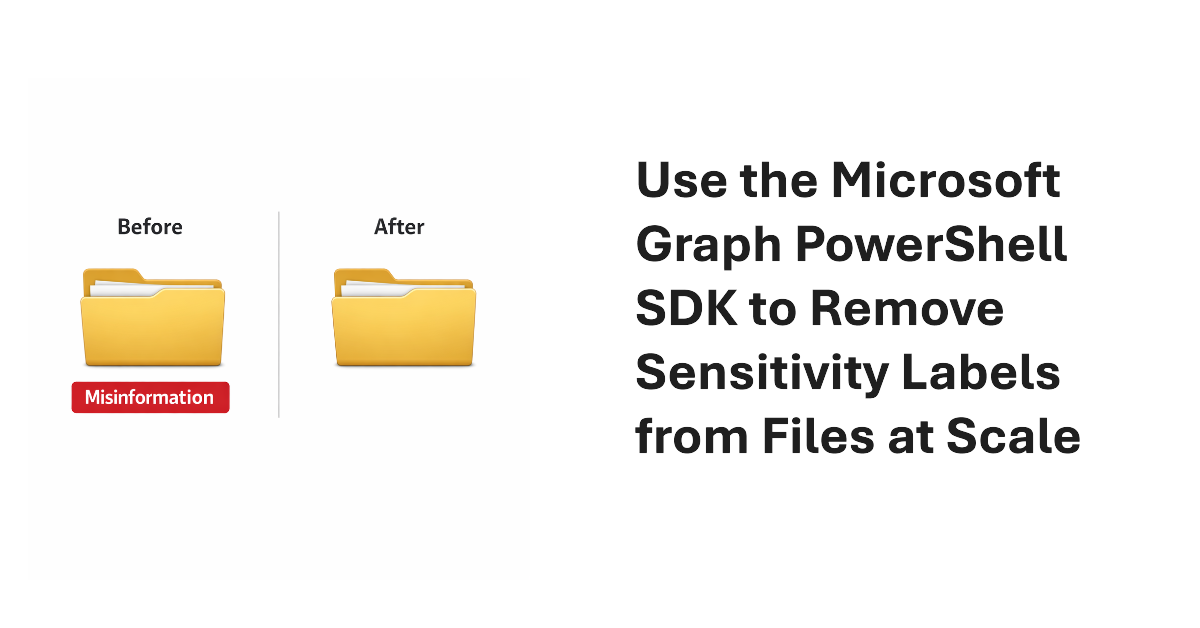
It’s easy to remove sensitivity labels from SharePoint Online files when only a few files are involved. Doing the same task at scale requires automation. In this article, we explain how to use the Microsoft Graph PowerShell SDK to find and remove sensitivity labels from files stored in SharePoint Online and OneDrive for Business.