Two recent changes to the Microsoft 365 Copilot Chat app have made the app easier to use. Interaction persistence is better, meaning that chat threads are always created and available to go back to if necessary, and Copilot memory is managed more easily. Copilot memory is an intensely personal capability. If you spend the time to figure out the instructions that Copilot should always remember, the quality of Copilot responses will be much better.
Recent reports from security companies and news outlets about an attack by the DragonForce ransomware group against a U.S. services company highlighted the use of Teams. It’s true that Teams was involved in this very artful attack, but the most critical point is that the network was compromised well before the attackers went near Teams. And when your network is compromised, all sorts of bad things happen. Stop compromises and stay safe!
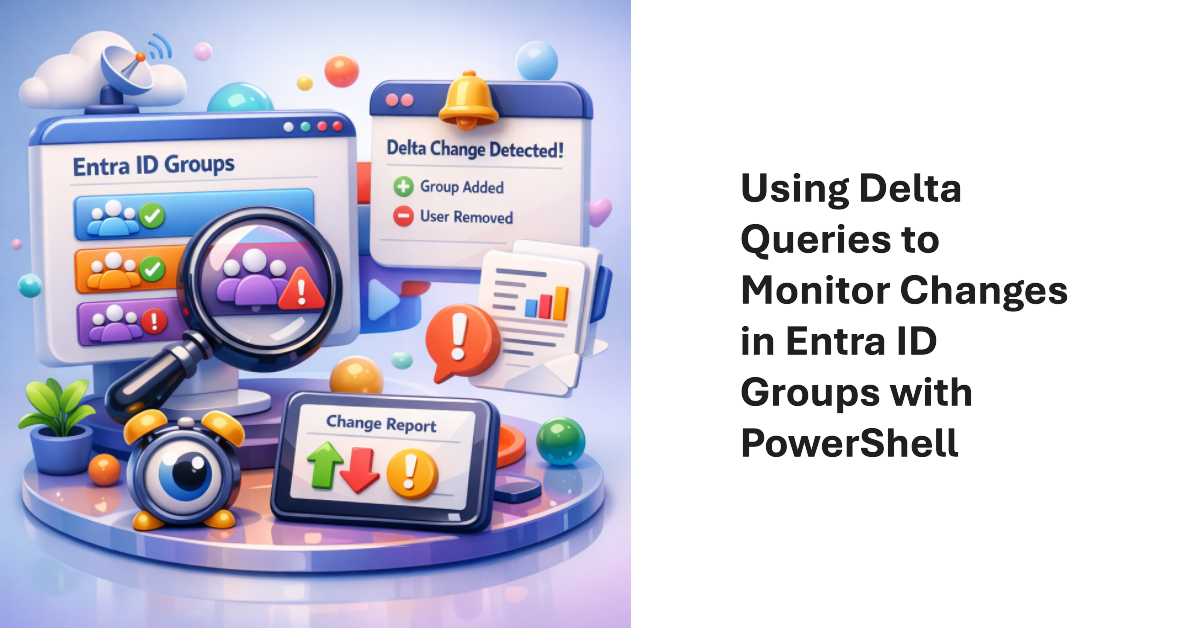
Delta queries are a Microsoft Graph mechanism to allow applications to query resources to find objects that have changed since a baseline was established. The technique is most useful for applications that need to synchronize a local store with online content. It’s not an appropriate method to use for reporting changes because knowing that an object changed doesn’t mean much by itself.
It’s common to find that tenants have many inactive channels in their Teams deployment. Becoming inactive is a natural side-effect of time eroding interest in the topics people discuss in channels. And if you don’t go looking for inactive channels, they’ll remain silently in place doing nothing except acting as a container for potentially obsolete long-over discussions. But we can find inactive channels with PowerShell. What you next is up to you.
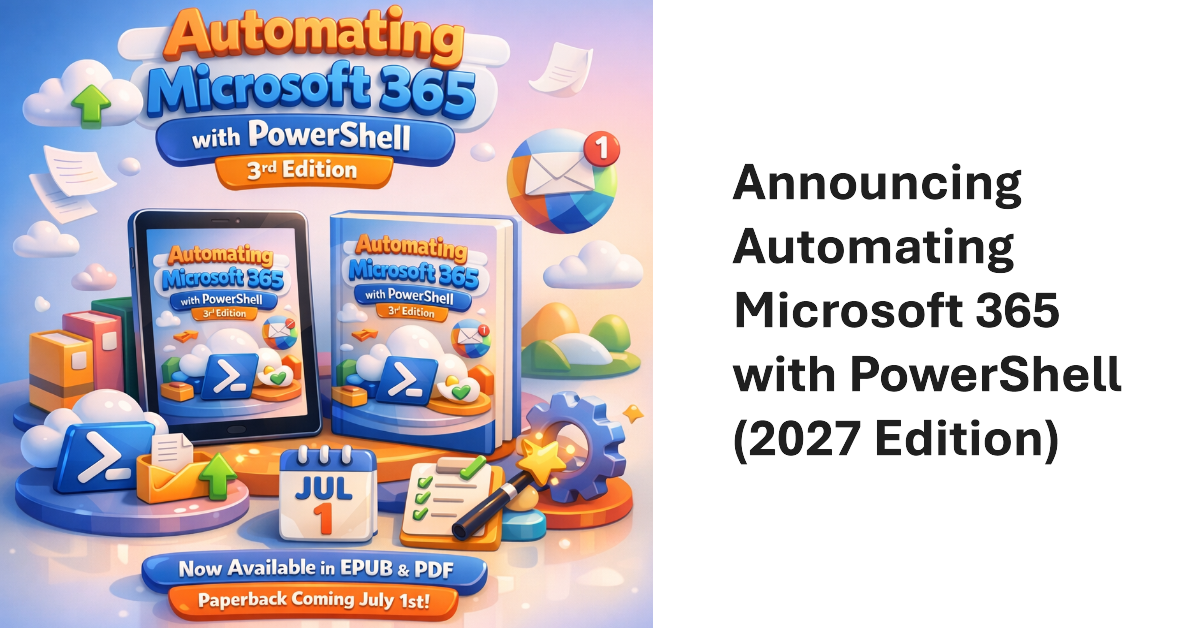
The third edition of the Automating Microsoft 365 with PowerShell eBook is now available in EPUB and PDF formats. The paperback version will be available on July 1. This 430-page eBook offers the most comprehensive coverage of automating tenant management operations for Microsoft 365 and includes a swathe of practical, worked-out examples to help tenant administrators build scripts to automate tasks.
A new version of the Microsoft Graph PowerShell SDK (V2.38) is available, as is a new version of the Exchange Online Management module. They don’t work well together. It’s annoying and beyond frustrating that two critical PowerShell modules in the Microsoft 365 ecosystem cannot work together. If anything, the situation is getting worse. On the upside, I found out about two cmdlets that I might never use – but who knows!
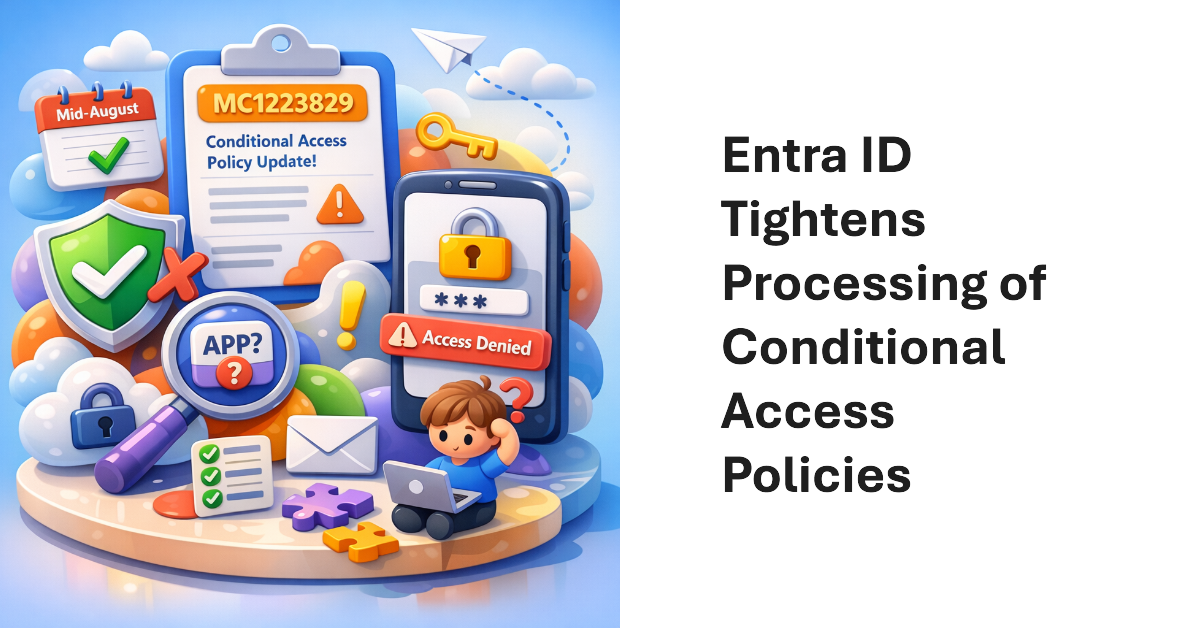
Microsoft is closing a gap in conditional access policies where apps that only request baseline scopes with at least one exclusion are not processed. The rollout has already started and should be finished by mid-August. For most tenants, the change shouldn’t be an issue, but it is possible that some apps are in use that fit the profile and cannot handle conditional access. If MC1223829 appeared in your tenant, it’s time to check.
An app written to fetch details of Copilot interactions from the TeamsMessagesData folder suddenly stopped working when the Graph refused to return items. The 403 forbidden error can’t be argued with. It’s a pain when apps stop working just because of a change made at an API level. Fortunately, the aiInteractionHistory API fills the gap.
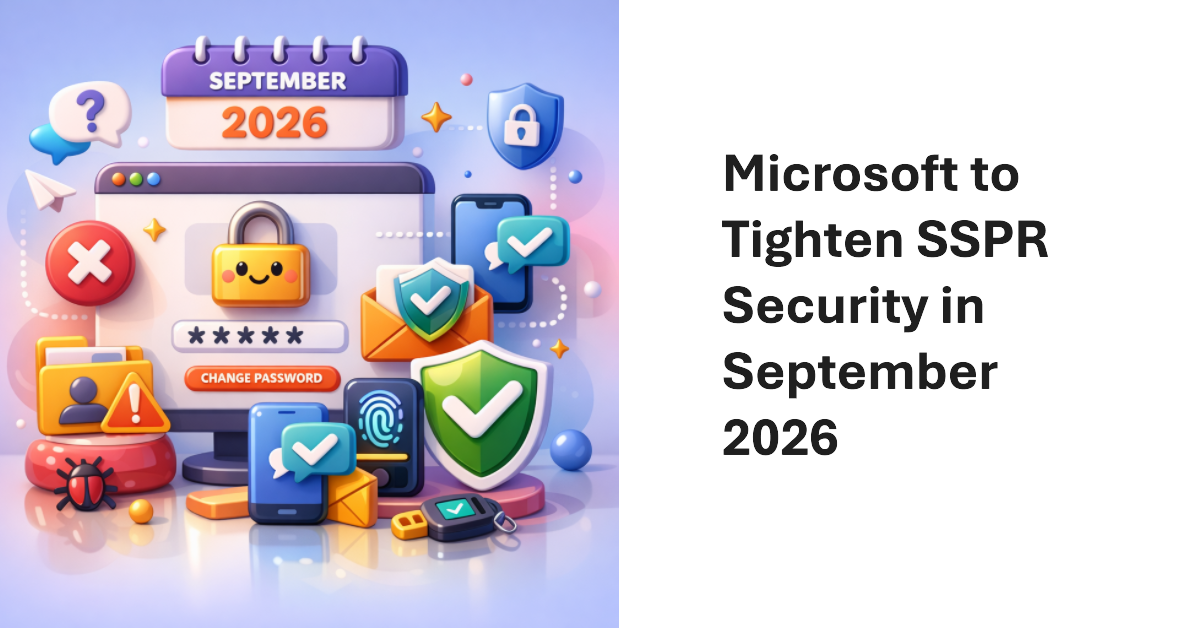
Microsoft plans to improve the security of the Self-Service Password Reset (SSPR) facility in September 2026 by requiring users to register at least one authentication method. SSPR will then use the registered authentication method to verify user accounts when changing passwords. The change aligns SSPR with user sign-ins and improves security by removing fallback on directory attributes, which might be altered by attackers.
July 1, 2026, sees a bunch of monthly price increases that will affect Microsoft 365 tenants. How much will the increases cost your tenant? One way to find out is to use PowerShell to retrieve the licenses assigned to users which are affected by the price increases and compute the effect of the monthly increase (which varies across products). It’s a great example of how flexible PowerShell is for tenant management.
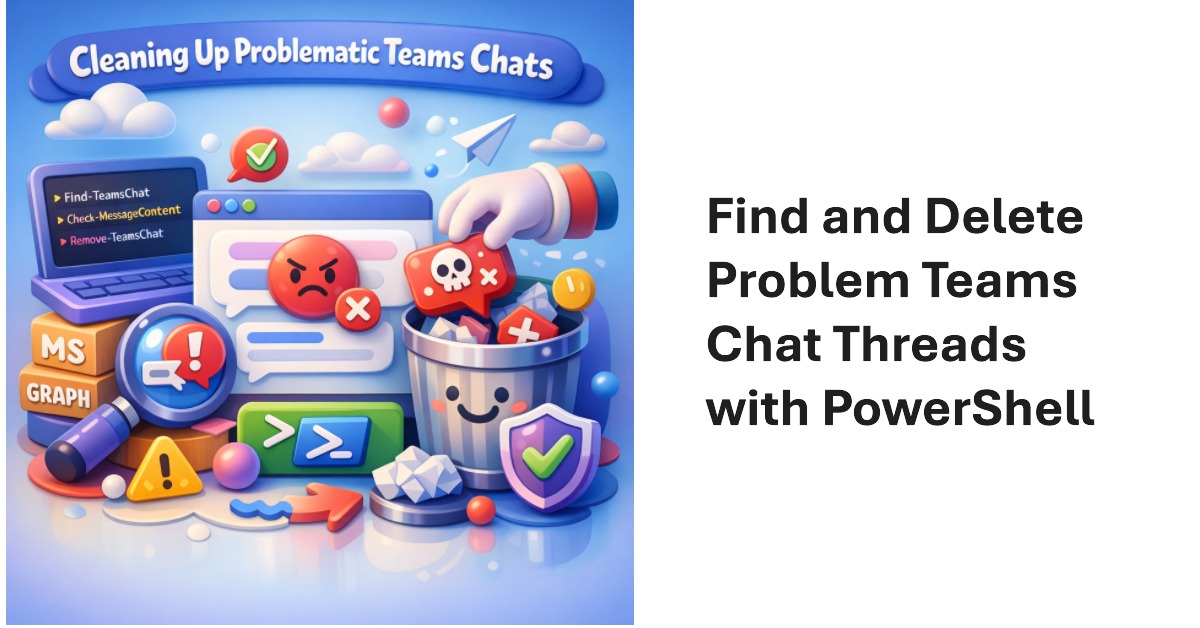
Sometimes, Microsoft 365 tenants need to remove problematic Teams chat threads from user view. The usual reason is because someone posted some bad or objectionable content to Teams. This article covers how to use Microsoft Graph PowerShell SDK cmdlets to find chat threads, to check thread messages for targeted content, and to remove matching chat threads. The code can be run interactively by an administrator to clean up Teams.
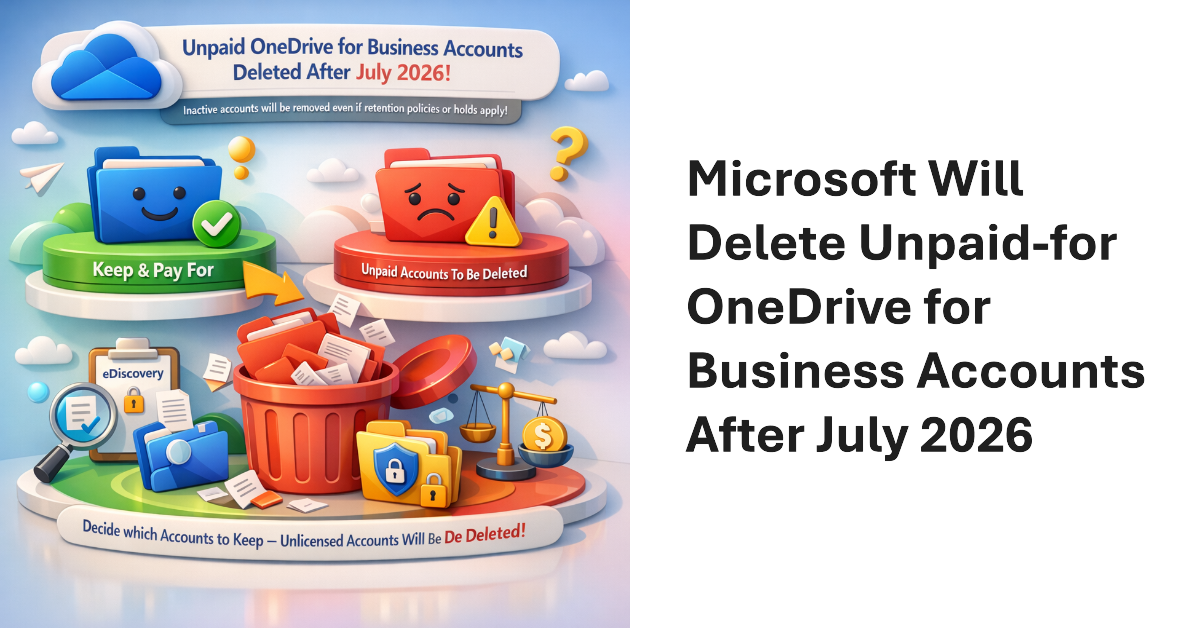
Microsoft will delete unlicensed OneDrive for Business accounts that aren’t paid for (to be archived) after July 2026. Up to now, it’s been possible to leave unpaid-for accounts linger in Microsoft 365 archive until retention policies and holds expire. Now, tenants must decide which accounts they wish to keep and pay for. Unpaid accounts will be removed, even if retention policies or eDiscovery holds apply to their content.
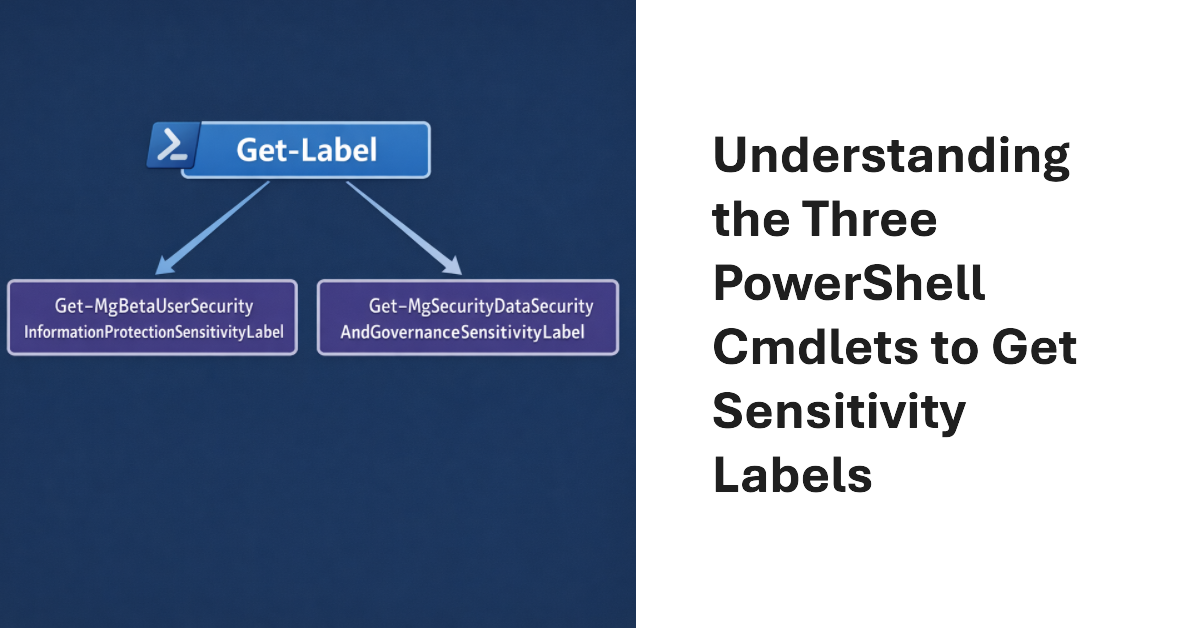
Three cmdlets exist to fetch sensitivity labels. One is in the Exchange Online module; the others are powered by Graph APIs. What are the differences between each method and how can you make sure that the set of sensitivity labels fetched by PowerShell is the full set of available labels? These and other questions are investigated in this article.
I was asked what the most important step is in the deployment of Microsoft 365 Copilot. It’s a good question. Put simply, restricted access is the answer. That is, restricting Copilot access to information stored in Microsoft 365 locations until your tenant is ready for unrestricted Copilot search and retrieval. The fortunate thing is that tools exist today to make it relatively easy to establish guardrails for Copilot, which is exactly what you need to do.
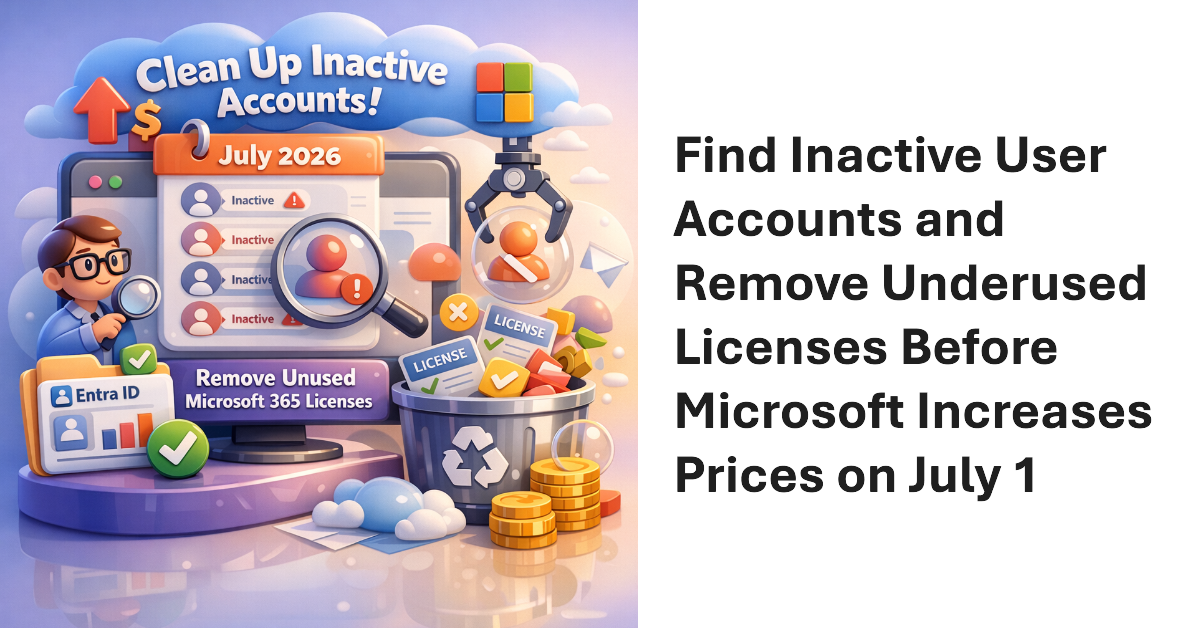
Inactive accounts can soak up a lot of paid-for but unused product licenses. With increases for Microsoft 365 licenses due to come into effect from 1 July 2026, it’s time to find and remove unused licenses from inactive user accounts. We discuss two approaches by using the Microsoft 365 Licensing Report or a PowerShell script that assesses inactivity based on sign-in dates and refresh token baselines.
The BlockContentAnalysisServices sensitivity label setting blocks access to Microsoft connected services for the content of labeled Office documents. The intention is that users assign sensitivity labels with the block setting to protect an organization’s most sensitive files. Regretfully, Microsoft’s documentation and explanation offered in the message center post don’t convey a clear story about its value.
A Microsoft blog describes some changes for PowerShell developers in terms of installing modules and the role of the Microsoft Artifact Registry (MAR). In a nutshell, Microsoft intends the MAR to be the go-to place to download first-party PowerShell modules and other artifacts. This solves the problem of potentially compromised modules found in the PowerShell Gallery, but MAR can’t work if it doesn’t contain the modules people use.
When employees leave a Microsoft 365 tenant, they might leave a user-owned Loop workspace behind which contains some valuable information that the organization wants to retain. Two years or so after announcing that a workflow to handle user-owned workspaces was coming, Microsoft is rolling out the update to tenants worldwide. The process is manual, but not much automation is possible to review and preserve workspace content.
A recent blog from the Microsoft Digital (IT department) discusses the preview implementation of container management labels for security groups. The implementation is limited because it encompasses just one control: the ability to have guest accounts in the membership of security groups. However, just that limited control is sufficient to stop unintended access to sensitive information by guest accounts, and that’s a very good thing.
A recent discussion about reporting changes to Microsoft 365 groups provoked the question about how to report distribution list changes. The answer is that the same structure can be taken in a PowerShell script to fetch and report data, including the audit records containing the information about the changes, but the actual code is very different. Distribution lists Exchange Online objects and not Entra ID groups…
The 132nd monthly update for the Office 365 for IT Pros eBook is now available for subscribers to download the refreshed EPUB and PDF files from Gumroad.com. In addition, we announce some changes that are coming for the 2027 edition, including a rename for the book, a new chapter covering Copilot and agents, and two new books covering Microsoft Purview and the Power Platform that we’ve split out of the main book. All done to provide even more coverage about Microsoft 365.
Microsoft has announced that the Microsoft 365 Usage Analytics Power BI app will retire on August 1, 2026. The alternative is the usage reports in the Microsoft 365 admin center or to develop a custom Power BI dashboard based on data imported through the Graph usage reports API. The decision isn’t surprising, but I’m sure that some will mourn the passing of Microsoft’s first tool to report usage information.
An automatic upgrade is currently ongoing to move Outlook calendar sharing from the old MAPI-based model to a new REST-based model. The new model has been available to Outlook classic clients on an optional basis and is now becoming the default. The REST model is simpler and exploits the Exchange Online service instead of depending on client transactions. It’s also part of the transition to the new Outlook.
Some days ago, I wrote about creating a new employee welcome email with ICS files for corporate events. As it turns out, Inviting employees to attend those events by updating the participant list with PowerShell is an easier and better approach. This article explains how to find calendar events, update participant lists, and update events with the Microsoft Graph PowerShell SDK.
A recent post on the EHLO blog discusses how to find whether room mailboxes are active. This article explains some of the finer points about the topic, including whether to use Exchange Online PowerShell or the Graph Places API to find the room mailboxes, the permissions required to retrieve data, and what has to happen to run the check on an ongoing basis.
ICS files are a useful method to send information about calendar events between different IT systems. This article discusses creating ICS files for Teams Online meetings as part of a project to send welcome messages to new employees that contain information about upcoming corporate events that the new people might like to attend. Suffice to say that formatting the ICS files to Outlook’s satisfaction takes some effort.
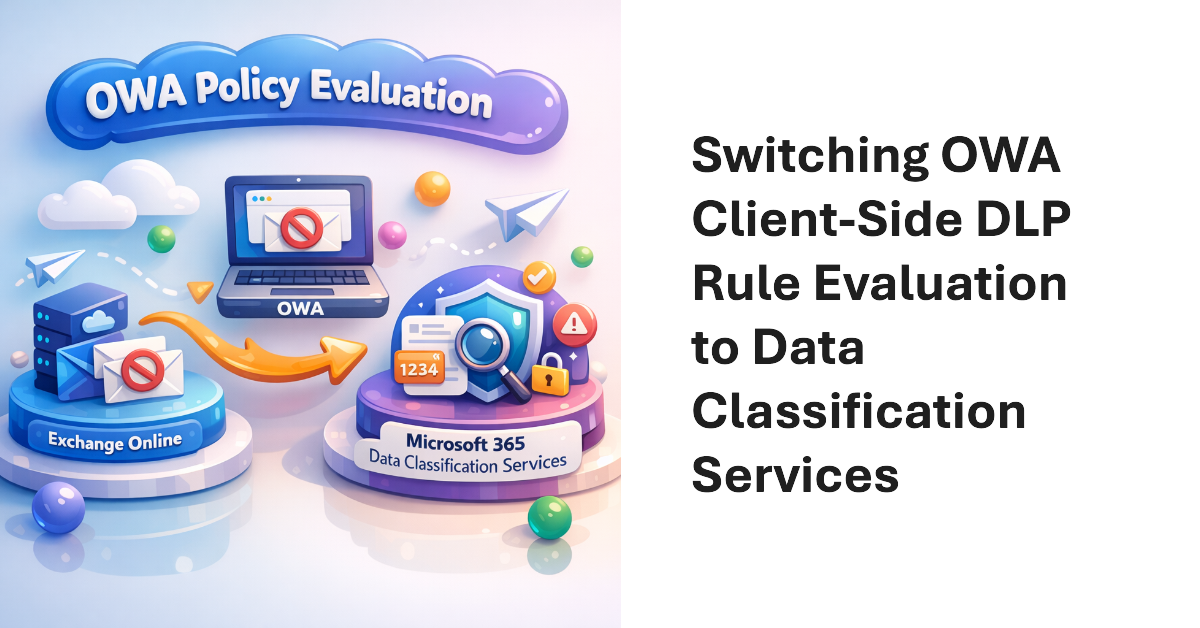
Purview Data Loss Prevention (DLP) rule checks can happen client-side and server-side. This change updates the Exchange Online organization configuration to instruct OWA to stop using Exchange Online to detect potential DLP rule violations before users send email. Instead, OWA will use the workload-neutral Data Classification Services (DCS). Using a workload-neutral service comes with some consequences in terms of OWA being unable to evaluate Exchange-specific predicates.
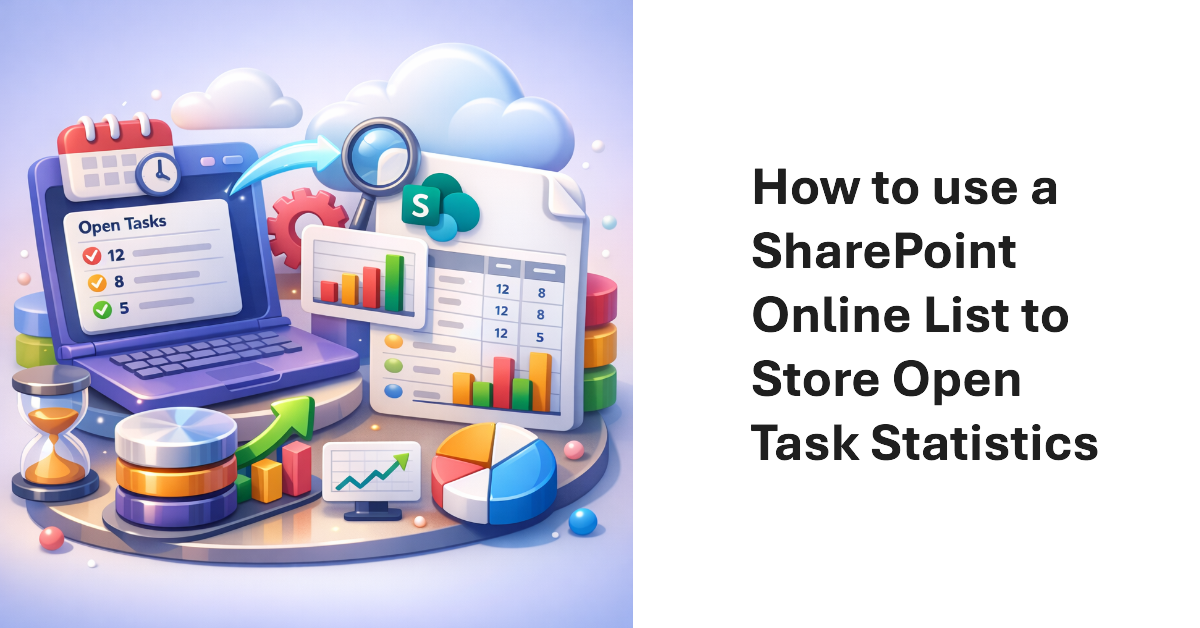
A PowerShell script that sends details of open tasks to users for follow up is a good thing. Storing open task statistics in a list for analysis of open task burndown over time is even better. This article describes how to update the script that sends email about open tasks to add the code necessary to use a list in a SharePoint Online site to store details about open tasks.
Version 24 of the Automating Microsoft 365 with PowerShell eBook is now available for current subscribers to download. The updated PDF and EPUB files are available from Gumroad.com. The paperback edition is also updated. In other news, a new version of the Microsoft Graph PowerShell SDK is available, and Microsoft has created a problem of their own making by announcing the retirement of the AutoRest utility.
SharePoint Online authoritative sites are trusted sites for Microsoft 365 Copilot to give priority to when using material for chats and search results. Tenants that don’t use Microsoft 365 Copilot appear to gain nothing from the new ability to mark sites as authoritative because it’s all about “Improved relevance and trust in AI-driven responses grounded in authoritative content.” It does seem like a good idea, though.
The advent of the MoreRecordsAvailable property gives the Search-UnifiedAuditLog cmdlet more precise control over fetching large numbers of audit records (up to 50,000 records). It’s a welcome change to report something positive about the Microsoft Purview Audit solution because most of the time we complain about its stability, slowness, and bugs. Things are looking up.
Microsoft published the very good news that the Planner synchronization with the Microsoft 365 message center will support HTML formatted text when it creates or updates tasks. This might seem like a small change, but if you use Planner to track the progress of anything, like we do for the Office 365 for IT Pros eBook, it’s sometimes the little changes that make the biggest impact.
Microsoft’s People Skills service can use AI to attribute 16,000 different skills to users. Those skills show up on the user profile card. However, once a Microsoft 365 tenant enables People Skills, they lose the ability to add custom skills for user profiles via Graph APIs or People Connectors. It’s a curious situation where Microsoft blocks custom additions because its AI-powered service is active. Couldn’t both exist alongside each other?
Understanding what Graph permissions are required by apps can be challenging. In this article we discuss how the Group.Read.All and GroupMember.Real.All permissions work and why you should choose one permission over the other and respect the principle of least permission when it comes to assigning Graph permissions to your apps and PowerShell scripts.
This article discusses how to list files archived using the SharePoint Online file-level archiving feature. We also discuss how to archive and unarchive files using the Microsoft Graph PowerShell SDK and Graph API requests. As it turns out, the drives API is the best way to find (list) archived or unarchived files, while archiving files that haven’t been modified in a while is easy with a few lines of PowerShell.
Microsoft began an automated background process to move Teams private channels to a new infrastructure earlier this year. Tenants should check the state of the migration as reported by the Get-TenantPrivateChannelMigrationStatus cmdlet because it is possible that the migration is stalled and waiting for administrator intervention. In most cases, the problem is because of ownerless channels, but archived teams with private channels also stop the migration.
Now rolling out to Microsoft 365 tenants is the ability to update user profile cards with details of awards and certifications held by users. Usually this would be done through a Copilot connector, but it’s possible to add awards and certifications using Microsoft Graph PowerShell SDK cmdlets. All explained in great detail with working examples here.
Microsoft phased out the legacy IDCRL authentication mechanism from SharePoint Online on May 1, 2026. Sounds good, until you notice the explosion of IDCRLBlockedDueToSoftEnforcement events created by SharePoint Online in the unified audit log. The events are associated with Microsoft Office apps like Word, which SharePoint appears to think are still using IDCRL. For whatever reason, the audit log is now cluttered with unwanted events generated by the interaction between SharePoint and Office.
18 months after the product became generally available, Microsoft 365 Backup has delivered granular restore for SharePoint Online and OneDrive sites. It’s the kind of feature that most tenant administrators might have assumed is already in the program, but at least it now is. The next step is apparently the ability to restore files in place. That isn’t available yet.
SharePoint Online supports file-level archiving, meaning that you can send individual files (most types) to Microsoft 365 Archive to be held in cold storage. Individual users can make the decision about what files need to be online instead of forcing administrators to decide whether to archive complete sites. If needed, archived files can be retrieved, but it might take 24 hours for this to happen.