A script written by a Microsoft program manager to remove authentication methods from an Azure AD account caused me to write a script to capture all the authentication methods used in a tenant. I have other similar scripts, but this one records some additional detail for each method. And I have a moan about why the Microsoft Graph PowerShell SDK includes so many cmdlets for interacting with authentication methods. Some consolidation would be nice.
This article describes how to adapt the Microsoft 365 licensing report script to highlight Azure AD accounts that haven’t signed in for a long time. Because Microsoft charges for licenses on a monthly basis, every month that goes by racks up cost for underused accounts. The new version of the script tells you what accounts to check to help you focus on driving down licensing costs.
Audit logs hold lots of information, including records for when Azure AD consent permission grants happen. Checking the audit data can detect illicit grants. Records are in the Azure AD audit log and are also ingested into the Office 365 (unified) audit log, so there’s two places to check. The audit data is interesting and could help administrators work out if a permission grant is illicit. But only if checks are made and people review the reports.
Entra ID registered devices have 15 extension attributes that tenants can use for their own purposes. In this article, we explore how to use the Microsoft Graph PowerShell SDK to update extension attributes for registered devices, and even better, access the content in the extension attributes afterward.
Microsoft launched an effort on September 2 to stop the creation of any more unmanaged Azure AD accounts in unmanaged tenants. A set of tools is available to help tenants to find unmanaged accounts and reset them by reissuing invitations to the affected guest members. There’s not much to complain about, but it is something to understand.
A little known fact about the Graph Explorer utility is that you can use it to sign into a tenant using a guest access. This might or might not be a good idea, but if you don’t want people to do this, it’s easy to block guest access by either disabling user access to the app (crude) or using a Conditional Access policy (much nicer).
Like all apps, the Azure AD Admin center has its own quirks and inconsistencies. In this article, we cover issues creating groups when the admin center doesn’t apply sensitivity label container management settings properly, and group-based license management, which only works if the group’s security enabled property is set correctly.
A new Yammer administrator role is available in Azure AD. Assignees of the new role become Yammer verified admins and can make changes to both native and non-native Yammer networks. It’s nice to see the new role appearing in Azure AD and no doubt it will be useful to Microsoft 365 tenants that use Yammer, but why did it take so long to happen?
Many example PowerShell scripts exist to report Azure AD accounts and their MFA status. Most of the scripts use the old MSOL module. Now we can use the Microsoft Graph PowerShell SDK and some Graph API requests to do the same job, This article explains how, including how to highlight unprotected Azure AD accounts that hold administrative roles.
Time is ebbing away and the date when the Azure AD PowerShell modules will start not to work is approaching. Microsoft wants customers to upgrade to the Microsoft Graph PowerShell SDK or Graph API requests. That’s fine, but a knowledge gap exists because most of the examples – including in Microsoft’s own documentation – for how to interact with Azure AD via PowerShell use the old modules. And then every other blog on the planet (with some notable exceptions) does the same. So we have work to do to bridge the knowledge gap and help people to make the transition.
A new preview feature supports the creation of dynamic Azure AD groups based on the membership of other groups, including dynamic groups and distribution lists (aka nested groups). It’s a nice feature that adds value, even if dynamic groups require Azure AD Premium P1 licenses.
The Azure AD PowerShell module allows guest accounts to sign into target tenants and update their account photo there. The Microsoft Graph PowerShell SDK includes a cmdlet to do the job, but it doesn’t work when connected to a target tenant. Permissions are the reason why, which is what we explain in this article.
Despite the advent of shared channels in Teams and the wonders of Azure AD Direct Connect, the chances are that Azure AD B2B Collaboration (Azure AD guest accounts) will remain the predominant method for external collaboration for the immediate future. That’s not so bad, as long as you maintain good guest hygiene!
Teams supports external access through guest account membership in teams and external sharing of shared channels. Sometimes, things go wrong and sharing can’t happen. In this article, we explore some common reasons and explain the solutions. And the need for patience!
The new Graph X-Ray extension available for the Chrome and Edge browsers gives developers an insight into how the Azure AD admin center uses Graph API commands to retrieve user and group objects. The insight is invaluable when teasing out some of the syntax needed to get work done with the Graph. It’s much appreciated.
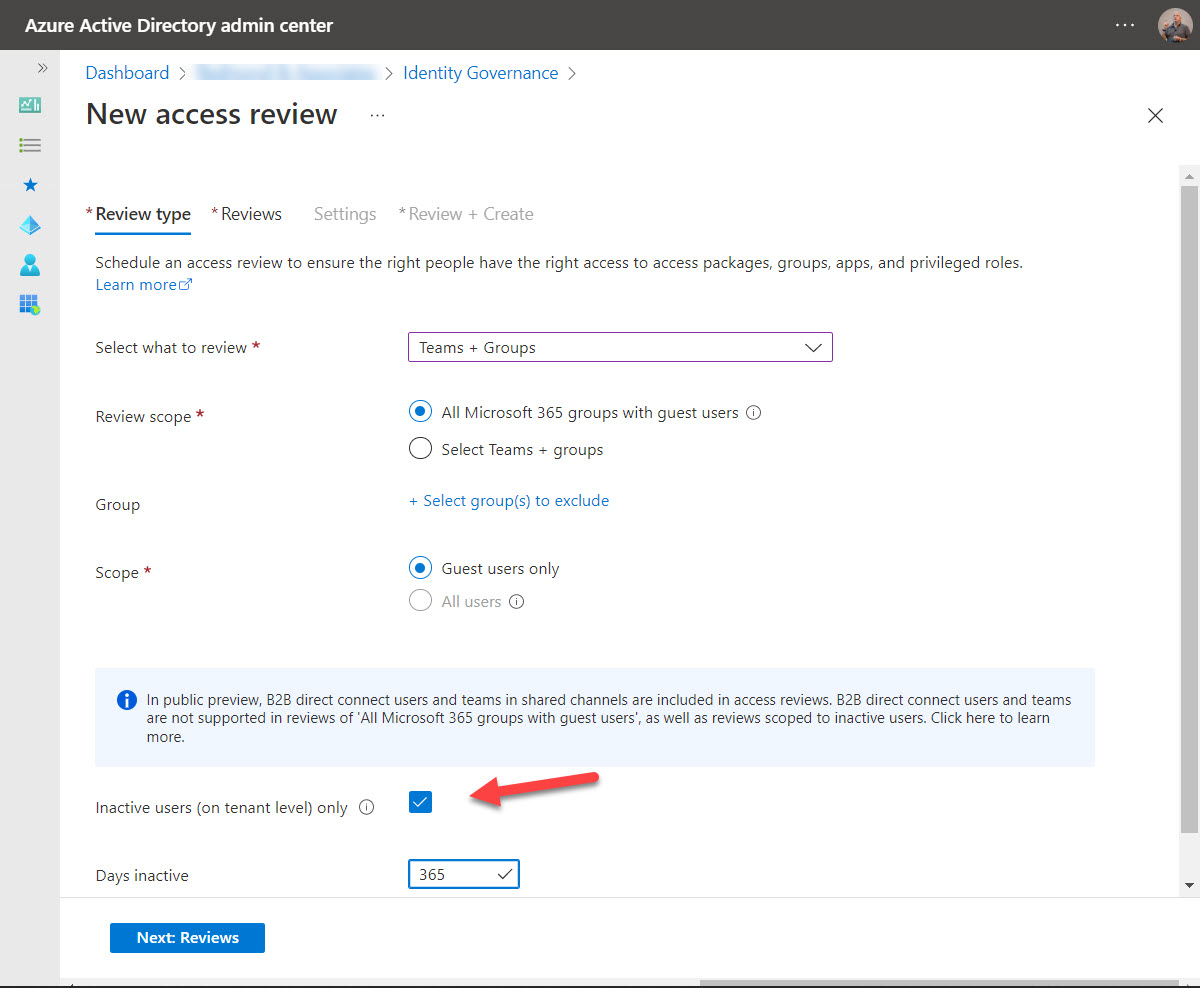
A new feature for Azure AD access reviews allows Microsoft 365 tenants to check for inactive guest accounts in group memberships. It’s useful functionality if your Microsoft 365 groups are used for Teams rather than Outlook groups. Email activity is ignored by these access reviews, so all guest members are deemed to be inactive!
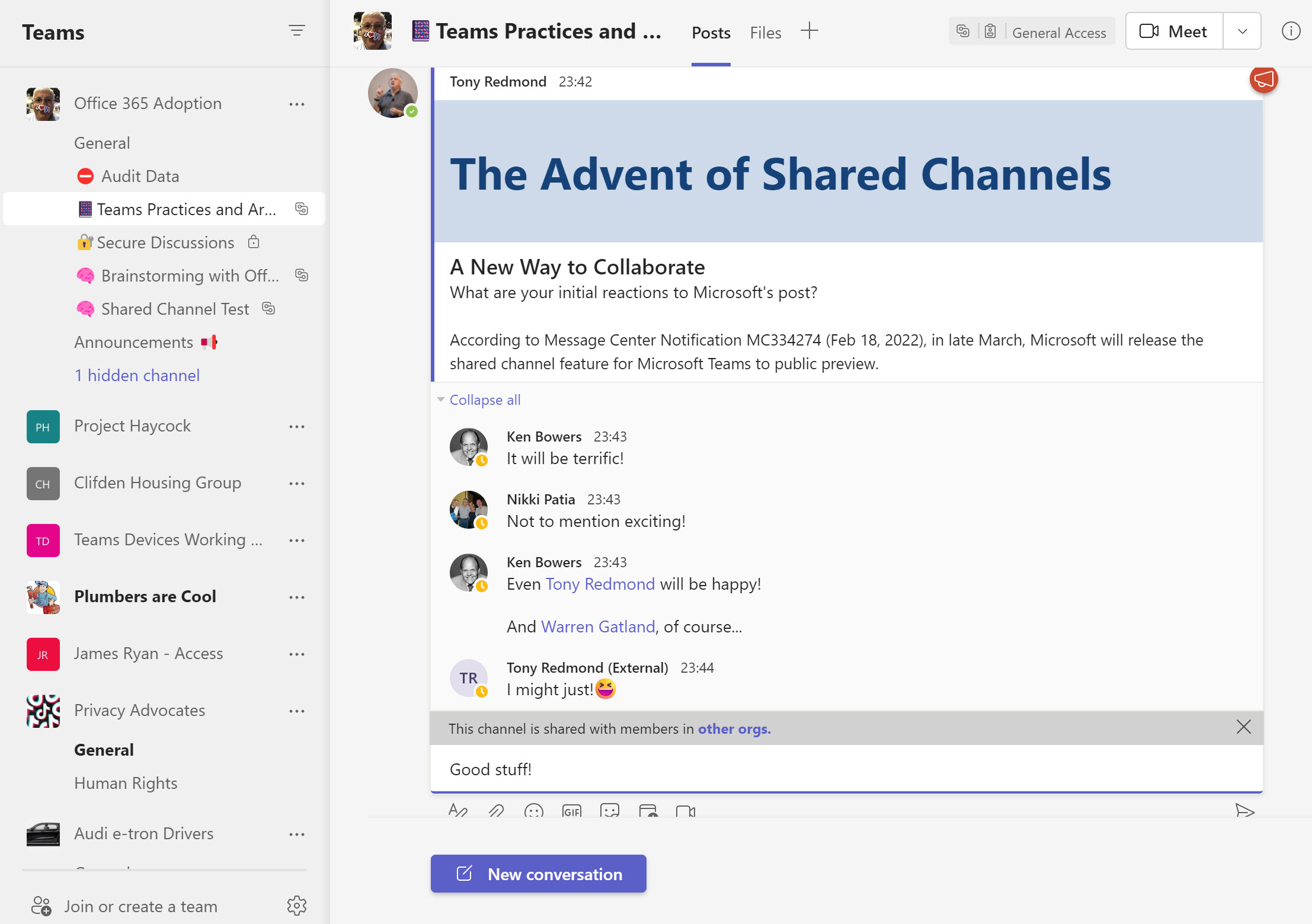
Teams shared channels are now in public preview, meaning that many organizations are trying them out to see how effective a means of collaboration these channels are. One of the administrative challenges of implementing shared channels for cross-tenant collaboration is knowing who uses the channels. An answer can be found in the Azure AD sign-in logs, but only after you go looking.
Assigning Azure AD roles to user accounts is the way users receive permissions to perform certain administrative actions. You can automate these assignments using cmdlets from the Microsoft Graph PowerShell SDK. That is, until the time comes to remove assignments.
With the demise of the AzureAD and MSOL PowerShell modules on the horizon, it’s time to figure out how to upgrade scripts to use cmdlets from the Microsoft Graph PowerShell SDK. This article books at basic account management and shows how to update, delete, restore, and find Entra ID user accounts using SDK cmdlets.
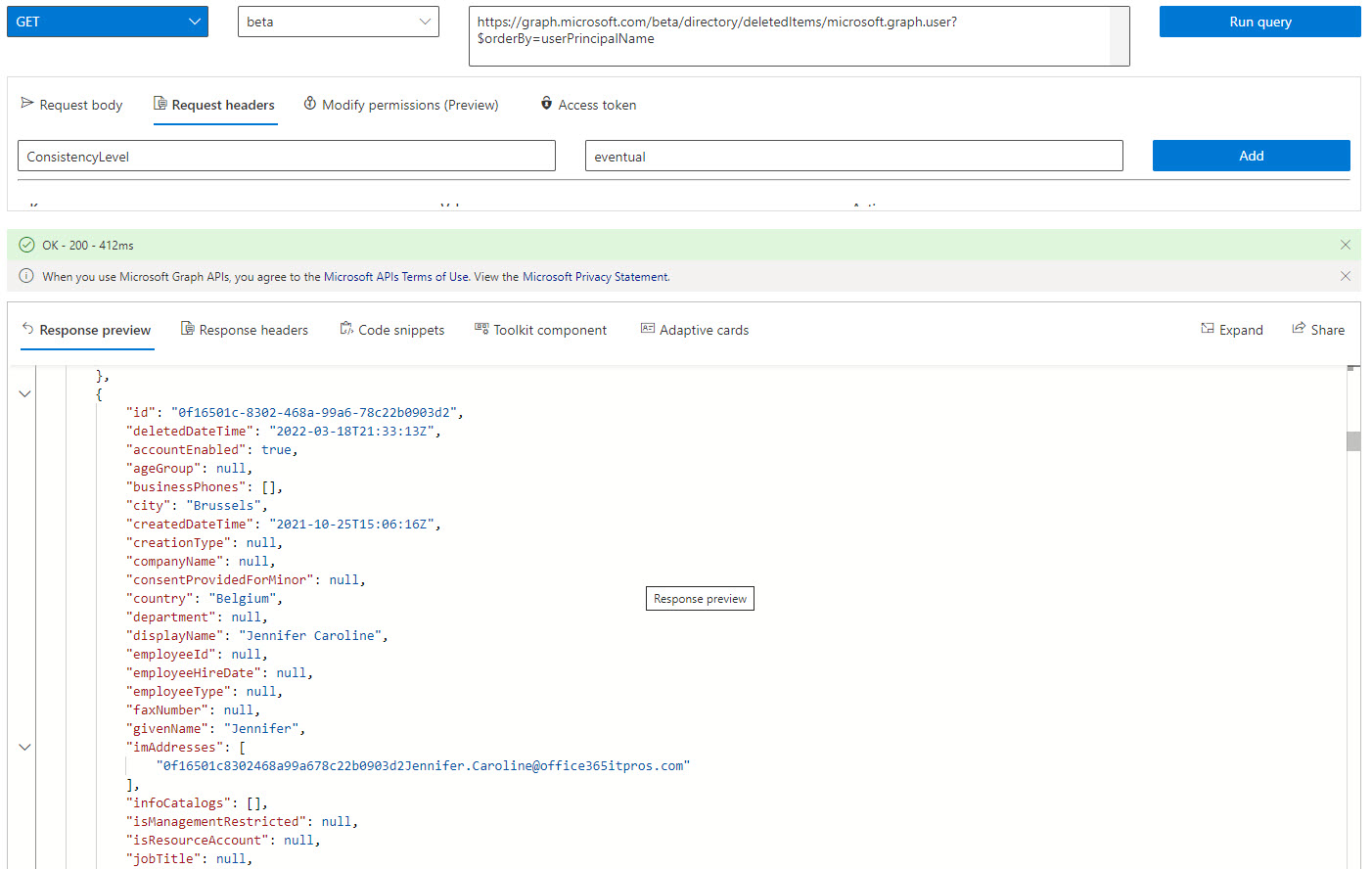
Microsoft has announced that it will be possible to recover a deleted service principal by the end of May. This is good news because it means that an accidental deletion can’t wreak the kind of havoc it can today. Microsoft hasn’t updated the APIs to manage soft-deleted service principals yet, but we can get an insight into what’s likely to happen by investigating how to manage deleted Entra ID accounts using cmdlets from the Microsoft Graph PowerShell SDK.
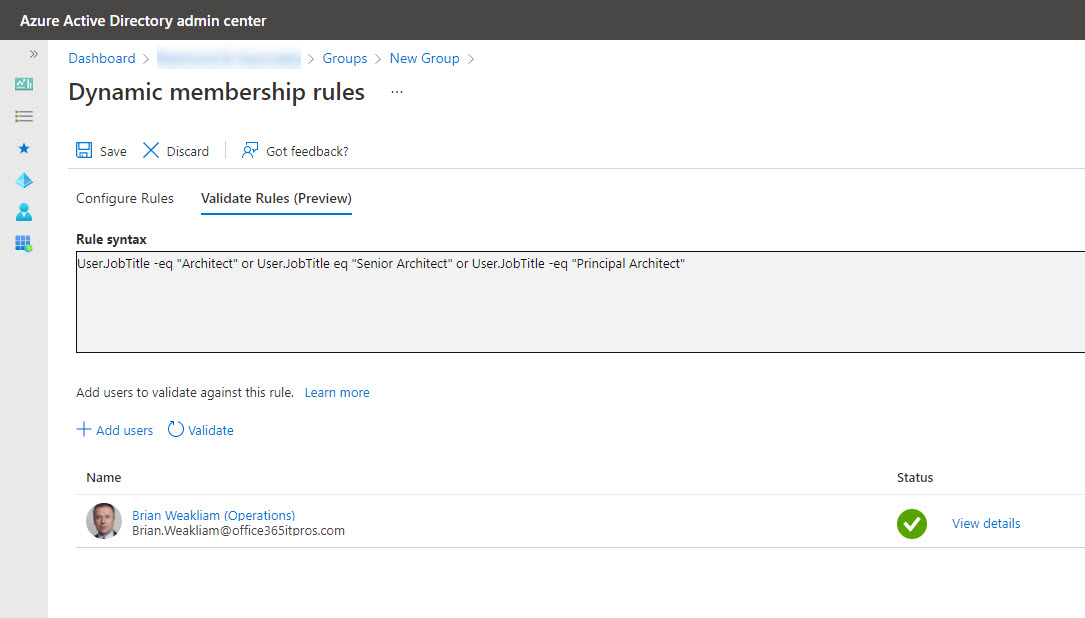
It seems like it should be possible to transfer a membership rule from an Exchange dynamic distribution list to a dynamic Microsoft 365 group/team, but it’s not. Different directories, schemas, properties. and syntax conspire to stop easy conversion. It’s a pity, but that’s the way life and technology sometimes go…
Lots of news has emerged from Microsoft recently regarding the deprecation of the Azure AD PowerShell module and the older MSOL module. Although dates have slipped from the original June 30, 2022 deadline, the signs are that Microsoft will retire the modules in early 2023. However, the Azure AD and MSOL license management cmdlets will stop working on August 26, 2022, so that’s the immediate priority for script upgrades.
With the upcoming deprecation of the Azure AD and Microsoft Online Services (MSOL) PowerShell modules, it’s time to upgrade scripts which depend on the cmdlets from these modules. In this example, we use the Microsoft Graph SDK for PowerShell to create a report for Azure AD accounts showing the authentication methods each account uses. The idea is to highlight accounts not protected by strong authentication so that administrators can help users to upgrade their protection against attack.
By now, Microsoft 365 tenant administrators realize the need to understand how apps use consent to access Microsoft 365 data. App certification helps by reassuring tenant administrators that third-party apps meet certain criteria set by Microsoft. Achieving Microsoft 365 certification is the highest bar in the program. It’s just a pity that many of the apps now appearing in the ecosystem don’t achieve this level of app certification.
A new Microsoft Teams feature means that local time zone information appears on user profile cards. While it seem simple, the feature is very useful when arranging meetings because you know up-front about the working hours of your colleagues. It’s a detail that makes sense!
Access tokens are an important part of accessing data using modern authentication through APIs like the Microsoft Graph. But what’s in an access token and how is the information in the access token used by PowerShell when the time comes to run some Graph queries in a script? In this article, we look behind the scenes to find out what’s in the JSON-structured web tokens issued by Entra ID.
The Entra ID Keep Me Signed In (KMSI) feature uses a persistent cookie to allow users close and reopen browser sessions without sign-ins. If you don’t want to use KMSI, you can update Azure AD company branding to remove the option. Users will then have to reauthenticate each time they start a browser session. The decision to disable or keep KMSI is highly tenant-specific and depends on how authentication happens.
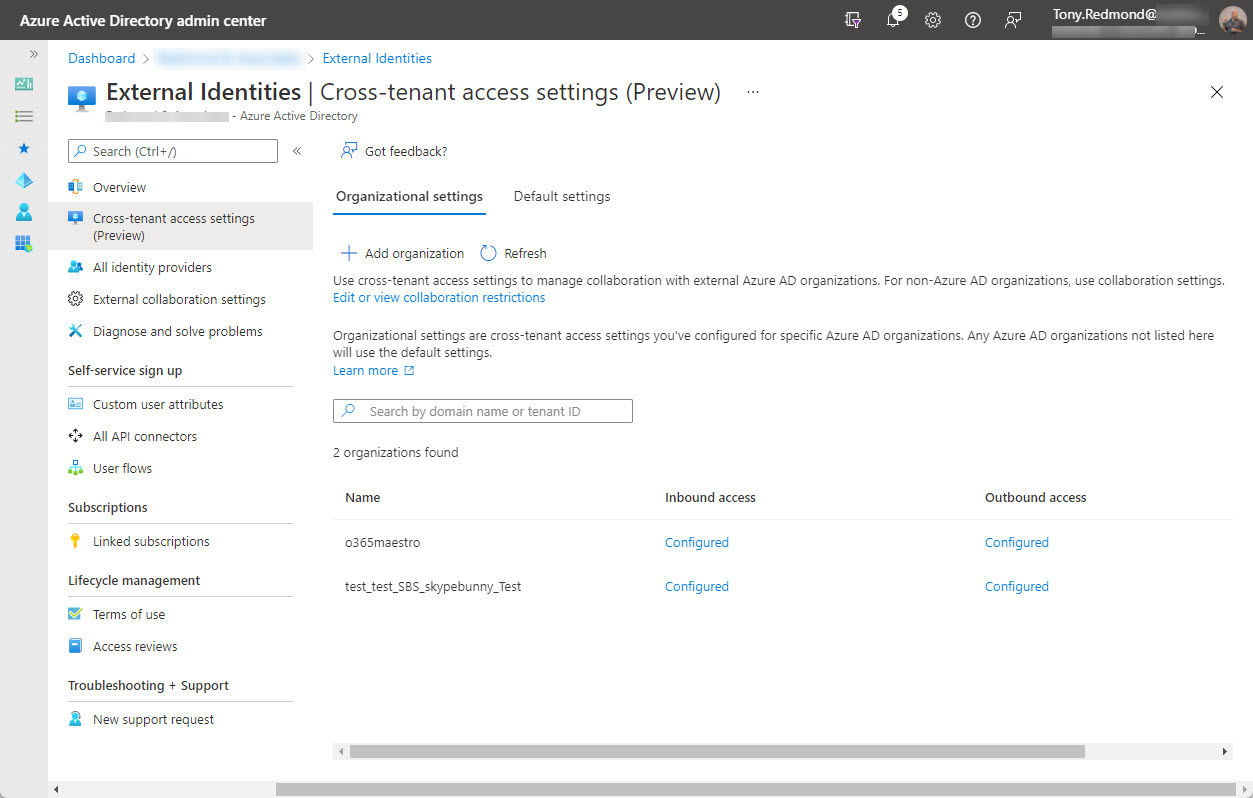
On February 7, Microsoft announced the preview of Azure AD cross-tenant access, a new capability to allow users obtain credentials in their home tenant and use these credentials to access resources in other Microsoft 365 organizations. Microsoft Teams Connect (aka shared channels) is likely the first app to use cross-tenant access, with public preview of that feature expected in March 2022.
Service principal sign-in data from Entra ID is now accessible through a Microsoft Graph API. This means that you can analyze sign-in data to locate problem apps and remove old or unwanted service principals from your Microsoft 365 tenant. It’s time for spring cleaning!
You might never need to use a break glass account, but if the need arises, you’ll be glad that you had the foresight to anticipate that bad things can happen and create a break glass account for your Microsoft 365 tenant. This article describes why you might want one or more of these accounts, their characteristics, some pitfalls to avoid, and how to check that the break glass accounts aren’t being used.
Finding the age of a Microsoft 365 tenant isn’t an important administrative operation. However, understanding how to retrieve this information (if asked) is an interesting question, which is why we spent several hours playing around with PowerShell and the Microsoft Graph to figure out how to answer the question. It’s the kind of in-depth analysis we do all the time to build content for the Office 365 for IT Pros eBook.
On January 10, Microsoft announced that the base Office 365 workloads support Continuous Access Evaluation (CAE) for critical Azure AD events like password changes or account deletions. Although you can take CAE even further with conditional access policies, giving Exchange Online, SharePoint Online, and Teams the ability to react to critical events in almost real-time is a very big thing indeed.
Microsoft Teams posts system messages to a team’s information pane to let people know about membership changes. You can’t stop Teams doing this because Microsoft doesn’t provide control over the system messages at the tenant or team level. You can obscure the names of new members by changing their display name, but maybe the best idea is not to add new members until the time is right.
Microsoft pushed out version 2.0.88.0 of the AAD Connect synchronization utility earlier this month. Unfortunately, the new software removes disabled on-premises user accounts from Azure AD, which means that on-premises shared mailboxes disappear for cloud users. Microsoft has released version 2.0.89.0 but maybe it’s better to go back to a version that you know works. At least until after the holidays.
Some changes in the Microsoft Teams desktop and browser clients will allow users to decline guest invitations from other organizations, leave organizations, and hide organizations from Teams. Although leaving another organization has been a well-trodden path for several years, it’s required knowledge to find the right place to go. Having these options in Teams makes it much easier to manage a cluttered set of organizations.
Azure AD has a history of outages which have caused problems for Microsoft 365 tenants over the years. Microsoft hopes to solve the problem with a backup authentication service that’s capable of keeping things going if the primary Azure AD service goes offline. Basically, the backup service has copies of successful authentications over the last three days which can be used to process authentication requests for most sessions when the primary service fails. It seems like a good idea.
A reader asked how to find when Azure AD accounts received certain licenses. As it turns out, this isn’t as simple as it seems. PowerShell can tell use when user accounts are enabled with service plans, but to get dates for licenses (products or SKUs), we need to go to the Graph API, and those dates aren’t quite there yet. In any case, it’s an interesting question which deserves some exploration to see if we can find an answer.
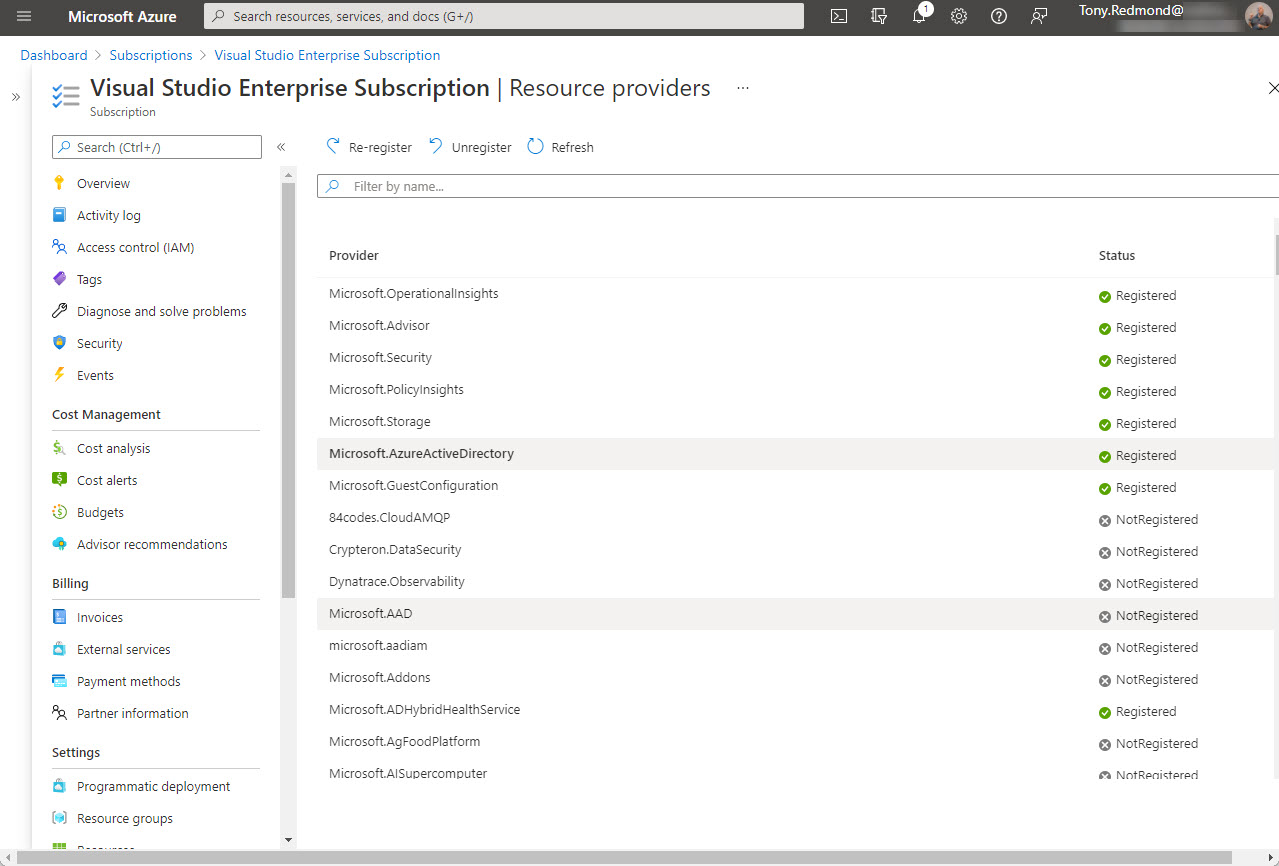
Office 365 tenants using Entra ID external identities (like Entra ID B2B Collaboration guest accounts with apps like Teams) are moving to a monthly active users (MAU) billing model. The new model replaces the 1;5 ratio for Entra ID premium licenses used up to now. Microsoft allows tenants to have the first 50,000 unique external identities free of charge each month and bills for access thereafter. If you don’t already have an Azure subscription, you’ll need one to link to Entra ID. Linking the subscription should be an easy task, until it’s not…
Understanding how to create effective queries using the Microsoft Graph APIs takes some work, especially with some of the more complex filters used to refine the data returned by the Graph. In this article, we look at how filters using lambda qualifiers work and explore some examples of these qualifiers in use.
Azure AD administrators should be able to assign a reserved alias to a new group. At least, that’s what the documentation says. As it turns out, this isn’t strictly true as there are places where administrative interfaces (GUI and PowerShell) block any attempt to use reserved aliases. Does this matter? Probably not, unless you like consistency… which we do!