Microsoft has announced how the final phases of the migration from Office 365 Video to Stream will proceed. The biggest thing to understand is that you have until March 2020 to decide to migrate or delay – unless you’ve already migrated, in which case you don’t need to do anything. Migration isn’t particularly difficult unless you have done something special to customize Office 365 Video.
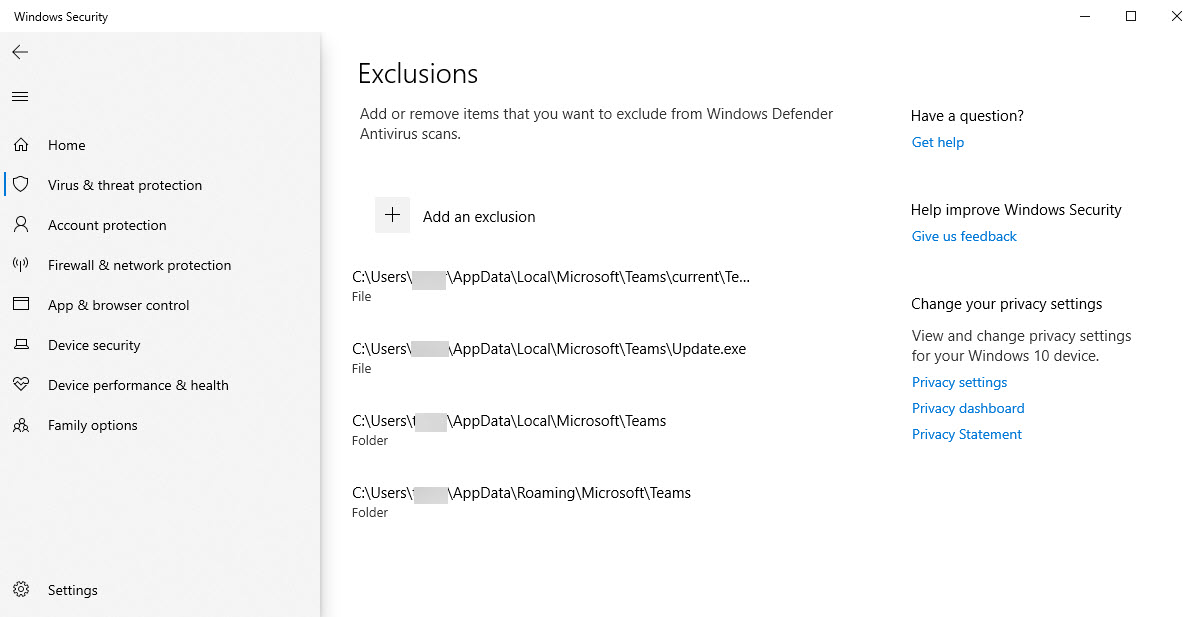
Like all applications, the Microsoft Teams client has some “hot” files that the app depends on. Antivirus software processing can affect app performance if it conflicts with the hot files. You can exclude the Teams hot files from antivirus processing to see if that helps performance. Like anything to do with antivirus software, it’s a question of balancing security and performance.
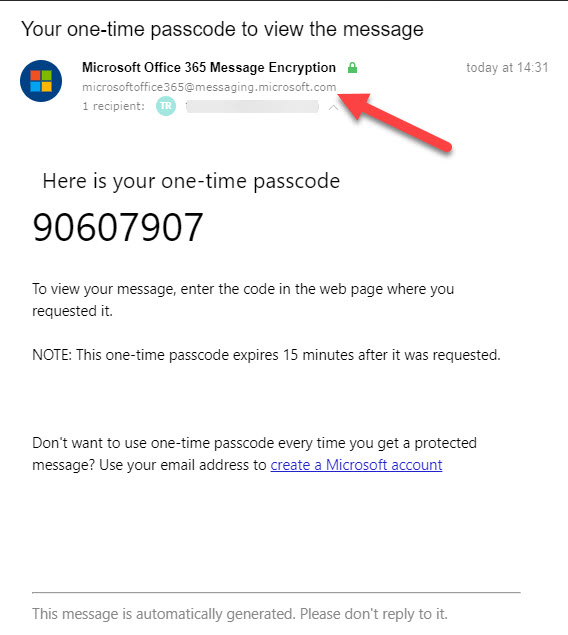
Microsoft is releasing some updates to Office 365 Message Encryption (OME) in January. The detail in the announcement wasn’t great, so we plunged in to find out what’s happening. THe bottom line is that OME will use tenant domains to send email so that anti-spam filters will consider the messages to be authentic.
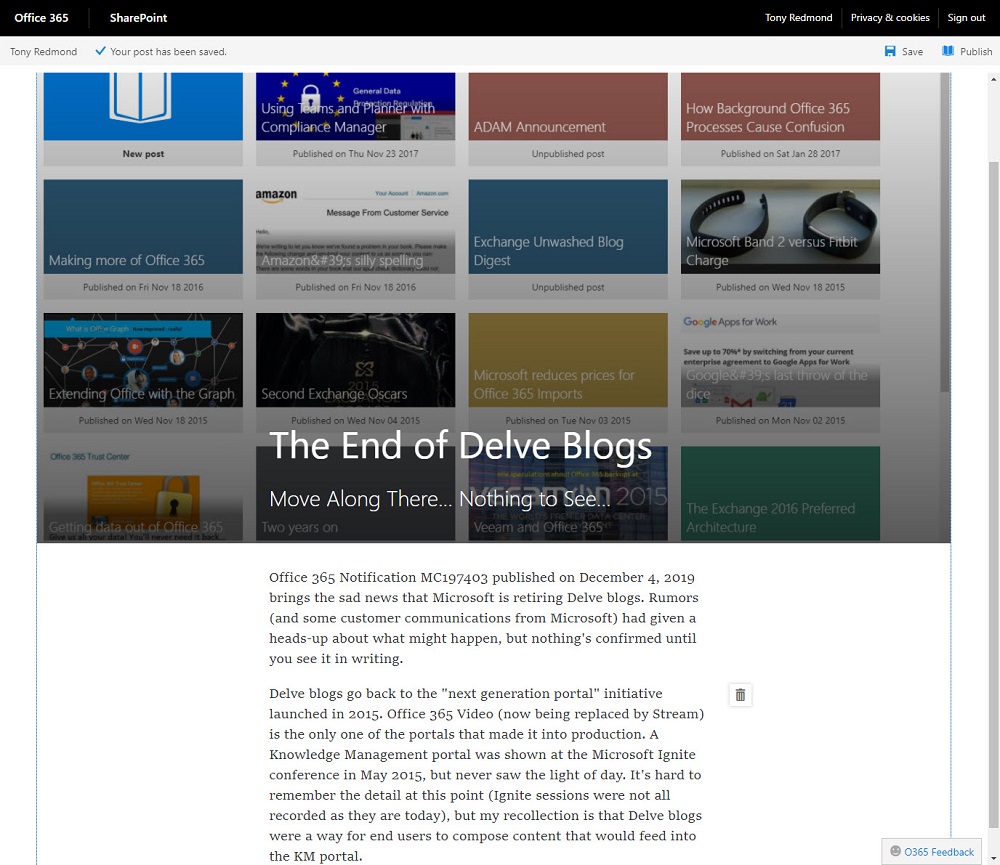
Microsoft has announced that Delve blogs will no longer be supported in 2020. The news is unsurprising because Delve blogs have not been actively developed for several years. Office 365 tenants with content in Delve blogs must figure out where to move the content to. It might be the case that you don’t need to do anything because the content isn’t needed. If you do need to keep it, you could move Delve blog posts to SharePoint news or similar repositories.
Exchange Online transport rules can block outbound email stamped with selected Office 365 Sensitivity Labels to make sure that confidential material doesn’t leave organizations. The transport rule is very easy to construct with the only complication being the need to discover the GUID of the sensitivity label you want to block. Fortunately, PowerShell gives us an easy way to find a label’s GUID.
Office 365 services are now available in Switzerland from Microsoft’s datacenters located in Geneva and Zurich. The services available include Exchange Online, SharePoint Online, and Teams. Swiss tenants will continue to access other services like Stream and Planner from Office 365 datacenters in other regions.
Publishing SharePoint Online content to Teams is a great way to make users aware of important information. The standard SharePoint web part makes it easy to publish content from the site belonging to a team. Things are a little more difficult when you want to publish content to a team from a different site. Fortunately the website tab comes to the rescue.
We all store lots of information in the cloud and sometimes it is hard to find work that needs to be resumed or finished. OneDrive for Business and SharePoint Online now boast the ability to mark files and folders for later. The two apps share a common list and make it easy for users to find work that they need to return to.
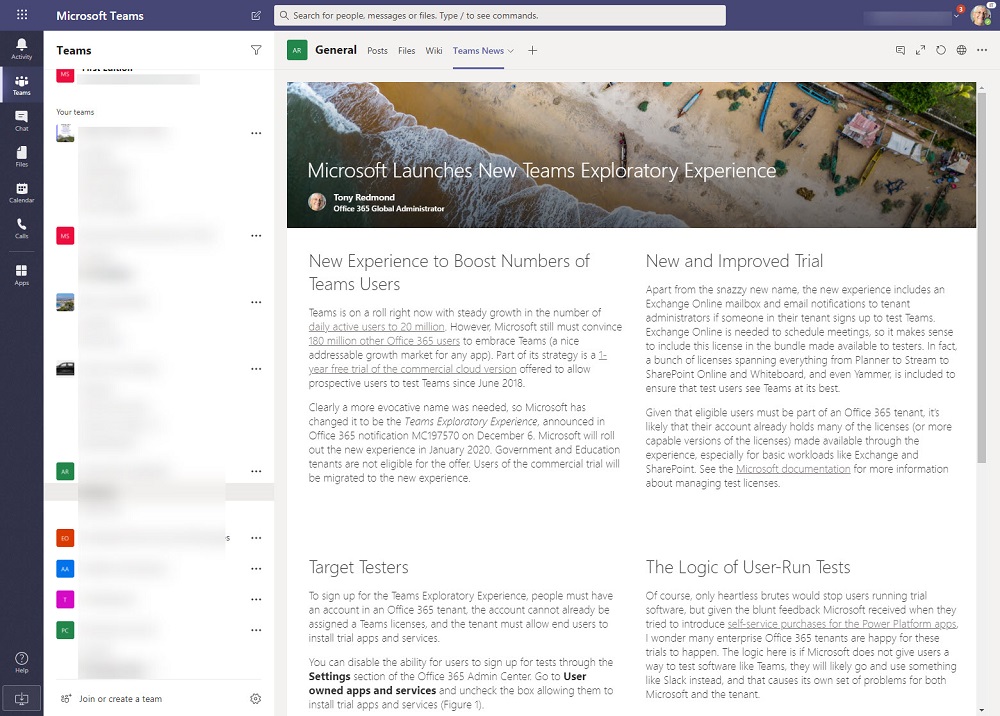
Microsoft Teams will soon offer users the chance to engage with an exploratory experience to see what Teams is all about. The new experience replaces the previous 1-year trial offer. Office 365 tenant admins who don’t want users to test software can disable the ability to sign up for trial apps and services in the Office 365 Admin Center.
Microsoft Teams now supports roles for meetings. You can assign the presenter role to specific participants, who then have rights to present and other actions, like recording the meeting. Everyone who’s not a presenter is an attendee. These folk stay nice and quiet and listen to what’s going on and all the good information shared by the presenters.
Microsoft Stream now has the ability to trim content from the start and end of videos. The feature is very easy to use and is a good way to remove the seconds of lead-in often captured in recordings. Only the start and end of videos can be trimmed as there’s no capability to remove content from the middle of recordings.
The Office 365 Admin Center is a critical tool for tenant admins. Recently, Microsoft has improved the management of role assignments by providing a way to compare what different roles can do. The idea is that if you know exactly what a role enables people to do, you’re less likely to assign the wrong role to the wrong people.
Outlook for iOS finally supports the Do Not Disturb feature to suppress notifications for new email, something that Outlook for Android has been able to do for 18 months. iOS and Android are obviously different ecosystems, so the delay might have been caused by problems dealing with the Apple notification service. In any case, you can now snooze some or all of your email accounts. In other news, some of the more interesting features available to U.S. email accounts are still not available outside the reach of Cortana.
The Skype for Business Online PowerShell module is not well liked. It works differently to other modules and has some oddities, including the ability to disconnect sessions after 60 seconds and fail to reconnect. The new Enable-CsOnlineSessionForReconnection helps to keep sessions going, so that’s one small but irritating oddity off what could be a long list.
The Office 365 for IT Pros team is proud to announce the availability of the December 2019 update for the eBook. Subscribers can download the updated files from Gumroad.com or Amazon. The December update includes changes to 21 of the 24 content chapters, so it’s a pretty big update. Please download and use the updated files at your earliest convenience!
The Get-SPOSite PowerShell cmdlet is used to fetch details about SharePoint Online sites. It works well, but some recent functionality upgrades means that script writers need to be more precise about how they use the cmdlet. Most scripts don’t need to process redirect sites or the sites belonging to Teams private channels, so why would you ask Get-SPOSite to fetch these sites?
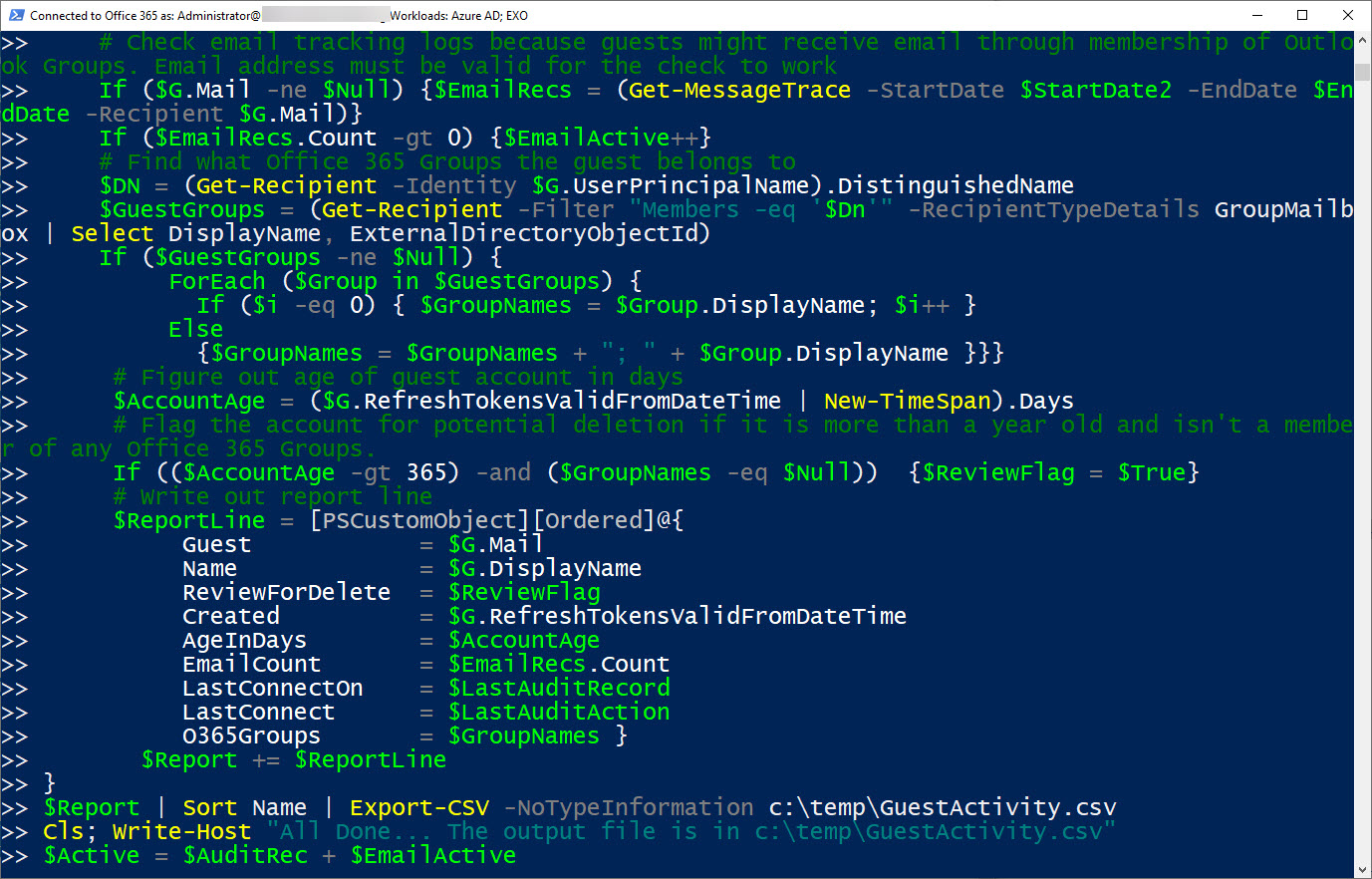
Everyone’s PowerShell style is different. Here at Office365ITPros, we try and write code to help people understand what’s possible when working with Office 365. Our scripts are certainly not up to professional standard in that they’re incomplete in many ways (comments are always good). But the code works and proves what you can do, which we think is important.
You can use PowerShell to configure a customized per-site Anyone sharing link period for different sites. Public sites might have a 365 day period while more confidential sites might have a more restricted period. All it takes is the Set-SPOSite cmdlet to set the necessary properties and you have a customized policy.
Office 365 is a complex place and service incidents happen all the time. When something breaks, it’s good to know what those problems are. A new feature in the Office 365 Admin Cemter enables you to get email notifications for service incidents that affect your tenant. It’s all goodness, as long as the email service you choose to receive notifications remains in operation.
Multiple PowerShell modules are available to Office 365 administrators to automate common processes. In this case, we want to send a welcome message to new accounts. Three PowerShell modules are available, but what’s the best in terms of performance and ease of use? There’s only one answer and that’s Exchange Online.
The Azure Active Directory Group Naming policy generates display names for new Office 365 Groups created by various applications. You can include a prefix or suffix in a group name, The approach taken by email favored prefixes because this gathered all distribution lists together in one place in the GAL. However, prefixes work better with applications like Teams.
The Microsoft Immersive Reader exists to make messages more readable for those who need a little help. It’s built into Office apps like Teams and OWA. Most people don’t know this or don’t need to use the reader, but those who do need support to access and understand text will find the Immersive Reader very helpful.
The prospect of allowing user-controlled purchases of Power Platform apps in an Office 365 tenant maddened many administrators. Microsoft promised to release a method to allow administrators control self-service purchases in a tenant. The MSCommerce PowerShell module is now available. Here’s how to use it to disable self-service purchases.
Some new and updated cmdlets in a new version of the Teams PowerShell module are available to support private channels. The cmdlets and parameters are pretty straightforward for anyone used to working with Teams through PowerShell. Remember to read up and understand all about private channels before trying to work with them through PowerShell.
OWA now supports the automatic labeling of outbound messages with Office 365 Sensitivity Labels. The new feature uses Office 365 sensitive data types to detect content in messages that should be protected, and once detected, the message is stamped with a label before it passes through the Exchange Online transport service.
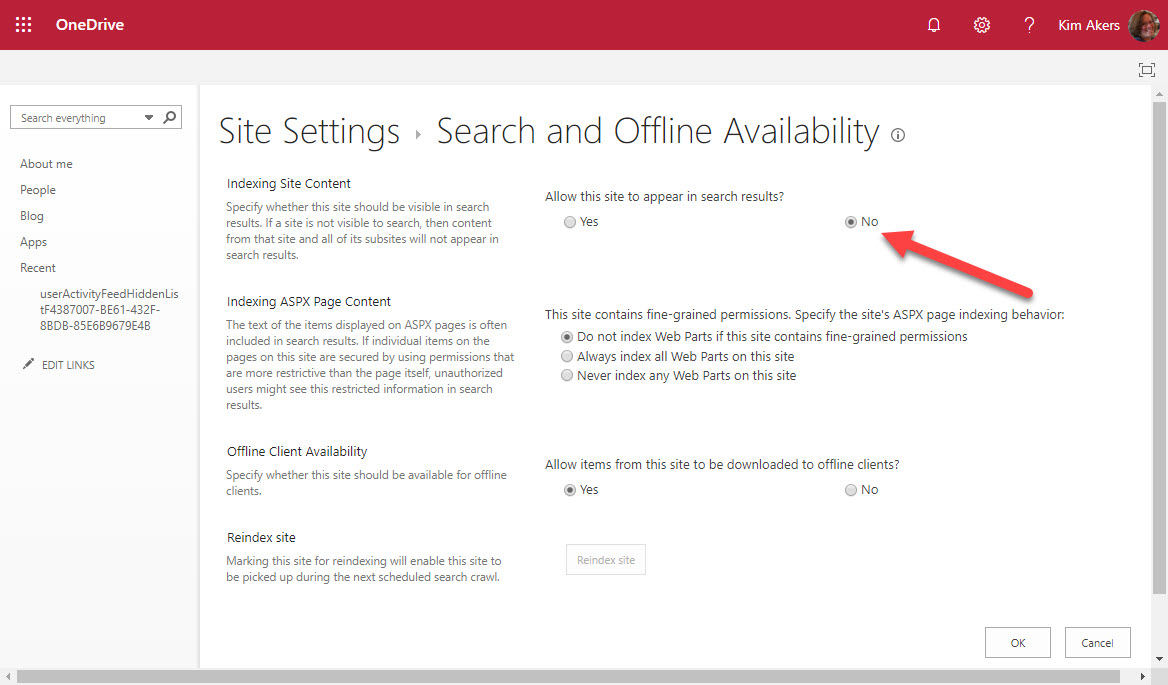
OneDrive for Business owners could exclude their sites from Office 365 searches but they can’t any longer after Microsoft acted to remove the capability from OneDrive site settings. All OneDrive for Business sites are now indexed and available to Office 365 searches.
ORCA is a project to help Office 365 tenant administrators validate their anti-spam and anti-malware settings against recommendations from Microsoft. ORCA is installed as a PowerShell module with just one cmdlet. After running Get-ORCAReport, you’ll have a report containing recommendations and observations about your configuration.
Microsoft is rolling out an upgraded rich federated experience for Teams to replace the previous plaintext 1:1 chat experience. When enabled, you’ll be able to send rich formatted text, emojis, and stickers to external Teams users in other Office 365 tenants and greatly increase the impact of your thoughts. The upgrade is rolling out now and should be complete worldwide by early December 2019.
Lots of announcements and other news flowed at the Microsoft Ignite 2019 Conference. Here’s a YouTube playlist for four short videos about interesting topics from the conference. We cover Office 365, Exchange Online, OneDrive for Business, and the famous “Office 365 substrate.”
Tired of receiving Teams notifications when you’re watching TV in the evenings? Turn on Quiet Hours to suppress notifications when you prefer not to be disturbed. And you can even turn off notifications for complete days too. All of this is only available for the Teams mobile client because it’s the only that people are most likely to be using when they should be thinking about their work-life balance.
In a session recorded at Microsoft Ignite 2019, Tony Redmond discusses the question of will Microsoft Teams take over from email. The session covers the strengths and weaknesses of both technologies and makes recommendations for how organizations can take full advantage of Teams and email.
Like any technology, Microsoft Teams has some lesser-known parts. At the Ignite 2019 conference, we had the chance to talk about topics from backups to DLP to background blur. You can listen to the recording of the session online and download a copy of the deck here.
Tony and Paul taped episode 17 of the Office 365 Exposed podcast at the Microsoft Ignite 2019 conference with guests Mark Kashman and Ross Smith IV of Microsoft. Topics discussed included SharePoint’s success at reaching 100 million monthly active users, Project Cortex, and Intune.
Nine new REST-based PowerShell cmdlets are available for Exchange Online. They offer the prospect of better performance and reliability. Here are the code samples we used to test the new cmdlets for a theater session delivered at the Microsoft Ignite 2019 conference. Anyone wanting to explore the new cmdlets can use these examples to get going.
At the Microsoft Ignite 2019 conference, Microsoft described how SharePoint Online will use Office 365 compliance features such as sensitivity labels and information barrier policies to better protect information stored in SharePoint sites. The Office Online apps also gain support for sensitivity labels. The new features will enter a mixture of public and private previews starting November 20.
At the Ignite 2019 conference in Orlando, Microsoft announced that Office 365 Groups will soon support sensitivity labels, but only to mark group containers with levels of sensitivity. The actual content of the containers, like the messages in Outlook Groups or Teams, will remain unaffected by the labels. For now.
In a surprise development, Microsoft reversed course for Exchange Online auto-expanding archives and imposed a 1TB limit. The promise of a bottomless archive that continually expanded to cope with user data is removed. Although it’s reasonable for Microsoft to restrict the consumption of resources, suddenly implementing a limit is not, especially when you don’t communicate with customers.
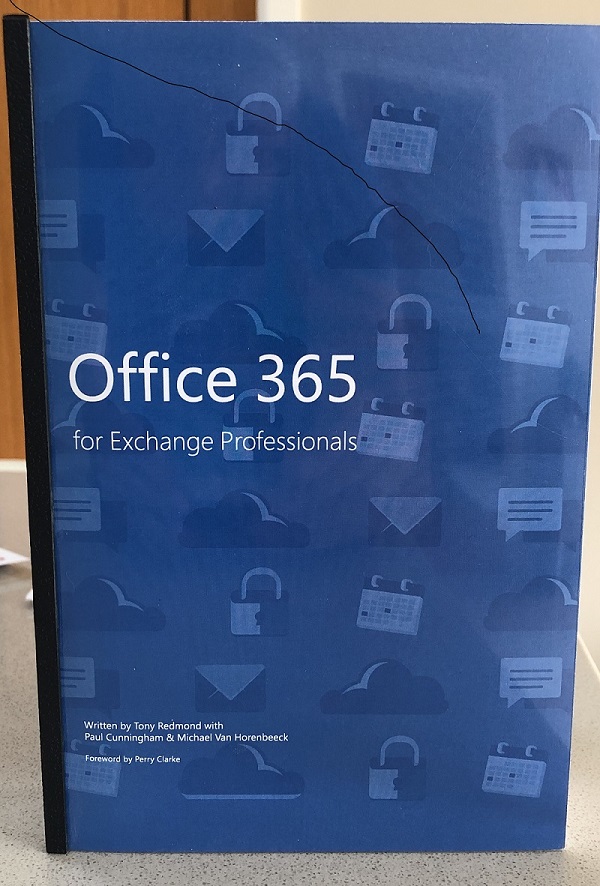
In May 2015 we launched the first edition of Office 365 for IT Pros at the new Microsoft Ignite conference. At that event, we had printed copies of the book. Since then we have learned our lesson and haven’t gone near hard copies, mostly because of the cost and complexity of coordinating content for a book that changes so often. If you’re considering writing a technical book about cloud services, our advice is to go along the ePublishing route.
The Office 365 for IT Pros writing team has published the November 2019 updates for the eBook. Subscribers can download the updated files from Gumroad.com (EPUB and PDF formats) or Amazon.com (Kindle). This update touches sixteen of the twenty-four chapters. We’d appreciate if our subscribers can download the new files as we hate to think of you using outdated material.
Teams supports federated guest access for Gmail accounts using the identity provider framework of Azure B2B Collaboration. Office 365 tenants must first decide if they want Gmail accounts as guests in all or some teams before going down the federation route. Why Teams and not other Office 365 apps? It’s all to do with the endpoint used by the client to connect. If it can handle federation, all good. If not, it’s standard Azure B2B Collaboration.