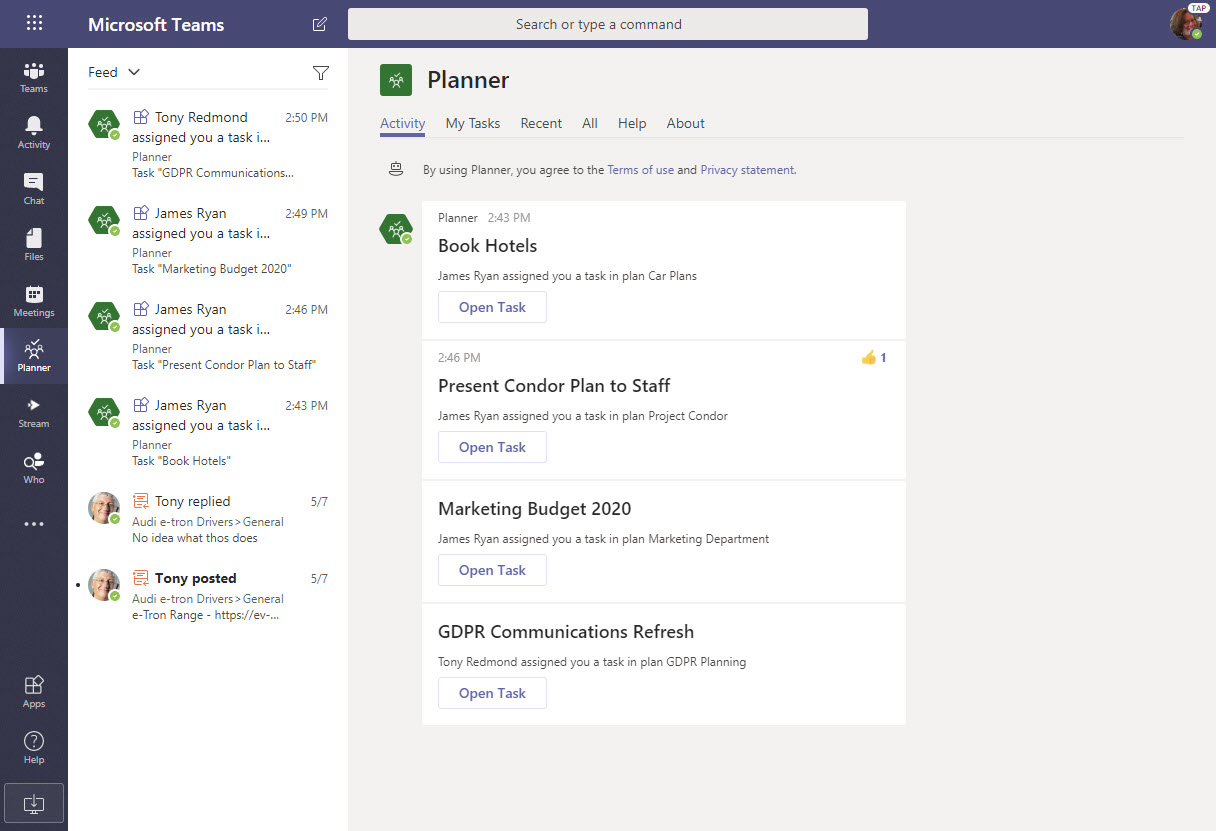
If you’ve integrated Planner into Teams by creating channel tabs for plans, users are now notified when they are assigned new tasks.The notifications turn up in the Teams activity feed. Why? Well, the Planner bot sends messages to people about new tasks, so its chats as treated like new messages in a personal chat.
The CISA report titled “Microsoft Office 365 Security Observations” makes five recommendations to improve security of an Office 365 tenant. The recommendations are valid, but competent administrators won’t take long to implement them. In fact, the worst thing is that consultants brought in to help organizations didn’t seem to have much expertise in securing Office 365.
The Groups section of the Azure Active Directory portal now includes a preview of a feature to configure the Office 365 Groups naming policy without going near PowerShell. Although those proficient with scripts and GUIDs will lament this sad reduction in standards, the normal administrator will welcome the chance to forget some obscure syntax.
The writing team has released update 14 for the Office 365 for IT Pros eBook. Fifteen out of twenty-four chapters are updated, so the new files should be downloaded and used to make sure that you have the latest content. This is the last major update for the 2019 edition as the writing team is now focused on creating the 2020 edition for publication in July.
Two Office 365 Message Center notifications bring news about an increase in the number of participants for a Teams group chat to 100 and improvements in shareable links for files. Moving the limit from 50 to 100 for a group chat makes these conversations more flexible. Adding permissions to the sharing links used by Teams gives users more control over how they share information with others.
The LinkedIn connector for Office 365 now uses a group to control the set of user accounts allowed to connect their accounts to LinkedIn. It’s a good change because it makes the connection easier to manage. Even so, you might still need to use PowerShell to manage the membership of the group, especially if you want to add multiple people to the group at one time.
On May 7, Microsoft eventually fixed a truncation bug that affected group events (creation, add member, etc.) ingested into the Office 365 audit log. The fix took far too long coming and the overall response is certainly not Microsoft’s finest hour. Audit events, after all, are pretty important in compliance scenarios and it’s not good when those events are incomplete.
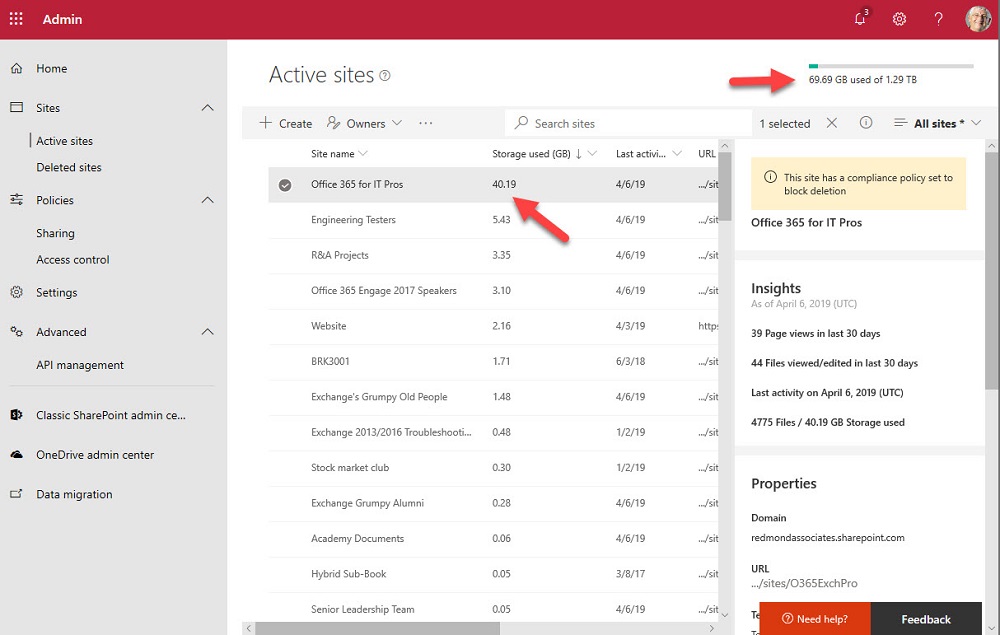
One of the great things about Teams is the way that it orchestrates Office 365 resources like SharePoint Online sites. The downside is that a tenant’s valuable SharePoint storage quota might be absorbed by a profusion of Teams. To offset the problem, you can apply lower limits to sites belonging to Teams and the best approach is to use PowerShell for the job.
From version 1.56 on, you can synchronize your My Tasks list from Planner to To-Do. The integration works well and it’s easy to manage Planner tasks in To-Do. Some of the more advanced actions aren’t available in To-Do, but a quick link to Planner solves the problem. Planner tasks are also accessible in the To-Do mobile app.
Microsoft commissioned Forester Consulting to write a total economic impact study of Teams. As you’d expect, the report says that Teams is a good deal. But like any consulting report, you need to question the findings and assumptions to figure out where the truth lies. In some cases, I simply disagree with the underlying logic for a conclusion. In others, I think the authors are mistaken. It’s up to you to make your own assessment.
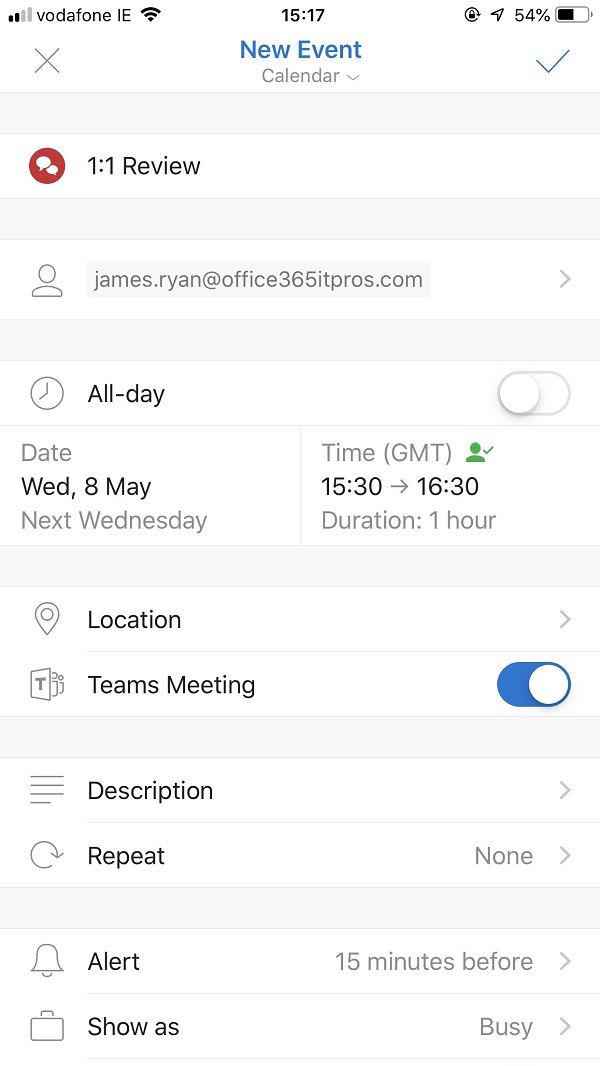
Outlook Mobile clients can now schedule Teams meetings, even if your tenant isn’t using the newer version of Outlook’s mobile connection architecture. The Office 365 tenant setting for Skype for Business Online co-existence mode has to be configured to use Teams, and once everything is in place Outlook is happy to schedule Teams meetings.
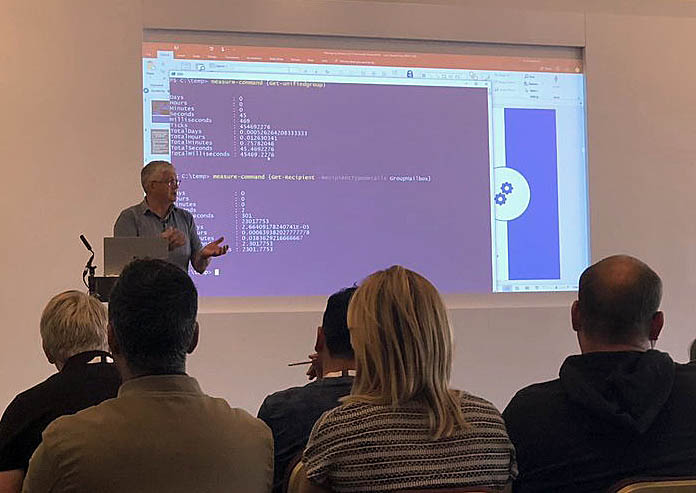
Over the next few months, Tony will speak at a number of small but intense technology conferences. The nice things about these conferences is that attendees and speakers mingle much more than they do at the uber-conferences. If you feel like coming along to The Experts Conference, ShiftHappens, the European Collaboration Summit, or Experts Live Norway, you can learn more about Office 365 and associated technologies without going through the wildness that Ignite can be at times.
The modern SharePoint Admin Center introduces the ability to rename the URLs for SharePoint site names. This responds to a longstanding customer request and makes it possible for site names to reflect what users see elsewhere in Office 365 groups or Teams. It’s a small but welcome change in the fit and finish category.
Microsoft has integrated its Office Lens technology into Outlook for iOS to give users the ability to capture and include an image in messages in a very easy manner. Office Lens is more than another camera app as some Microsoft Research smarts are used to smoothen and clarify images before saving in a variety of formats, now including an Outlook message.
Depending on your tenant’s configuration and the applications in use, the prospect of a tenant-to-tenant (T2T) migration might be appealing or a horror story. Applications like Quadrotech’s Cloud Commander are designed to help move data between tenants. In this video, Tony Redmond and Mike Weaver discuss some of the complexities involved in T2T projects. The program is 15 minutes long.
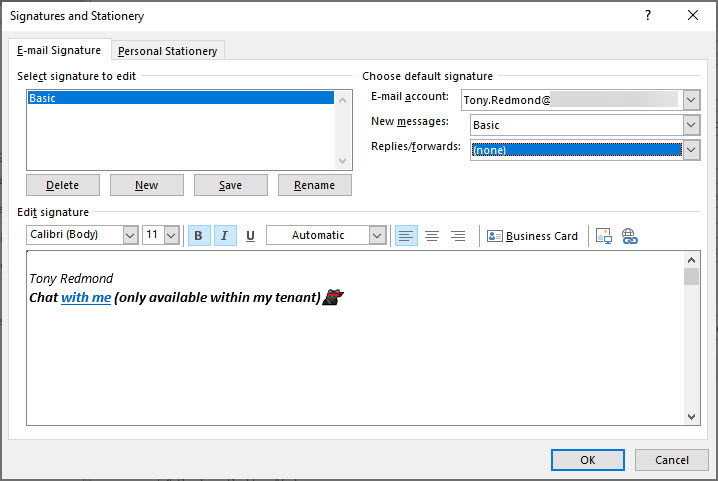
Teams deep links are probably not something you chat about a lot, but they can be used to start off a personal chat. In this post, we discuss how to insert a deep link in an Outlook or OWA signature so that recipients can contact you to follow up a topic started in email. It’s a quirky detail about Teams that might be interesting for you.
You can use Exchange Address Book Policies (ABPs) to limit the ability of Teams users to chat with each other. Everything works as expected until you look for some new teams to join only to find that Teams can’t suggest any teams to you. The problem seems to be with filtering the set of teams returned by the Microsoft Graph to take account of the scope applied to the user. At least, that’s what I think is going on.
At their Q3 FY19 earnings call, Microsoft CEO Satya Nadella said that Office 365 is now used by 180 million monthly active users. Office 365 is now growing at more than 4 million users per month. The earnings call also noted success for Enterprise Mobility and Security and the Outlook mobile client, both of which are now used by more than 100 million people.
The latest build of the Teams clients (desktop, browser, and mobile) include the ability to remove a participant from a group chat. This is a much-requested feature that’s taken surprisingly long to deliver, but now you can have fun adding and removing people to your heart’s desire. It’s nice to have a chat and it’s even better if you can control who you chat with.
Outlook for Windows (ProPlus or click to run) now boasts settings to allow users to schedule meetings and appointments to end some minutes earlier than expected. Brian Reid is very excited by the prospect, but we’re not sure if this qualifies as one of Ståle Hansen’s famous lifehacks. In any case, ending meetings early won’t solve the problem of badly-organized or managed meetings or how people behave during meetings, but it might give you a quiet feeling of satisfaction to have a neater calendar.
No one can say that the role of an Office 365 admin is static. In fact, it changes all the time as new technologies appear or Microsoft changes existing applications. This video featuring MVPs Paul Robichaux and Tony Redmond explores the changing role of Office 365 Admins, and sometimes it even makes sense.
Microsoft has released the GA version of the Azure Information Protection client, which reads information about Office 365 sensitivity labels and policies from the Security and Compliance Center. It’s one more step along the path to making it easy for Office 365 tenants to protect their data. Work still has to be done, but at least we can see light at the end of the encryption tunnel.
Microsoft announced a new migration experience from Google G Suite yesterday, which is nice. Under the covers, the venerable Mailbox Migration Service (MRS) does the work to extract mailbox data from Gmail using IMAP4 and moves it to Exchange Online. But after the move is done, there’s still lots of work to do to help users make the cultural change to their new mailbox in the cloud.
Office 365 notification MC177587 tells us that Teams will soon start to move underused teams to the More section of the teams gallery, letting users concentrate on the set of teams that they really use. Background agents do the work of detecting teams that haven’t been accessed in 45 days or so and users get the chance to reverse the process. But it’s a good idea to let users know what’s coming, just in case they panic when they can’t find a moved team.
Update #13 for the Office 365 for IT Pros (2019 edition) eBook is now available for subscribers to download from Gumroad (EPUB and PDF) or Amazon (Kindle). This update features changes in 14 of the 24 chapters, so it’s substantial. Just like Office 365, the book keeps on changing to keep track with new developments, best practice, and information released by Microsoft.
The ThirdPartyFileProvidersEnabled setting in OWA mailbox policies controls if Exchange Online mailboxes can access services like Drop and Dropbox for attachments. Office 365 tenants need to decide if they want to allow this kind of access. There’s both good and bad in the feature, but it’s easily turned off if you feel the need.
Office 365 notification MC177013 gives the news that team members can now nominate other people to join a private team. Teams routes the requests to team owners, who approve or deny access. It’s a small but useful update.
The Teams Admin Center now boasts the ability to delete teams and (if you don’t want to get rid of them altogether) archive teams. And unarchive teams back into use. All is good, even if Microsoft is making slow progress at building out Teams management functionality. Some of the slowness is due to dependencies, some because of other factors.
It’s hard for a program that’s been around for 22 years to surprise, but Outlook has done it by introducing background moves. The implementation is good and it closes a gap that’s existed in Outlook for a very long time. So long that most Outlook users probably assumed that the program would never mend its ways. But then again, because people don’t move items between folders like they used to, perhaps no one cared.
Sometimes Office 365 can be infuriating. My latest tribulation came in the form of missing retention labels, which disappeared from SharePoint Online without any reason for two weeks. Some labels returned due to auto-label policies, but any applied to documents manually had a vacation somewhere in the bowels of the services. It wasn’t a good experience.
The Office 365 for IT Pros writing team don’t pay too much attention to ratings we receive on different sites. However, we love getting comments to tell us how we can improve. If you’ve got something to share with us, please send a comment on this site or on Facebook.
Announced in January, paused in March – that’s the fate of the MailItemsAccessed audit record generated by Exchange Online for the Office 365 audit log. Microsoft found some problems that they are fixing, which is good (because you want audit data to be reliable). And when the fixes are available, the deployment of the new audit record will restart.
The Microsoft 365 Security and Microsoft 365 Compliance Centers are now generally available. The new consoles will eventually replace the Office 365 Security and Compliance Center (SCC) but some work is needed to fill out their functionality and make the switchover possible. In the meantime, the Office 365 for IT Pros eBook writing team will stay focused on the SCC. And when the time’s right, we’ll switchover.
The tabs in a Teams channel can be associated with many different forms of data. When you delete a channel, you only remove the conversations for that channel. Any other data is left intact, including files in the folder in the SharePoint site used by the team. To fully clean up a deleted channel, you must therefore check what tabs exist and what data is accessed through those tabs.
MailTips are a pretty useful way of drawing the attention of users to potential issues with email. Exchange Online supports several MailTips, but Outlook clients insist on supporting MailTips in different ways. It’s a small but irritating part of Exchange Online that could be done better.
Office 365 Message Center update MC176548 says that Teams has started to roll out “Praise” a way of sending another user a graphical reminder of how much you appreciate their work. Undoubtedly, praising people in Teams will make the world a happier place.
The Office 365 Admin Center offers the option to bulk-create user accounts. Loading up a CSV file with details and having it processed is simple enough, but the resulting accounts need some work before they are fit for purpose and ready for people to use. Here’s how the bulk creation process works and why we think it has some flaws.
Every Office 365 group (and team) has a SharePoint site. But how to find the URLs of all the sites used by teams in a tenant. One PowerShell answer came from Syskit, but it’s an old technique and we can do better now by fetching a list of teams in the tenant and then retrieving the URL for each team-enabled group.
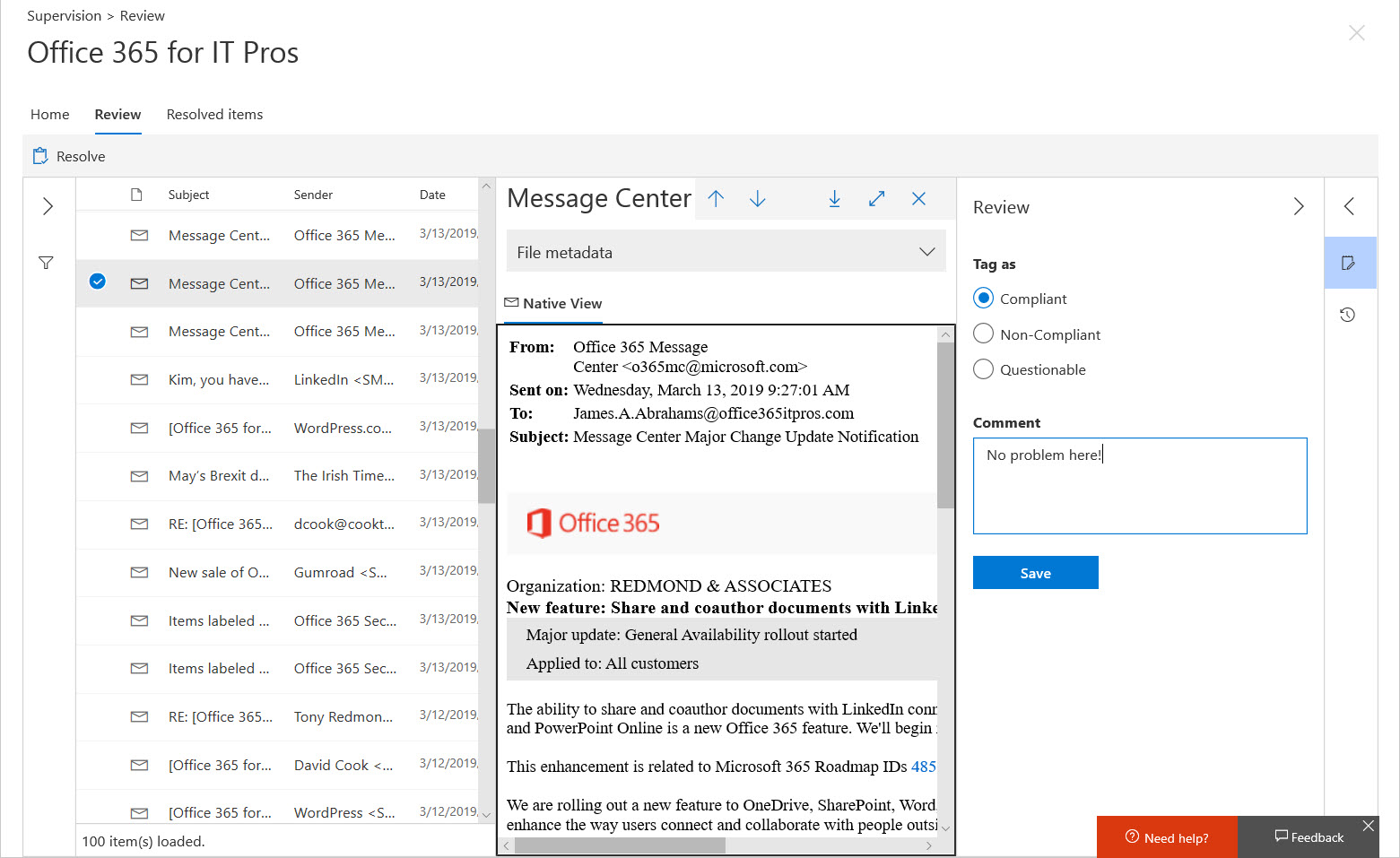
Although Office 365 supervision policies are intended to monitor a subset of user communications, usually involving specific groups of people, you might want to use a policy to monitor all email. In that case, how do you make sure that your policy has everyone in scope? The problem is that supervision policies don’t support dynamic distribution lists, so you need to do some work to build and maintain a distribution list containing all user mailboxes.
Last week, we taped episode 14 of the Office 365 Exposed podcast in Building 27 of Microsoft’s HQ in Redmond. Topics covered include battling attacks on Exchange, the need to upgrade old Exchange versions, Teams announcements at Enterprise Connect, and how the base Office 365 workloads handle retention storage. We think it’s an interesting episode. Get it from iTunes now!