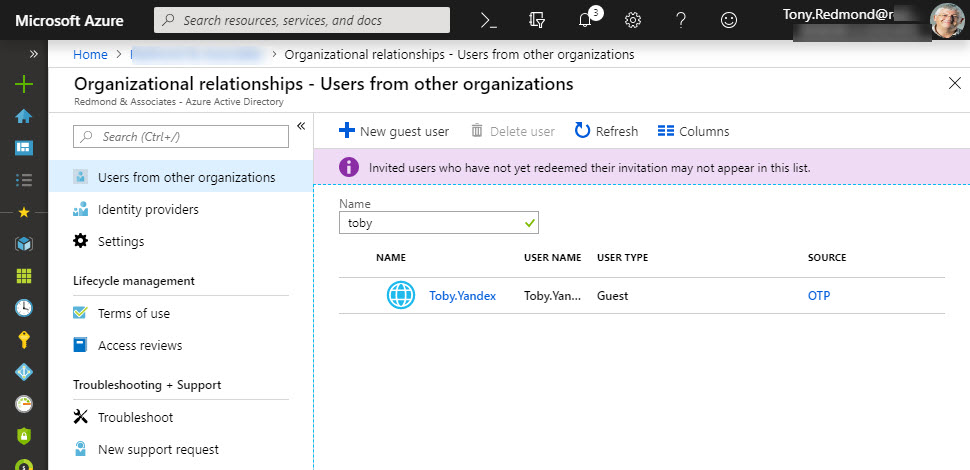
Microsoft has launched email one-time passcodes (OTP) into preview for Azure Active Directory guest accounts. It’s all to do with better collaboration. OTP doesn’t support Teams, Planner, or Office 365 Groups yet, but it can be used to share documents from SharePoint Online or OneDrive for Business.
A recent article prompted a check to see whether a PowerShell recommendation made sense and delivered better performance when executing a command to extract the membership of Office 365 Groups performance. As it turns out, the recommendation is valid, but whether you notice any difference is arguable.
Delve has options to export user information that seem to have been added to help Office 365 tenants comply with Article 15 of GDPR. Unhappily, the export is rudimentary and the JSON information will be impenetrable to normal human beings.
It’s easy to be fearful when companies move work to the cloud. But the simple fact is that there’s more work than ever before to do to master all of Office 365. Just go looking!
The new version of OWA is maturing and new features are turning up on a weekly basis. You can now schedule a Teams meeting from OWA and the prospect of joyful animations hang in the air. But only for Office 365 users as there’s no sign that the new OWA will come to Exchange on-premises servers.
Updated Files Office 365 for IT Pros Now Available The Office 365 for IT Pros writing team is thrilled to release the 10th update for the 2019 edition. Dated January 21, 2019, the updated files are now online and available on Gumroad.com (for subscribers who bought the EPUB and PDF versions) and Amazon (for those …
Read More “Office 365 for IT Pros January 2019 Update Released”
Microsoft’s new Network Performance Tool is a proof of concept for Office 365 tenants to check network connections to Microsoft’s network and Office 365. The tool might help you understand more about your connection into Microsoft, but it won’t fix any last mile problems.
A collection of news snippets loosely connected to different bits of Office 365 that really don’t justify a separate article. But the factoids are interesting all the same…
We’re confused because people continue to buy the Kindle version of the older edition of the Office 365 for IT Pros eBook for $50 more than the current book. The only reason we can think this happens is the reviews the older book has.
The Shifts app is now available to Office 365 tenants worldwide. Hosted as a Teams app, the idea is that managers can build out and publish schedules for hourly-paid frontline workers, who can then view their hours and request changes.
It’s easy to create a webhook connector to post information to a team channel or an Microsoft 365 group. What might not be quite so easy is formatting the JSON payload. Here’s how to use a template card to simplify the process.
We all make mistakes – it’s part of life. But it’s sad that so many web sites and blogs pick up and repeat mistakes found in press releases and other material. Life would be better if we had more time to consider what we publish, but the speed of the cloud sometimes makes time hard to find.
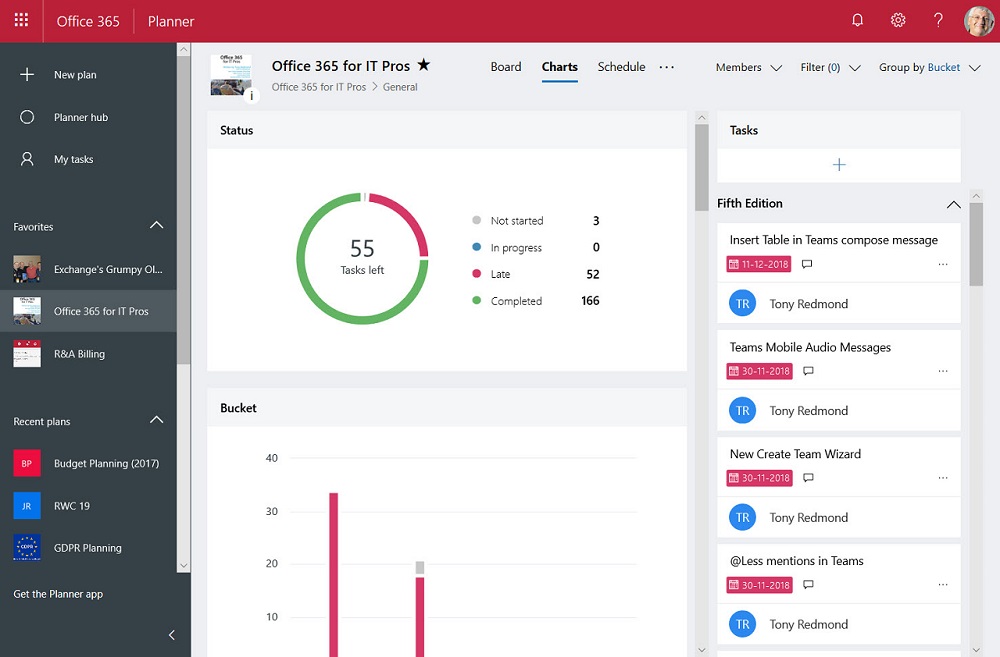
The Office 365 Planner app is now available for U.S. Government Cloud tenants. Only it’s not the full Planner because some bits still have to be tested to make sure that they meet government standards.
A change made to fix a problem in Exchange Online introduced another problem in that service domains started to show up as prefixes in the data returned by PowerShell cmdlets. Microsoft has reversed the change, but the way things happened creates some questions.
Office 365 tenants can use Exchange transport rules to apply autosignatures to outbound email, including messages protected with encryption. You can even include some properties of the sender extracted from Azure Active Directory, and you can add an exception so that the autosignature isn’t applied to replies.
Exchange Online now captures session identifiers in its mailbox and admin audit records that are ingested in the Office 365 audit log. That’s interesting and useful, but how do you access and interpret this information on a practical level?
Exchange Online will soon capture audit records for any access to a message in a mailbox. Initially, the audit records will not be ingested into the Office 365 audit log, but that will happen in the future.
Microsoft’s announcement that MyAnalytics is available to many more Office 365 users is welcome. The technology interest in the announcement is the spread of coverage to include SharePoint Online, OneDrive for Business, and Teams.
A recent update means that you can now apply column formatting for SharePoint Online lists and document libraries without the need to write JSON code.
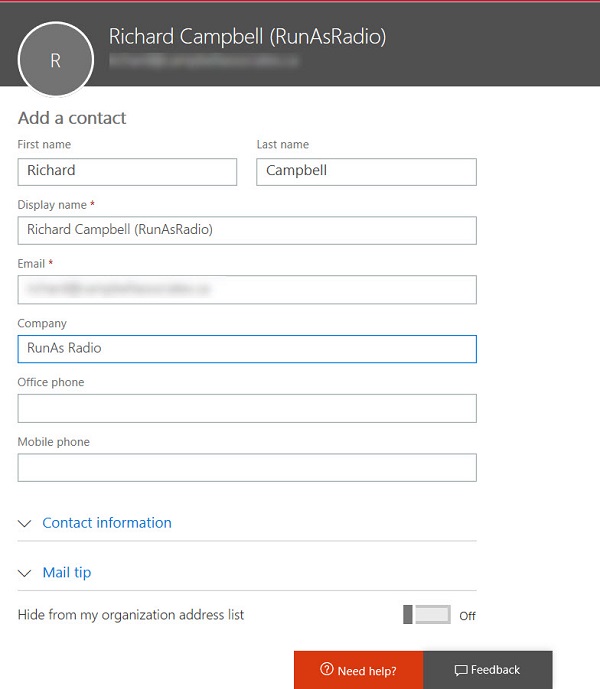
You can use a public folder to store and share global email contacts, but a better approach is to use Exchange mail contacts. These objects show up in the Exchange GAL and OAB and are available to all Outlook clients (and some third-party clients too).
The Save for Later feature gives SharePoint Online users a way to mark documents and news items so that they can easily follow up and read the full content of those items.
After being accused of bias against Yammer, I thought about whether this is true. But it’s not bias – it is frustration that Yammer remains so detached from the rest of Office 365 six and a half years after Microsoft bought the technology.
Microsoft’s CMO says that the largest customer deployment of Teams (Accenture) has reached 170,000 users. Numbers like this underline the success of Office 365’s fastest growing application.
You can use the Send-MailMessage cmdlet in a PowerShell script to send mail messages via Exchange Online. And sometimes your IP address might be listed as a spammer, which is bad. All in all, authenticated client submission seems best.
Encrypted email is becoming more common within Office 365. Things usually flow smoothly when sending protected messages to email recipients, but other Office 365 recipient types like Teams and Yammer might not be able to handle protected email.
Making sure that Office 365 user (and administrator) accounts have good passwords is a never-ending task. A new preview feature in Azure Active Directory helps by ensuring that users can’t include common words specific to the organization (like its name) in a password. It’s another piece in the puzzle to frustrate potential attackers.
You can now buy a Meeting Room license to connect Teams to a device in the room. The license allows the device to participate in Teams meetings.
Making it easy to protect Office 365 content with encryption is great, but it has some downsides too. One of the obvious problems that we have is that encrypted documents in SharePoint and OneDrive for Business libraries can’t be found unless their metadata holds the search phrase.
The December 2018 update for the Office 365 for IT Pros eBook is now available for subscribers to download.
A survey found that Teams is now the second most popular chat application in large businesses and has put Slack into third position. But anyone who has tracked the numbers isn’t surprised because Teams has been growing strongly for some time.
The Microsoft-Adobe initiative to support Azure Information Protection for PDF files has reached general availability. Things look good and the issues encountered in the preview are removed. You can store protected PDFs inside Office 365, but be prepared to download the files to be able to view them.
The Exchange Online Managed Folder Assistant (MFA) runs in the background on a workcycle basis to make sure that mailboxes are processed at least once a week. Most of the processing involves mailbox and Office 365 retention policies and runs smoothly, but how do you know what MFA has done?
The Office 365 Security and Compliance Center includes a report to detail encrypted email. The report is in preview. It’s a nice insight into user activity, even if it has some glitches that need to be sorted out before it becomes generally available.
Knowing how retention policies process Office 365 data can be hard to understand, especially if multiple policies are involved. Office 365 doesn’t give a global view of how retention policies affect workloads, but here’s how to use PowerShell to find out what policies process the sites in a tenant.
Including a company’s logo when listing or displaying email is another way to give users confidence that the email is in fact from that company. Business Indicators for Message Identification is a draft standard that might become generally used by all email clients. But for now. Microsoft has their own business profile “brand card” program, and that’s where OWA gets its logos.
Microsoft has refreshed the Outlook Mobile architecture (now called “Microsoft Sync Technology”). They suggest that you run some PowerShell to report clients connecting via the old and new architectures. Their code works, but we think ours is better.
Now that we know all about the different email addresses used by Microsoft 365 Groups and Teams, the question arises of how to include a team channel as a member of a distribution group. As it turns out, there’s a simple way and a more complicated way.
Some recent questions in the Microsoft Technical Community show confusion about the email addresses used by Office 365 Groups and Teams. Here’s our attempt to clarify.
The latest version of the Azure Information Protection (AIP) client supports the ability to associate S/MIME protection with an AIP label. Although interesting, it’s a feature unlikely to be of much practical use to the majority of Office 365 tenants.
Teams has released version 0.9.6 of its PowerShell module. You should upgrade to the new module because it fixes some bugs and allows administrators to manage any team, even when they’re not a team owner.