Microsoft has integrated its Office Lens technology into Outlook for iOS to give users the ability to capture and include an image in messages in a very easy manner. Office Lens is more than another camera app as some Microsoft Research smarts are used to smoothen and clarify images before saving in a variety of formats, now including an Outlook message.
Depending on your tenant’s configuration and the applications in use, the prospect of a tenant-to-tenant (T2T) migration might be appealing or a horror story. Applications like Quadrotech’s Cloud Commander are designed to help move data between tenants. In this video, Tony Redmond and Mike Weaver discuss some of the complexities involved in T2T projects. The program is 15 minutes long.
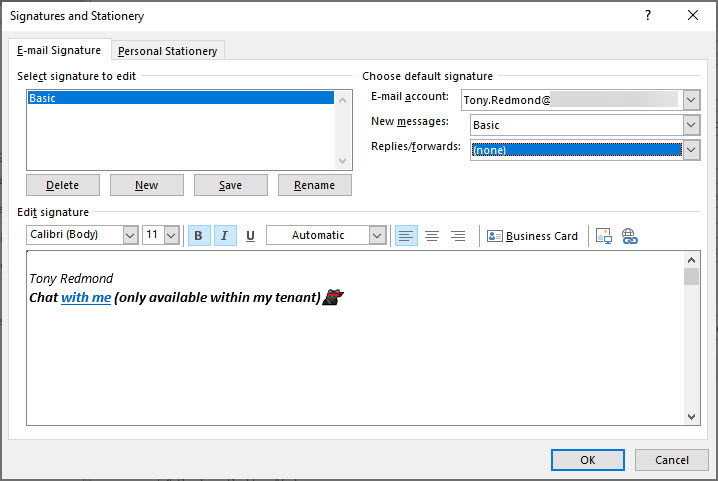
Teams deep links are probably not something you chat about a lot, but they can be used to start off a personal chat. In this post, we discuss how to insert a deep link in an Outlook or OWA signature so that recipients can contact you to follow up a topic started in email. It’s a quirky detail about Teams that might be interesting for you.
You can use Exchange Address Book Policies (ABPs) to limit the ability of Teams users to chat with each other. Everything works as expected until you look for some new teams to join only to find that Teams can’t suggest any teams to you. The problem seems to be with filtering the set of teams returned by the Microsoft Graph to take account of the scope applied to the user. At least, that’s what I think is going on.
At their Q3 FY19 earnings call, Microsoft CEO Satya Nadella said that Office 365 is now used by 180 million monthly active users. Office 365 is now growing at more than 4 million users per month. The earnings call also noted success for Enterprise Mobility and Security and the Outlook mobile client, both of which are now used by more than 100 million people.
The latest build of the Teams clients (desktop, browser, and mobile) include the ability to remove a participant from a group chat. This is a much-requested feature that’s taken surprisingly long to deliver, but now you can have fun adding and removing people to your heart’s desire. It’s nice to have a chat and it’s even better if you can control who you chat with.
Outlook for Windows (ProPlus or click to run) now boasts settings to allow users to schedule meetings and appointments to end some minutes earlier than expected. Brian Reid is very excited by the prospect, but we’re not sure if this qualifies as one of Ståle Hansen’s famous lifehacks. In any case, ending meetings early won’t solve the problem of badly-organized or managed meetings or how people behave during meetings, but it might give you a quiet feeling of satisfaction to have a neater calendar.
No one can say that the role of an Office 365 admin is static. In fact, it changes all the time as new technologies appear or Microsoft changes existing applications. This video featuring MVPs Paul Robichaux and Tony Redmond explores the changing role of Office 365 Admins, and sometimes it even makes sense.
Microsoft has released the GA version of the Azure Information Protection client, which reads information about Office 365 sensitivity labels and policies from the Security and Compliance Center. It’s one more step along the path to making it easy for Office 365 tenants to protect their data. Work still has to be done, but at least we can see light at the end of the encryption tunnel.
Microsoft announced a new migration experience from Google G Suite yesterday, which is nice. Under the covers, the venerable Mailbox Migration Service (MRS) does the work to extract mailbox data from Gmail using IMAP4 and moves it to Exchange Online. But after the move is done, there’s still lots of work to do to help users make the cultural change to their new mailbox in the cloud.
Office 365 notification MC177587 tells us that Teams will soon start to move underused teams to the More section of the teams gallery, letting users concentrate on the set of teams that they really use. Background agents do the work of detecting teams that haven’t been accessed in 45 days or so and users get the chance to reverse the process. But it’s a good idea to let users know what’s coming, just in case they panic when they can’t find a moved team.
Update #13 for the Office 365 for IT Pros (2019 edition) eBook is now available for subscribers to download from Gumroad (EPUB and PDF) or Amazon (Kindle). This update features changes in 14 of the 24 chapters, so it’s substantial. Just like Office 365, the book keeps on changing to keep track with new developments, best practice, and information released by Microsoft.
The ThirdPartyFileProvidersEnabled setting in OWA mailbox policies controls if Exchange Online mailboxes can access services like Drop and Dropbox for attachments. Office 365 tenants need to decide if they want to allow this kind of access. There’s both good and bad in the feature, but it’s easily turned off if you feel the need.
Office 365 notification MC177013 gives the news that team members can now nominate other people to join a private team. Teams routes the requests to team owners, who approve or deny access. It’s a small but useful update.
The Teams Admin Center now boasts the ability to delete teams and (if you don’t want to get rid of them altogether) archive teams. And unarchive teams back into use. All is good, even if Microsoft is making slow progress at building out Teams management functionality. Some of the slowness is due to dependencies, some because of other factors.
It’s hard for a program that’s been around for 22 years to surprise, but Outlook has done it by introducing background moves. The implementation is good and it closes a gap that’s existed in Outlook for a very long time. So long that most Outlook users probably assumed that the program would never mend its ways. But then again, because people don’t move items between folders like they used to, perhaps no one cared.
Sometimes Office 365 can be infuriating. My latest tribulation came in the form of missing retention labels, which disappeared from SharePoint Online without any reason for two weeks. Some labels returned due to auto-label policies, but any applied to documents manually had a vacation somewhere in the bowels of the services. It wasn’t a good experience.
The Office 365 for IT Pros writing team don’t pay too much attention to ratings we receive on different sites. However, we love getting comments to tell us how we can improve. If you’ve got something to share with us, please send a comment on this site or on Facebook.
Announced in January, paused in March – that’s the fate of the MailItemsAccessed audit record generated by Exchange Online for the Office 365 audit log. Microsoft found some problems that they are fixing, which is good (because you want audit data to be reliable). And when the fixes are available, the deployment of the new audit record will restart.
The Microsoft 365 Security and Microsoft 365 Compliance Centers are now generally available. The new consoles will eventually replace the Office 365 Security and Compliance Center (SCC) but some work is needed to fill out their functionality and make the switchover possible. In the meantime, the Office 365 for IT Pros eBook writing team will stay focused on the SCC. And when the time’s right, we’ll switchover.
The tabs in a Teams channel can be associated with many different forms of data. When you delete a channel, you only remove the conversations for that channel. Any other data is left intact, including files in the folder in the SharePoint site used by the team. To fully clean up a deleted channel, you must therefore check what tabs exist and what data is accessed through those tabs.
MailTips are a pretty useful way of drawing the attention of users to potential issues with email. Exchange Online supports several MailTips, but Outlook clients insist on supporting MailTips in different ways. It’s a small but irritating part of Exchange Online that could be done better.
Office 365 Message Center update MC176548 says that Teams has started to roll out “Praise” a way of sending another user a graphical reminder of how much you appreciate their work. Undoubtedly, praising people in Teams will make the world a happier place.
The Office 365 Admin Center offers the option to bulk-create user accounts. Loading up a CSV file with details and having it processed is simple enough, but the resulting accounts need some work before they are fit for purpose and ready for people to use. Here’s how the bulk creation process works and why we think it has some flaws.
Every Office 365 group (and team) has a SharePoint site. But how to find the URLs of all the sites used by teams in a tenant. One PowerShell answer came from Syskit, but it’s an old technique and we can do better now by fetching a list of teams in the tenant and then retrieving the URL for each team-enabled group.
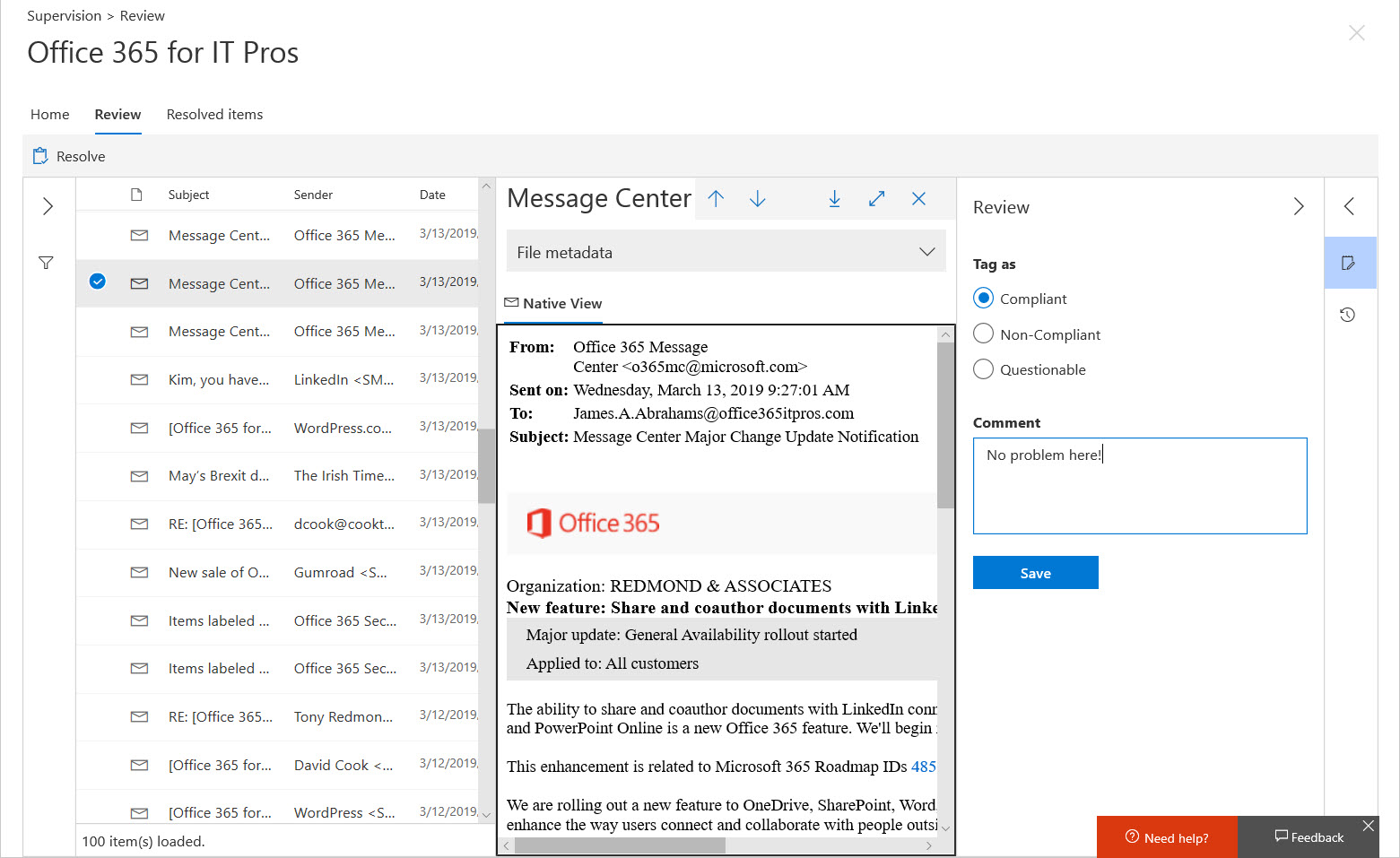
Although Office 365 supervision policies are intended to monitor a subset of user communications, usually involving specific groups of people, you might want to use a policy to monitor all email. In that case, how do you make sure that your policy has everyone in scope? The problem is that supervision policies don’t support dynamic distribution lists, so you need to do some work to build and maintain a distribution list containing all user mailboxes.
Last week, we taped episode 14 of the Office 365 Exposed podcast in Building 27 of Microsoft’s HQ in Redmond. Topics covered include battling attacks on Exchange, the need to upgrade old Exchange versions, Teams announcements at Enterprise Connect, and how the base Office 365 workloads handle retention storage. We think it’s an interesting episode. Get it from iTunes now!
Teams supports federated chat with other users in Office 365 tenants using a feature called external access. It’s similar to the way that Skype for Business federated chat works, except that you can’t use emojis. Generally things work very well, which is nice when you want to reach out and communicate with someone externally.
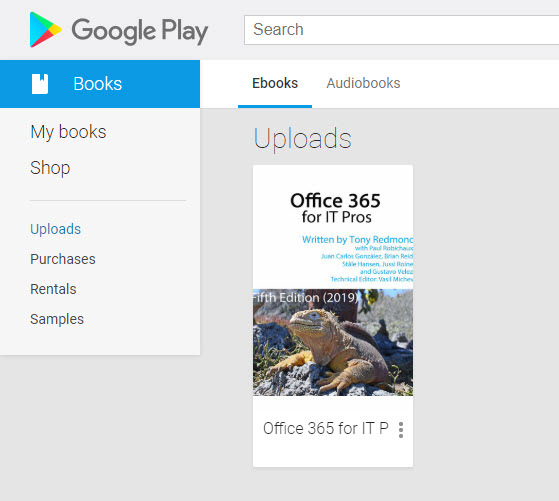
A subscriber reported that he couldn’t use the EPUB version of Office 365 for IT Pros with Google Play. We can make the EPUB work, but only by converting it to MOBI and back to EPUB. It’s better to use the PDF version with Google Play. This works and you get better formatting of tables and code examples.
Office 365 content searches now support a hard-delete (permanent deletion) option for the purge action, but only for mailbox items. You can purge up to 10 items at a go. If you have more to purge, you just have to keep on purging until everything is gone. Or use the Search-Mailbox cmdlet, which keeps on proving its usefulness to administrators who need to remove lots of mailbox items quickly.
At the Enterprise Connect conference, Microsoft announced that Teams is now used by 500,000 organizations. That’s a jump of 80,000 since the last data given in January. They also said that 150 organizations have more than 10,000 users and that Teams is used by 91 of the Fortune 100. All in all, some impressive numbers.
Exchange Online protocol authentication policies control what protocols a user can connect to mailboxes with, but it would be much better if we didn’t have to worry about some old and insecure protocols. Azure Active Directory gives Office 365 tenants the chance to clamp down on IMAP4 and POP3 connections and close off some of the holes that attackers try to exploit. Microsoft says that this can lead to a 67% reduction in account compromises, so that’s a good thing.
The March 2019 updates for the Office 365 for IT Pros eBook are now available for EPUB/PDF and Kindle versions. EPUB/PDF subscribers can download the updated files from Gumroad. Getting the updates for Kindle is slightly more difficult, but it’s possible and explained in our FAQ. Twelve of twenty-four chapters are updated in this release, so please take advantage of our work and download the updates now.
Microsoft To-Do now boasts the ability to process messages flagged by Outlook as tasks. It’s a great way to handle complex tasks that arrive in email, so Office 365 users might like to give To-Do a second look. The steps feature makes it very easy to build checklists of stuff that needs to be done to accomplish tasks.
A new feature makes it easier for Office 365 users to share documents in SharePoint Online and OneDrive for Business libraries with LinkedIn first-degree contacts. The LinkedIn folks are now included in the suggested people list. It’s much easier to pick someone from a list than to look for their email address (which might be out of date). Before you can share with LinkedIn, your Office 365 tenant and user account must be configured to support the connection.
Microsoft has announced that Planner now boasts the ability to copy a plan. Apparently, the idea is to save time by setting up plan templates that you can reuse. Office 365’s task management app might not get as much love as other apps, but this is a useful set forward. Only users who are allowed to create new Office 365 groups can copy plans.
The Office 365 Groups Naming Policy is now generally available. The policy has taken nearly two years of preview to not get very far, but at least it’s now an official part of the service. Microsoft considers the naming policy to be an Azure Active Directory Premium feature. Many customers might think differently, especially because the naming policy must be implemented through PowerShell and can easily be mimicked through PowerShell. And of course, Exchange Online’s distribution list naming policy is free.
Helping Exchange Protect Users from Bad Email Given the amount of spam floating around today, it comes as no surprise that many organizations deploy an Exchange transport rule to mark inbound external email with a suitable warning. This is a straightforward rule to configure and it can help stop users being fooled by bad messages …
Read More “Marking External Email with an Exchange Transport Rule”
Microsoft announced that the era of favorites and following is over for Teams. The new way is to show or hide teams and configure notifications for channels. Apparently, people found the old terminology confusing. Hopefully the new world of Show/Hide and Channel notifications will be more reassuring.
In a sign of how automation based on signals gathered by Office 365 will emerge to help administrators do a better job, the preview of the new Admin Center offered to create a DLP policy to protect some sensitive information that I had clearly overlooked. Well-intended as the portal was, its efforts to create the new policy failed. That’s not really important – it’s the glimpse into the future which is.