Security groups are often used to protect access to resources, but they can’t be used to control membership for Microsoft 365 Groups or Teams. If you want to use AAD security groups to control membership for Groups and Teams, you need to come up with a way to synchronize. PowerShell is available to do the job, and as it turns out, it’s not too difficult.
Some will tell you that you can figure out what resources an Office 365 Group is connected to by checking the ProvisioningOption property with the Get-UnifiedGroup cmdlet. Well, you can’t. If you want to do something like check for team-enabled groups, you’ll need a different approach.
A new Exchange feature rolling out inside Office 365 allows meeting organizers to block people forwarding their meetings to all and sundry. The latest versions of OWA and Outlook 2016 click to run support the UI for the feature and blocks are built into Exchange Online and Exchange on-premises servers to stop blocked meetings sneaking through.
Content Searches Find Teams Compliance Items When someone leaves your company, you might need to preserve their Office 365 data. The steps needed to preserve user information stored in Email, OneDrive, and SharePoint are straightforward, but what about the messages the employee sent using Teams? As it turns out, an Office 365 content search or …
Read More “Preserving the Teams Data of Ex-Employees”
A demo to show how easy it is to use PowerShell to manage Office 365 Groups and Teams was progressing nicely at the UK Evolve conference when a problem happened with code that used to run perfectly. Sounds like a normal programming situation, but in this case, Microsoft had changed the format of Office 365 audit records for Azure Active Directory operations. That’s not so good. What’s worse is that some essential data is now missing from the audit records.
A Petri.com article explains how to publish news items generated in SharePoint Online sites to Teams channels. It’s the way to spread those important announcements as widely as possible.
Records featuring an account called BOXServiceAccount appear in the Office 365 audit log. Not much information is available about the account, but it’s all OK because it’s used to assign administrative roles to Office 365 accounts.
Have you ever tried to use SSDs with Exchange Server only to be told that it’s a really bad idea and that you should concentrate on JBOD. Well, Microsoft has made some changes in Exchange 2019 and will talk about them at Ignite, and you can learn about it on Wednesday, Sept 26 in-person, online, or afterwards.
Teams is now available in Hebrew and Arabic and has a new right to left display mode to boot. Now supporting 37 languages and inline translation, Teams is a multilingual application.
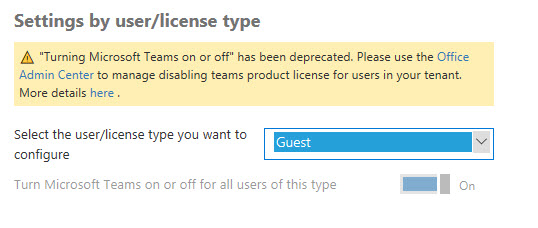
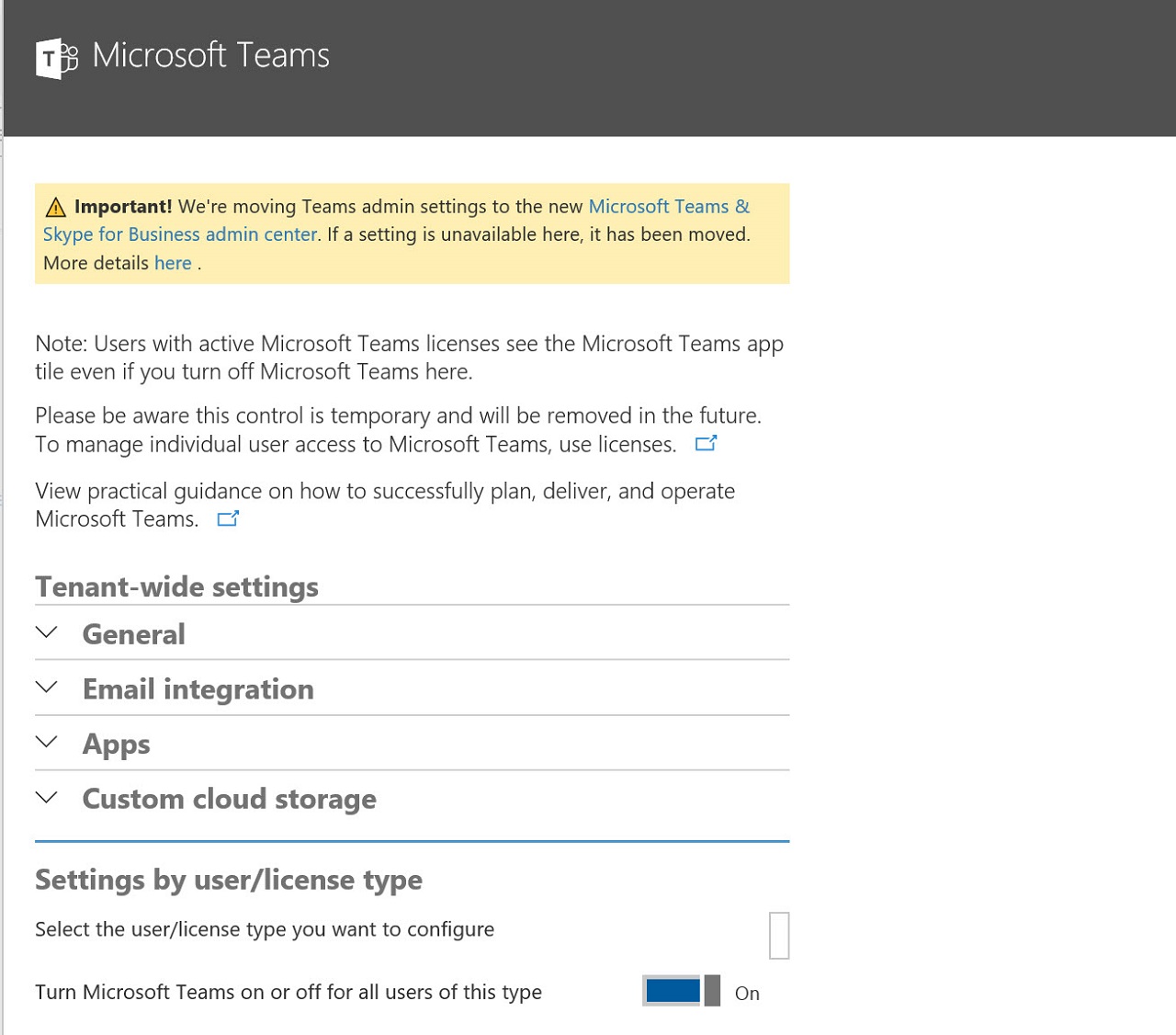
During transitions, things sometimes don’t go so smoothly. Such is the case if you want to enable or disable guest user access to Teams and find that the setting to control the access is no longer available in the Office 365 Admin Center. But PowerShell can control the setting, so that’s the solution to the problem.
Hanging on to old email habits is a bad idea, especially if you use a cloud service like Office 365 where Microsoft introduces a steady stream of new features. The worst bad habit is password sharing. It’s time to stop this now.
A very common question when discussing modern SharePoint is why Microsoft has not modernized the creation of subsites to give Office 365 tenants the ability not only to create a modern site, but also to create modern subsites. Fortunately, Microsoft has finally released a modern subsite template to allow any organization still using subsites to …
Read More “Modernizing SharePoint Subsites”
An outage in a U.S. datacenter on September 4 caused problems for Azure Active Directory with a ripple effect on Office 365. It’s a good example of how cloud services depend on each other, so when one fails, another has problems.
Tickets for the European Collaboration Summit 2019 are now on sale at EUR160. That’s a great price for a 3-day conference. The 2018 event was good, but the agenda needs to be rebalanced to reflect more of Office 365.
Office 365 tenant administrators can use different ways to access user data. Shouldn’t you have a policy to govern that access?
Some say that Microsoft Teams doesn’t support dynamic Office 365 Groups. Well, I couldn’t find anything formal on the topic and the teams that I have configured to use dynamic groups work well, so what’s the real scene? As it turns out, Microsoft is still working on the feature.
New German Office 365 datacenters are on their way and will replace the dedicated Black Forest region that’s been used by German tenants since 2015. The move is good for tenants because they’ll be able to access more functionality.
If you’re responsible for running the local network used by an Office 365 tenant to connect to Microsoft’s network, you need to know about the IP addresses and ranges used for Office 365 endpoints.
Microsoft has published some statements about not allowing older Office clients to connect to Office 365 from October 2020. Well, the word “allow” should really be read as “support.” Or so we hear.
Looking for a good podcast about Office 365? You could try the AllAbout365 podcast and we don’t think you’ll be too disappointed. Newly updated with a podcast recorded at the UK Evolve conference in October 2019.
An update coming soon to the SharePoint Online Admin Center means that administrators will be able to manage Office 365 Groups. Given the importance of Office 365 Groups to SharePoint, it’s a good change.
Microsoft Teams support Office 365 retention policies, but how do you know if policies you create are effective in removing items from Teams? Well, as it turns out, you must go poking under the covers to validate that removals happen as planned.
Apparently, Slack is now worth $7.1 billion. That’s a lot of money for a company that faces huge competition from Microsoft Teams, especially with the ever-increasing size of the Office 365 installed base.
Microsoft has launched the preview of Google B2B Federation, which allows Google accounts to be used to access Azure AD apps. Quite how this will work out for apps that use guest user accounts is unknown at this point.
Microsoft says that they will soon send email to users when Office 365 detects a higher than normal number of file deletions in SharePoint Online sites and OneDrive for Business accounts. There’s no real detail provided as to what counts as a high volume or why Microsoft is sending the notifications.
Everyone likes free stuff. Here’s a link to a free eBook published by Quadrotech relating their experience of introducing and using Teams.
Grrr. It’s been that kind of day. While chasing a Teams bug (about which more another time, once I have a consistent repro case), I needed to log on to Skype Online PowerShell. We use the Azure baseline policy that forces MFA for all admin accounts in our tenant; I just updated Chapter 3 of …
Read More ““Unable to discover PowerShell endpoint URI” when using MFA with Skype Online”
A new Petri.com article explains how to reassemble IM conversations using the compliance records captured by Skype for Business Online and Teams.
The August 28, 2018 update for the Office 365 for IT Pros eBook is now available in PDF, EPUB, and Kindle formats. This is a large update for the book as we changed 13 out of 24 chapters.
As announced in this post in the Microsoft Tech Community, the ability to add a new Office 365 Group to an existing SharePoint Online (SPO) site is finally available to Office 365. You will be able to connect existing classic SPO sites to new Office 365 Groups by means of two possible mechanisms: PowerShell (first …
Read More “Adding a New Microsoft 365 Group to an Existing (Classic) SharePoint Online Site”
Do you want to create an all-employees team spanning everyone in the company? Here’s a PowerShell script that will create and populate the team for you.
In a surprise Sunday announcement, Microsoft said that from August 27 they will deliver Teams services from Office 365 datacenters in Australia and Japan.
On August 24, Microsoft announced that their roadmap to bring the functionality and features from Skype for Business Online to Teams was complete. It’s always good news when you see a plan coming together, but it’s also important to understand that a world of difference exists between an announcement and being able to move an organization’s communications workload.
Microsoft has released a new setting in the tenant Information Rights Management (IRM) configuration to control if attachments of messages encrypted with the Encrypt Only feature (in OWA and Outlook) are decrypted when downloaded. In fact, two settings are available. One for people with Azure AD accounts, and one for those without.
Microsoft thoughtfully provided Office 365 tenants with a Data Loss Prevention template for GDPR personal data. The only problem is that the rules in the template were too sensitive and started to block email.
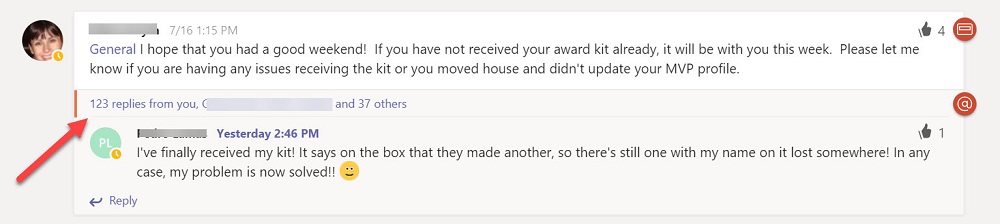
Teams won’t take over from email anytime soon, but it is much better at organizing face-paced conversations.
Need a script to turn off sub-options in Office 365 plans like the one that controls Microsoft Teams? Here’s a Petri.com article that explains how to do it with the Microsoft Online Services PowerShell module.
Need some Visio shapes to build presentations or plans featuring Teams or Skype for Business Online? Here’s how to get a copy of the stencil.
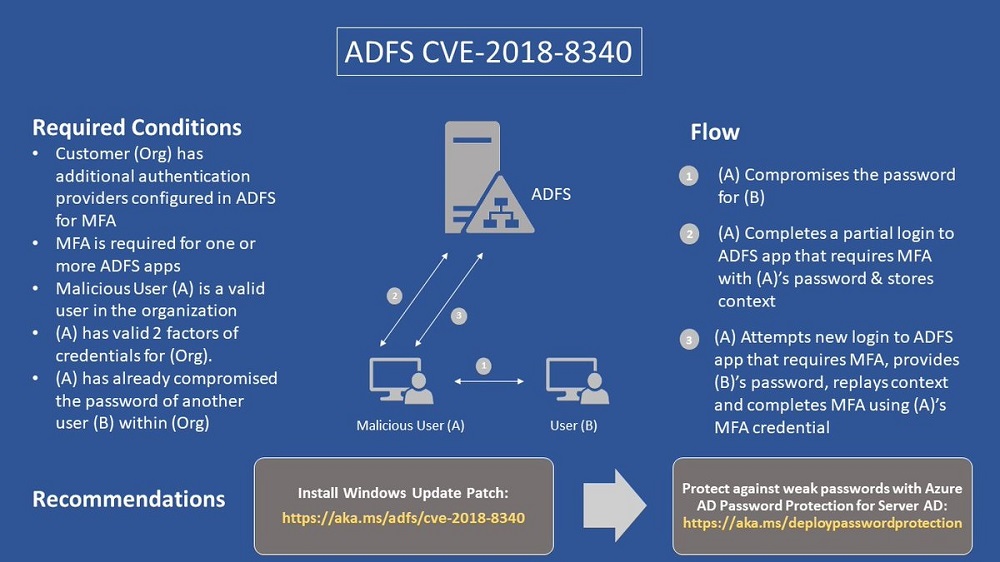
Microsoft has issued patch CVE-2018-8340 to fix a problem with Active Directory Federation Services. You should download and install this patch now.
A new Microsoft 365 Roadmap will soon replace the current Office 365 Roadmap. The new roadmap will include Enterprise Mobility and Security, Windows 10, and Azure security.